
Eguru
Maintained by
LMSACE
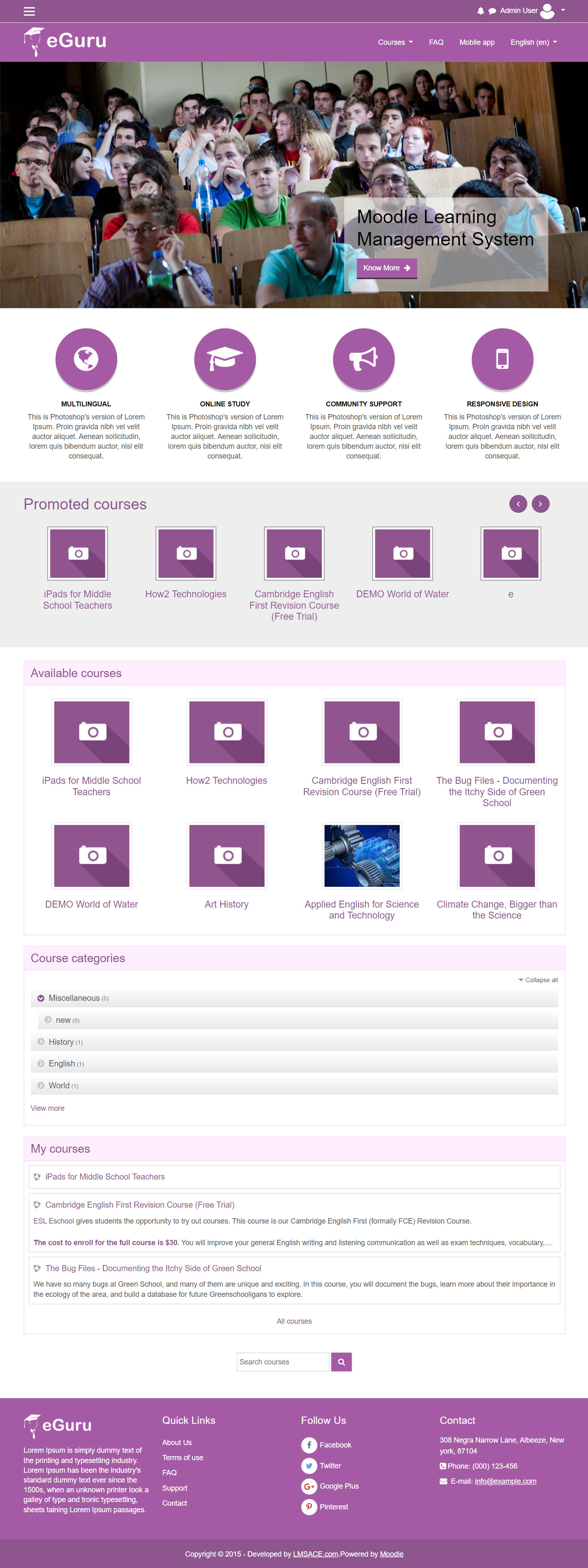
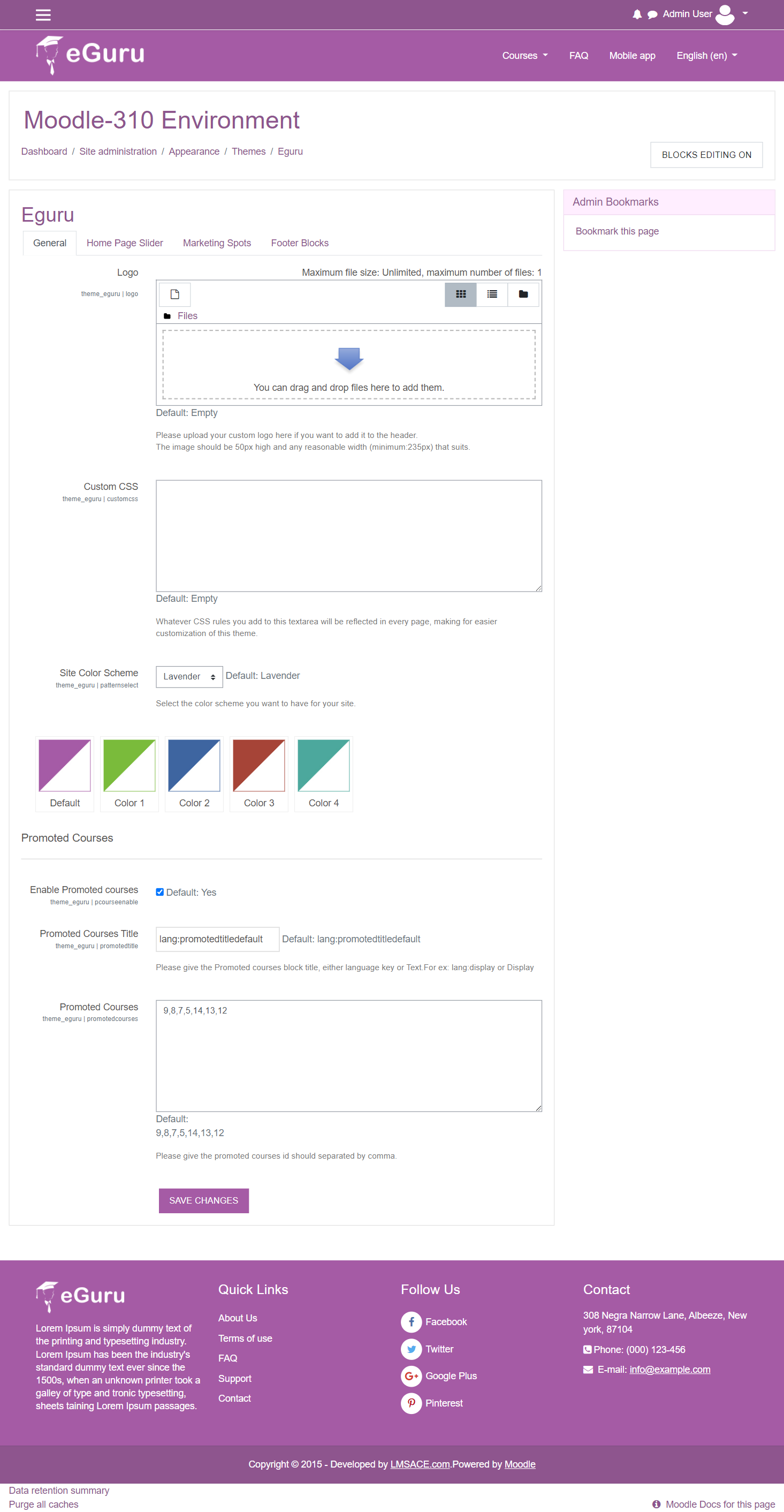
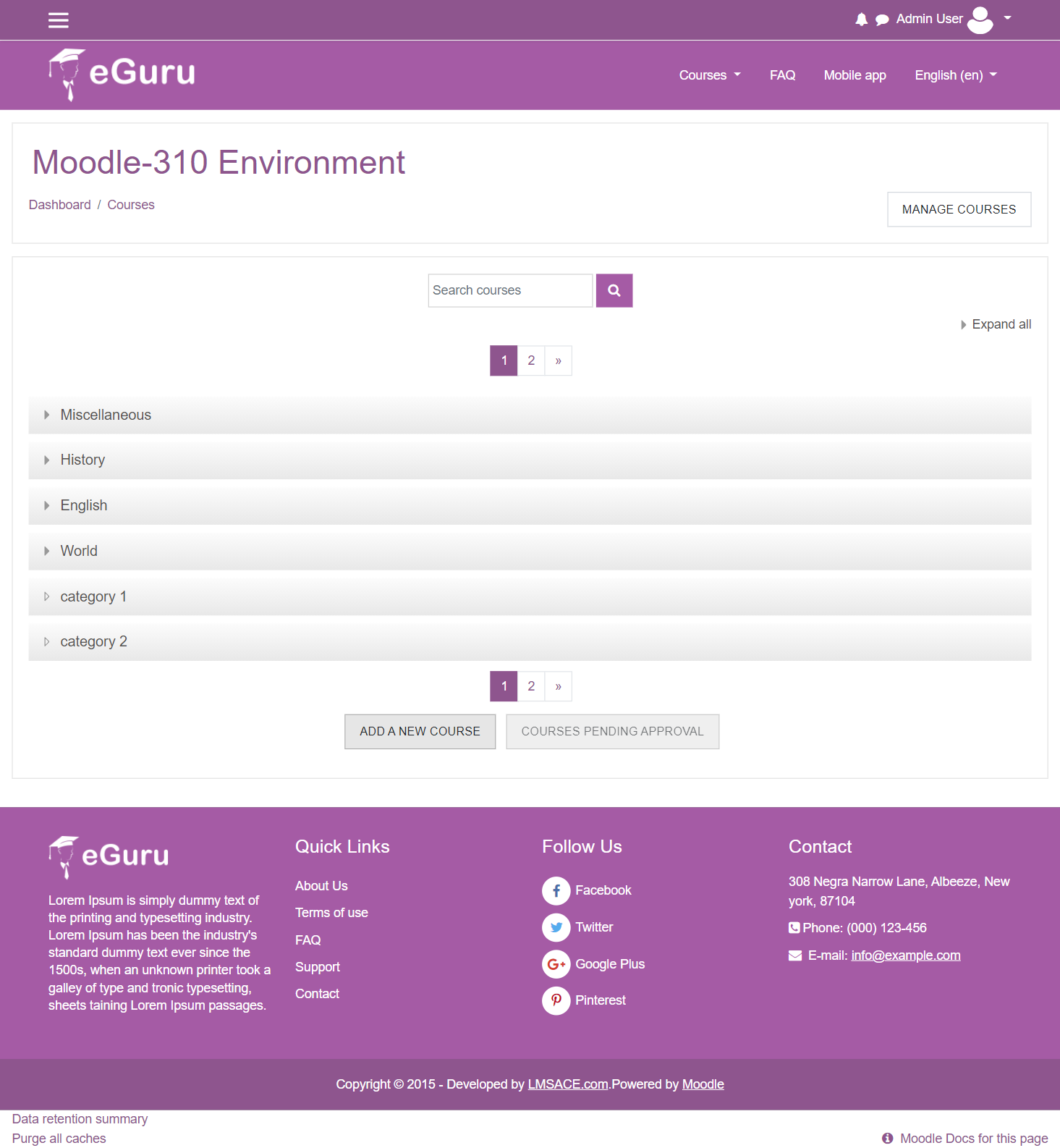
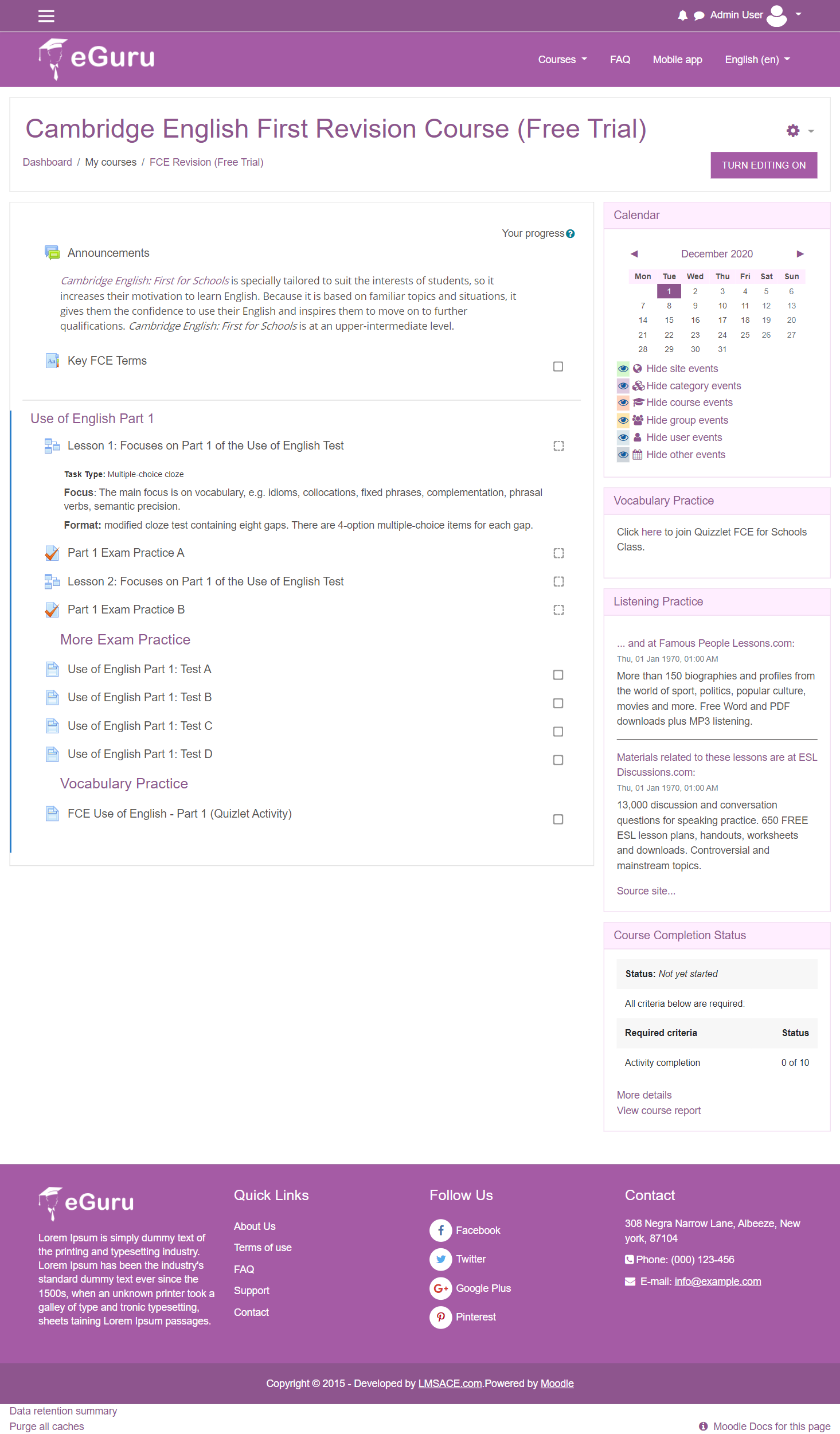
The Guru of moodle themes e-Guru - ultra responsive moodle theme with multi color pattern is free now in moodle plugin directory.It has stunning features that will be a suitable choice for your educational establishments and coming out with powerful admin theme setting options.
Comments
Comments are no longer open for new posts. Existing comments remain available to read.
For the drop down menu in front page, the background color stayed dark after the drop-down disappeared until I clicked somewhere else.
Which part of css should I be looking at for this situation?
Thanks,
Tao
Add the below code in the login.php at the line.no:91
After this block
if( method_exists ( "\core\session\manager", "get_login_token" ) ) {
$token = s(\core\session\manager::get_login_token());
echo '';
}
?>
Login file Path:
Yourmoodle / theme / eguru / layout / login.php
Regars,
M.Nithyanandan
I got the same problem!
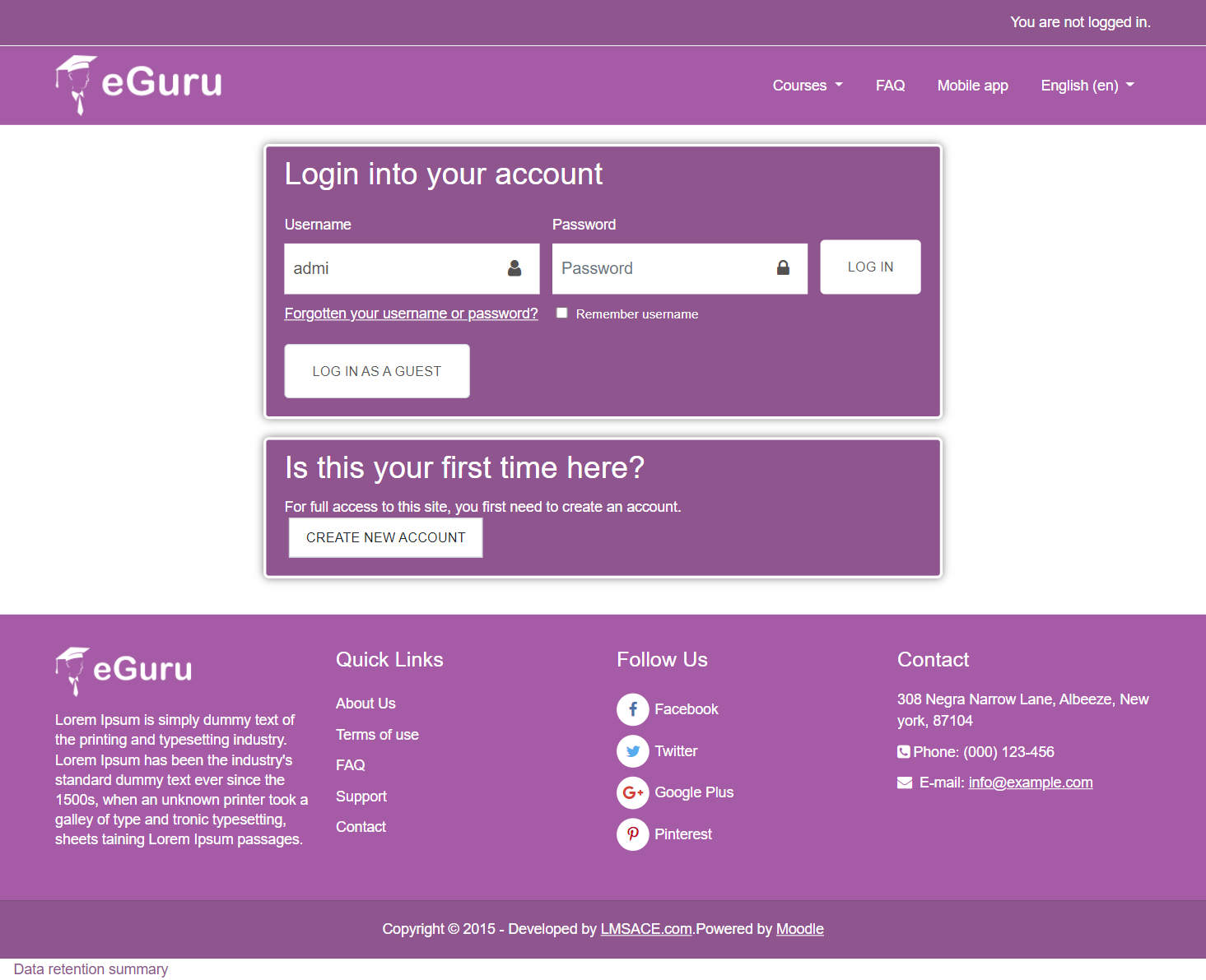
I do what Saaid says and that allowed me to login and change theme. But we need fix login problem
On the quiz editing page the Maximum grade field is not accessible.
Found the bug in \theme\eguru\scss\preset\eguru.scss lines 4846 etc.
#page-mod-quiz-edit { .maxgrade { margin-top: 0; } .totalpoints { margin-top: 0; } }
That css rule should be removed completely!
posted issue at https://github.com/lmsace/eguru/issues/10
We are happy to inform you that the eguru theme for the moodle latest version -3.6 has been released.
Please inform us, if you have any issue in the latest eguru theme. It will be helpful for us to fix the issue in the theme.
Thank you very much.
Please update the theme for Moodle version 3.6. Thanks a lot.
Fixed the login token security issue in the theme for the moodle ver-3.1, 3.3, 3.4, 3.5
Please update this theme to support the new security token feature in 3.5.3 version.
Users are unable to login after upgrade the Moodle to 3.5.3