
Eguru
Maintained by
LMSACE
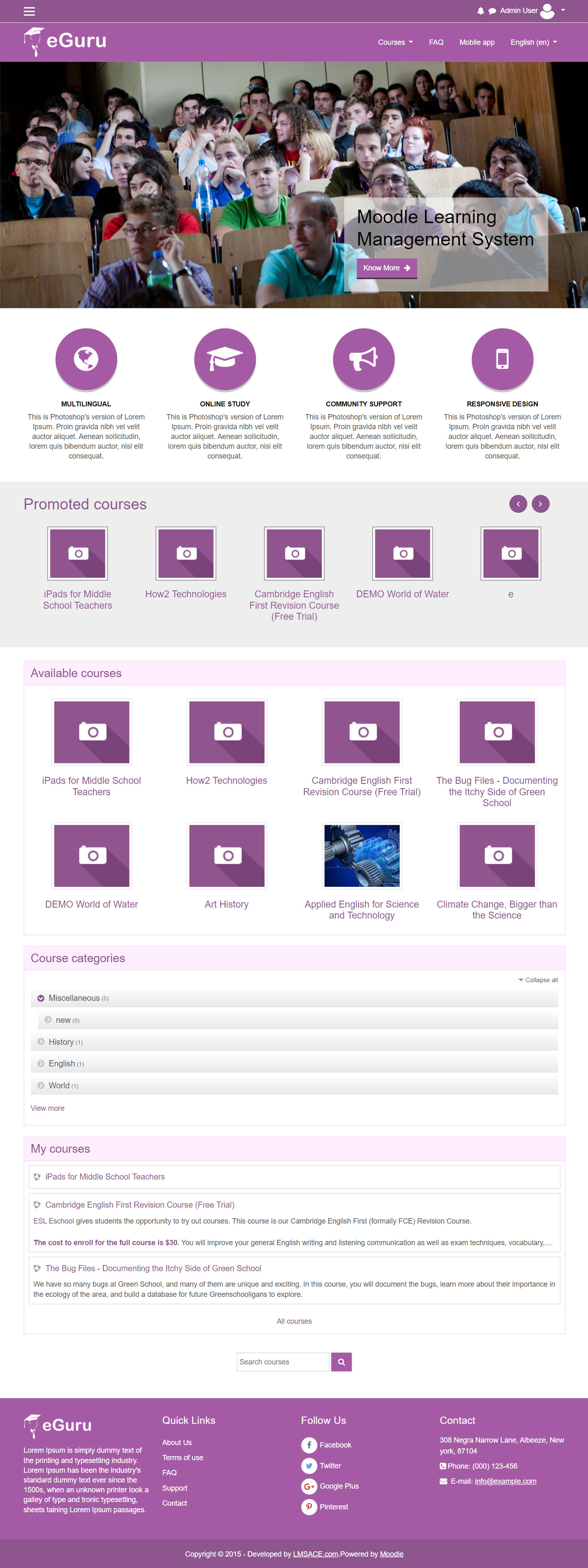
The Guru of moodle themes e-Guru - ultra responsive moodle theme with multi color pattern is free now in moodle plugin directory.It has stunning features that will be a suitable choice for your educational establishments and coming out with powerful admin theme setting options.
Comments
Comments are no longer open for new posts. Existing comments remain available to read.
Both problems vanish if we change to Boost.
We have Moodle 3.5.7+ (Build: 20190712) and eGuru v3.5.3 2018111500.
But even that will not make the text in the copyright section to the center. This is not a universal problem, as the demo site in Eguru site has its copyright text to the center. Please what can I do to rectify the situation?
I also have a problem with objects other than labels to move them from left to right or vice versa.
<?php
require_once(dirname(dirname(__DIR__)) . '\config.php');
//require_once(__DIR__ . '/../config.php');
//require_once($CFG->libdir . '/adminlib.php');
//Añades el titulo a la página:
$PAGE->set_heading('Heading');
$PAGE->set_title("Title");
// Imprimes el contenido
echo $OUTPUT->header();
// Aquí se mete lo que quieras que se imprima por pantalla entre la cabecera y el footer.
echo "Hola mundo";
//echo (dirname(dirname(__DIR__)) . '\config.php');;
echo $OUTPUT->footer();
?>
theme eguru version 3.7.2
Unfortunately it doesn't work.
I tried as you told me and it doesn't work: ((
"This is Photoshop's version of Lorem Ipsum" is the marketing spot block description.
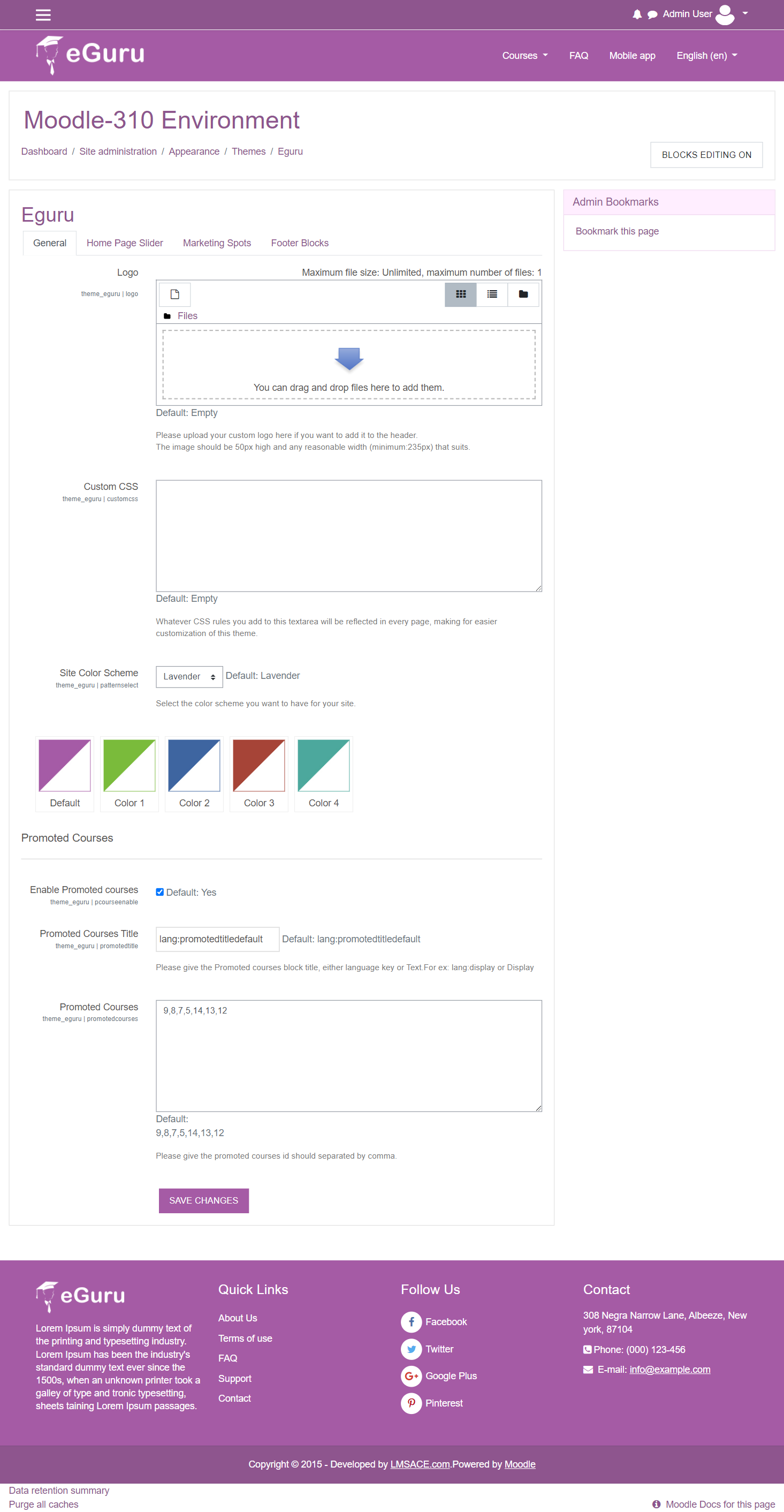
You can change the text in the theme setting in below path,
Dashboard / Site Administration / Appearance / Theme / eguru
In eguru theme settings, select the marketing spot tab.
Change the text in the "Marketing Spot 1 - Description".
Regards,
M.Nithyanandan
this appears on the site and did not find a away to remove or replace it
I recently installed EGURU theme, for moodle 3.7 and unfortunately I can not set the carousel automatically. I want that when I access the page the carousel starts automatically.
I noticed that it works with Slick Version: 1.5.0.
Please help me with a solution to solve this problem.
Thank you!
I tried it but it didn't work
Anyone else with the same mistake?
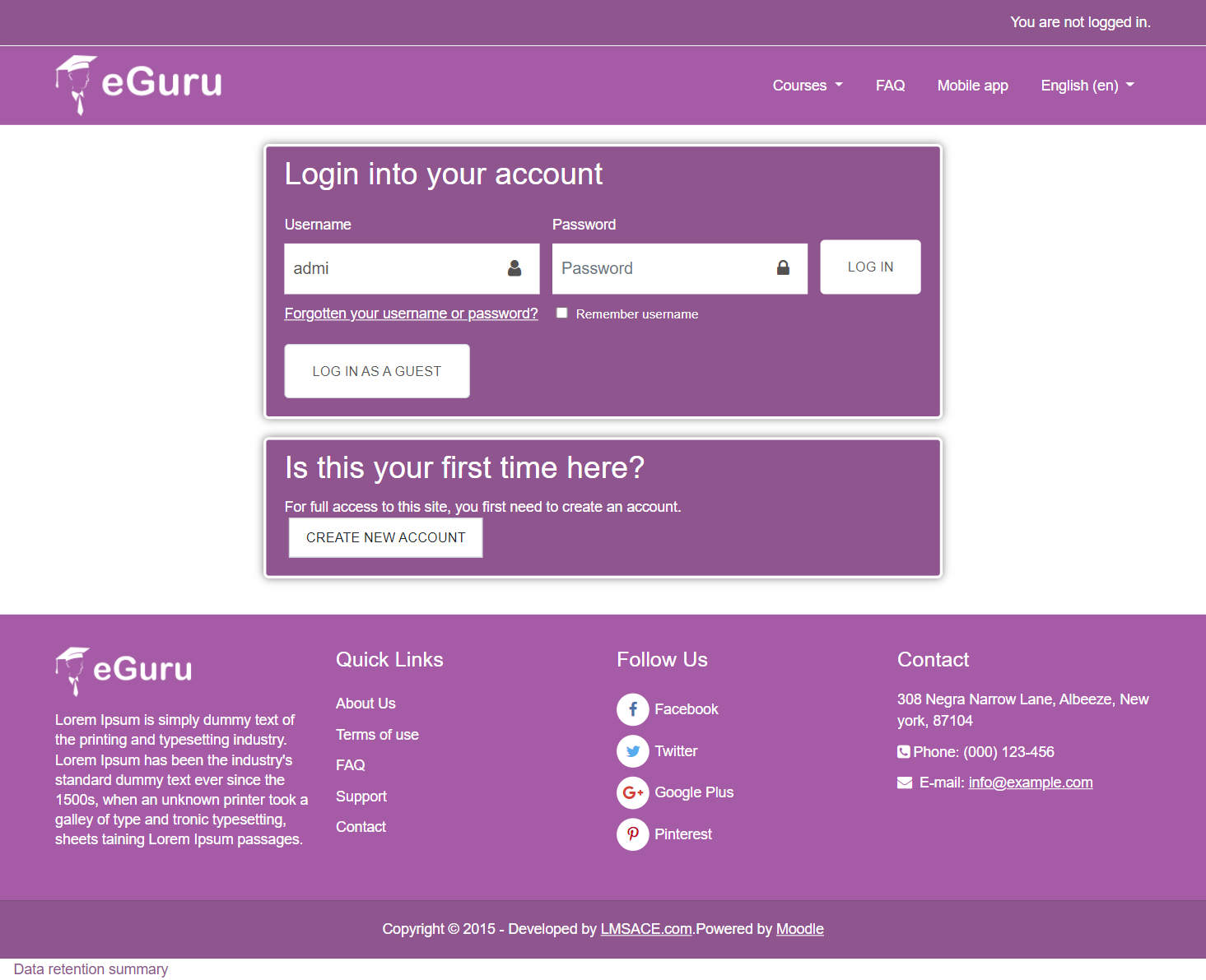
Please some solution to login problem
Moodle Version: 3.1.2
$setting = new admin_setting_configtextarea($name, $title, $description, $default, PARAM_TEXT);
with this line of code:
$setting = new admin_setting_confightmleditor($name, $title, $description, $default);
There are three instances where that needs to occur, one for each marketing spot. This will then allow you to add HTML instead of restricting it to text. I like to do it in the body of the description but feel free to take your pick where exactly you swap the text editor for a html editor. Perhaps it might work elsewhere, but I know it does work for the description.
Also in the /layout/includes/marketingspots.php file you need to add a parameter to the following calls:
$mspdescription = theme_eguru_get_setting('mspot'.$i.'desc', format_html);
Add the format_html parameter to the end of the function call and this should wrap things up for you.
In the login form, the title "Login into your account" can´t be translated. I make the changes in the portuguese translation, and i translate to portuguese in the english file translation, but de message continue in inglish. I reset moodle cache, and nothing change. Can you help me?