
Eguru
Maintained by
LMSACE
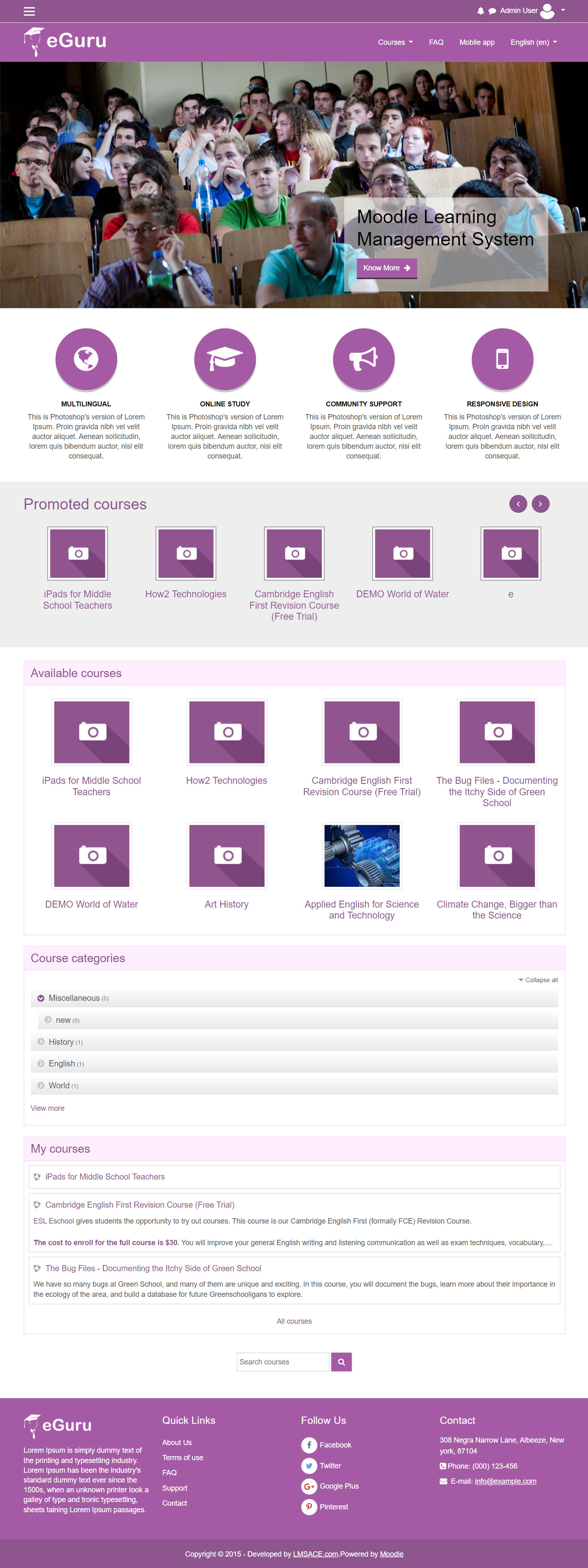
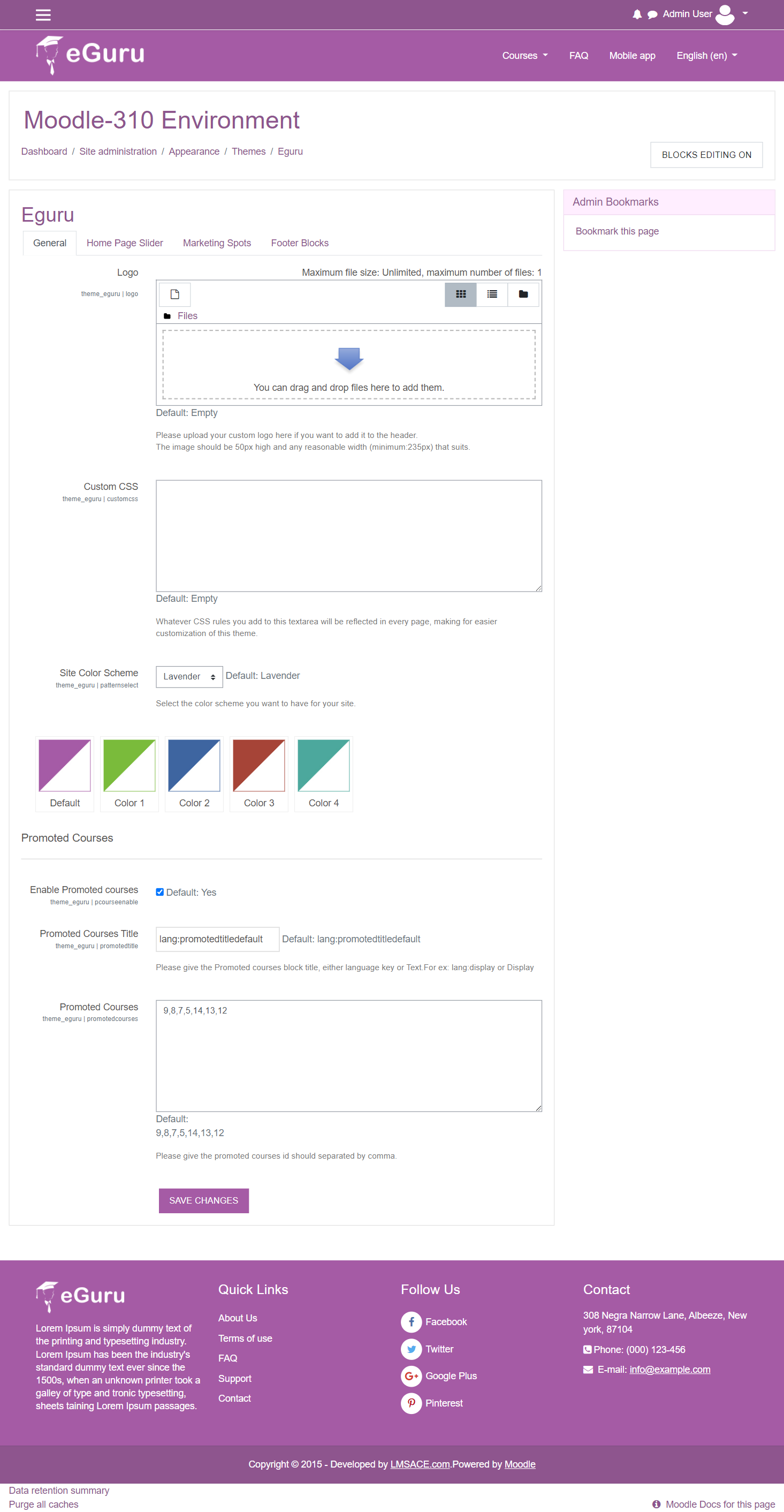
The Guru of moodle themes e-Guru - ultra responsive moodle theme with multi color pattern is free now in moodle plugin directory.It has stunning features that will be a suitable choice for your educational establishments and coming out with powerful admin theme setting options.
Comments
Comments are no longer open for new posts. Existing comments remain available to read.
You can expect an update from us in 2-3 weeks.
Thanks
Will this them be upgraded to Moodle 3.3?
Thanks
Can you advise how to edit quiz marks in this theme? I am unable to change the maximum grade for a quiz.
Thanks
remove the reference to the login layout code from the $THEME->layouts.
https://moodle.org/mod/forum/discuss.php?d=333242#p1416236
Agree with manoj joseph I can not edit the maximum grade when using eGuru. Will this be fixed?
Thanks
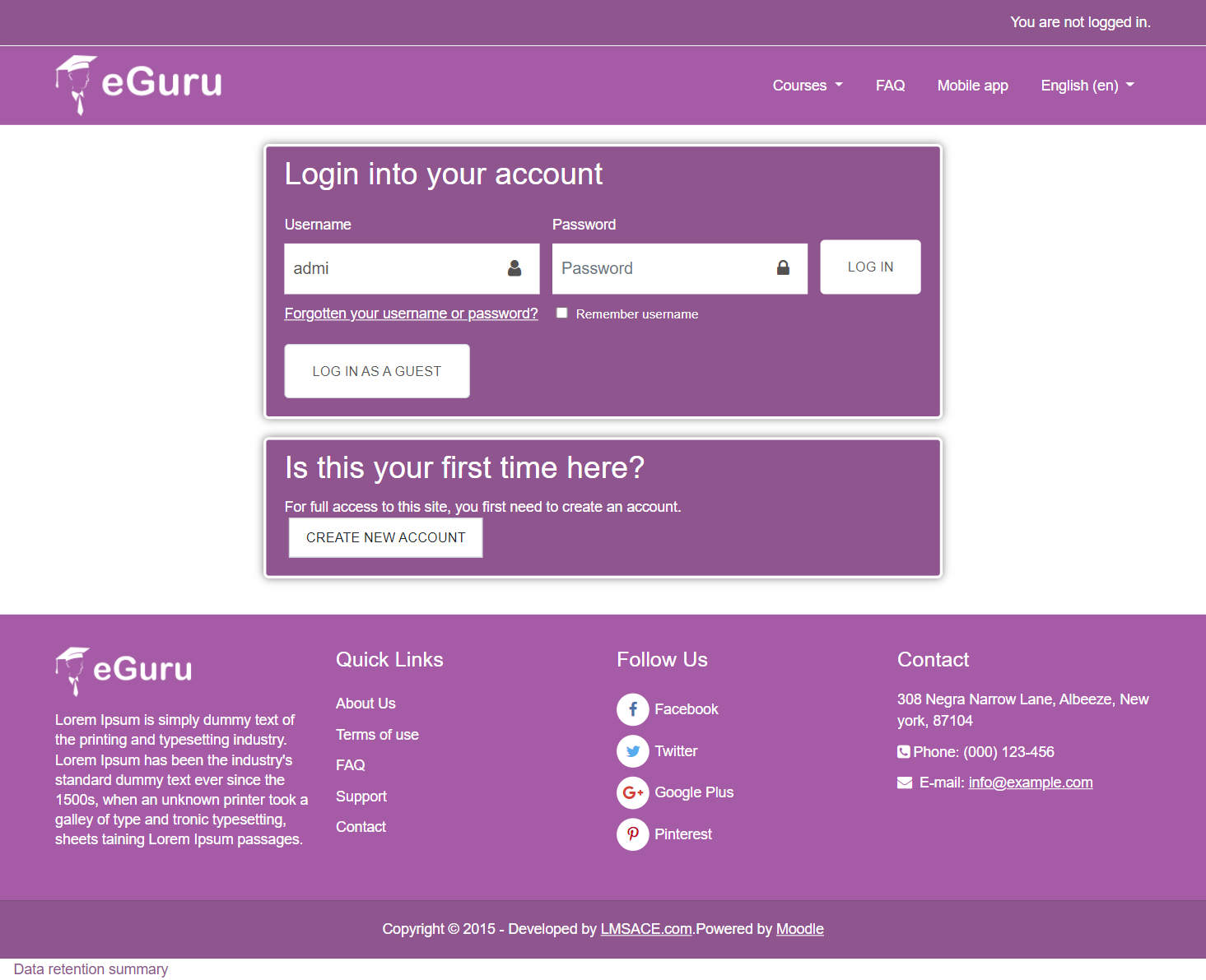
Since moving to eGuru theme my OAuth2 login button no longer appears on the homepage. Does anyone know how to fix this issue?
Thanks
Any Clues..
I have a couple of requests in regards to the quiz section on a course. Can anyone help?
1. Would like to hide/remove the quiz navigation block on a student account
2. Would like to remove the summary attempt that appears after answering the quiz questions
3. Would like to remove the confirmation message that appears after the above summary attempt
I have tried to edit these settings in the user settings area (site admin - user - permissions - define roles) but it doesn't seem to have worked.
Thanks
I have a couple of requests in regards to the quiz section on a course. Can anyone help?
1. Would like to hide/remove the quiz navigation block on a student account
2. Would like to remove the summary attempt that appears after answering the quiz questions
3. Would like to remove the confirmation message that appears after the above summary attempt
I have tried to edit these settings in the user settings area (site admin - user - permissions - define roles) but it doesn't seem to have worked.
Thanks
or maybe somebody knows how to display notification and messages icons on the nav-bar?
Thanks
I hope and assume eGuru will come with an upgraded version soon
Thank you for your email, please can you advise if there is a piece of code to remove the arrow from the slider? Also can you advise if you can make the marketing spots linkable?
Thanks