
Eguru
Maintained by
LMSACE
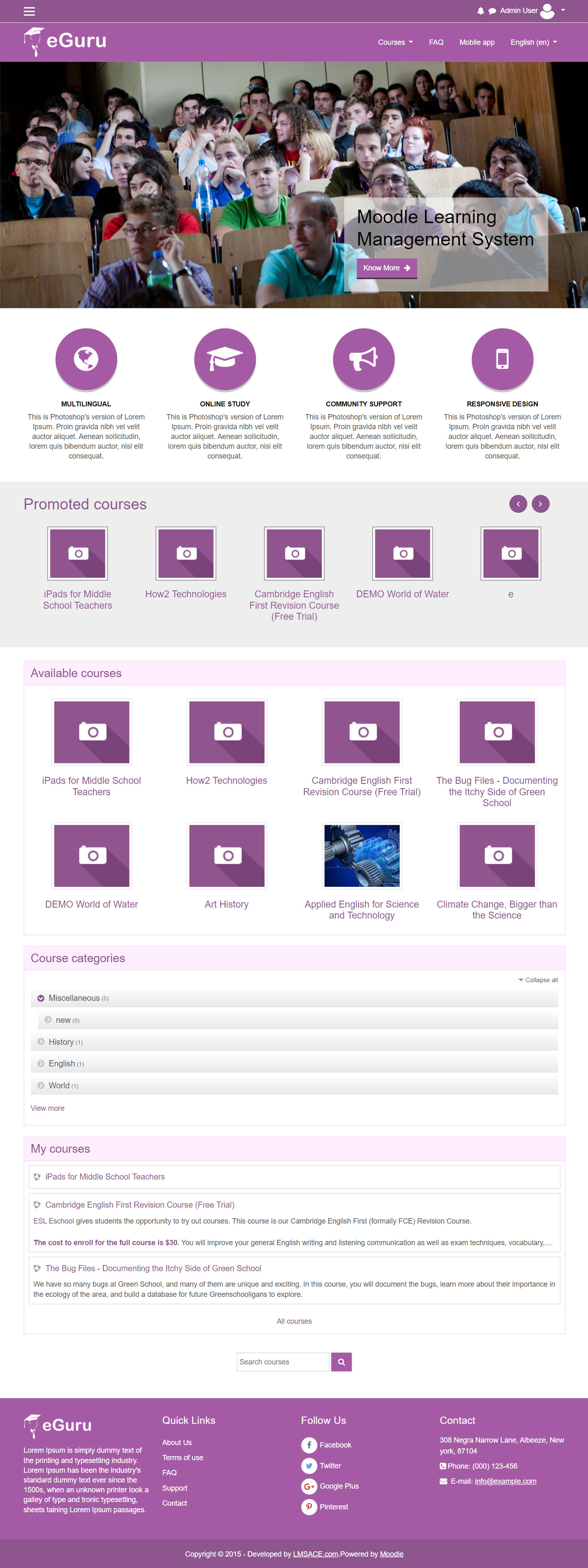
The Guru of moodle themes e-Guru - ultra responsive moodle theme with multi color pattern is free now in moodle plugin directory.It has stunning features that will be a suitable choice for your educational establishments and coming out with powerful admin theme setting options.
Comments
Comments are no longer open for new posts. Existing comments remain available to read.
Great theme, can you advise how to remove the link buttons on the front page slider? I just want the images to show with no text or weblinks.
I have emptied all the fields in the settings but the box with an arrow in it still appears on the image.
Thanks for you help
Kind regards
File: moodledirectory/theme/eguru/layout/include/login.php
Search
Replace
Is it possible to create links on the Marketing Spots on the Site Home page?
I am developing the Moodle website with Eguru theme, and I have a problem with the website layout. The Eguru theme displays three content columns on the webpage, and remains blank blocks on both 2 sides.
Now I want to expand the three columns (including the navigation bar) and shrink the 2 blank blocks. I am not familiar with Moodle so I have no idea about how to customize the layout. I think I may modify some source codes in "layout" file, but I don not know the exact part and how to modify it. I noticed that you are experienced in Moodle development. Hope some of you could help me to solve this problem. Thank you!
I am facing problem with self registration. I have installed moodle 3.2..while accessing http://mydomain.com/moodle/login/signup.php its showing login form..Not sure whats going wrong. any help...
i have the same problem
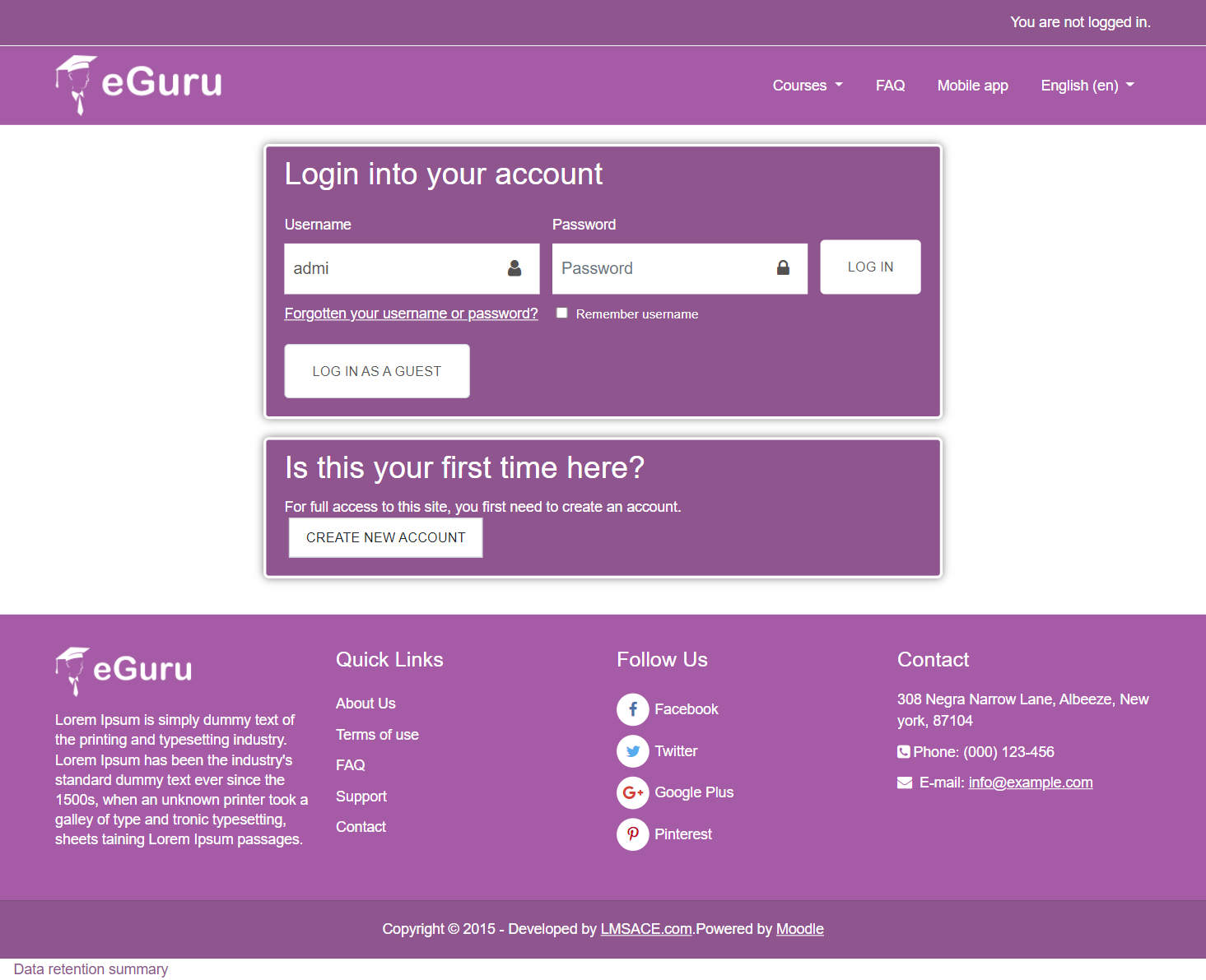
"Hi, I am Miguel Angel, I am working in a moodle platform. I decided to install the theme eguru but the login box doesn't show the link to create new account only lost password link appears. Can someone help me?"
NOTE: with all other themmes the create account works fine.
Also how do
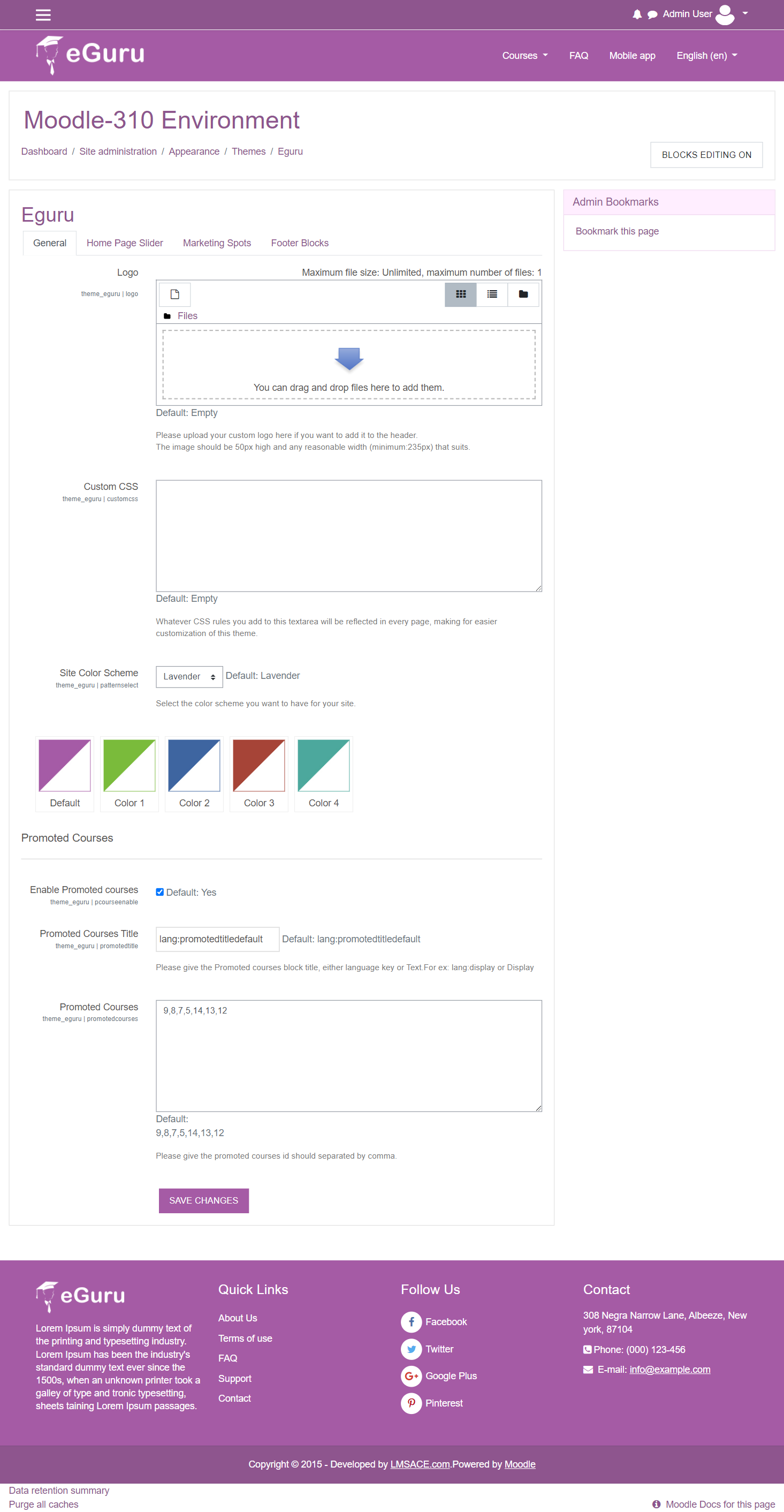
I put the id of the course but it does not correspond with what it presents on the screen.
Thank you.
Hay que ir a administración del sitio->extensiones->gestionar identificacion->habilitar identificación basada en email->ajustes comunes->en registrarse a sí mismo seleccionamos identificación basada en email.
Ahora el bloque entrar tendrá el link de crear nueva cuenta.