Matthias Berlin (Schwabe)
Lead maintainer
Overview
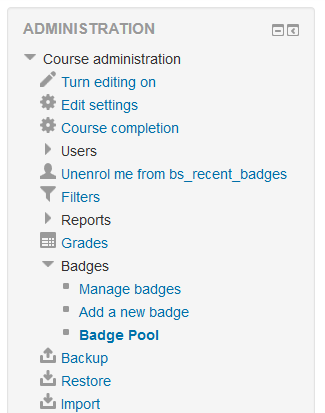
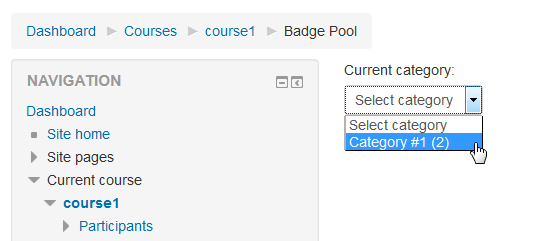
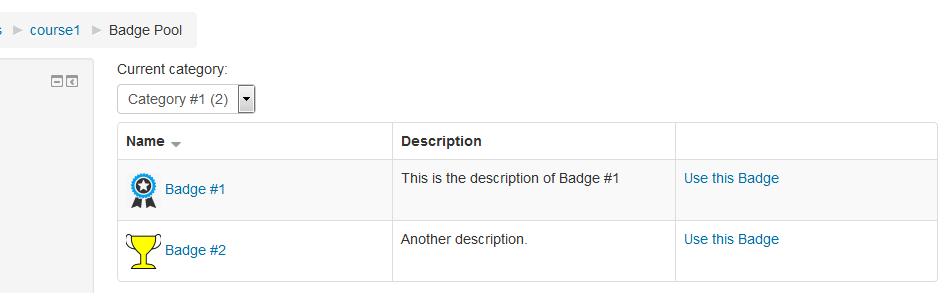
Trainers can use the badge templates by going to Course administration --> Badges --> Badge Pool.
Requirements
Moodle 2.9+ and badges enabled.
Installation
The zip-archive includes the same directory hierarchy as moodle.
So you only have to copy the files to the correspondent place.
Copy the folder bs_badge_pool to moodle/local/bs_badge_pool.
The langfiles normaly can be left into the folder moodle/local/bs_badge_pool/lang.
All languages should be encoded with utf8.
After it you have to run the admin-page of moodle (http://your-moodle-site/admin)
in your browser. You have to loged in as admin before.
The installation process will be displayed on the screen.
That's all.
Administration
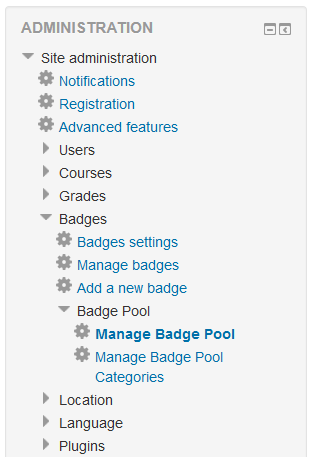
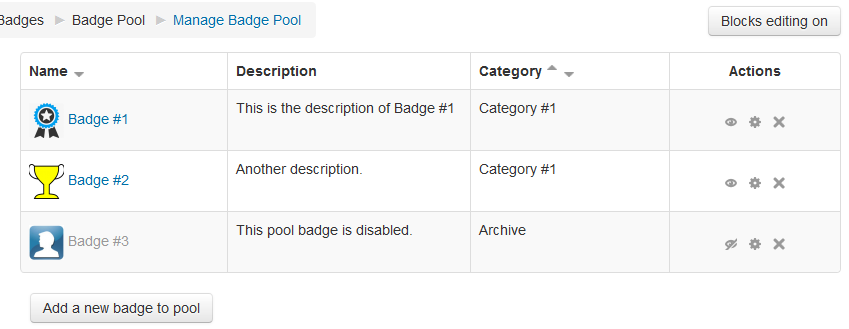
You can manage the badge pool and add badge templates by going to Site administration --> Badges --> Badge Pool.
Version control
1.3 (2018073100)
- Added support for privacy API
1.2 (2018030200)
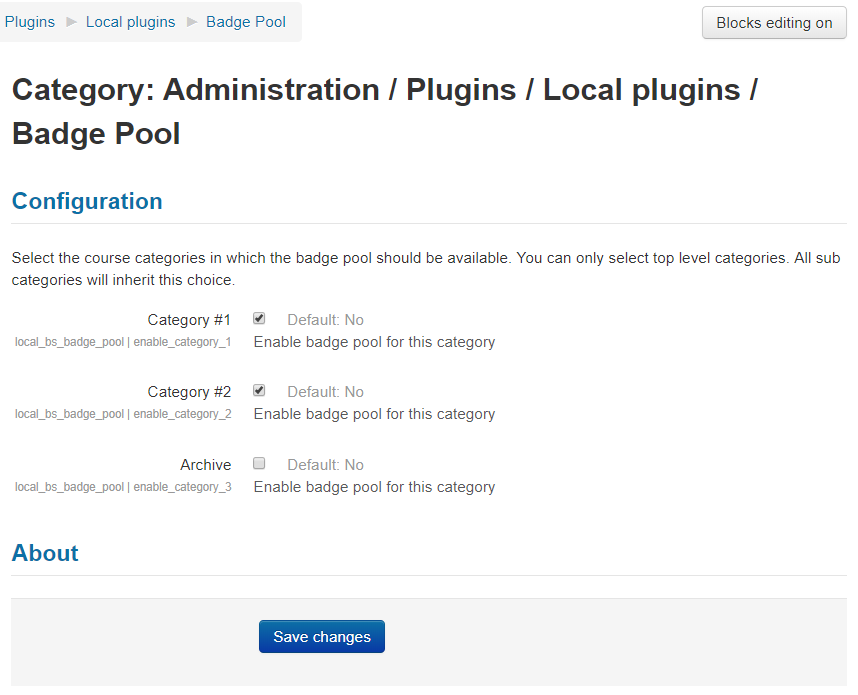
- Added admin setting page to select course categories where the badge pool should be available
1.0 (2015102400)
- first release
