
Poodll ReadAloud
Certified Integration
Maintained by
Justin Hunt
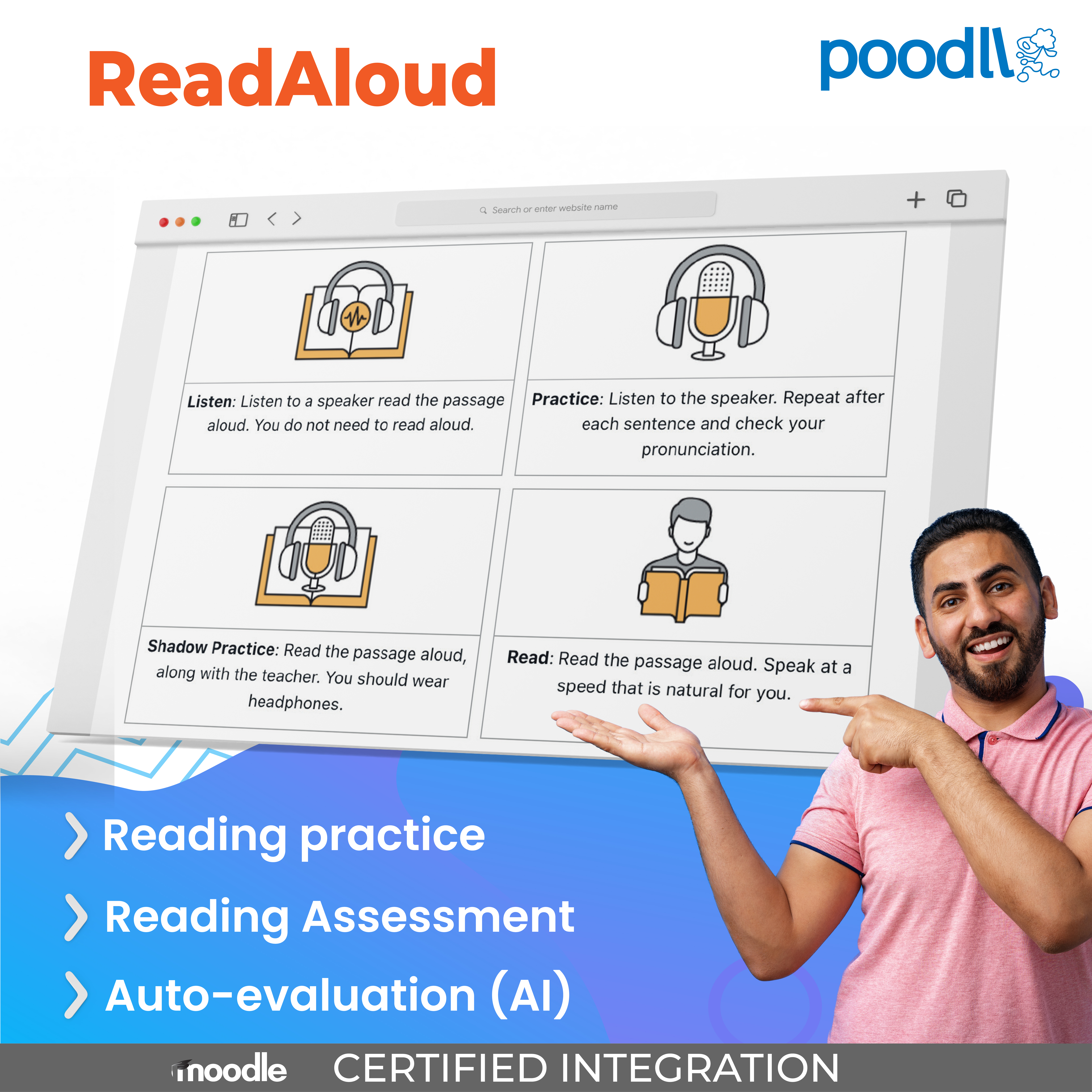
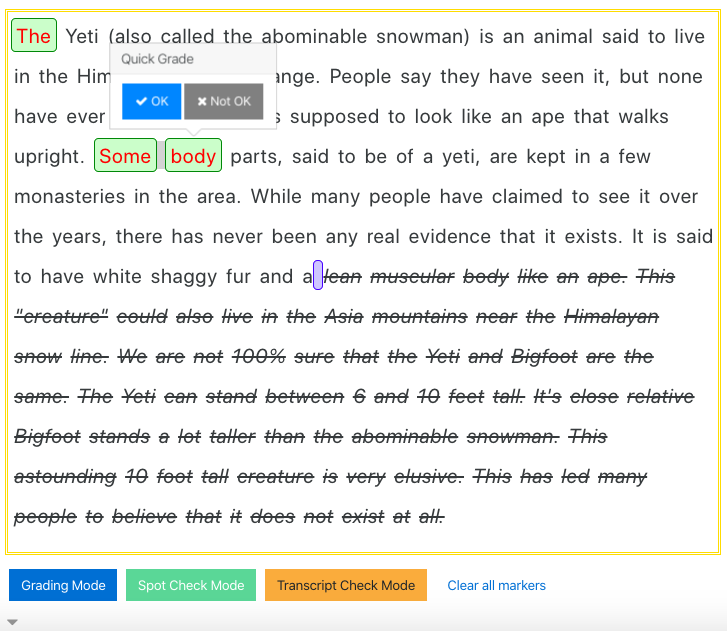
ReadAloud measures reading speed and accuracy without creating extra work for teachers. AI auto-grading and robust HTML5 recording allows teachers to collect reading fluency data quickly and easily.
Comments
Product ratings and reviews are coming to Moodle Marketplace. Until then, existing comments remain available to read, but new posts have been disabled.
Thx
The setup basics for ReadAloud and other Cloud Poodll plugins are the same. You can see more details here. https://poodll.freshdesk.com/support/solutions/articles/19000093860-getting-started-with-cloud-poodll
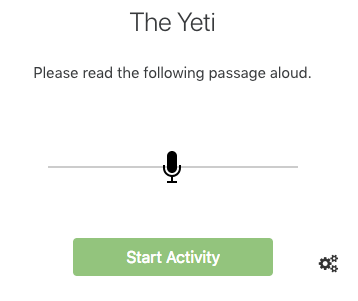
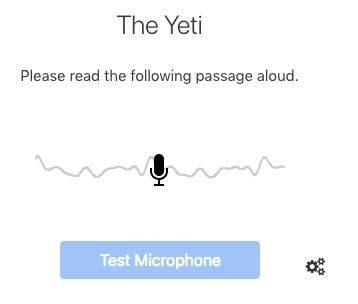
The activity allows me to test the mic, then the "start activity" button appears. I click on start activity, but the reading passage fails to appear. Please help
Thanks
Thanks a lot for your reply,
I managed to compile a code to hide the audio player. here it is
https://drive.google.com/file/d/0B1BVuLGFV6kANERncVczMzJESzQ/view?usp=sharing
It shows the text and a button named "click to listen" and once clicked the button and the text disappears and the audio starts
But if the student reloaded the page the button appears again. Any suggestions?
(I have no skills in coding, I just tried and tried till it worked)
Thanks
I'd like to use the tool for speaking. How can I change Begin Reading to Record?
Thanks
I tested Mohamed's suggestion earlier today. I thought it might be possible to add an audio player by changing to HTML format in the drop-down menu, but that wasn't the case. I think there are two possible options here: one is to follow Camille's suggestion above and add a recording to the description area; the other is to use a plug-in designed to encourage students to follow a pronunciation model. One such plug-in that comes to mind is Voice Shadow. I'm not sure that it's available in the Moodle plugins database, but it can be downloaded from Github. Voice Shadow also has a mobile app that extends the plug-in for use with smartphones.