PayPal
Certified Partner Plugin
Maintained by
Daniel Neis Araujo
An Availability Condition to require a PayPal payment to access activities and resources.
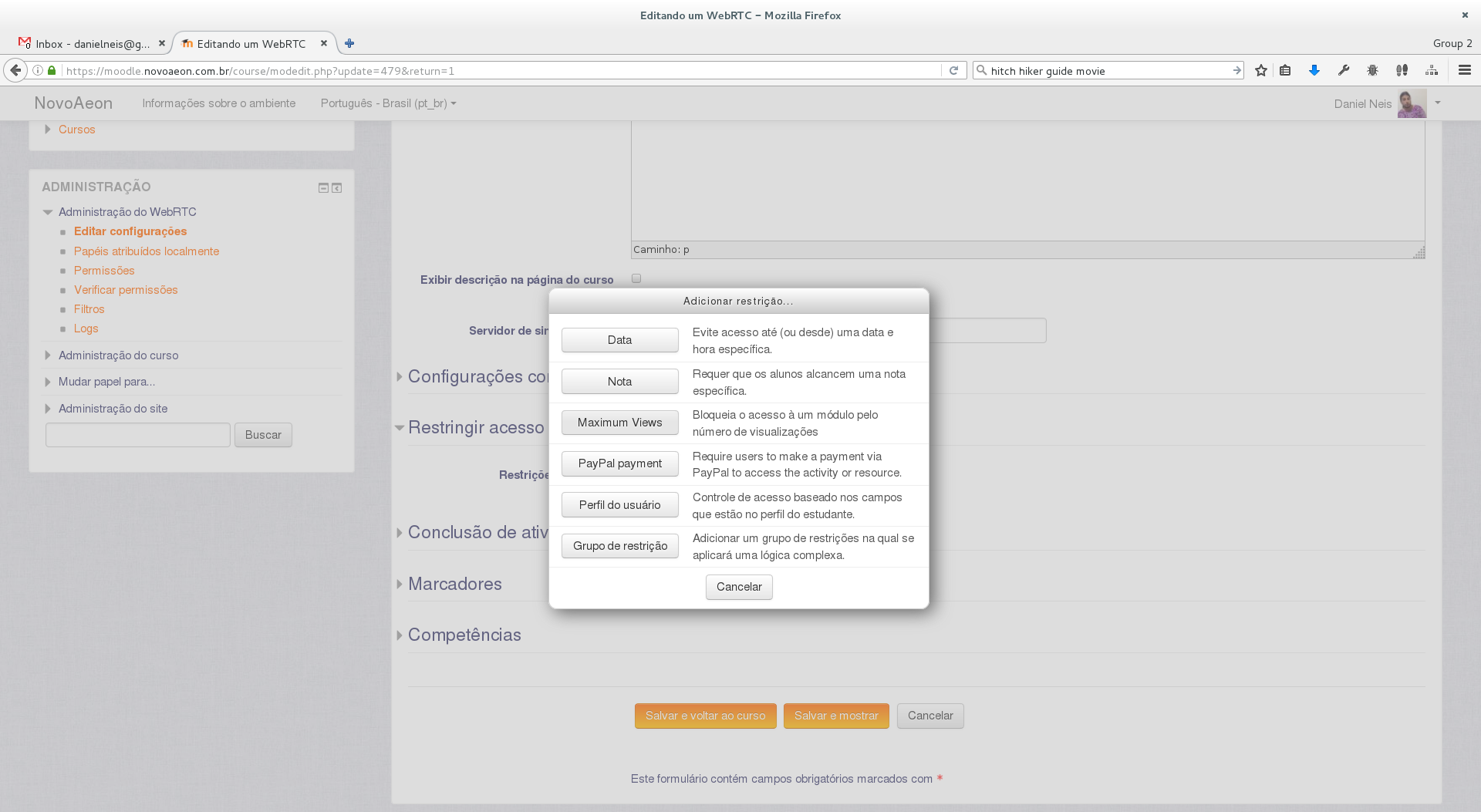
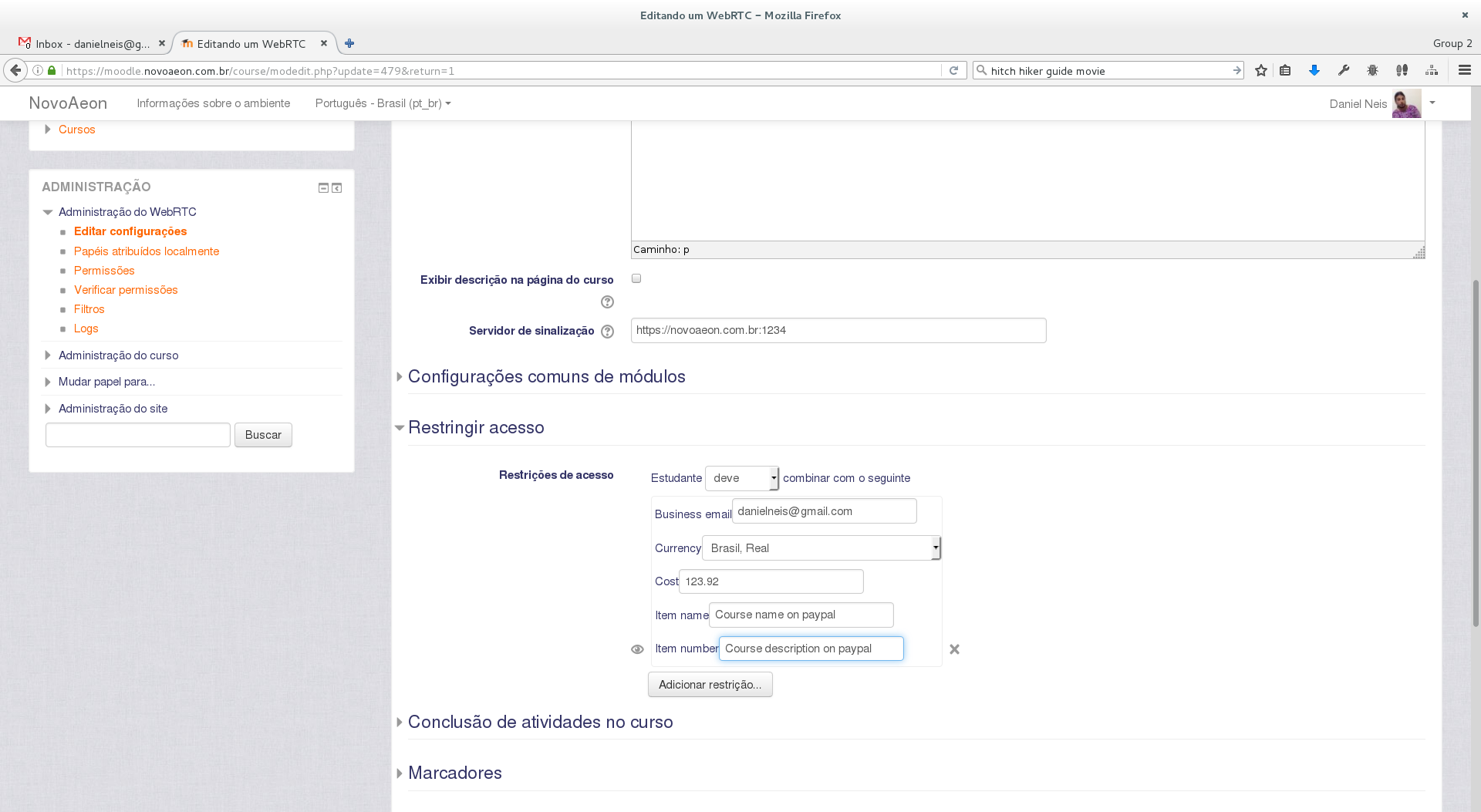
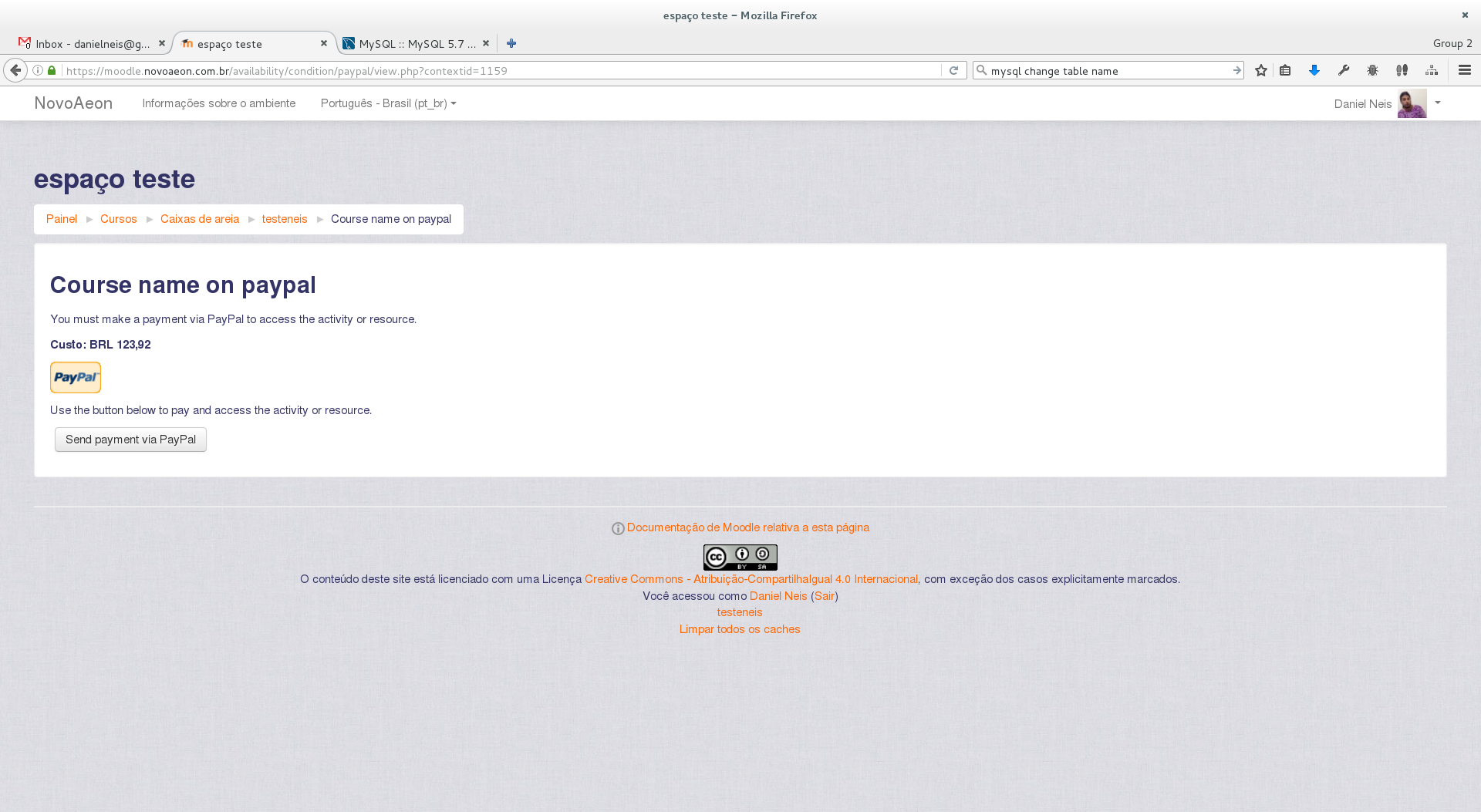
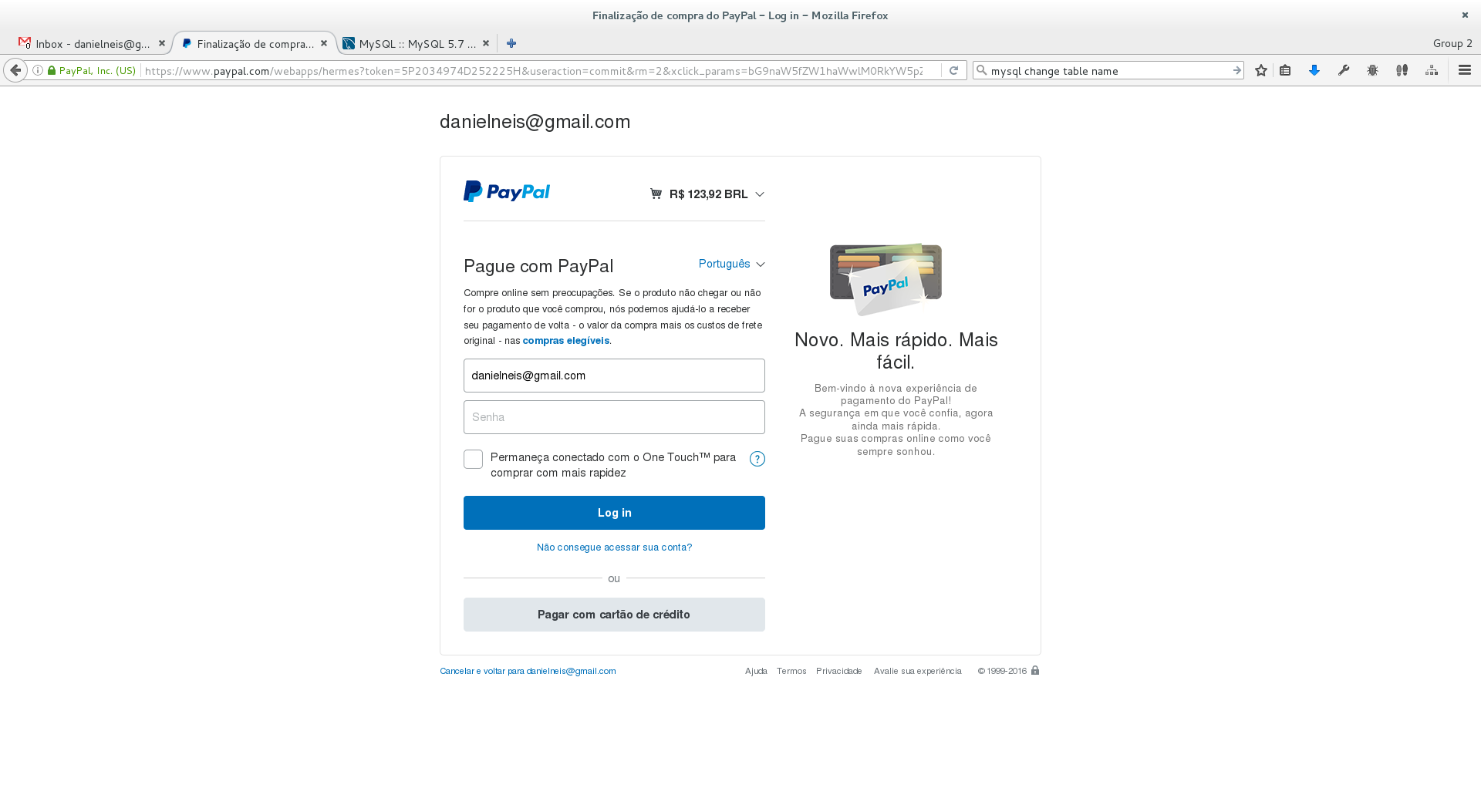
Comments
Comments are no longer open for new posts. Existing comments remain available to read.
I have a course where users pay a subscription in monthly basis.
Paypal allows to set up subscription/recurrent payments. Is it possible to integrate this on your plugin? If not, are you thinking on integrate it in the near future?
Thanks for the great plugin and kind regards
Could you solve your doubts? I have the same questions
1) how are the restriction managed? and how can it be removed from an individual that has purchased access to an activity. With the course based PayPal enrollment, unenrolling makes the user repurchase the course. Just wanting to know how to address possible transaction issues that can happen when a paid customer proves they paid via their invoice but access was not granted. How does one manually grant them access to the restricted activity?
2) When the PayPal form is presented, I was able to update the cost of the item using my browsers developer tools. I can change the cost of a $300 course down to $1 by updating a single form field. PayPal accepted the payment and it seams like there was no validating of form tampering. Hope can this be prevented?
this plugin here is an availability condition, to restrict access to individual activities or course sections, it's after user enrollment.
The user enrollment using PayPal is a core feature. You must ask about it on the General Developers Forum.
testing this plugin, I found it to successfully enrol a user and collect payment.
I used it to test a limited time access to a course, and found that regardless of which "Enrolment expiry action" I select ( I tried all three), one the user purchases access and the time expires, that enrolment option is no longer available for them.
For example, I would like the option for a user to pay a small fee for a 1 day access, after which they can re-purchase the 1 day access as needed. The first time they do this, it works well, however after this, the PayPal option is no longer available for them. I would have thought was the case if "Disable Course Enrolment, and remove roles" was selected, but even when I select " Unenroll User from Course" or "Keep user enrolled", the PayPal purchase is no longer available after the user purchases it once.
Is there a solution to this please?
Kind regards,
Joe
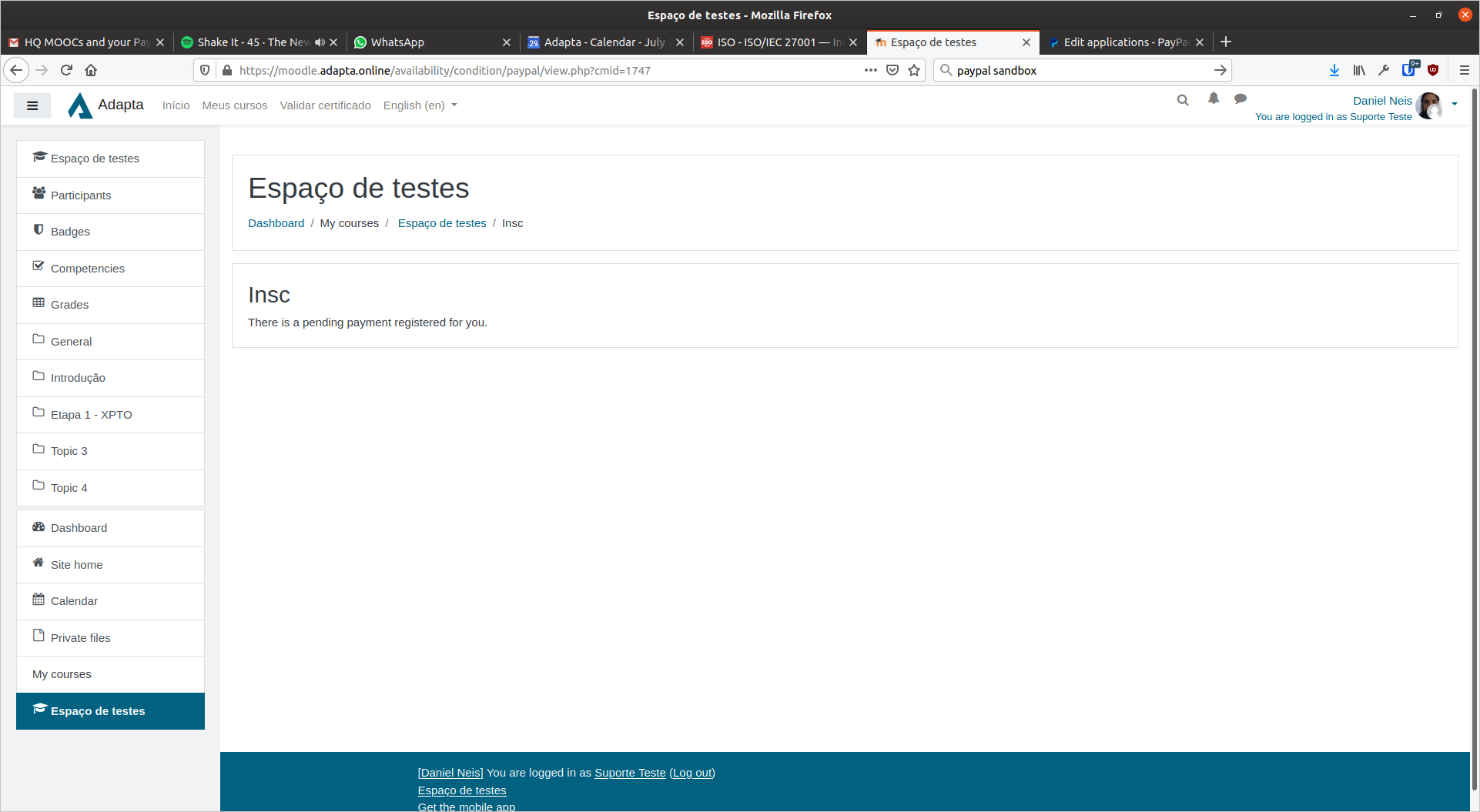
On my site, after the payment on PayPal, it redirects to the PayPal page of the plugin (where the price and the send payment button are shown).
If that is the case for you, I think it is normal behaviour. The course navigation or breadcrumb can be used.
Myself I think I'll look at adding a button to return to the course (doable with a bit of JavaScript).
Regards
Matt
sorry my english, I used a translator
thanks and regards
I re-tested the plugin in Moodle 3.8.3 and released a version with fixes and support for adding it on course sections.
This plugin may not be compatible with using PayPal enrollment.
I confirm the same issue with the error message "error/no PayPal condition for this context." at the module level.
The PayPal enrolment goes through fine.
Is this plugin compatible with the PayPal enrolment plugin? The PayPal IPN settings allows only one URL.
Regards
Matt