PayPal
Certified Partner Plugin
Maintained by
Daniel Neis Araujo
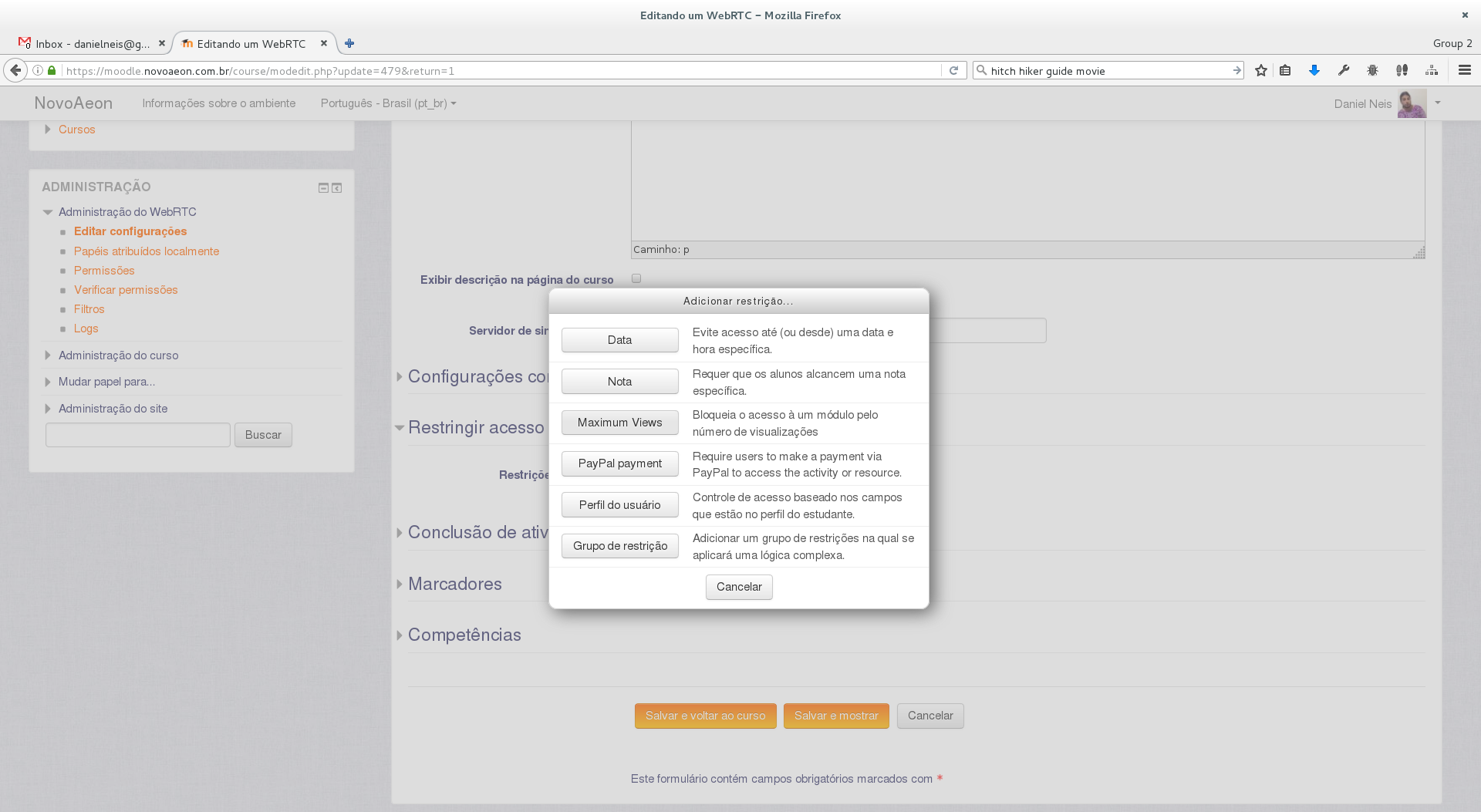
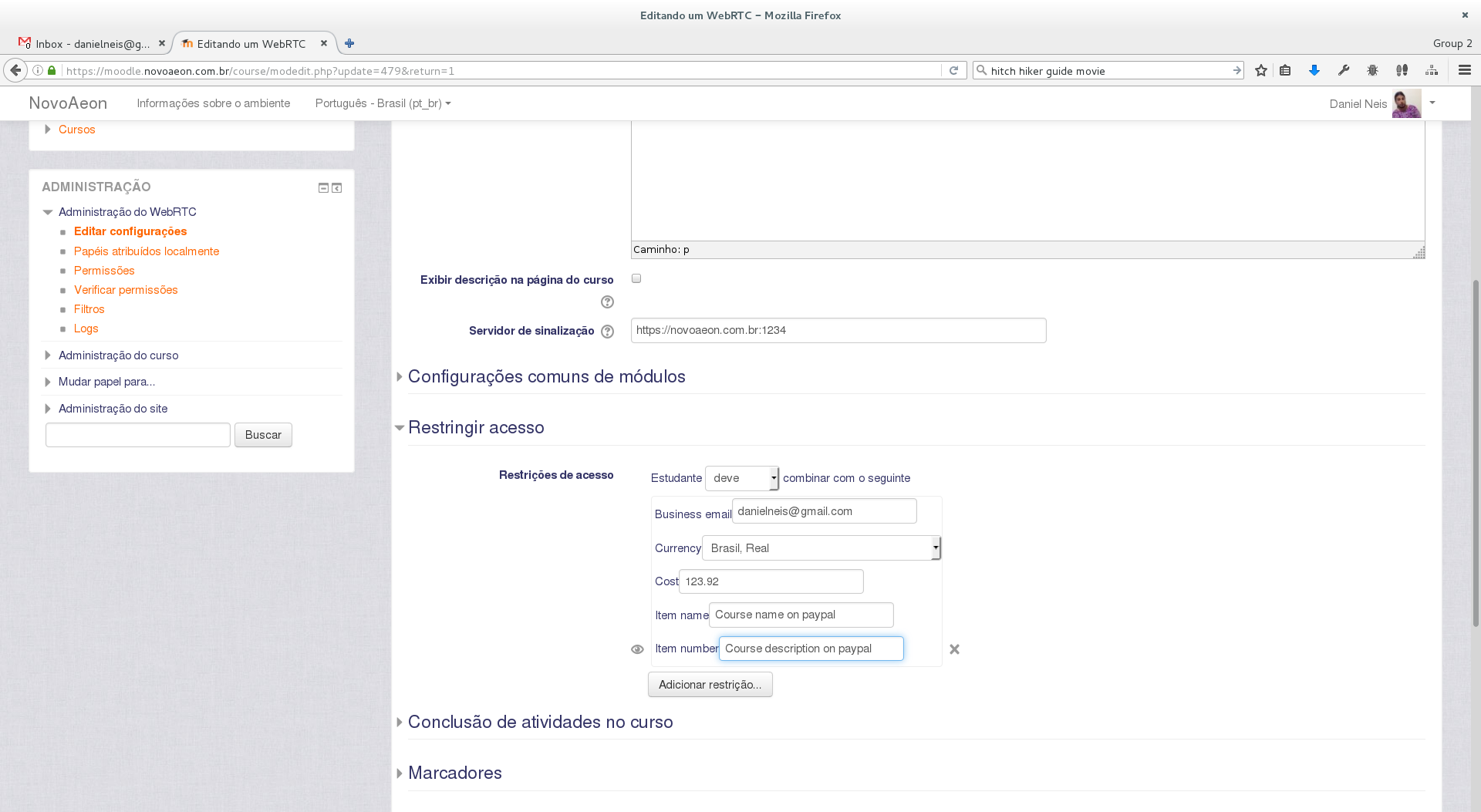
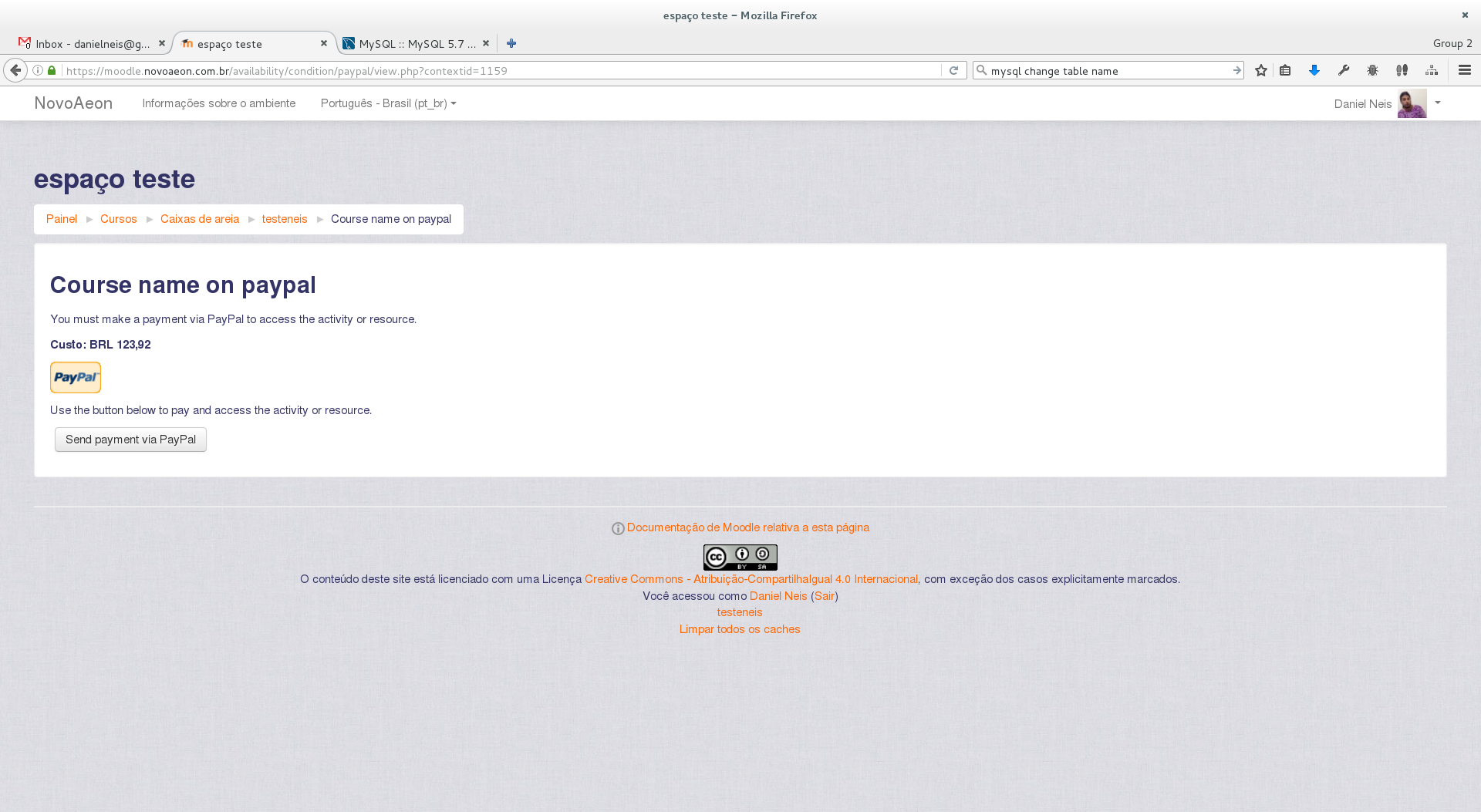
An Availability Condition to require a PayPal payment to access activities and resources.
Comments
Comments are no longer open for new posts. Existing comments remain available to read.
For all of you with problems using this on India, please take a look and vote on MDL-63603
As you rightly mentioned, Indian buyers cannot pay Indian merchants in USD currency. Domestic transactions must be made only in INR currency.
"We could see that your account is KYC verified and ready to accept domestic payments. In order to resolve the issue, you need to implement a currency switcher in your website which will toggle between INR and USD based on buyer location. If buyer is from India show INR else otherwise."
So PayPal is definatly not supporting Indian customers to apply for my course through PayPal since my own PayPal account is in India.
So only hope of option remains is to get INR currency in you PayPal Plugin for your next version.
Till that time, I will not be able to have online payment in anyway for my courses.
Shriram
It's a great utility for moodle and I must appreciate efforts by the team
I am having my Moodle 3.5 Hosting on AWS through Bitnami Moodle stack.
Site is configured to work on HTTPS and is associated with elastic IP and public domain.
Domain is registered with Godaddy.
Everything working fine.............
Site URL is - https://learncomputeronline.in
I had my PayPal business account in India and is absolutely clear in terms of all commercial and technical requirements.
For last three weeks, I am struggling to have my course payment made through PayPal.
PayPal button on Cours Page successfully takes me to my PayPal payment page but after giving details though my PayPal account or even with any credit or debit card........payment was not getting successfully processed. IT use to give error - "We can not process your payment this time. Please go back to your merchant site and try to pay with some alternate payment method."
I raised this concern to may agencies.........Including Forum of Moodle, Forum of Bitnami etc.
Later on Moodle's technical coordinator helped me with trying payment to one of my Course "TYBom IT" which i purposefully kept at just 0.10 USD.
Surprisingly Her payment went through smoothly and I got entry of her payment in My PayPal account as successfully. Even she got the enrolment to course also as expected by this integration.
So I wondered what's going wrong with me when I am trying to make payment for same scenario.
Few things then noted are mentioned here .......
When I used to submit for payment, address bar of browser displays one PayPal error code at the end of URL.........
checkout/genericError?code=UEFZRVJfQ0FOTk9UX1BBWQ%3D%3D
I searched through this error code in google.
Then I found below forum link where all people facing similar error from pay pal for various applications they hosted in which currency was not Indian Rs - INR and all of them were having PayPal account in India and all of them trying to get money form their Indian cusotmers only but in USD.
https://github.com/braintree/braintree-android-drop-in/issues/53
This forum implies that there is regulation or restriction in India..........that PayPal can not receive or process any payment from Indian Customers in any other currency other than INR.
This is the reason............PayPal could process Moodle technical coordinator's payment in USD since she was not from India.
But it ultimately rejected my all payments because I was from India.
Even though PayPal has officially started with Indian currencies from 1st March 2018 this year, they still seems to be bounded by this regulation act.
So there seems to be no way if i had account of PayPal in India..............I will not be able to accept payment from Indian Customers.
Unless Moodle's PayPal plugin provides INR currency in PayPal configuration screen.
There is option that I should Create specific payment button in PayPal to accept Indian payment and include the same in my Moodle's course page. This will resolve my problem of getting payment from Indian customers..............but then it will not register user to course.
in fact there is option in configuring this button to specify INP URL which I can do ............but then I need to know the Specific attribute variables that need to pass to that URL.
Can you gibe me exact nature of Attribute variables that should get passed through PayPal IPN notification in normal case..........so that same i can try to configure in my custom PayPal button.
Or it will be simple if you can release the new version of PayPal plugin with INR as in built currency option.
Please support,
Shriram
the person in charge to configure the enrolment method on the course will configure the cost's value and currency.
At paypal, user will be able to pay in some other currency and the conversion rates will be calculated and applied by Paypal.
Is it possible to have end-users select their preferred currency among a list of several currencies (e.g. US dollar, Euro...) as they pay to enrol in a course ?
Thanks for helping,
Best,
Yannick
the enrol plugin is part of Moodle, you may look at the general developers forum to get support.
But if your problem is with the availability condition, it may be that there is some information you mistyped when configuring the plugin. Aslo, paypal requires your site to be under SSL/HTTPS to work.
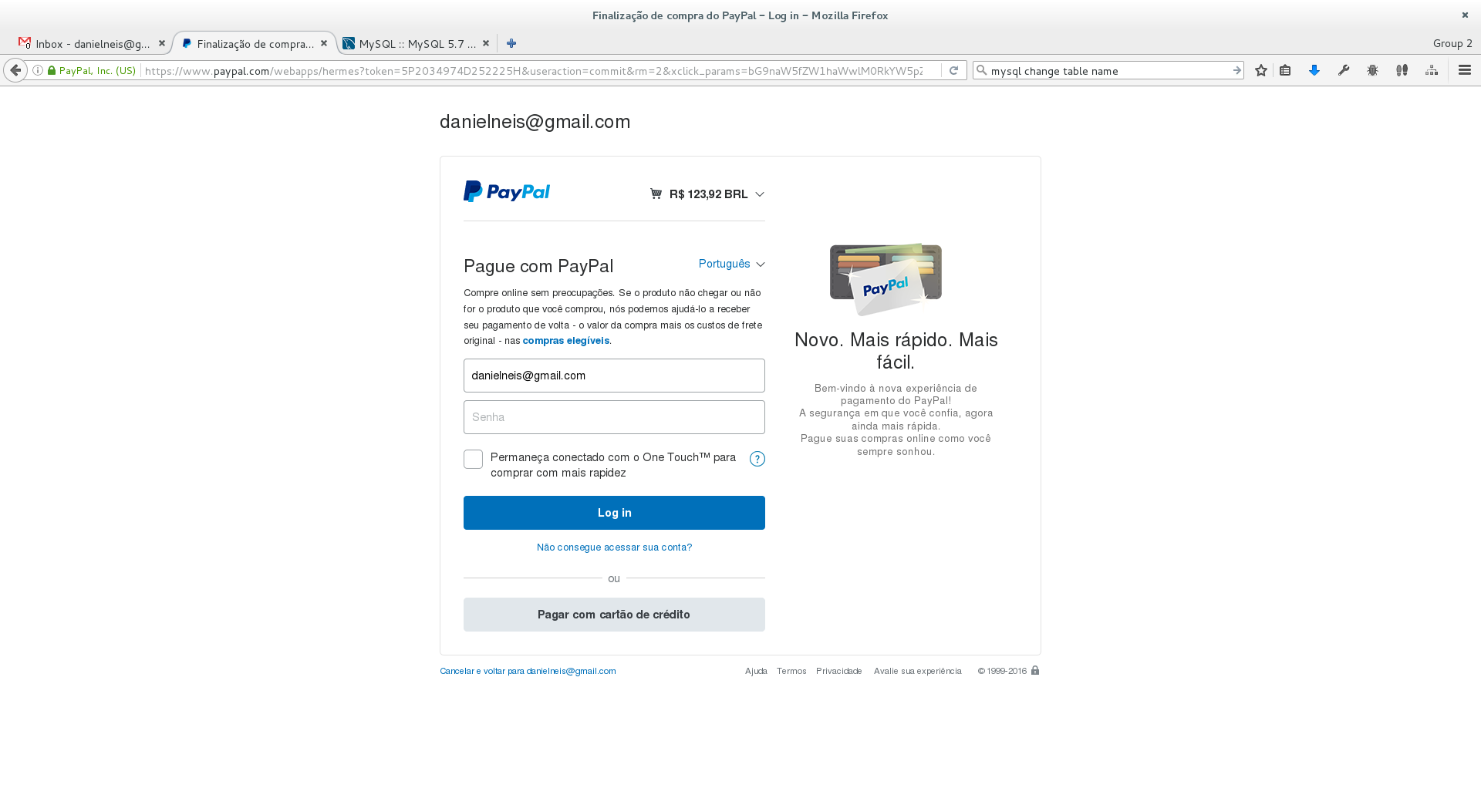
when the student clicks the PayPal button he/she will be redirected to paypal site, then will confirm the purchase then, and will finally be redirect to the corresponding activity, without need for anyone else to do anything.
there is no way to automatic unenrol user from course when completed. it would be bad for analytics. but you can suspend the enrolment.
you can take a look at the guest's logs if you configure your moodle to do so (it does it for default). look for "log guest access".
If learners enroll using PayPal as a method so they pay before they get access is it possible for learners to be automatically be enrolled onto the course without any input from anyone else but just by clicking on the PayPal button?
The other thing that I would like to know is can leaners be automatically unenrolled from the course once completed?
The next question is not a PayPal one but rather a data capturing one. I want to know if the site allows guest access is there a way of cracking how many people have logged in to look at what is available?
Thanks I appreciate any assistance. I have only been working with Moodle for a short while.
Ash
One workaround we figured out (and it took a while) was to simply add another restriction in. Any restriction will work, including a Date restriction from today onwards. The page will then save properly, the restriction is added, and all is well
One further bug, however, is that the "Restrict Access" section of the edit page is now empty, so you can't make further edits. Get it right the first time though and there's no issue, since it functionally works perfectly (I tested with 1c tests).
Hope that helps someone
I am using Moodle 3.2
Background: I am using the PayPal enrollment plugin. PayPal is initiated by the student and the money transfer and email notifications of success take place on both ends. The course price is $10.00, if it matters.
Issue: Student clicks the course button from PayPal after completing the transaction and is returned to Moodle with the following error displayed:
Thank you for your payment! Unfortunately your payment has not yet been fully processed, and you are not yet registered to enter the course "Interactive programming". Please try continuing to the course in a few seconds, but if you continue to have trouble then please alert the Teacher or the site administrator.
Clicking the continue button only returns to the course screen in moodle with the PayPal payment button. Student is not enrolled.
Any help would be greatly appreciated.""
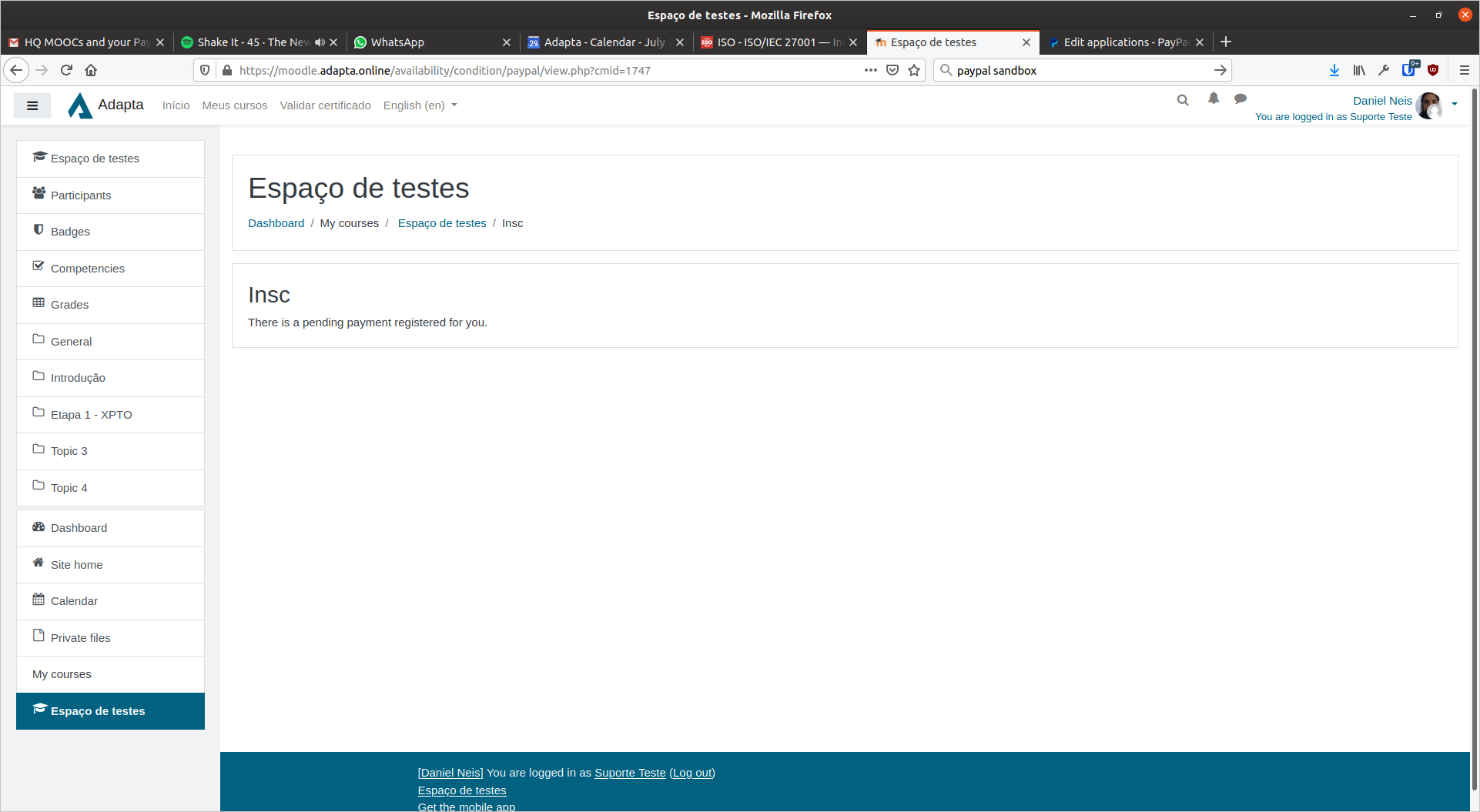
I used sandbox account for testing, but how do i approve the payments transaction.
are you using the credit card payment method on paypal? Are you using the sandbox or the actual production site of paypal? In the sandbox you may have to approve the transactions manually so that they are accepted by Moodle.