Synchronize groups
Certified Partner Plugin
Maintained by
Daniel Neis Araujo, roberto silvino
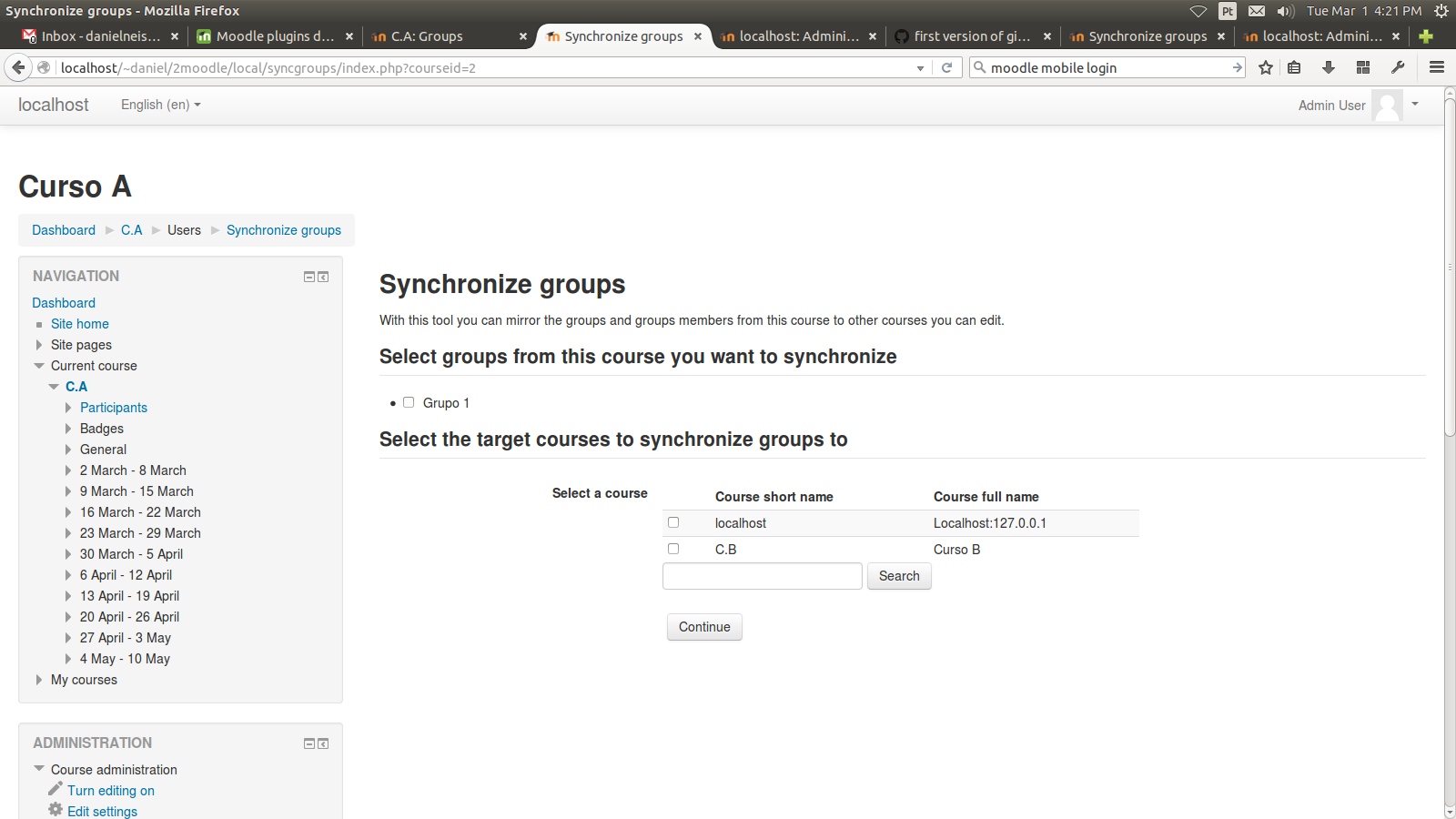
With this plugin you can synchronize groups and groups members between two courses,
in a way that a course A will be a mirror of course B.
Only users that are already enrolled are added as group members.
Comments
Comments are no longer open for new posts. Existing comments remain available to read.
You'll need to re-run synchronisation every time you add new members.
Are members who are added to the first group later automatically synchronised with the target group or is it necessary to re-run synchronisation every time we add new members?
You may be synchronizing members that are not enrolled in the destination course.
Why do I get:
...
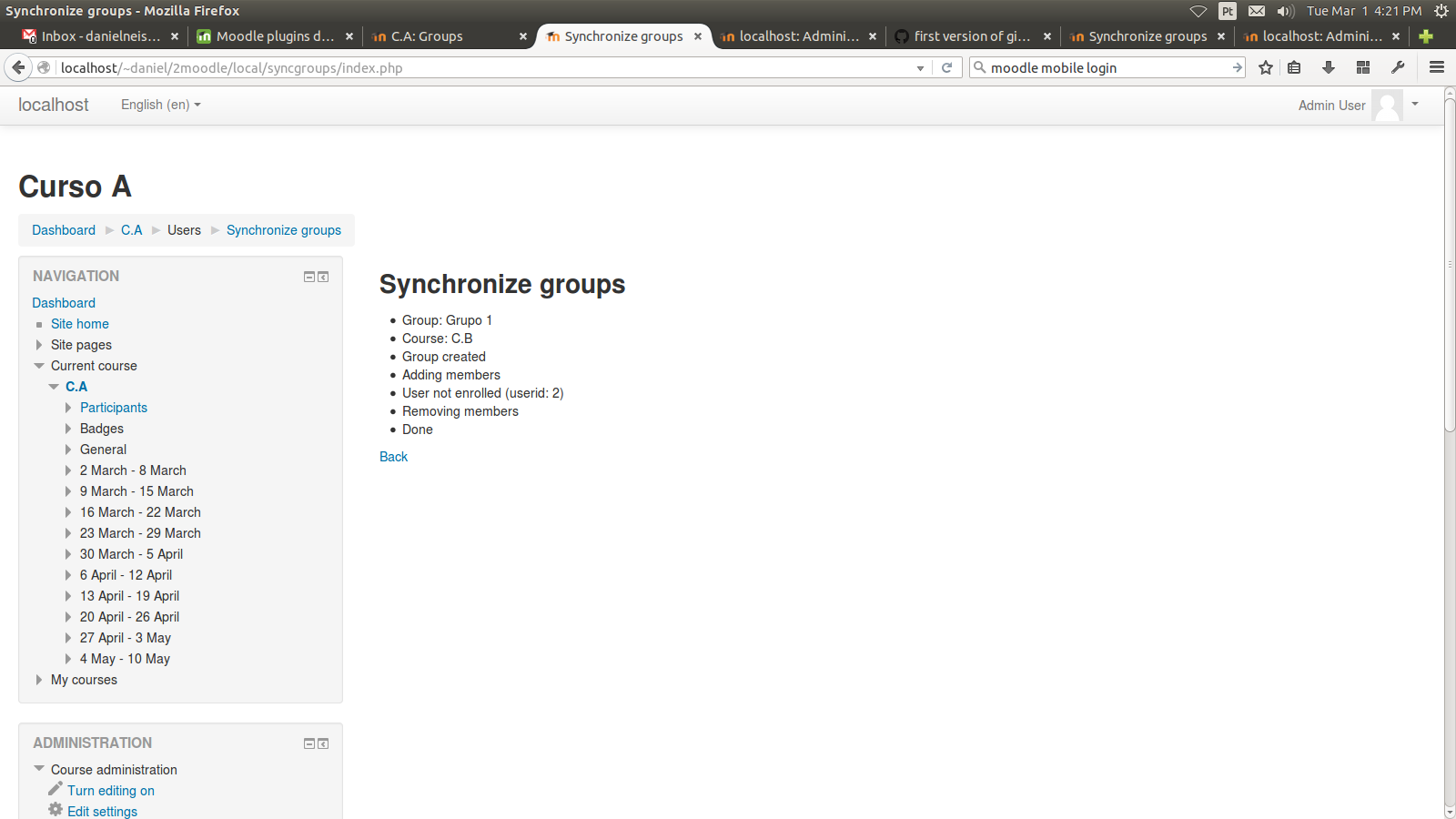
Group exists
Adding members
User not enrolled (userid: 633)
User not enrolled (userid: 2204)
User not enrolled (userid: 2338)
User not enrolled (userid: 2291)
Removing members
Done
Group is coppied by with no students (it is empty).
Are there any plans to update this plugin for moodle version 4.0/4.1?
Thanks and keep healthy.
I just made available a new version with a master checkbox to select/unselect all groups.
This requires Moodle 3.8 onwards.
Um grande abraço do Brasil!
Thanks for the plugin.
Obrigado desde Portugal. PT-PT translator.
I'm not aware of this "main Course Management menu". Is it something the Fordson theme provides? Or is it Moodle core?
It may be a change in Moodle or on the theme because for what I remember, I made the tool appear under Course administration -> Users -> Groups, at that time Moodle used the navigation block.
With the removal of navigation block by default and the new menu on the cog icon, it may have being rearranged.
I'm afraid there's nothing the plugin code can do to add itself to somewhere else more convenient.