
Reengagement icon

Reengagement

Premium Certified Partner
Allows timed release of content and emails users to remind them to complete course activities.
Price option: Free

Supports Moodle 2.9-4.4 See all versions
Latest release: 1 year ago
Installations: 4483
Downloads (last 90 days): 915

Frankenstyle name: mod_reengagement
Activities

Comments

Comments are no longer open for new posts. Existing comments remain available to read.

@Chelsy, the plugin uses the core "is_available" class which doesn't perform all that well when used for multiple users - I am keen to take a closer look at that to see if we can re-arrange the Reengagement plugin code to improve performance, but haven't found the time to do this - feel free to get in touch privately if you would like to fund the time for someone in our team to look at this closer! - it's also possible there are other things that could be done to tune your system to improve performance - let us know if you would like help with that too! thanks!
@Dan-Thanks for your reply.One more question: As I mentioned we have 300 courses and sending 5 emails through reengagement(Welcome, Reminder1, Reminder2, Reminder3, Completion mails) per each course. And reengagement cron task is taking more than one hour to complete even if it set as every 5 minutes. Because of that user getting welcome mail after the completion mail of the course. For welcome mail to send, it's taking 2 hours (we need to send the welcome mail soon after when they start the course). So what should we do so that reengagement cron task should run in every 5 minutes or 10 minutes as the number of courses increases?
@Chelsy - you would have to do this by performing the changes using SQL calls on your Database tables.
We have around 300 courses on Moodle. We need to change the content of reengagement mail for all the 300 courses. Is there any single way to change so that the changes get affected to all the courses?
@Big Picture - probably best you go and try the plugin out and see if it works for your needs. Feel free to ask any questions in the community forums - our ability to provide free configuration support is limited. Good luck!
@Dan Marsden - Thanks that helped :D
I have a question regarding targeting specific students for reminders. For example, on our system, we have three types of groups which have been registered under a separate cohort. If I add a reengagement to a course for a specific cohort this wouldn't send a notification to all users? It would only send a notification to the users who are assigned to that course correct?
@Big Picture - start with the docs:
https://docs.moodle.org/en/Reengagement_activity#Adding_a_Reengagement_activity
Also under "useful links" on this page.
How do I get this plugin to work? I don't see it anywhere in the Site Administration or anywhere except the plugin overview page. Could someone give a step by step guide on how to use this?
@J Guzman - this plugin is developed by the team here at Catalyst IT - we are certified Moodle Partners and provide a wide range of services, feel free to get in touch privately and we can provide information on our rates etc.
I think this plugin, along with the Cohort profile membership is the solution to my problem. I need to have trainers and students that belongs to a specific cohort or course, to be reminded when they have not finished the course within the days they have to take them (let's say 30 days). My question is, Is there any paid support to get the plugin fully configured??
If you don't have any access restrictions on the reengagement the timer should start based on the enrolment date.
Great plugin!
I tested it and only work for students who had already accessed the course. Is there a way to send a reminder to the students who have never accessed the course to complete the course or certain activity? I'm a bit confused.
Thanks!
not explicitly based on the last time the user logged in, probably best that you install the plugin and try it out. It will not send e-mails to users that are not enrolled in the course.
Will this plug in sent an email to student based on the fact they haven't logged in in "x" number of days? Also, once a student's course has expired, will it cease sending reminder emails?
Thanks!
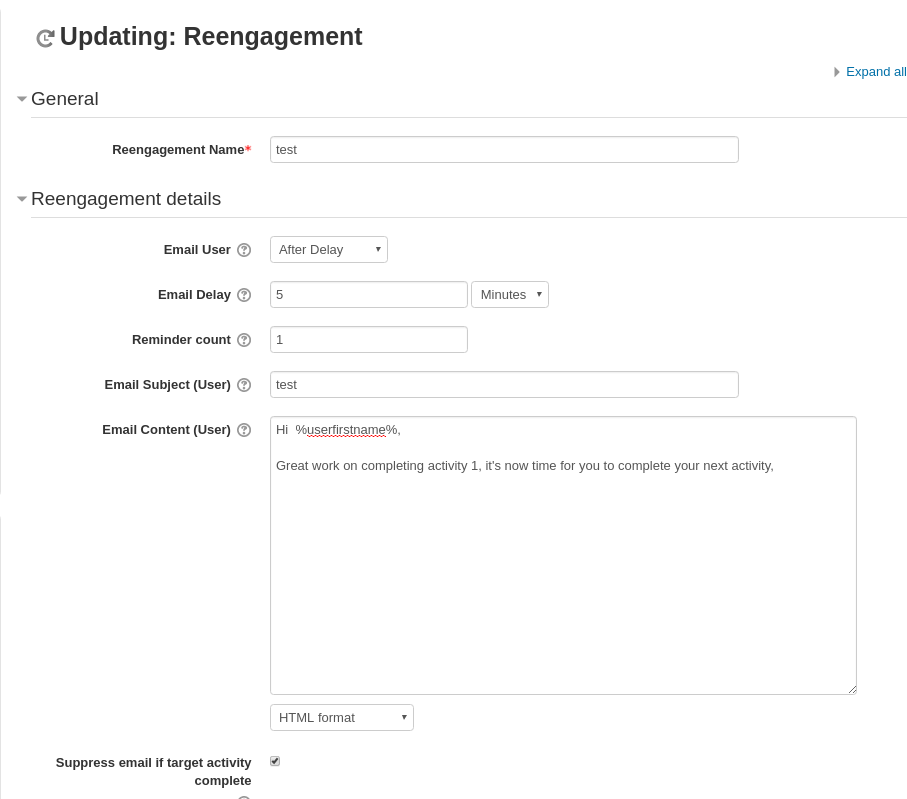
You can change the text of the e-mail that is sent manually in the reengagement settings, but you cannot automatically include information about the target activity.