
Interactive Content – H5P
Maintained by
Frode Petterson, Maris Akmentins, Thomas Marstrander, Pål Jørgensen, Svein-Tore Griff With
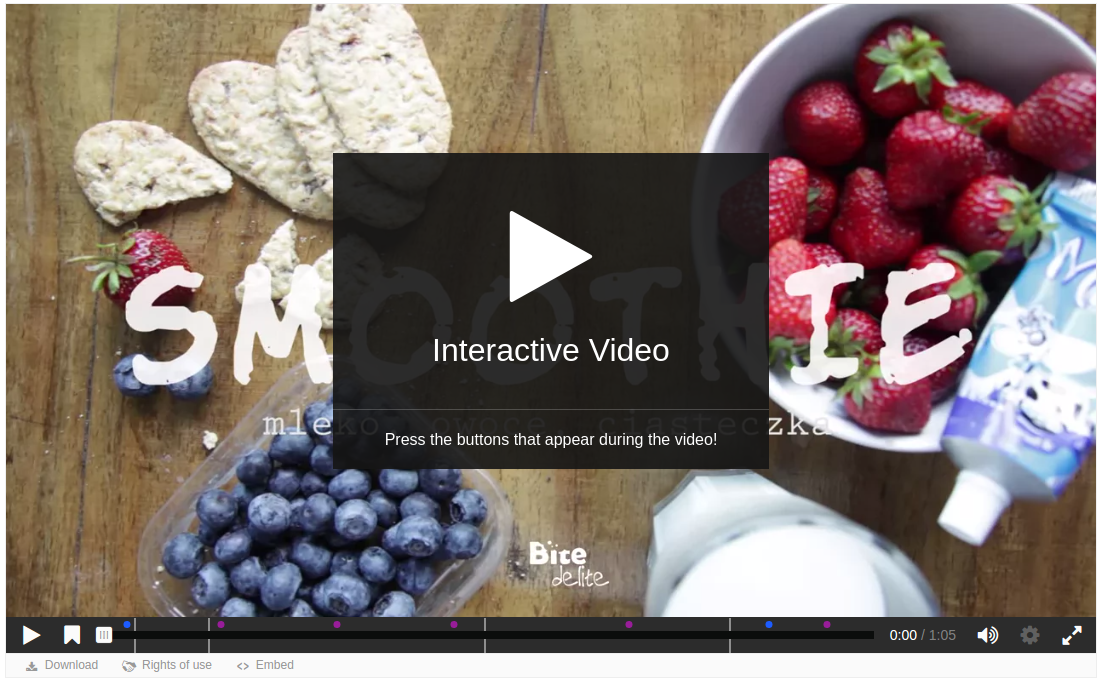
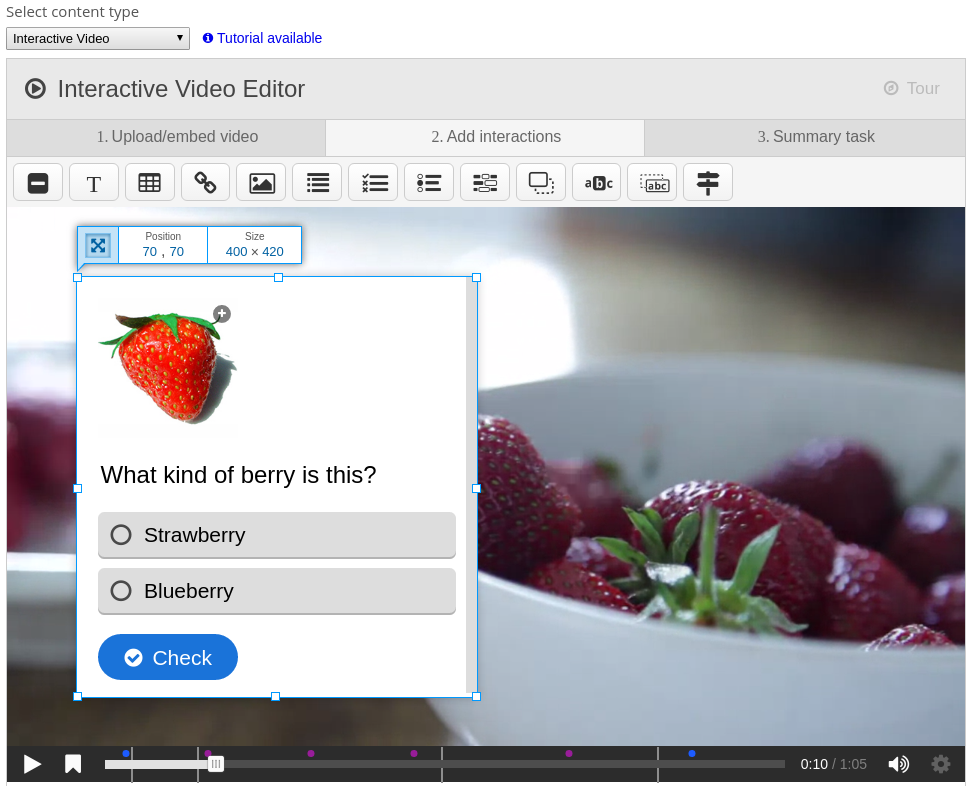
Create and add rich content inside your LMS for free. Some examples of what you
get with H5P are Interactive Video, Quizzes, Collage and Timeline.
Comments
Comments are no longer open for new posts. Existing comments remain available to read.
Thank you for your suggestions, it is a great idea
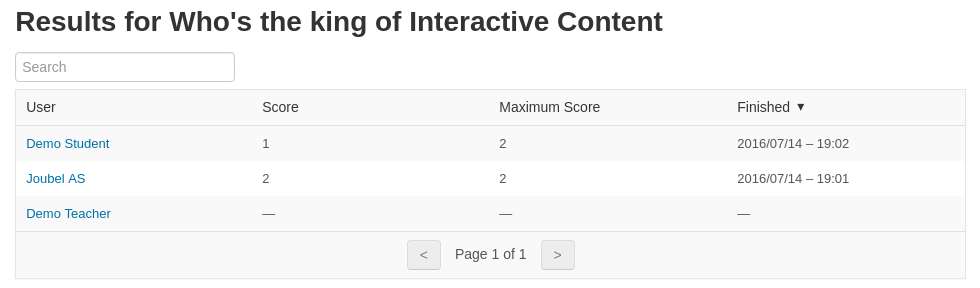
It is currently possible to do this with the detailed xAPI events H5P sends out, but the storing and analysis of data is currently left to an LRS' or similar systems. You can read more about how you can use this at: https://h5p.org/documentation/for-authors/analyzing-results-and-answers.
I agree that a tighter integration with the h5p reports would be an easier to use approach though, hopefully we can do this somewhere down the road.
Thanks for the feedback!
I tried out H5P plug in, Very interactive, wanted to use in our course. Just one suggestion, can you please add the report for the each student attempt like moodle quiz, where you can track question by question weather student is finding it difficult to answer that particular question. So we can track & update or change the question which is difficult. Currently it is directly showing the score only. not detailed report of student attempt.
It will be very good and interactive activity, If you could incorporate the same.
Regards,
Harish
Thanks for the feedback!
I just started using the 'interactive video' in Moodle and found that even when the 'loop the video' is not checked, the video will restart after it is finished. Am I doing something wrong?
Many thanks in advance.
You can try to upload a content type from H5P.org using the guide found at https://h5p.org/documentation/for-authors/the-basics.
If this does not work, or you have any further questions please take them to the H5P.org forums: https://h5p.org/forum, where it is more convenient to follow you up. Thanks.
Could you please tell on the server how can I check whether the download package is enabled or not...
As the error say you are unable to download the given H5P from the H5P API or you are not able to save it to your system. Closer inspection must be done to figure out exactly why, it could for instance be that your server is not configured to allow download of packages or that your server is not permitted to save files to your system.
Please post any further questions at the H5P.org forums, which are more suited for following up questions, support and bug reports then this comment field. Thanks.
I'm not sure what you mean.
The plugin version 2017050300 belongs to version 1.2 of the H5P plugin.
Checking out the 1.2 tag in git gives the same version in version.php.
'master' branch of git is the development branch so it will quite often be out of sync with the latest zip-version, which is the latest stable release.
Please post any further questions at the H5P.org forums, which are more suited for following up questions, support or bug reports then this comment field. Thanks.
The git-version with the following version.php does not work. When I try websiteadministration-link in moodle the adminmenue does not expand.
$plugin->version = 2017050300;
$plugin->requires = 2013051403;
$plugin->cron = 0;
$plugin->component = 'mod_hvp';
$plugin->maturity = MATURITY_STABLE;
$plugin->release = '1.2';
The zip-Version with same version.php works fine.
This is indeed an unexpected behaviour. Grade items idnumber was set to the id of the H5P content, instead of retaining its current id. I have fixed this for Moodle now, and it should be included in the next release.
Thank you for reporting this, please let us know if you run into any further problems at the H5P.org forums where we'll be able to have a dialog and thus help you more accurately.
Thanks, Thomas.
Having an issue where the H5P ID number in the GRADEBOOK is automatically changing from the ID number set in the H5P ACTIVITY. Course Presentation type.
For example:
H5P Activity 1 > Common module settings > ID number: TEST1
Course administration > Grades > Setup > H5P Activity 1 - Edit settings > Id number: TEST1 (Correct)
But once you get to the last slide in the activity and exit it automatically changes to:
H5P Activity 1 > Common module settings > ID number: TEST1 (Stays correct)
Course administration > Grades > Setup > H5P Activity 1 - Edit settings > Id number: 6225 (Where did this number come from?)
So basically changing the mdl_grade_items.idnumber but NOT mdl_course_modules.idnumber for what reason? Where is it getting the new number from? One other thing, if I have several H5P activities on which this occurs, the new changed gradebook ID number is specific to that activity. e.g. Activity 1 changes to 6225, Activity 2 changes to 6229, etc. If I correct the ID numbers in the activities back by editing and re-saving - then cause the error to occur again by going to the last last - the gradebook ID numbers change back to the same numbers. e.g Activity 1 will change to 6225 again not some random newer number... if that helps.
Moodle Version Moodle 2.8.6+ (Build: 20150521)
H5P Plugin Version 2017041200
Hope that makes sense! Let me know if there's any settings you require? Thanks for any help!
Thank you for the reply. I will peruse the h5p forum and comment on there.
Regards,
Ismail
We plan to have to best tool for quiz and interactive video tools available, so more features will be added if they are evaluated as valuable for our users. Quizes and interactive video should be completely integrated with the Moodle gradebook already. You may disable navigation and enable the resume feature to tailor the video experience for logged in users more granularly. If you have any more questions or feature requests please ask them on the h5p.org forums ( https://h5p.org/forum ) where it will be quicker and easier for us to answer.
Thanks,
Thomas