Interactive Content – H5P icon

Interactive Content – H5P

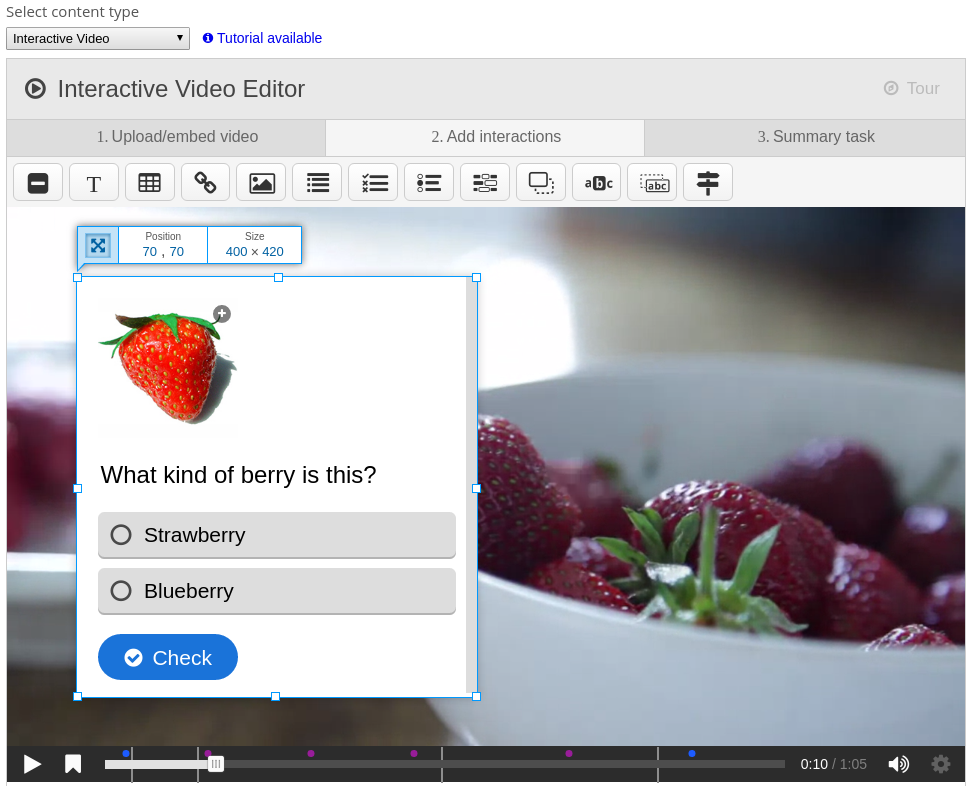
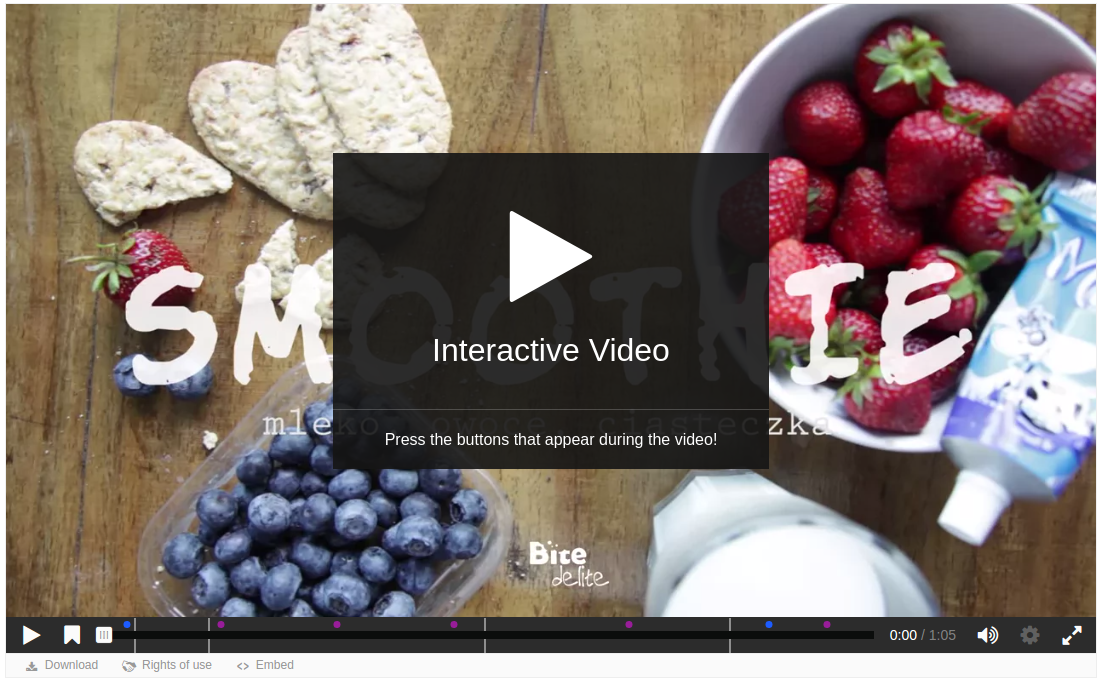
Create and add rich content inside your LMS for free. Some examples of what you get with H5P are Interactive Video, Quizzes, Collage and Timeline.
Price option: Free

Supports Moodle 2.5-4.5 See all versions
Latest release: 1 month ago
Installations: 27643
Downloads (last 90 days): 6809

Frankenstyle name: mod_hvp
Activities
Gamification

Comments

Comments are no longer open for new posts. Existing comments remain available to read.

Thank you
Hi Eduardo, due to the highly dynamic nature of most H5P content they will work poorly with a static height as the content changes height between slides, when showing solutions, giving input, etc. You are however free to set the width of the task, you can do this by making sure the H5P content is placed within an element that has a static width, this will make sure that the content never uses more width than what is given to it, and height will be adjusted accordingly. I'm not sure what you mean by "h5p activities change the width dynamically" though, the width used will always be what is given to the H5P content by the parent element, which you control through your theme. If you have any further questions about this please make a post on https://h5p.org/forum which is a better place for getting support.
Hello. Thank you for your willingness. I would very much like to be able to define the height of the activity. There are no options for this in h5p for moodle. The h5p activities change the width dynamically (width: 100%) and the height ends up not fitting on the screen, because of the moodle header and navbar. I want to avoid the scroll bar. Is there a way to do it without using iframe or embbed? I don't want to use iframe because I lose the option of the moodle grade for approval.
Yes
Hi developers, good day
Can I use it in moodle 3.10?
Hi Jose, what is "Global feedback" and why should that show ? It is not part of the standard editor form as far as I can see. I'm not able to reproduce the issues you're describing using mod_hvp 2020080400 and Moodle 3.10.2+ (Build: 20210312). Please report bug or support requests at https://h5p.org/forum/9 following the guidelines there, including steps to reproduce the issue.
Hi,
I hope you can help me to resolve a very particular problem that I have when I use the H5P plugin: if I create a new activity HVP in the "Editor" section, I select the content "Fill in the blanks", and then, the section "Global feedback" doesn't show the form that should do. If I debug my browser I obtain this error: "TypeError: Cannot read property 'name' of undefined". Also, something very similar happens if I select "Interactive video", because sometimes also shows "TypeError: tour.destroy is not a function".
I use Moodle version 3.5 and 3.10, and before the upgrade of these complements, everything worked ok, so I think it should be a problem regarding to this process.
Thanks!
Hi Dennis, please report bugs or support requests at https://h5p.org/forum/9 and follow the guidelines for reporting an issue as outlined there.
Dear developers, good day.
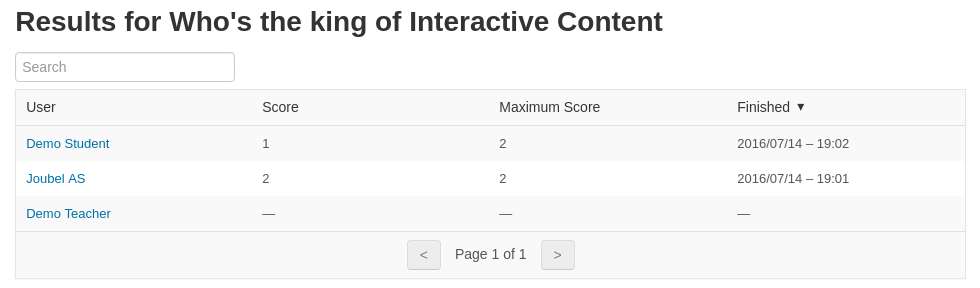
Please help me understand the results, or rather their absence.
Part of the video was viewed, the answers to the questions were partially sent, and the result was not recorded in the report.
Hi Sébastien,
1) interactive books should work with the reporting, students must press the "Submit Report" button on the summary screen, and observe that they get a "Your answers are submitted for review!" message to ensure that their answer is recorded. If this does not work check that you have the latest version of the H5P plugin and the latest version of the Interactive Book conten type.
2) please post bug reports or support requests in the h5p.org forums: https://h5p.org/forum
Thanks
Hi Everyone,
Sorry if it's not the good place.
I Have two issues with H5P on Moodle:
- In interactive books, the scores, results and answers of my students are not saved, I can't see what they have done or not
- In virtual tour, I select the autoplay for audio in a scene, but it doesn't work
How can I fix that?
Thanks in advance for your answers
It would be interesting to have a type of interaction to be inserted at the end of a content, with the possibility of the student being able to assess whether it was satisfactory. The one with the stars would be really cool.
Got it! But the "mod/hvp:addinstance" and "mod/hvp:manage" doesn't show up at all!
The permission documentation for Moodle should be a good starting point: https://docs.moodle.org/310/en/Permissions. You can search for the specific permissions that you have in "check permissions".
Hi Thomas! Thanks a lot for your answer! Unfortunately I am pretty new to Moodle. Can you explain me where and how exactly I can configure the permission properly and where I can find the "mod/hvp:addinstance" and "mod/hvp:manage"?