Content Pages icon

Content Pages

Maintained by RACHELS, DANIEL A.
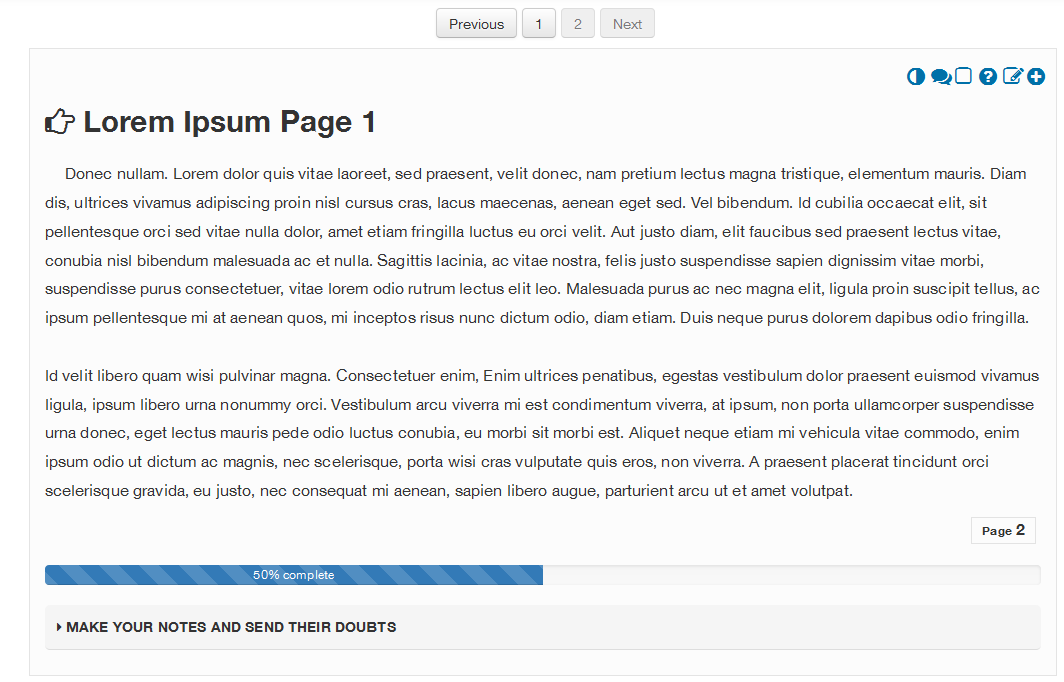
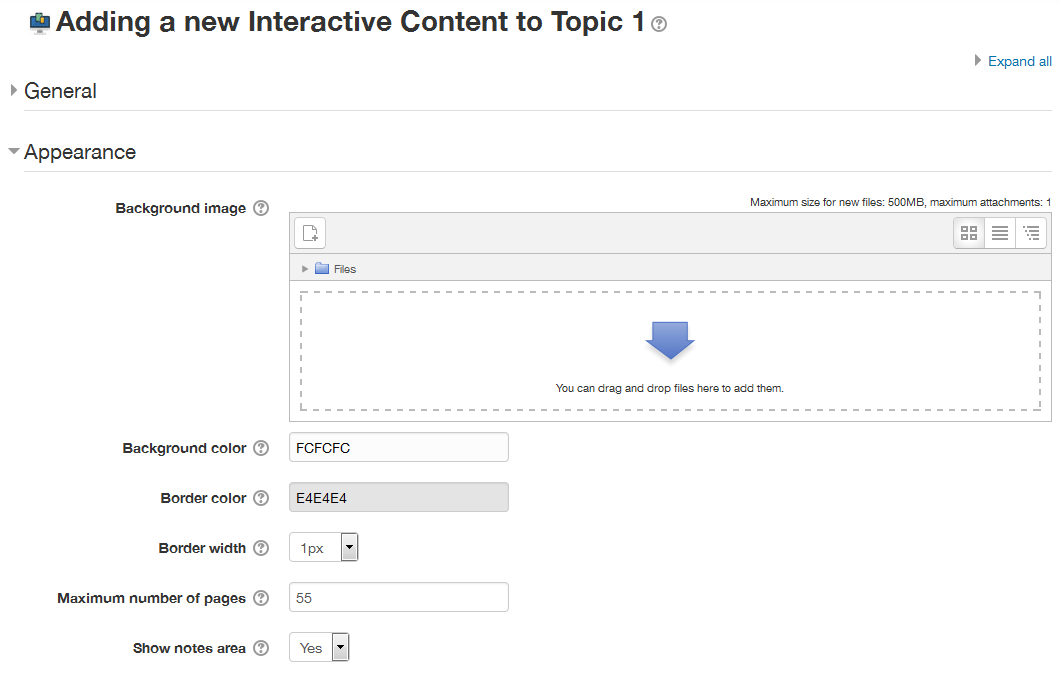
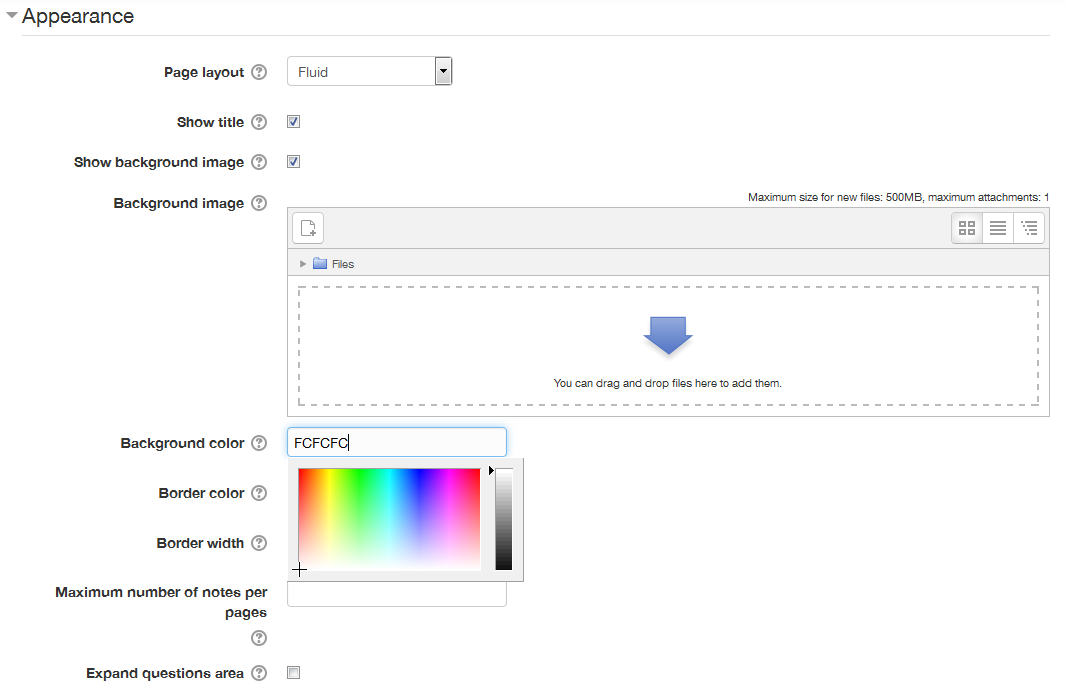
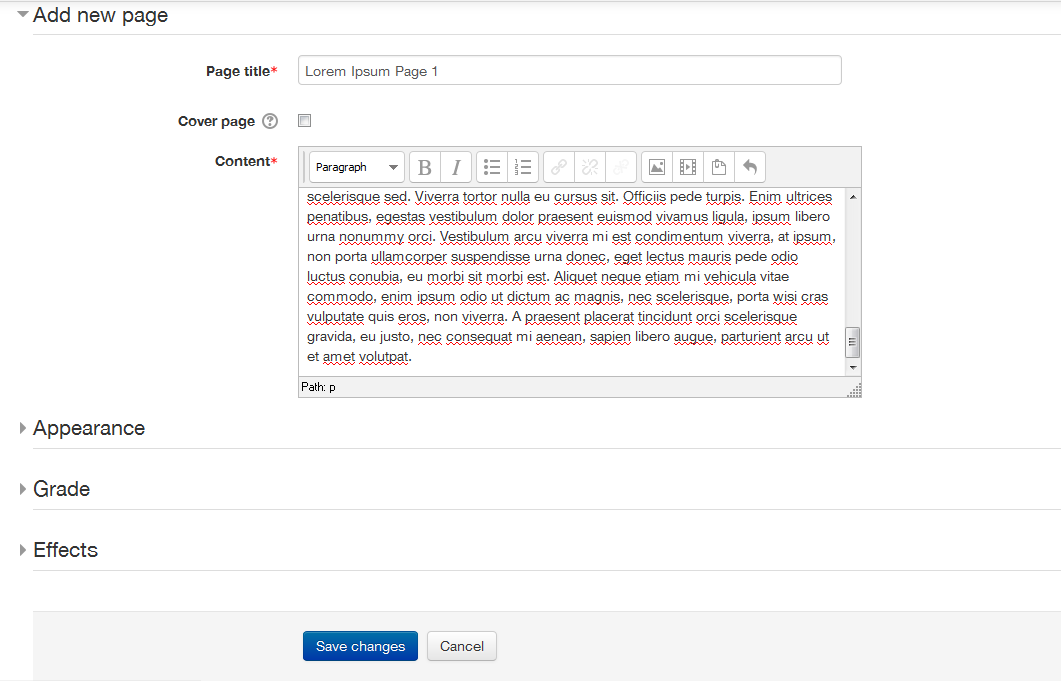
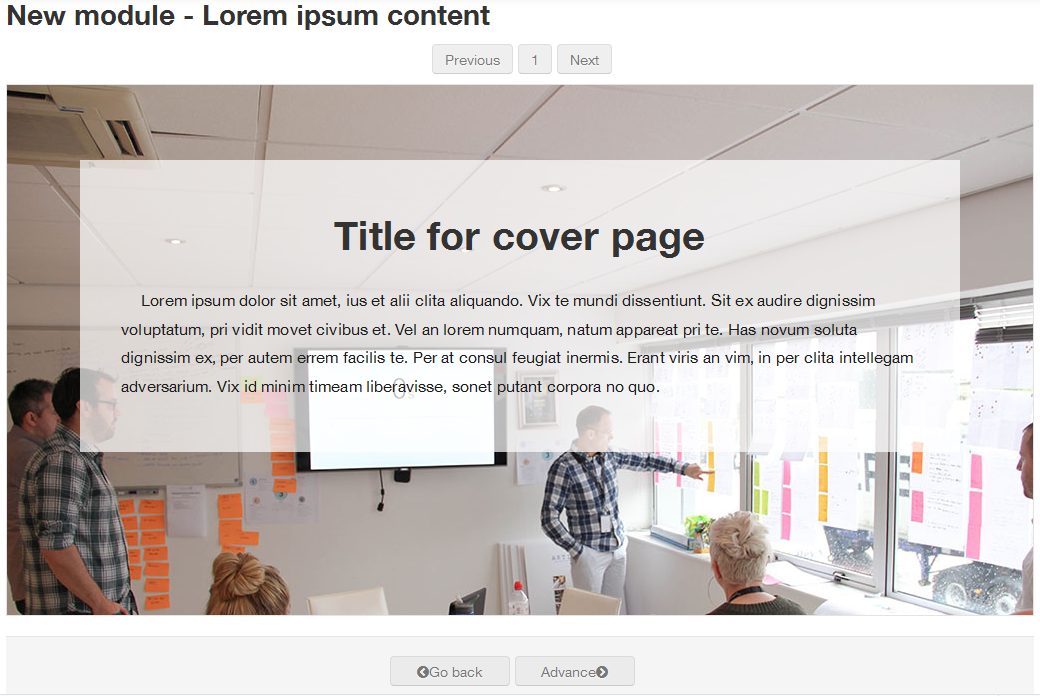
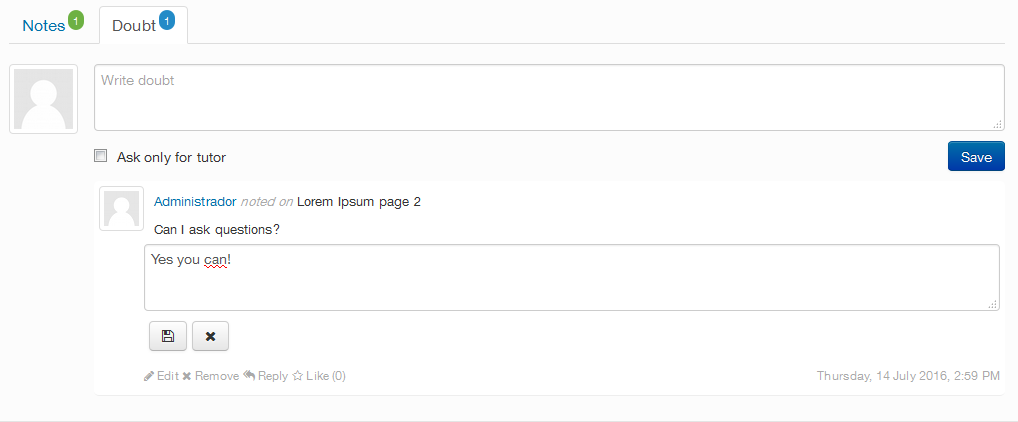
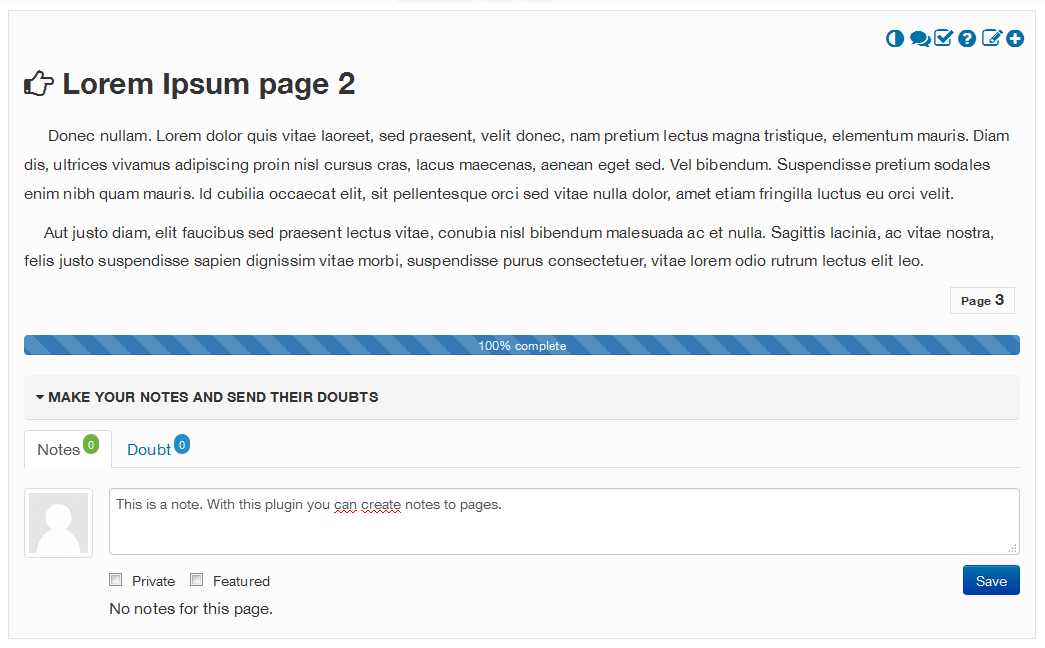
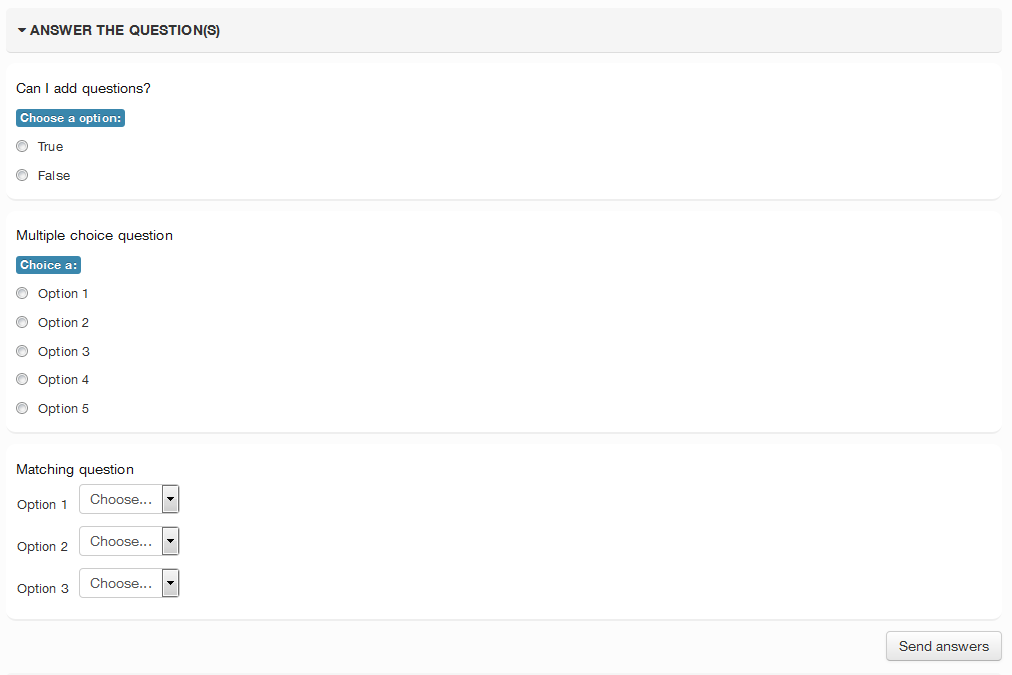
The plugin for Moodle (Content pages), was designed so that from it, tutors, teachers and technicians can add content in courses, following usability and accessibility standards. This tool will be responsible for signaling the good practice of adding text, images, multimedia, among others. In it, the content will be distributed in pages, so that the monitoring of the content does not become something exhausting and tiring. The plugin also has a bookmark, so that the participant can be located, based on last page accessed. Furthermore each page allows for the inclusion of public or private notes, which allows the participant to give or ask for feedback on the content studied on the page and enjoy and reply to comments from other colleagues. In this version, the code has continued development of the capability to use the normal Moodle Question engine, which basically means that now you can use any question type you have installed on your site. Also, when using a, Background image, you can now change the title color to aid in readability of the page title. A major addition to this version is Branching Capability similar to the Lesson plugin, with the ability to navigate based on Previous/Next settings as well as correct or incorrect answers to some question types.
Price option: Free
Supports Moodle 2.7-5.2 See all versions

Latest release: 3 weeks ago
Installations: 1044
Downloads (last 90 days): 316

Frankenstyle name: mod_icontent
Activities

Description

Moodle Content pages | Nickname iContent

About

The plugin for Moodle (Content pages), was designed so that from it, tutors, teachers and technicians can add content in courses, following usability and accessibility standards.

This tool will be responsible for signaling the good practice of adding text, images, multimedia, among others. In it, the content will be distributed in pages, so that the monitoring of the content does not become something exhausting and tiring. The plugin also has a bookmark, so that the participant can be located, based on last logged furthermore allow the inclusion of public or private notes, which the participant can provide feedback on the content studied on the page and enjoy and reply comments from other colleagues.

The plugin also allows the launch of questions about the content addressed, this provides better interaction between the participant and the virtual learning platform, and the feature may become an evaluation item or launch fractional notes on the items available in the course as defined in the plan of action. The described extension is fully responsive and can be accessed by any device.

Install

You can install it via the Moodle administrator interface, if enabled on your Moodle site. 

Or you can download  the source code and put it on the "moodle/mod/icontent" directory.

You can use git clone to do this or download the latest version from github at https://github.com/leorenis/moodle-mod_icontent/archive/master.zip or https://github.com/drachels/moodle-mod_icontent.git.

Contributors

Awards

Privacy friendly
Automated testing support
Early bird 5.2