
Content Pages
Maintained by
RACHELS, DANIEL A.
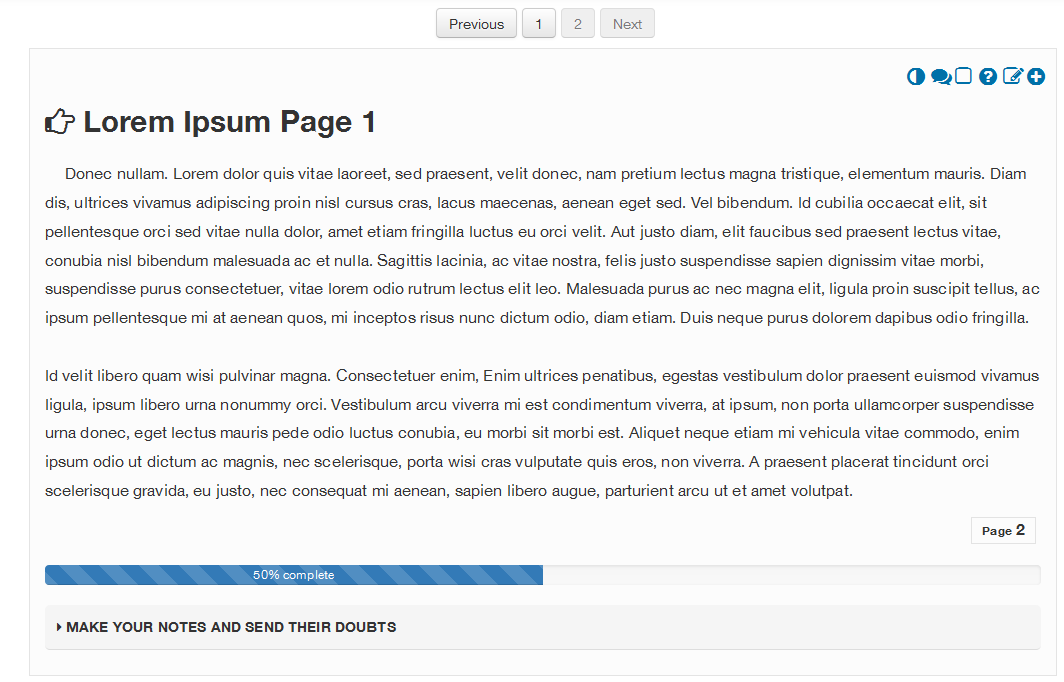
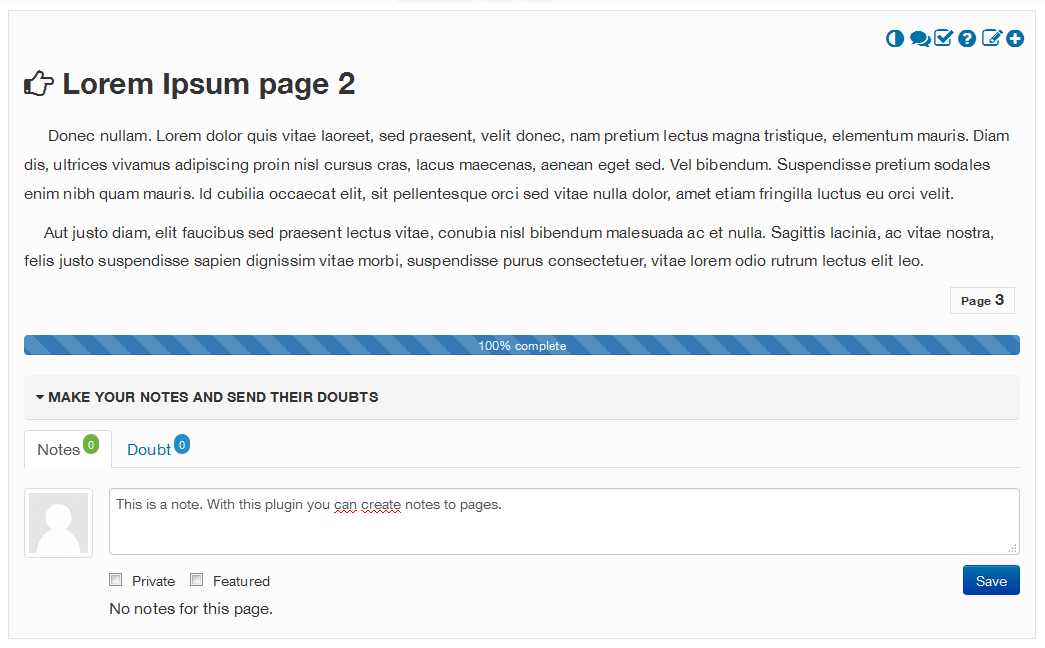
The plugin for Moodle (Content pages), was designed so that from it, tutors, teachers and technicians can add content in courses, following usability and accessibility standards.
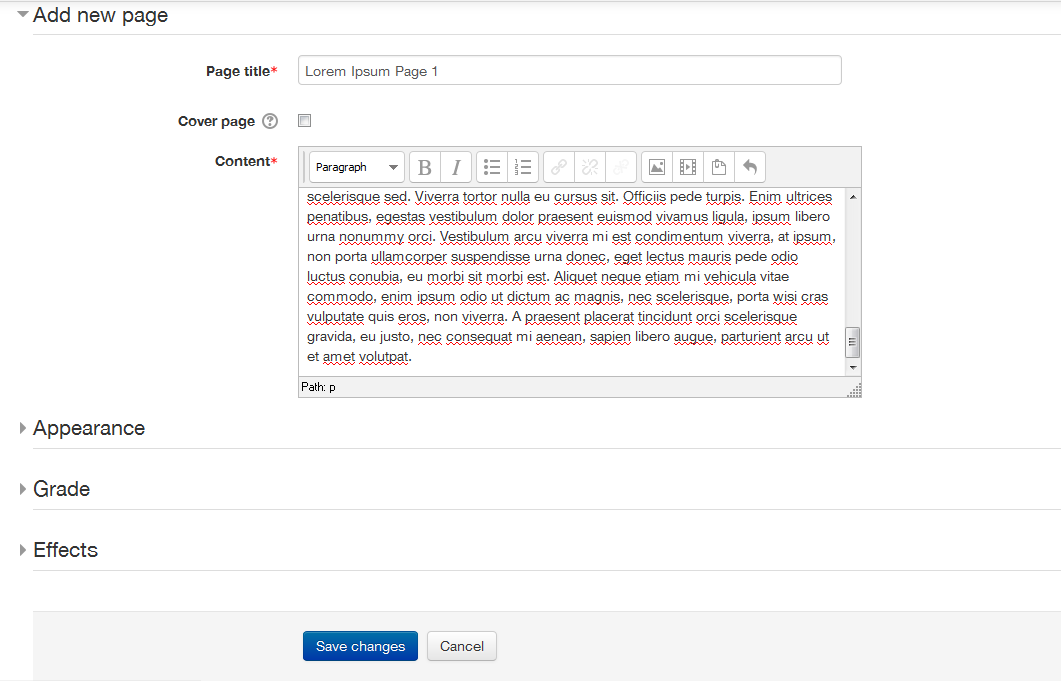
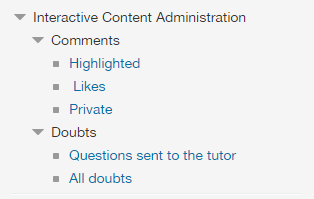
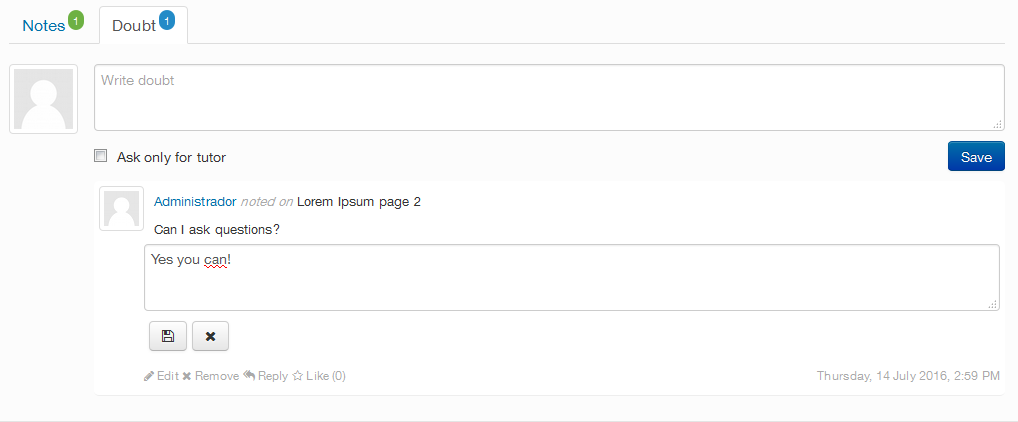
This tool will be responsible for signaling the good practice of adding text, images, multimedia, among others. In it, the content will be distributed in pages, so that the monitoring of the content does not become something exhausting and tiring. The plugin also has a bookmark, so that the participant can be located, based on last page accessed. Furthermore each page allows for the inclusion of public or private notes, which allows the participant to give or ask for feedback on the content studied on the page and enjoy and reply to comments from other colleagues.
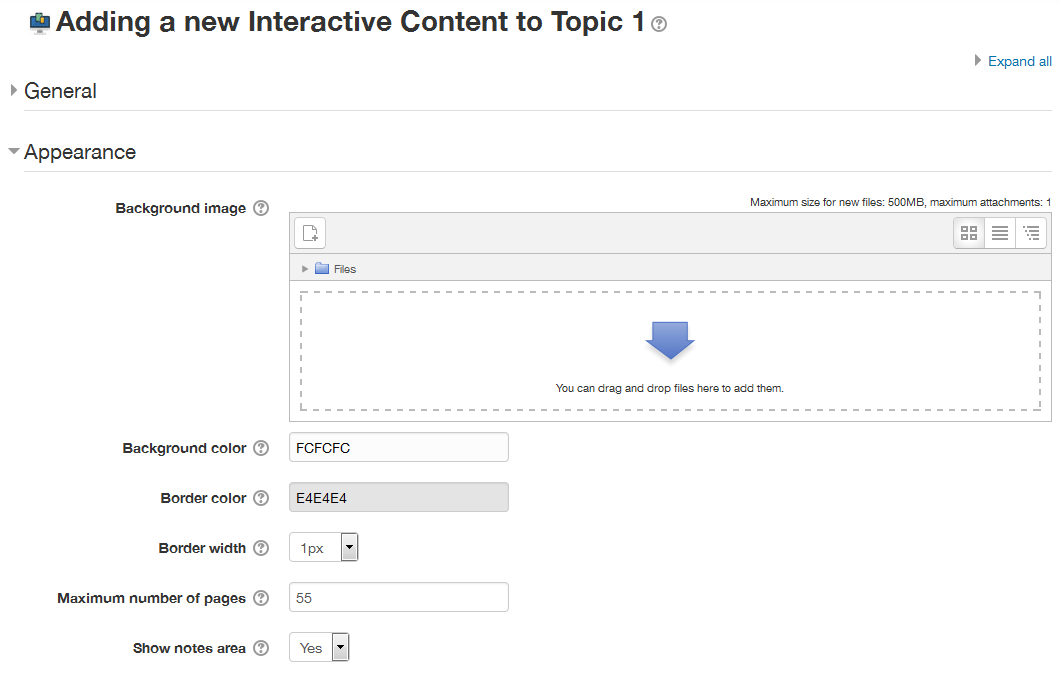
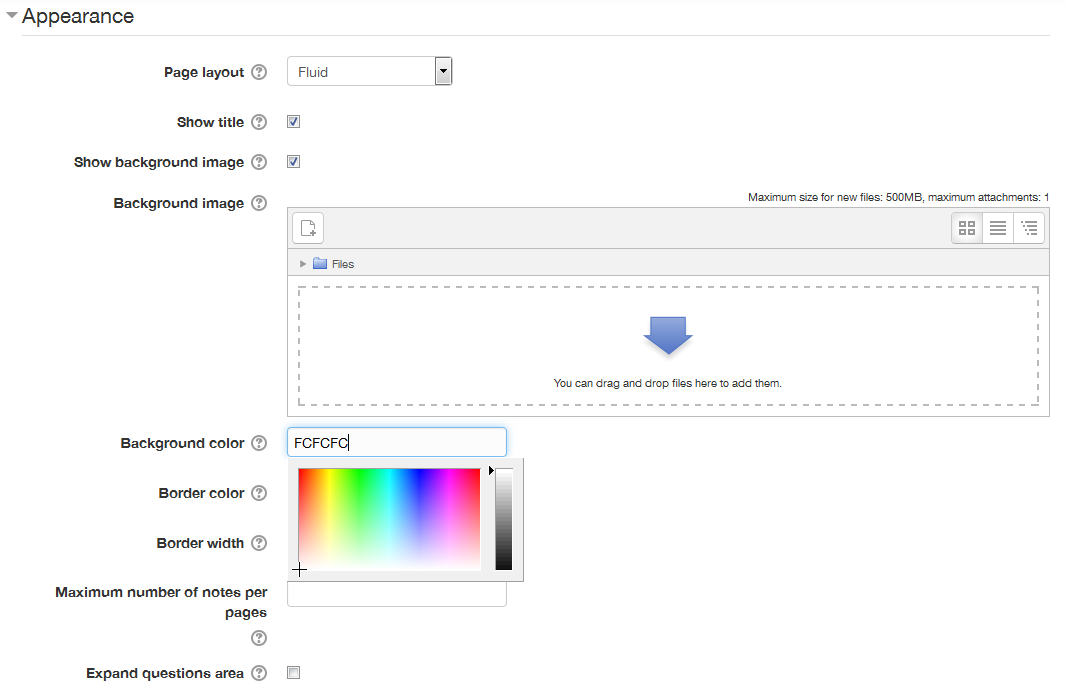
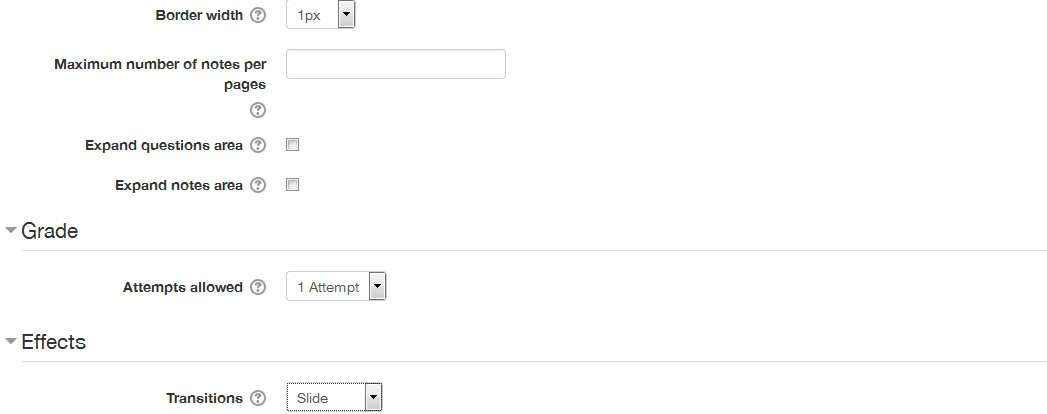
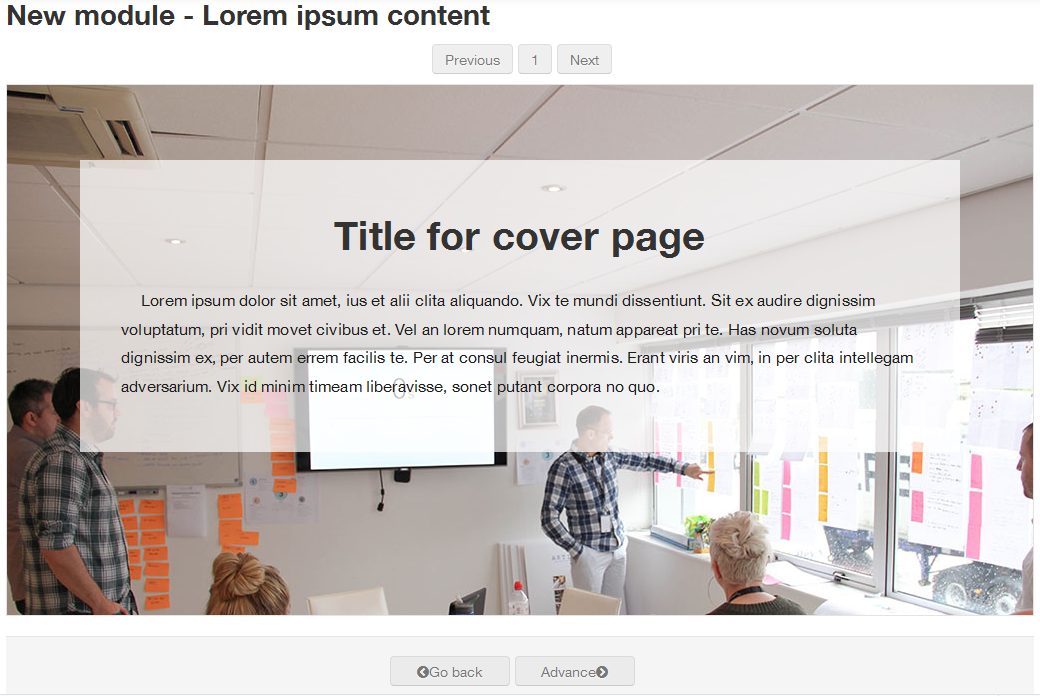
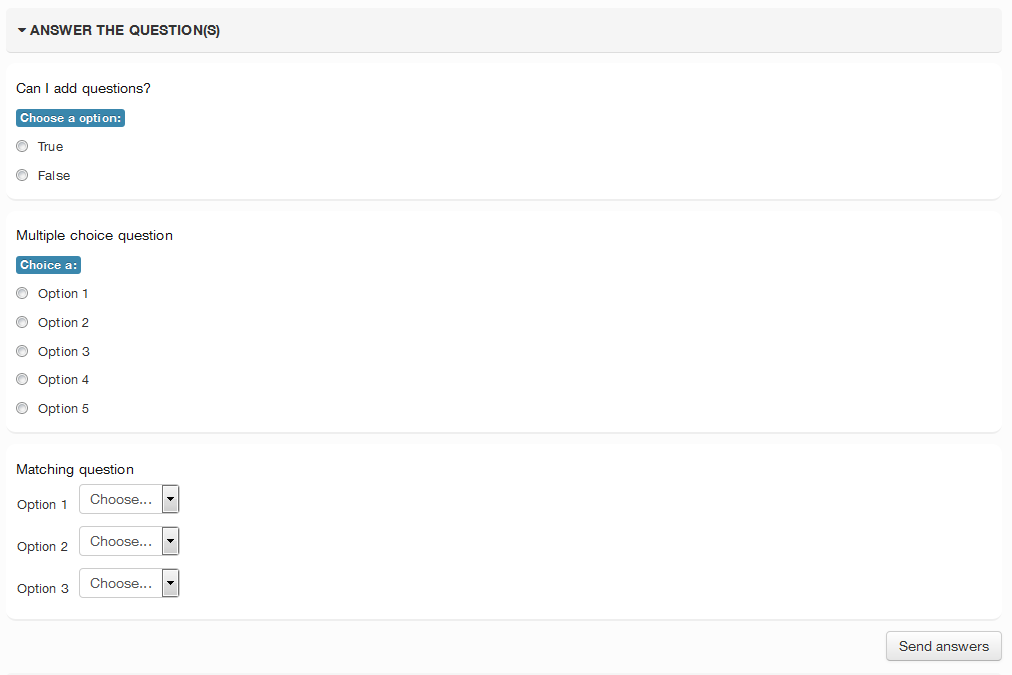
In this version, the code has continued development of the capability to use the normal Moodle Question engine, which basically means that now you can use any question type you have installed on your site. Also, when using a, Background image, you can now change the title color to aid in readability of the page title. A major addition to this version is Branching Capability similar to the Lesson plugin, with the ability to navigate based on Previous/Next settings as well as correct or incorrect answers to some question types.
Comments
Comments are no longer open for new posts. Existing comments remain available to read.
Thanks for a great plugin, and best of recovery with the eyes.
Looking forward to the official release.
- Kenneth
The fix for that is in my github branch 1.0.7.2+ plus that branch contains a whole bunch of other bug fixes and new stuff. The hold up for an official new release has been a combination of my eye problems and getting the matching question to work correctly. (Right now it does not shuffle the answers which means right now the correct answer in the drop-down is in the same order as the item to match.
Therefore, I decided to use "Poster" (mod). I add an HTML block to the top and the "Social Comments" below that. For simple pages, I use "Tabs" (filter) within the HTML block. For complex ones - with questions, etc. - I add an H5P Course Presentation.