
Content Pages
Maintained by
RACHELS, DANIEL A.
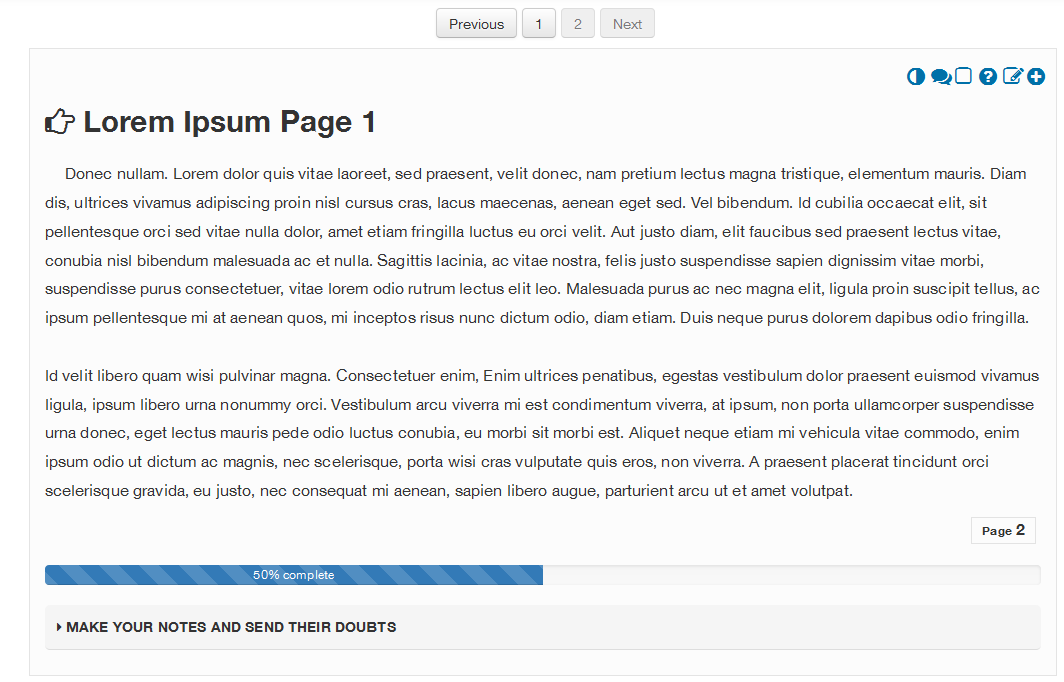
The plugin for Moodle (Content pages), was designed so that from it, tutors, teachers and technicians can add content in courses, following usability and accessibility standards.
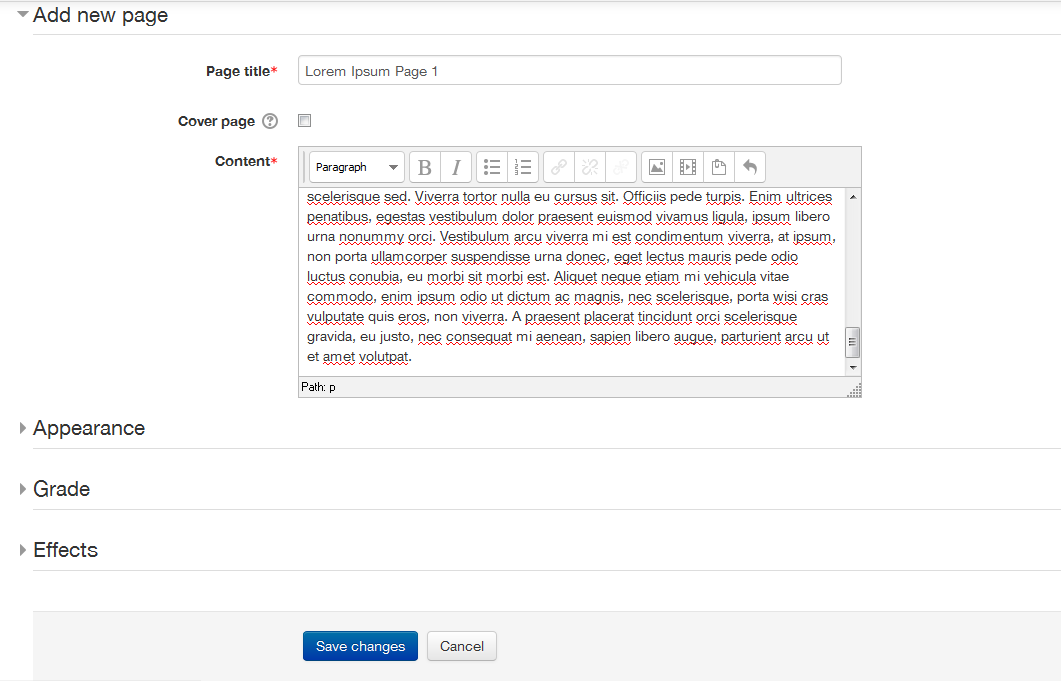
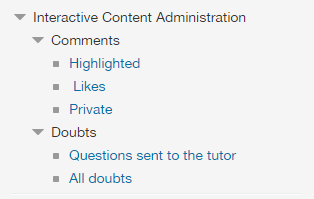
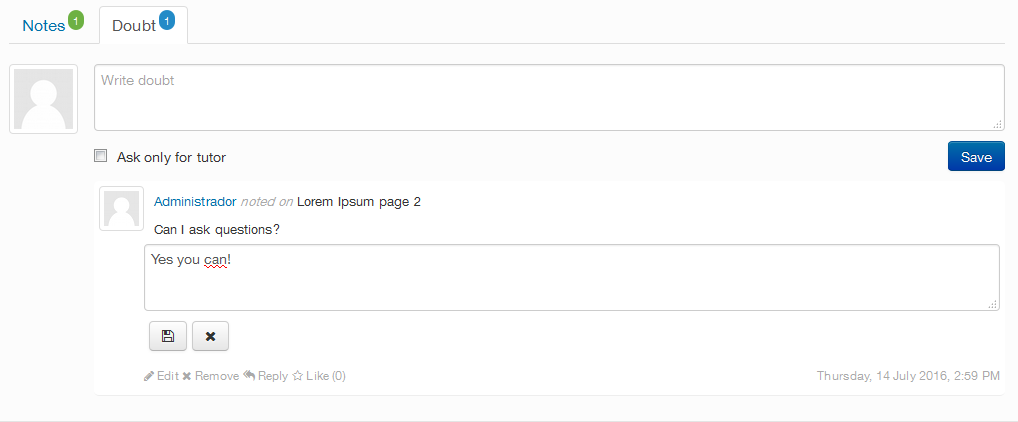
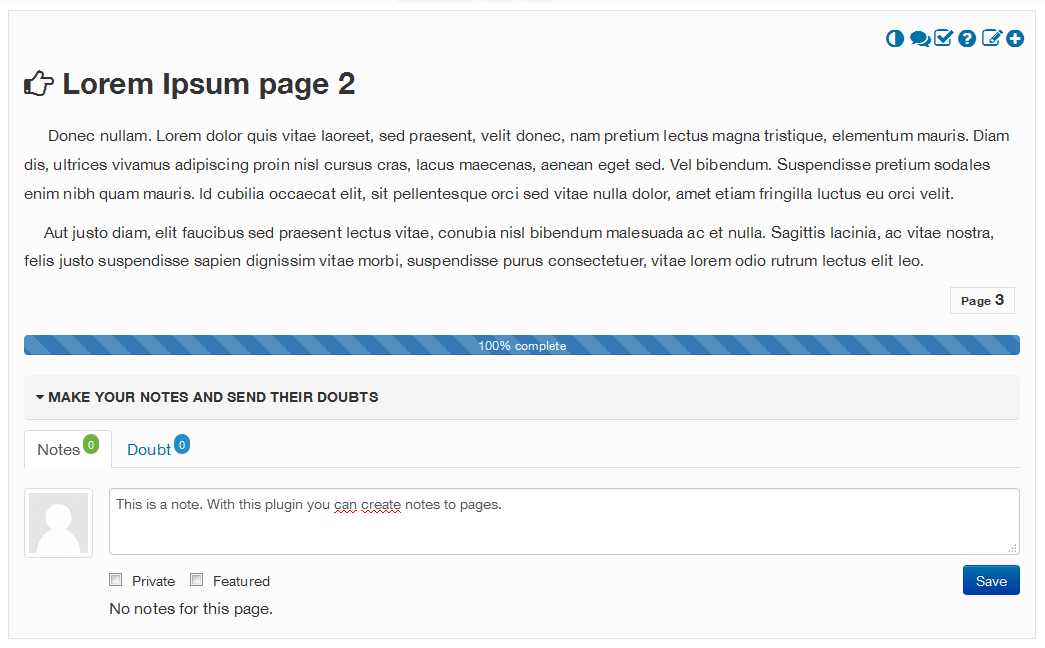
This tool will be responsible for signaling the good practice of adding text, images, multimedia, among others. In it, the content will be distributed in pages, so that the monitoring of the content does not become something exhausting and tiring. The plugin also has a bookmark, so that the participant can be located, based on last page accessed. Furthermore each page allows for the inclusion of public or private notes, which allows the participant to give or ask for feedback on the content studied on the page and enjoy and reply to comments from other colleagues.
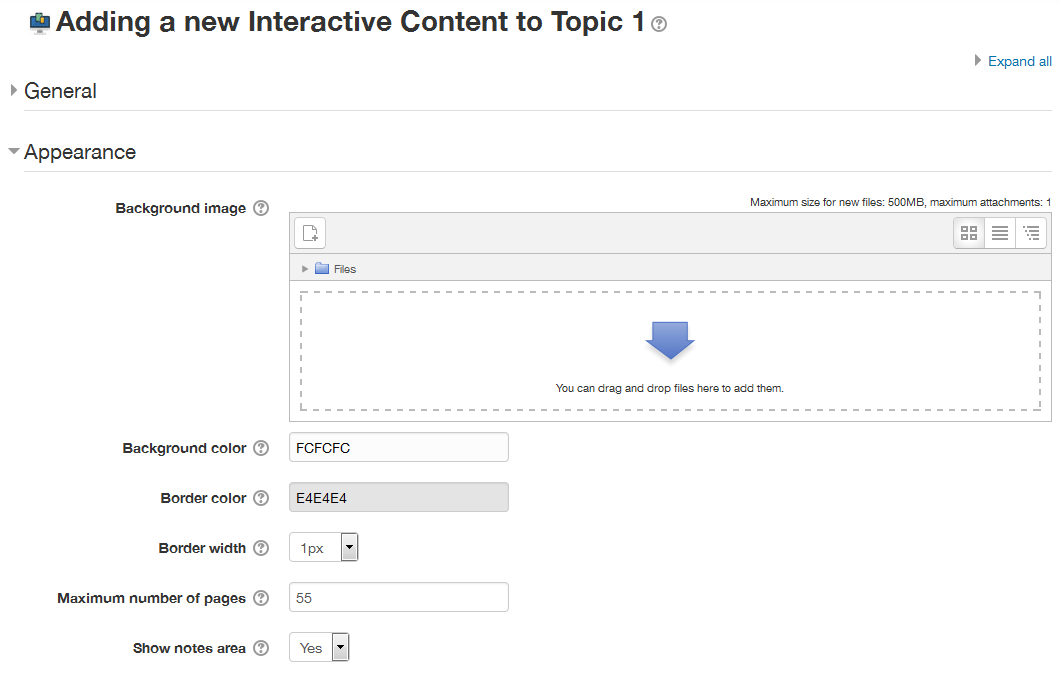
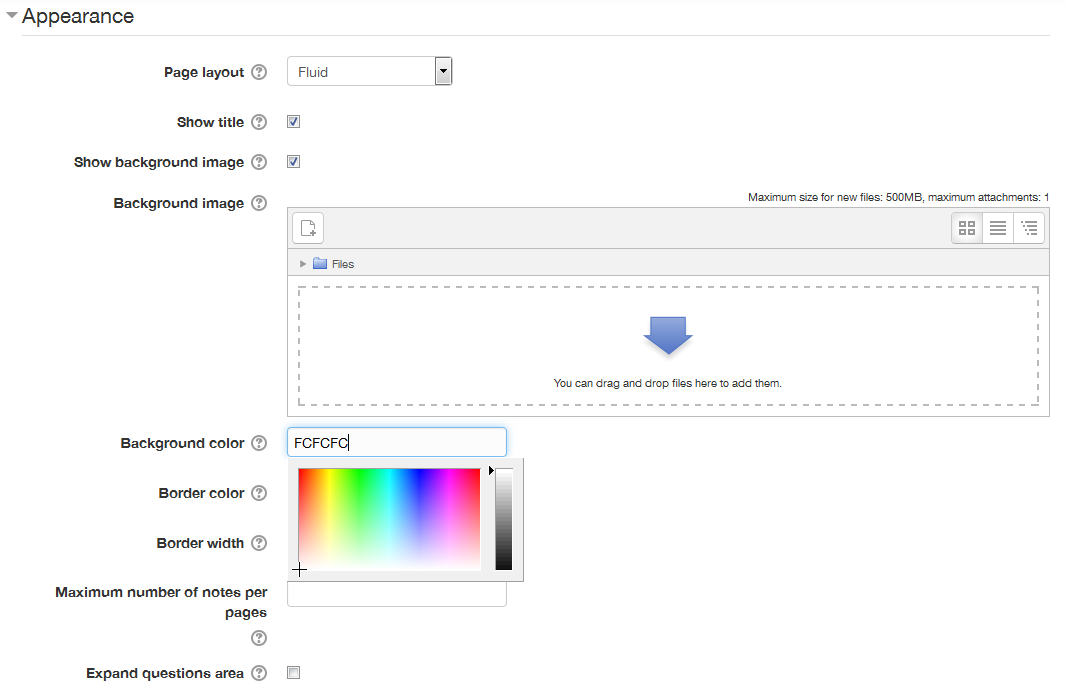
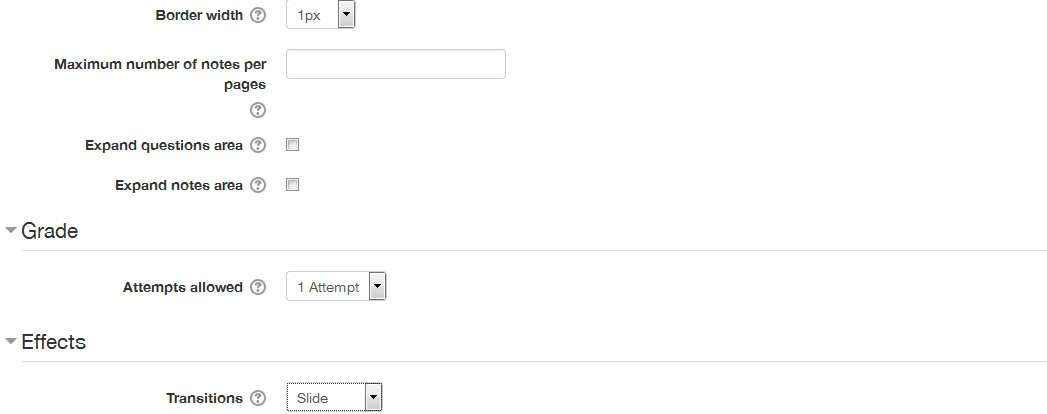
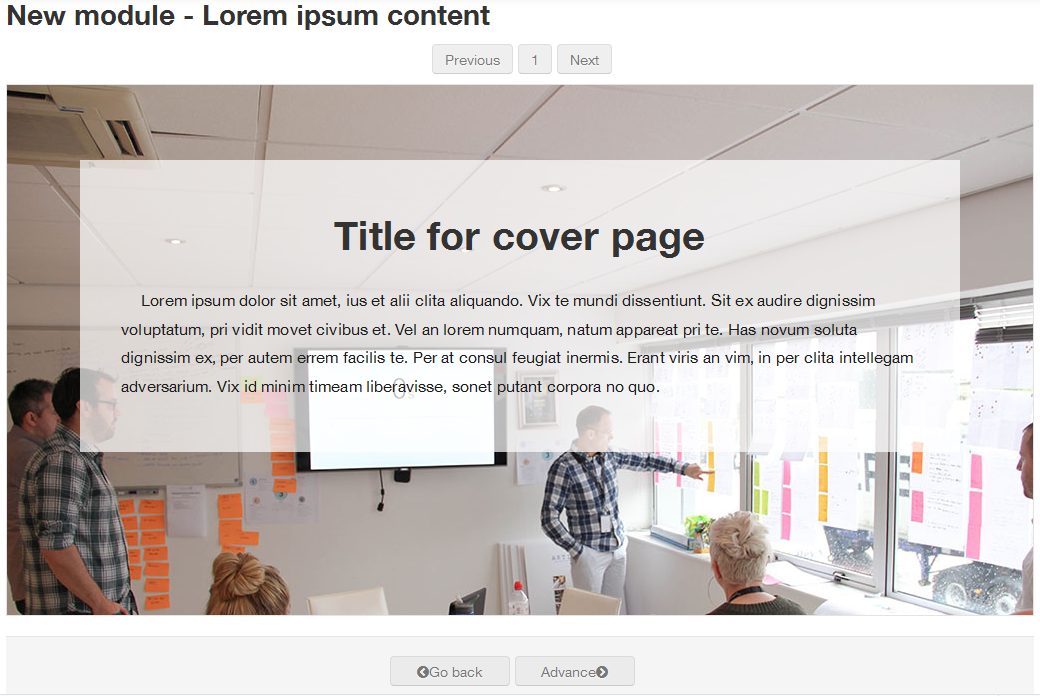
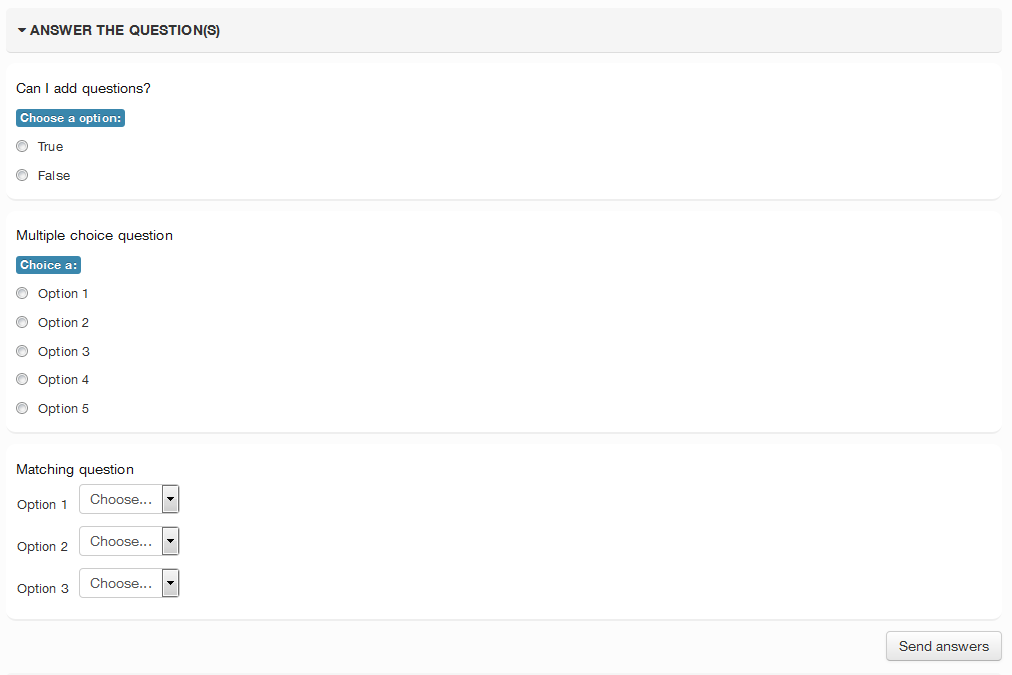
In this version, the code has continued development of the capability to use the normal Moodle Question engine, which basically means that now you can use any question type you have installed on your site. Also, when using a, Background image, you can now change the title color to aid in readability of the page title. A major addition to this version is Branching Capability similar to the Lesson plugin, with the ability to navigate based on Previous/Next settings as well as correct or incorrect answers to some question types.
Comments
Comments are no longer open for new posts. Existing comments remain available to read.
No, I did not abandon it.
I am currently getting help from some colleagues and I hope to release a new bug fix release later this month.
Look the progress on: https://github.com/leorenis/moodle-mod_icontent.
Thank you for using the plugin.
Best regards.
Did you abandon development?
Bert
1) add a new page to the iContent resource
2) edit the 1st page I have created (can't find where)
2) enable a table of content like in the book module (can't find it)
Can you help me?
Thanks,
Fabio
By adding the social component (comments and notes) you did a marvellous job.
May I stretch you and make work on moodle's mobile app? By doing so, you really boosting your plugin.
-Bert
I installed it on Moodle 3.3 and its working nice. Though it is not working on mobile.
Bert
-Derek
I think that "Interactive Lesson" is a much better name for this plugin. Does it work with 3.2 and 3.3 versions?
I would love to know if we could select questions by categories, it seems list all the questions in a course.
The second question is that is it possible to list students by group when I have a large amount of students.
When using questions, how can a student know in which question he was right or wrong? I can only see the number of right questions.
Also, is there option to see the feedback of the questions?
What is the functionality of "featured". Will it be highlighted? Where?
Bert
This is a marvellous plugin. It is an instrument for social learning and by doing so an answer to e.g Curatr which shows learning objects combined with questions and comments. I only have one remark and a question: the value is not shown in the name and plugin description
The question I have is how the selection (filtering) and reviewing answers works. How can I grade the answers of open questions?
I use EduHub theme
I will send you more details on Github
What theme are you using?
Send me more details about the error.
https://github.com/leorenis/moodle-mod_icontent/issues
Thank you for using iContent.
Regards
I use Moodle 3.1.1. and differents buttons don't work in preview and normal mode :
- Go back, advance buttons
- Number of pages at the top
- links to pages in the Content page menu block
Someone could help me ?