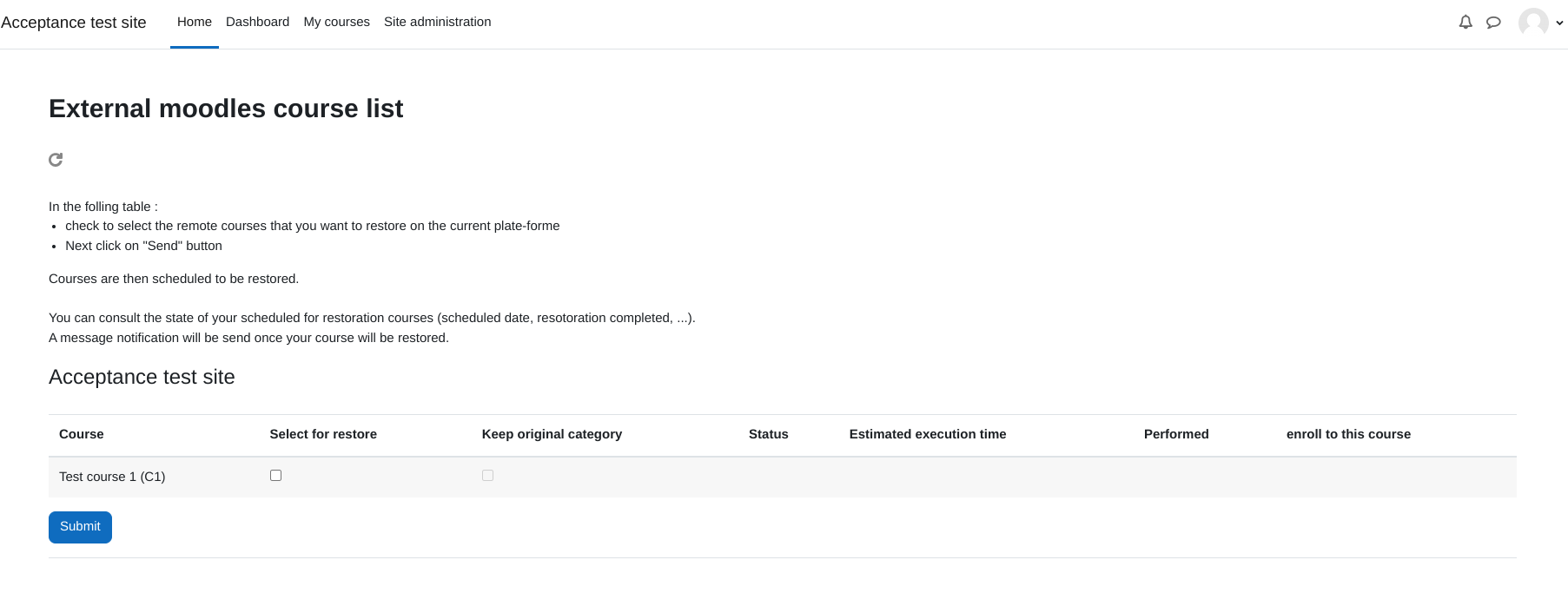
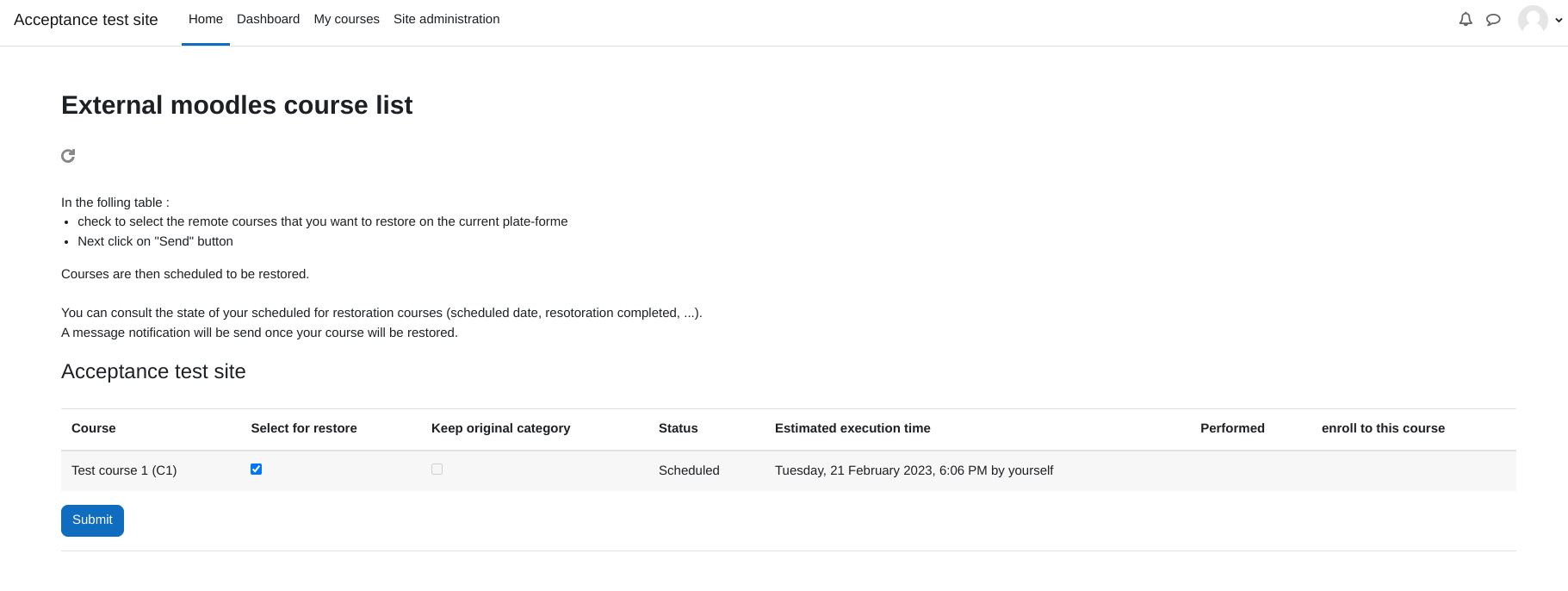
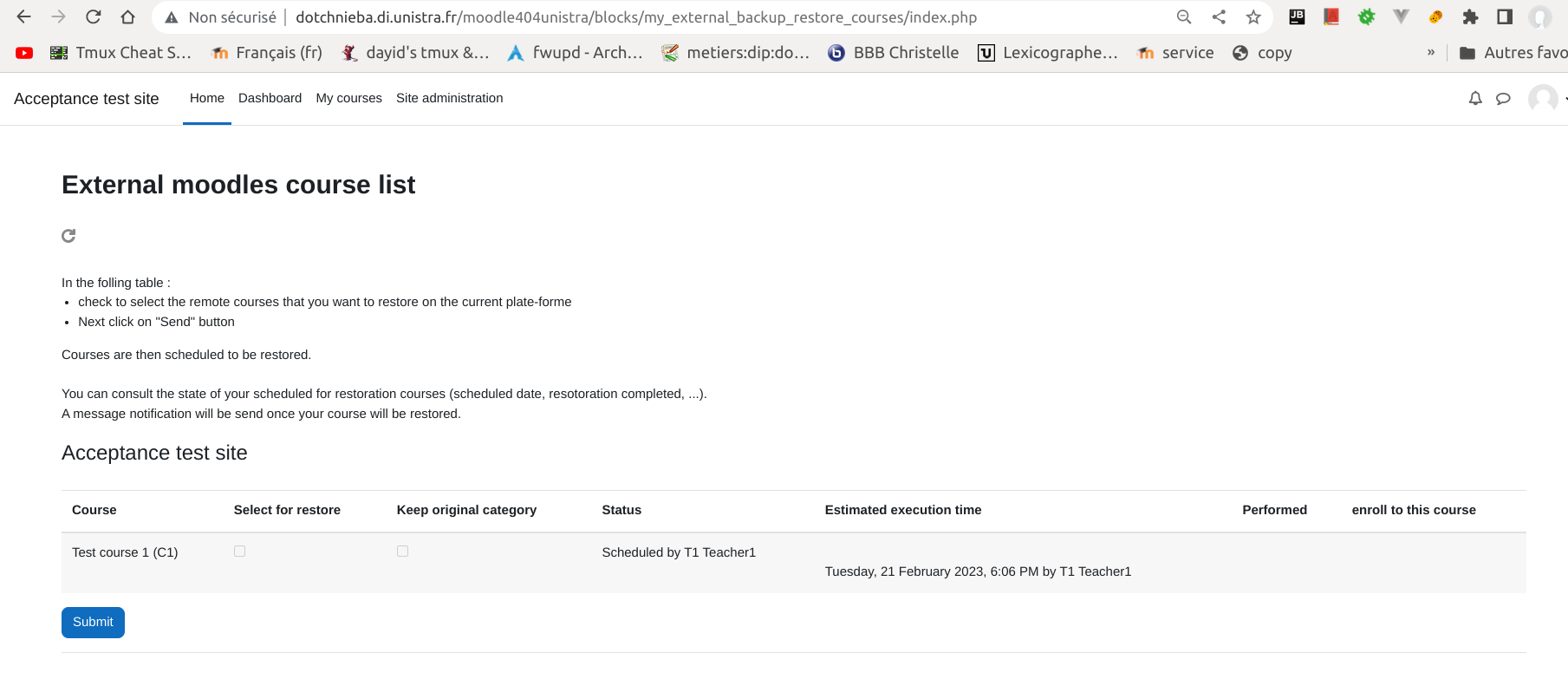
block my_external_backup_courses : Restore courses from remote moodle platforms
my_external_backup_restore_courses is a Moodle block that enable a user to restore courses from external moodles this block must be installed in each moodle course clients and course servers involved
Features
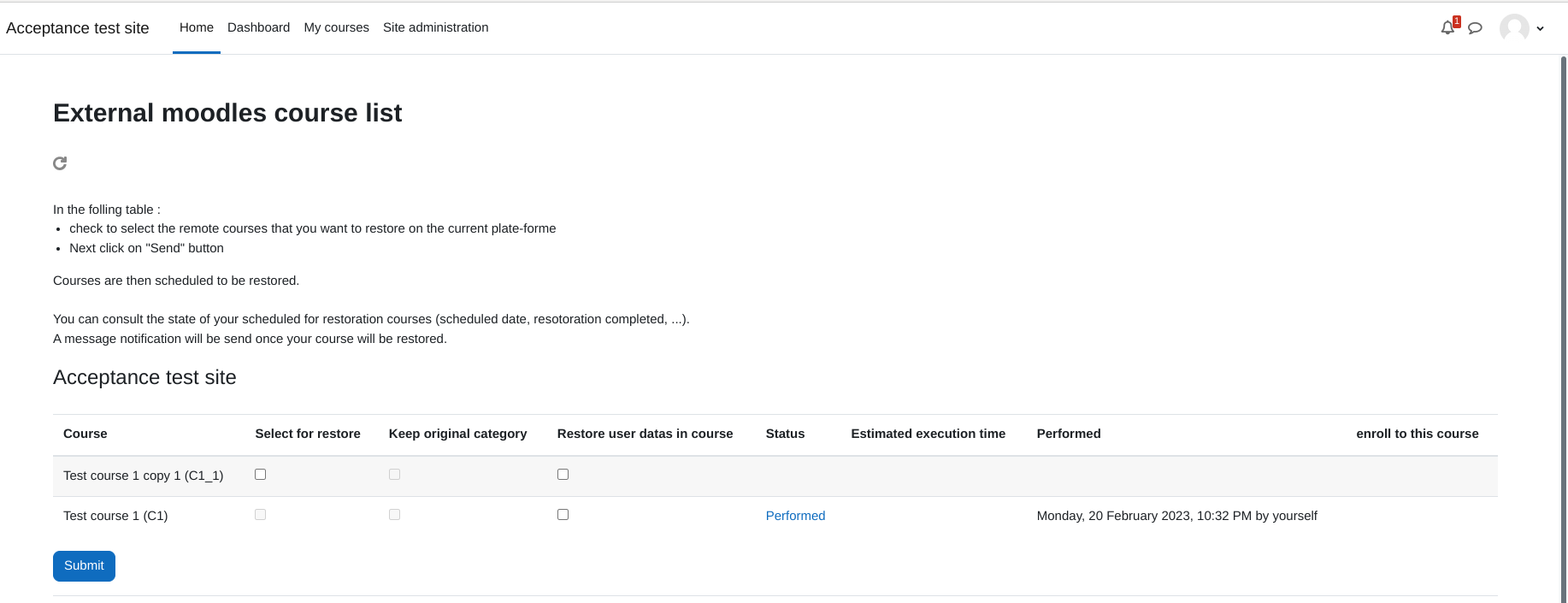
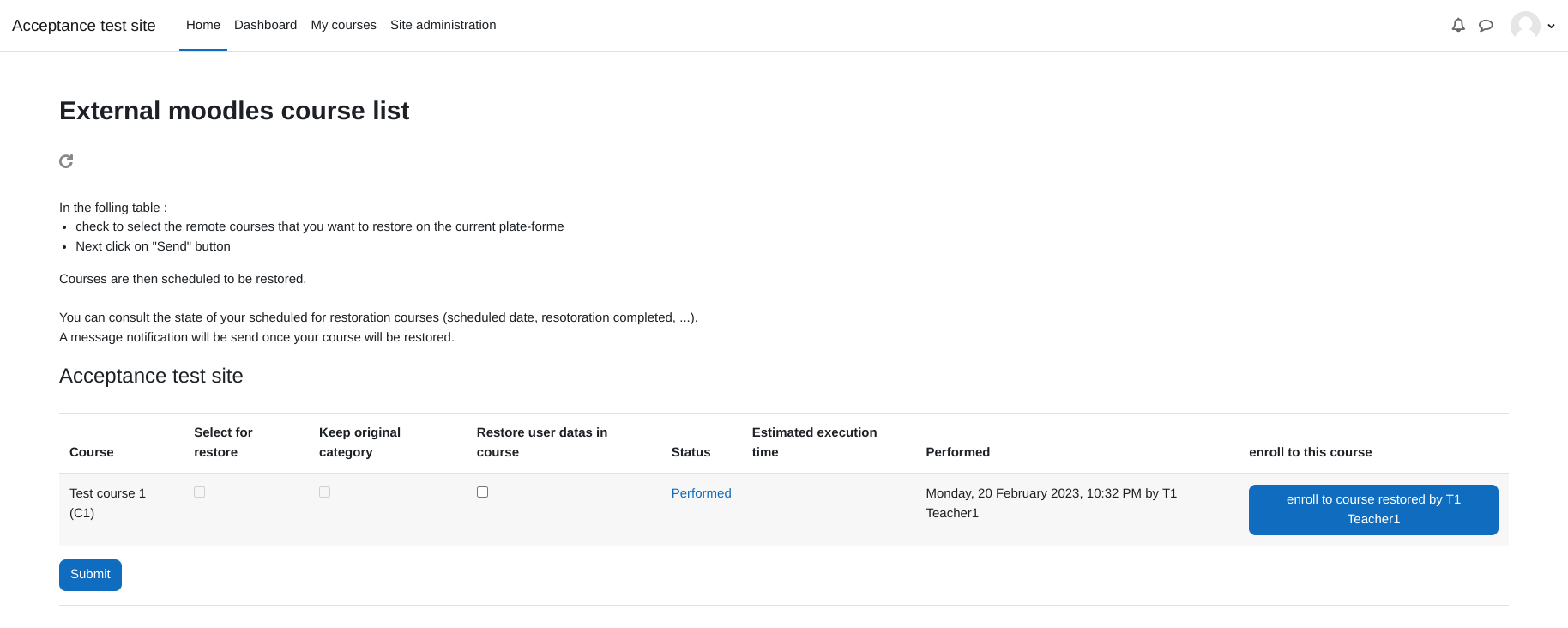
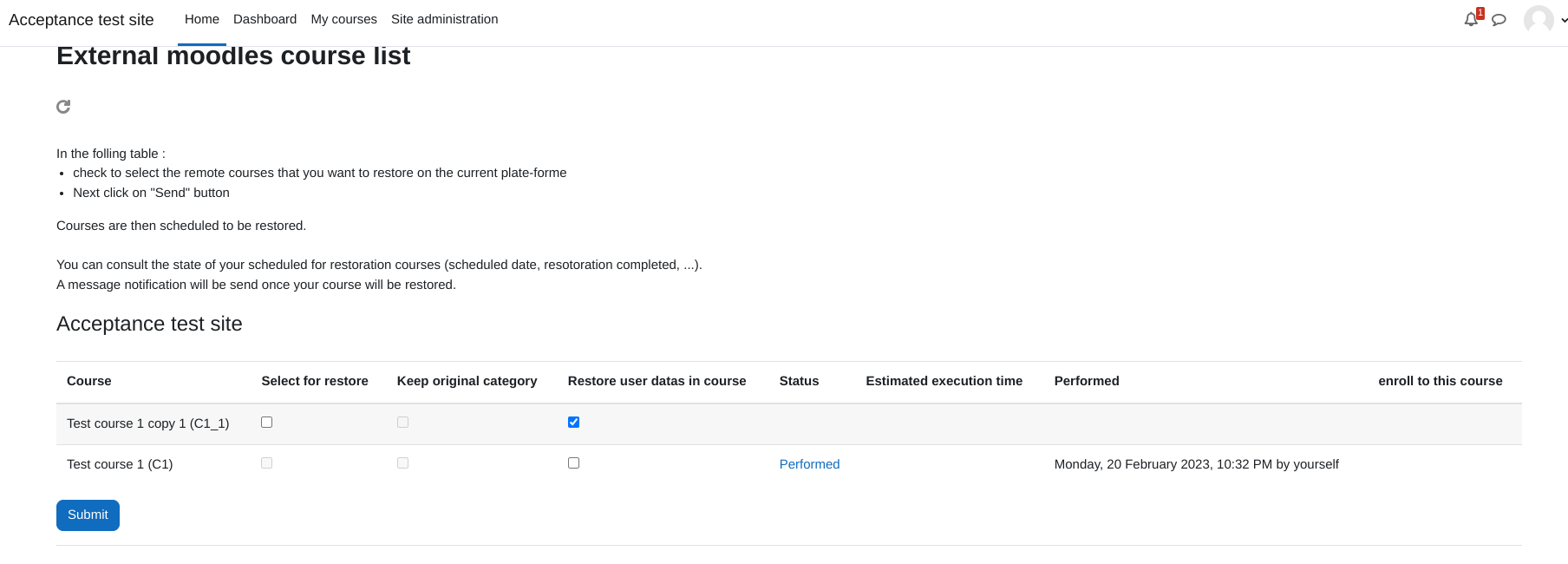
- enable a user to program course restoration, where courses comes from external moodles
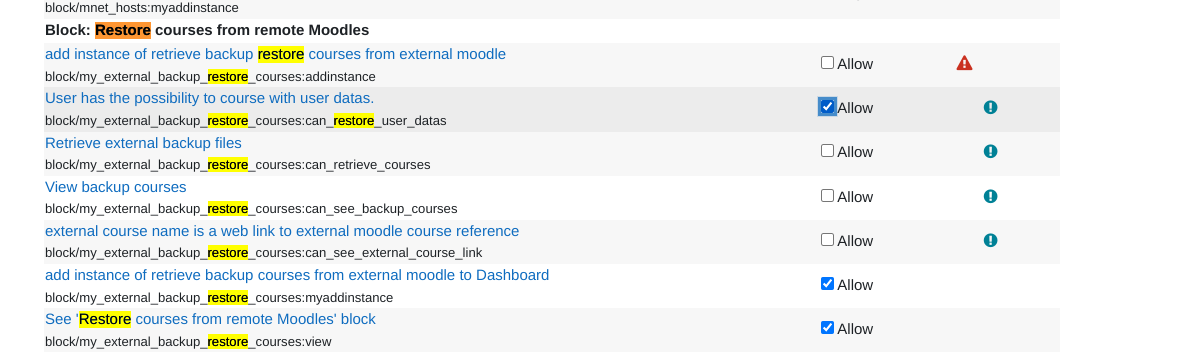
- depending of his role capabilities he can restore courses with user datas
- possibility to find the original category based on unique category identifier threw plugin settings on database relation (user must hace moodle/course:create in the category context)
- restore cours in a default category (user must hace moodle/course:create in that context)
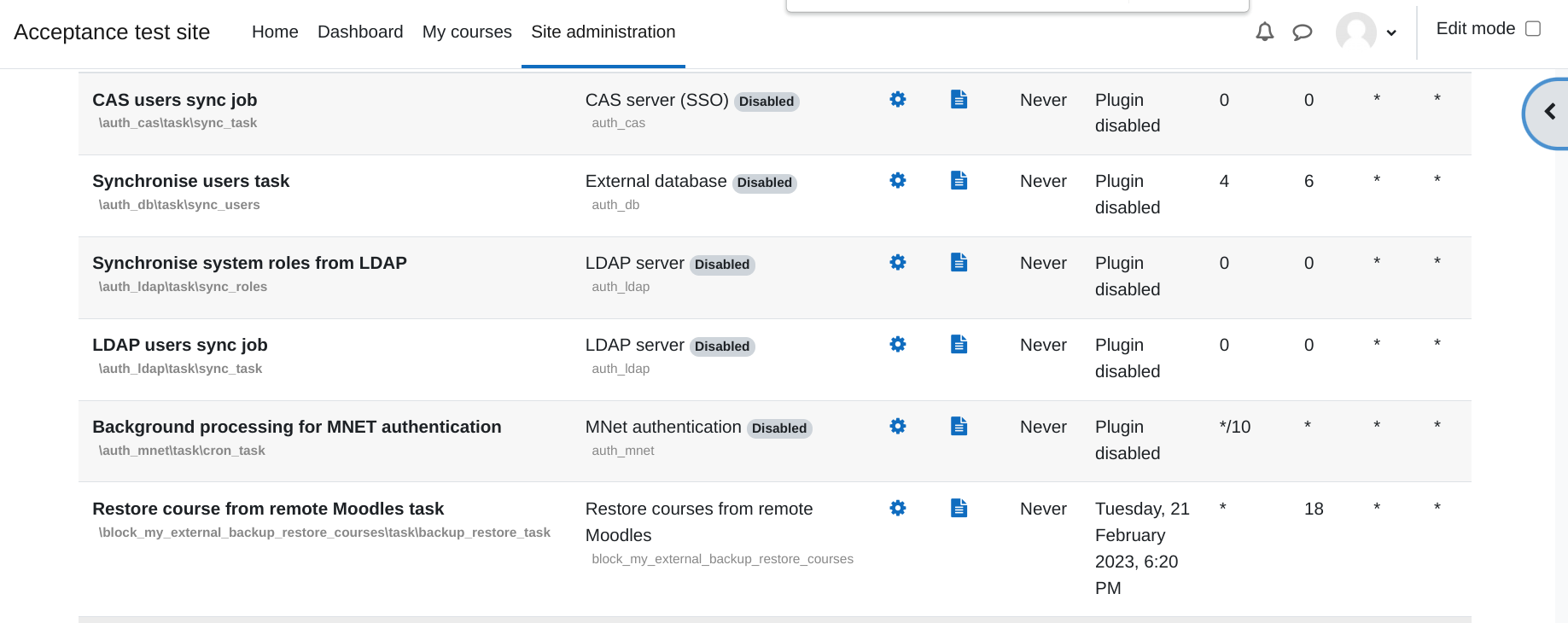
- a scheduled task will launch remote backups and restorations of these courses
- Log and messaging include to notify of success or failure
- possibilily to restrict to only one restoration by course
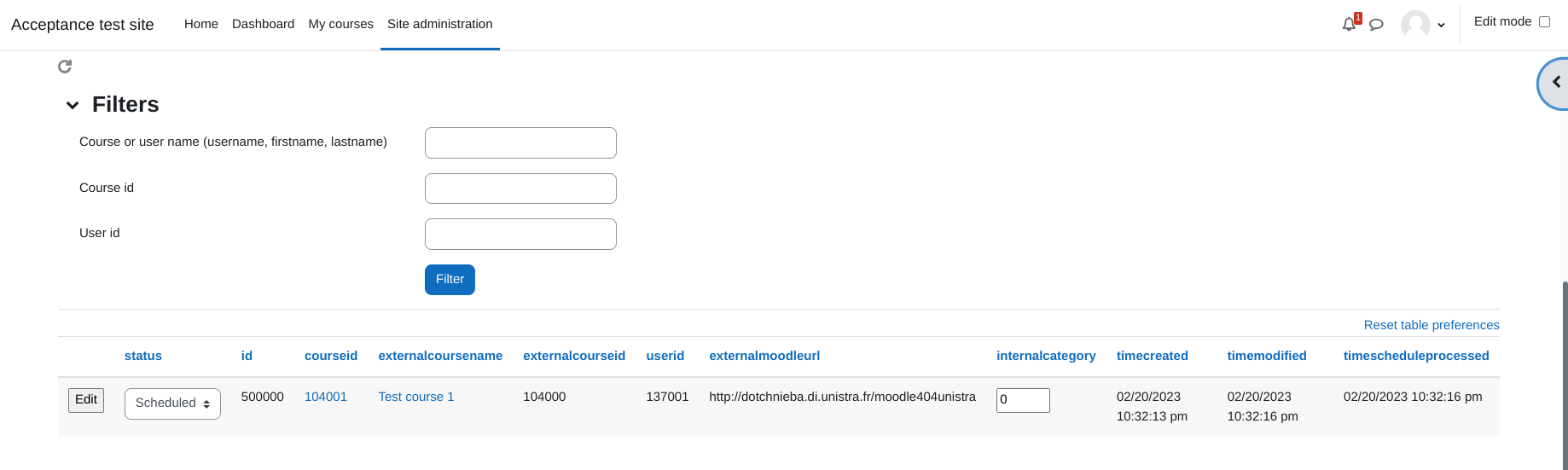
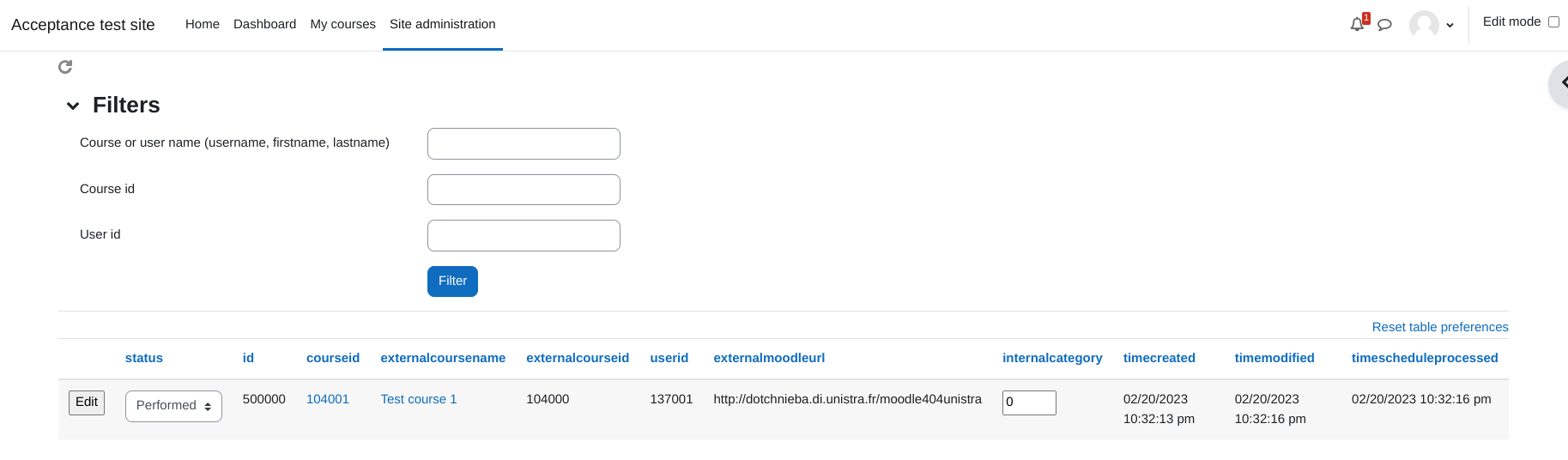
- admin tool to see list of backup/restore tasks
- admin tool to restore a course for a user
Security warning
- This plugin use a capability block/my_external_backup_restore_courses:can_retrieve_courses that enable webservice account to donload backup files of other users
- To improve security it is strongly recommended to generate token with IPrestriction on server side IPs
mnet warning usage
this plugin may not work in MNet environments fully because the username in that conditions username is not unique
Download
from moodle plugin repository
Installation
Block installation
Install block on blocks directory in course clients moodles and in each course servers moodle you need to connect to
webservice settings
On moodles that serves courses
install by cli or manually
install with cli command
- execute cli, that will install webservice, rôle and user
- you will only need to generate token (see after)
generate token
- Under Site administration -> Plugins -> Web Services -> Manage Tokens
- create a new token, restricted on your php server(s) for the custom external sservice previously created
- by cli user is named block_my_external_backup_restore_courses_user
- This token will be one to be entered in the block parameters of block_my_external_backup_restore_courses on client moodles.
- for more security restrict webservice usage on IP
Block setting
Essential settings
On moodles that serve courses (moodle servers) and client moodles
- Under Plugins -> Blocks -> Restore courses from remote Moodles For each moodles you need to fill the following setting parameters
- in my_external_backup_course | search_roles enter roles to include in course search simple quote delimited text shortname separated by commas
- in my_external_backup_course | restorecourseinoriginalcategory activate the mode that enable to try to search the original category of a remote course
- in my_external_backup_course | categorytable the database table name where to find unique identifier information in order to search/find category, common for both client and server moodles
- in my_external_backup_course | categorytable_foreignkey the database foreign key for categorytable
- in my_external_backup_course | categorytable_categoryfield the database field in categorytable unique for a category and common for both client and server moodles
Cli install version for moodle version 4.0 and above
- the following commands are the ones for traditional moodles
On course clients moodles
- in my_external_backup_course | defaultcategory the categoryid where the course will be restored by default, users that restore must have capability to moodle/course:create
- in my_external_backup_course | externalmoodles formatted list of course servers moodles formatted as moodle_url1,token_compte_webservice_moodle_externe1;moodle_url2,token_compte_webservice_moodle_externe2;…
Cli install version
- for moodle version 4.0 and above
Cron setting
On Site administration -> Server -> Scheduled tasks * Edit "Restore course from remote Moodles" task to determine when restore process is launched
capability
- in order to use this block in dashboard a capability block/my_external_backup_restore_courses:view is provided and by default allowed for coursecreator and manager profile
- This enable to control block visibility in dashboard
- course restore and backup is virtually proceed with an admin account so the resquester user does not need special capabilities anymore
- except course:create in category if checkrequestercapascoursecreate setting is checked
Optional interesting settings
Messaging
- Site administration / - Plugins / - Message outputs / - Default message outputs
- 2 message outputs :
- Notify that an external course as failed to restore
- Notify that an external course is successfully restored
- by default allowed and permitted for mails
role
- In Site administration -> Plugins -> Blocks -> Restore courses from remote Moodles
- block_my_external_backup_restore_courses | search_roles : enable to change/add moodle role used to search remote courses to restore
Restriction
- In Site administration -> Plugins -> Blocks -> Restore courses from remote Moodles
- block_my_external_backup_restore_courses | onlyoneremoteinstance : Only one restoration is authorized by course
- block_my_external_backup_restore_courses | enrollrole :
- define the role that the requester will have in the restored course
- define the role in which the user will be re enrolled to course through the given button in the backup external course button
Contributions
Contributions of any form are welcome. Github pull requests are preferred. Fill any bugs, improvements, or feature requiests in our [issue tracker][issues].
License