Collapsible regions icon

Collapsible regions

Maintained by Jan Eberhardt
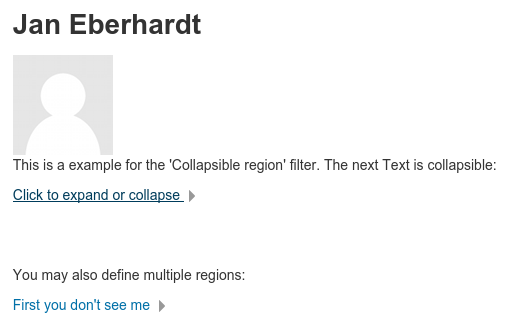
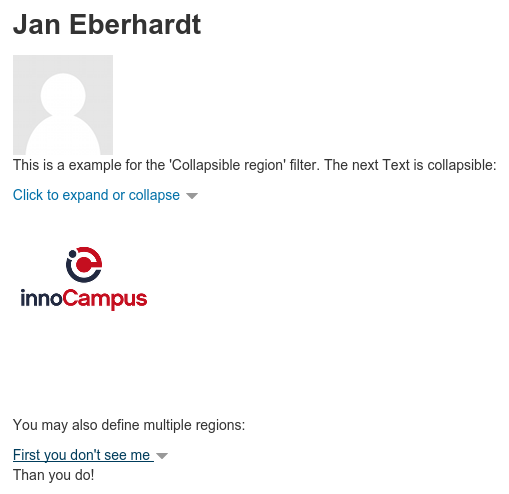
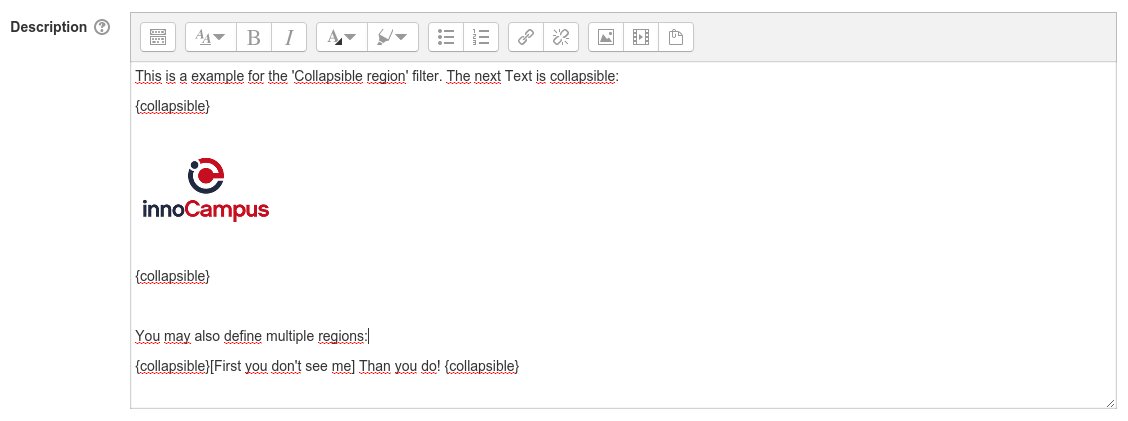
Easy way to create collapsible regions within descriptions and text for Moodle.
Price option: Free

Supports Moodle 2.7-3.1 See all versions
Latest release: 9 years ago
Installations: 161
Downloads (last 90 days): 22

Frankenstyle name: filter_collapsible
Filters

Comments

Comments are no longer open for new posts. Existing comments remain available to read.

I installed the plugin on my own computer Moodle version to test it before putting on the main site. I was not able to get it to work. I tried in an HTML block I added to the site and was going to use it for a collapsible course menu. It doesn't work. I have not tested it in a label. Do you have more instructions. I just added it to the HTML code just like you showed and it didn't work. Any suggestions?
Great filter! Works on 3.8 depending on the theme and context....would be nice if you have a chance to update your plugin to 3.9....
Thanks for sharing your great work with the Moodle community!
Hi,
Did anyone managed to make it work on 3.8?
While upgrading from 3.8 to 3.9, I got a warning that "collapsible" was not on disk. Being a newbie, I wasn't sure what the proper solution was. There were a few other plugins with the same warning. I was able to determine which plugins to get because the others had a subtitle, i.e. "role" had the subtitle "availability_role". But "collapsible" did not have a subtitle. When I searched the Moodle plugins site, I found 3 candidates. So I downloaded and unzipped them all. As filter_collapsible...zip unzipped to a "collapsible" directory, I guessed this was the one I needed. Can I suggest you add the subtitle "filter_collapsible" to your plugin and mention in the README.md the path where it should be installed. Future newbies will find it helpful. Thanks!
Dear All
I am running moodle 3.1 and found this plugin very usefull. Recently many of our teachers complained that they could not access, nor see the "Edit" button, nor could they move the particular activity. In most cases it was used with the resource: "Lable"
As the "Collapsible Filter" was the common factor i disabled the filter, the editing teachers could then access the "Edit" and also "move" the resource if need.
Hi,
Did anyone managed to make it work on 3.6?
Good plugin. I want to use this at 3.5+
Hi Jan:
Fantastic filter! Makes it easy for teachers to give a lot of instructions and directions in a "clean" way being able to create a collapsible region...
Wanted to report I got your FANTASTIC filter working up to Moodle 3.3, but it breaks on Moodle 3.4....the filter doesn't collapse the region (the "Read More" button shows up), and then you can not edit the page without turning off the filter...
THANK YOU for sharing your work with the Moodle community, and hopefully there is a way to make it work with the newer versions of Moodle using Bootstrap4 for themes!!!
Any upgrade to MOODLE 3.4?
It breaks editing (settings of activities) and rol down menu in dashboard in Moodle 3.4.
Any expectation on moodle 3.4 version?
Idk... but since it works on 3.1 feel free to try out. The HTML/JS is made by Moodle core function, which means that it should work even if there have been major upgrades to themes.
Exactly what I need ! big grin
Will it work on 3.2 ?
Also there is an issue page at the Github repository for reporting bugs.
Could you please specify which Moodle version you are using and how it "breaks"? Please notice, that you cannot nest collapsible regions.
It breaks when using more than one collapsible on a onetopic page.