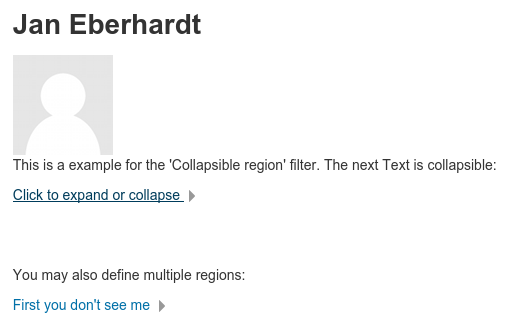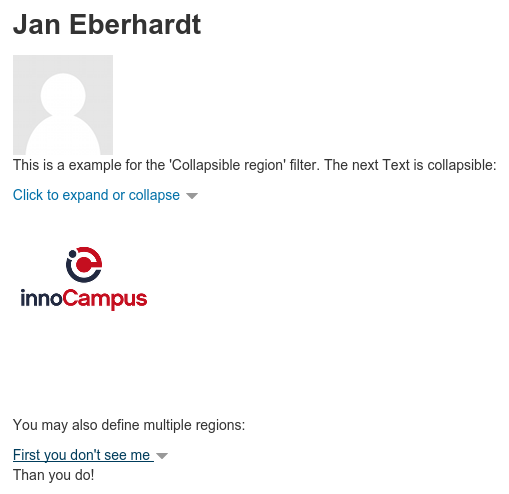
Collapsible regions icon

Collapsible regions

Maintained by Jan Eberhardt
Easy way to create collapsible regions within descriptions and text for Moodle.
Price option: Free

Supports Moodle 2.7-3.1 See all versions
Latest release: 9 years ago
Installations: 161
Downloads (last 90 days): 22

Frankenstyle name: filter_collapsible
Filters

Comments

Comments are no longer open for new posts. Existing comments remain available to read.

Now it works on both my 3.0 and 3.1 servers
Jan, You rock!
I had no possibility to test the plugin on 3.0+ systems. Therefore I can't assure, if it's going to work. You may try version 1.02 on your Moodle and report issues (I recommend Github for reporting them) I can work on it.
Any upgrade to Moodle 3.2?
New version 1.02 should fix this issue.
That was a bug for which Zhengliang Wu and Rex Lorenzo submitted a bugfix via Github. I updated the Git repository recently but didn't do it for the downloads.
In Moodle 3.0 it also has some issues or am I doing something wrong?
{collapsible}[anzeigen]
Wenn Ladung sich bewegt also "auf kollektiver Reise" ist, dann sprechen wir von elektrischem Strom. Eine Strömung von Elektronen also.
{collapsible}
results in the button "anzeigen" and only showing the word "Wenn"
If I copy the example code you provided the html text which should be revealed does not show.
May be the plugin need changes for v3 and above
Would be great to have this plugin available.
Hi Jan,
thanks for programming the filter smile
Unfortunately it seems not to work under Moodle 3.1.2. The collapsible regions do appear, but I can´t change the title from "Zum Erweitern oder Zusammenfassen klicken" to something else.
If I write:
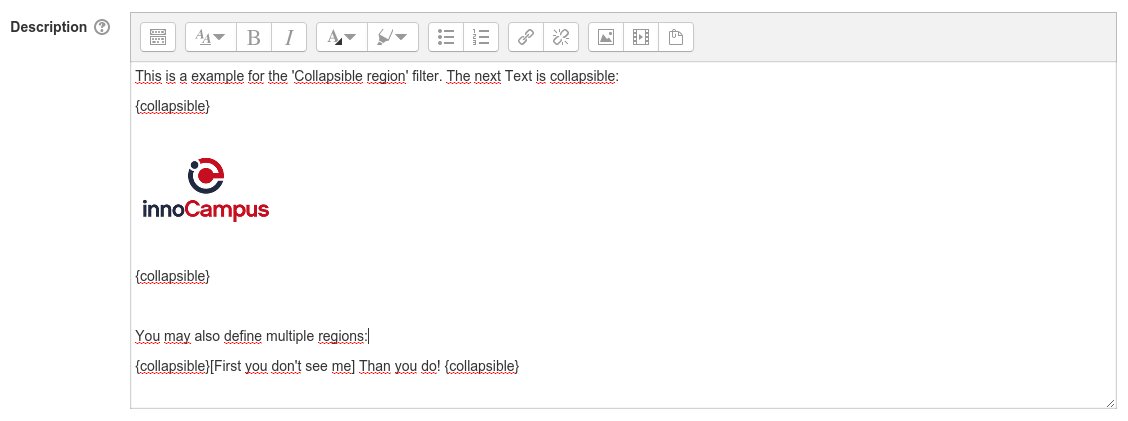
"{collapsible}[Neuer Titel] blablablablablablablablablablabla {collapsible}"
I will get:
"Zum Erweitern oder Zusammenfassen klicken" > |Title
[Neuer Titel] blablablablablablablablablablabla |Text
Am I doing something wrong or does it simply not work with my moodle version ?
Rob Cole, I don't know if you've figured this one out yet, but to enable this plugin. Go to Site administration > Plugins > Filters. You should see the list of filter plugins. If Collapsible regions is disabled, you can toggle to <> or <>
Cool and lightweight filter: a must-have.
I have installed this plugin, but it is disabled. I can't figure out how to enable it.
Hi Ger, can you please give me an example for what purpose you intend to use nesting collapsible areas. It would be a huge change in code necessary and also the whole handling as well, since I will be forced to introduce start and end tags.
Because of that I hesitate to do these changes.
I will see. Didn't thought about that scenario. If it fits to your js I cannot control. I use Moodle functions for generating the js. So I do just the php programming. But the nesting idea sounds pretty cool ^^
(I use now very old javascript for that purpose..)
I like the collapsible filter very much, but Is it maybe possible to change the code in such away (using id?) that you can create a collapsible inside a collapsible inside a collapsible?
Hi Jan. Thanks for another useful plugin you share with the Moodle community. I was able to test the functionality and it works really well. What I like is the simple and clean implementation based on the API provided by the Moodle core, without attempting to reinvent the wheel. Well done! I am happy to go and approve this now.
You are cleared to land, welcome to the Plugins directory!