##What has changed
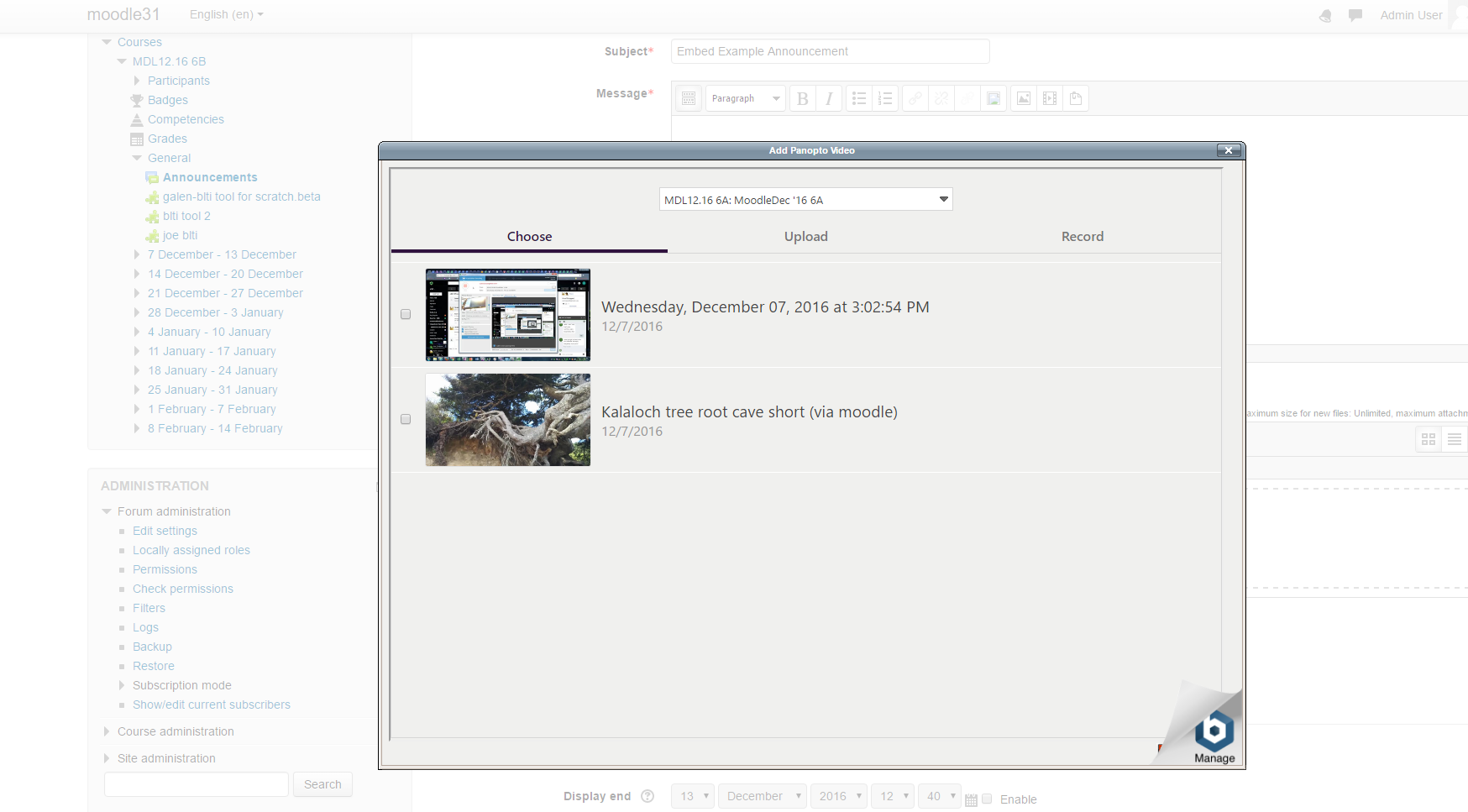
This is the latest version of the Panopto button for TinyMCE plug-in.
This version supports (a) Moodle 3.9, 3.11, 4.0, 4.1 running with PHP 7.4 and 8.0 and (b) Panopto version 10.6.1 or later.
Note that this plugin does not support Moodle 4.2
- Updated a dependence on jQuery due to a security vulnerability in the older version.
##Instructions for installing the Panopto button for the TinyMCE editor in Moodle:
*--Installation Note: This plugin is intended to be installed along with the Panopto plugin for Moodle, which can be found at:
https://github.com/Panopto/Moodle-2.0-Plugin-for-Panopto
*The Panopto plugin is pre-requisite for installing and running the Panopto button for TinyMCE
Copy the entire "panoptobutton" directory into TinyMCE's plugin directory at
/moodle/lib/editor/tinymce/plugins
Navigate to your Moodle server within a browser (refresh the page if it is already open) and
follow the instructions to complete the plugin's installation.
From the Moodle server in your browser navigate to the "Add Panopto Video" plugin settings under
Site Administration -> Plugins -> Text Editors -> TinyMCE -> Add Panopto Video.
Enter the Panopto Server Address
Note: Please include the protocol and match whether your site uses 'http' or 'https'.
Example is 'https://demo.hosted.panopto.com".
*The plugin should now be installed and the Panopto button will appear in all TinyMCE editor windows throughout the server.