Guy Thomas
Lead maintainer
The image optimiser filter is intended to solve the issue of high resolution images slowing down (and blocking) page loads.
Features:
Example scenarios:
Course designer doesn't know how to resize images prior to upload and uploads a 6 mega pixel image when they don't require this resolution. The filter solves this issue by automatically resizing images to a specified maximum width (aspect ratios are preserved).
Course designer uploads 100s of images into a course label The filter can solve this issue by place holding images and making them load only when scrolled into the viewport.
Students using mobile data plans are finding their course page to be sluggish due to unnecessarily large images uploaded to their course. The filter can solve this issue by both placeholding images until scrolled into the viewport and then resizing the image which is served to the user.
For the filter to work, it must be enabled via Site administration / Plugins / Filters / Manage filters.
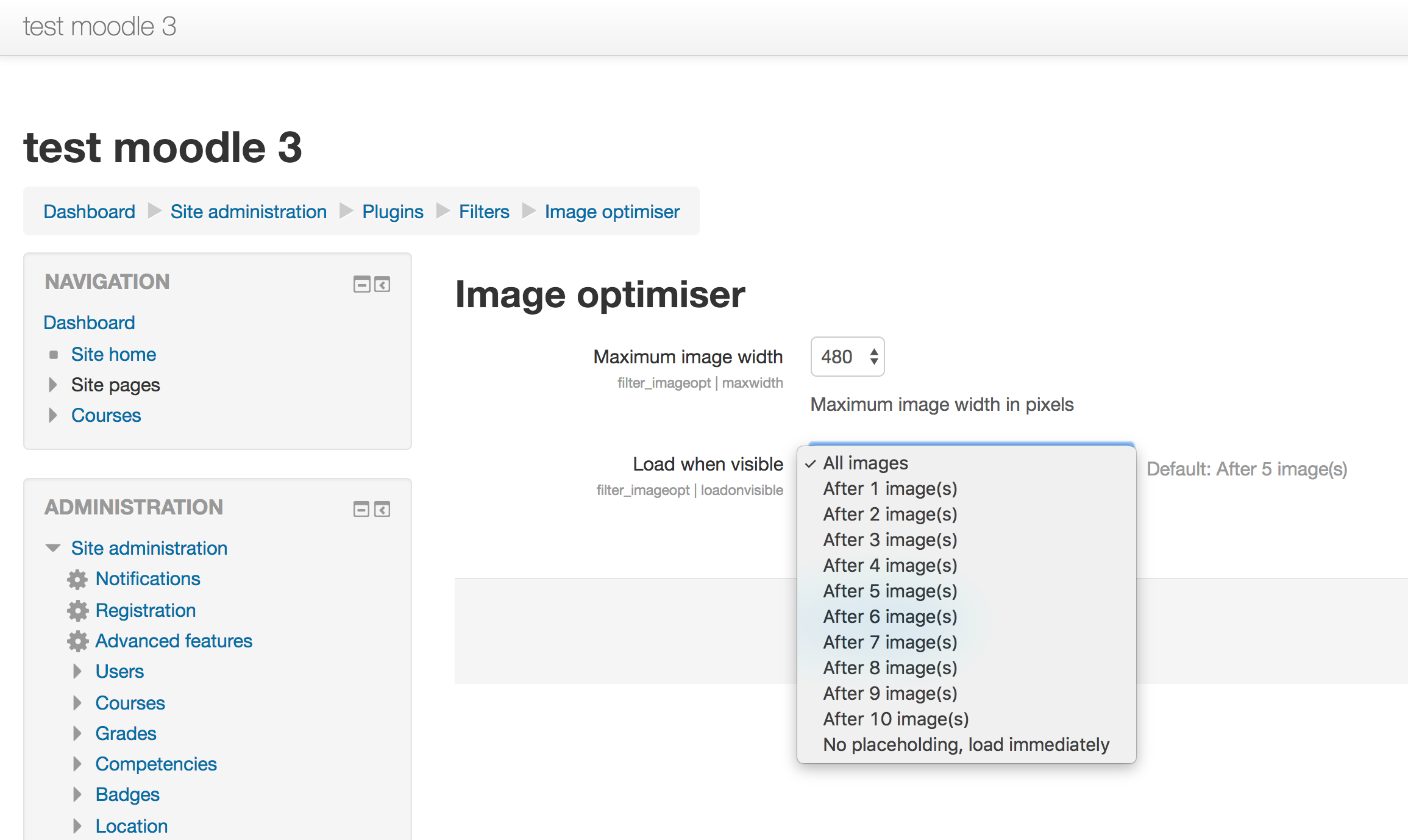
The filter settings area available via Site administration / Plugins / Filters / Image optimiser.
By default, the optimiser both place holds (load when visible) and resizes (maximum image width) to 800px.
Load on visible feature - images are place held and then loaded when visible in the view port.
Non destructive resizing - resampling is always done against the original image
Mobile page load speed WITHOUT the image optimiser
Mobile page load speed WITHOUT image optimiser
Mobile page load speed WITH the image optimiser (over twice as fast)
Mobile page load speed WITH image optimiser
Note, the page is ready in half the time when the filter is enabled!
(c) Guy Thomas 2017
http://www.gnu.org/copyleft/gpl.html GNU GPL v3 or later
Developed by Guy Thomas.
https://github.com/gthomas2/moodle-filter_imageopt/blob/master/README.md


