Simple Certificate
Maintained by
David Herney
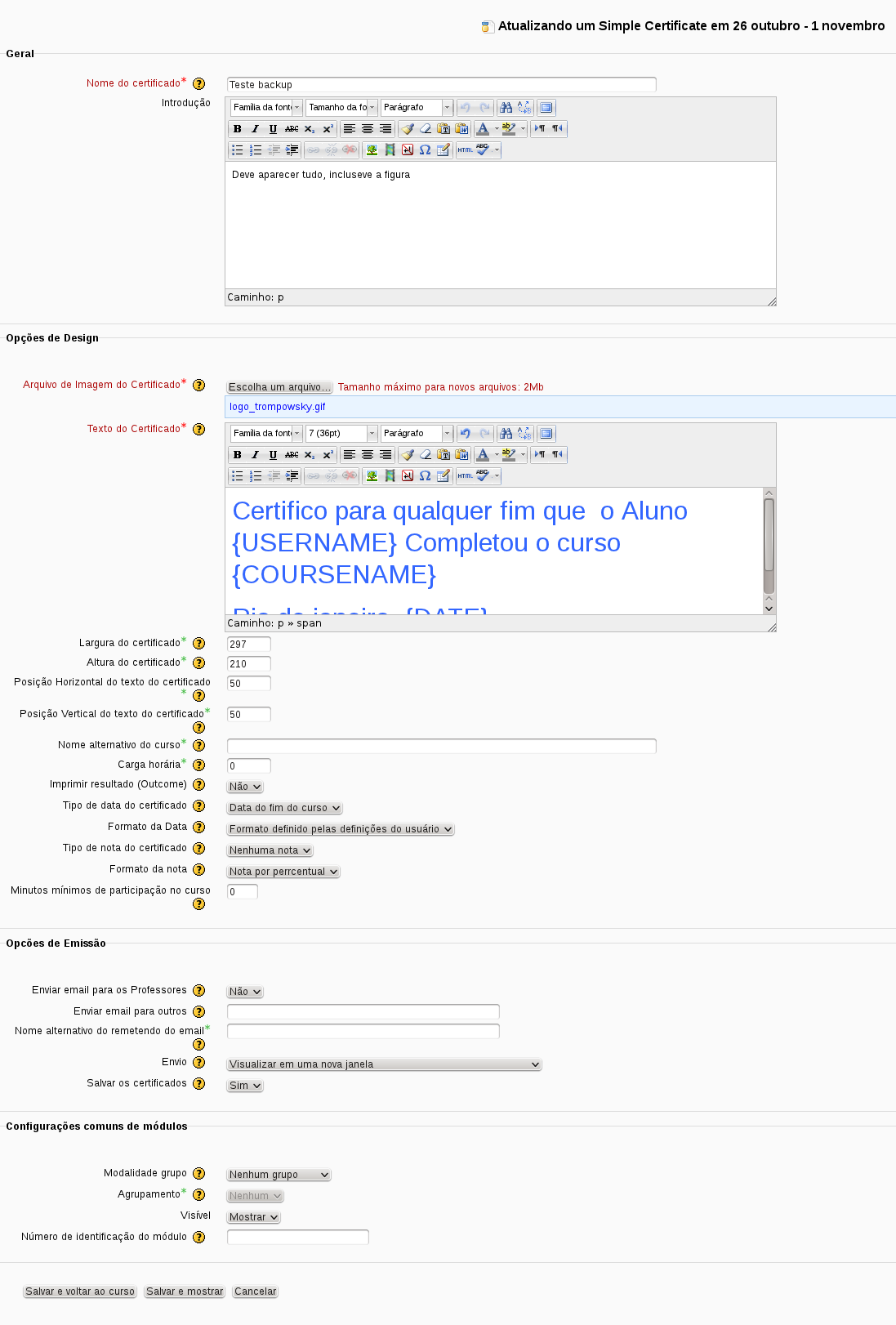
This is a new activity module, Simple Certificate,which no needs to change any code to add a new certificate format, and moodle's administrator don't need to upload image files.
The certificate text are full customizable, using special text marks that will be replaced by variables (like student name, course name, grade, ...), don't need to change any translation file.
Comments
Comments are no longer open for new posts. Existing comments remain available to read.
Thank you to specify which image format can be used for the bottom of the certificate. png does not seem to be accepted.
Daniel
https://tracker.moodle.org/browse/CONTRIB-4120
May be this is the cause your QR code error!
There are no certificates that have been issued
I'll test version 1.2.3 for Moodle 2.4 and I'll tell you if it works fine.
This is odd, because i have tested it, the code is the same that was printed below QR code picture? it's the same at mod/simplecertificate/report.php ? (column code).
In this version you can't disable it, may be in future version.
However I have been a problem with the QR code: I get an error when I access the link generated by the QR code:
error/Invalide certificate code
If the QR code is: f345c4e0-8182-11e2-afa8-4b7df1272463 it generates de folowing link:
http://[our_url_moodle_server]/mod/simplecertificate/verify.php?code=f345c4e0-8182-11e2-afa8-4b7df1272463
Can I disable the QR page in the certificate?
I have a problem with Russian. I only see the characters??? place of words. What can you advise to fix it?
Only cron process can remove issued certificate by now. You can configure that in plugin configuration page (/admin/settings.php?section=modsettingsimplecertificate), on "Keep issued certificates for:" option.
How can i delete an issued certificate?
Kees.
I have a question.
When i click on the link: "view # issued certificates" the next screen has in the left upper corner in small letters a number (13086).
What does that mean?
Thanks a lot! Kees.
Sorry for my message above. The files were perfectly updated but our Moodle works in a servercache. A restart of the server tackles the problem (eh ... our problem). Sorry for the extra work.
Regards, Kees.