block_public_files
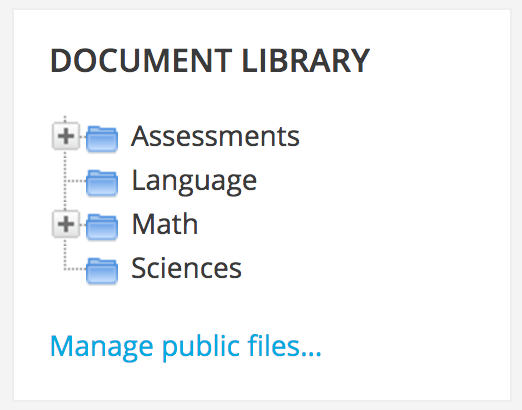
This Moodle Block is just like the internal "private_files" block, except the files are available to all logged on users. Files added to this block are available in the system context - meaning all users can access them whenever and wherever this block is visible.

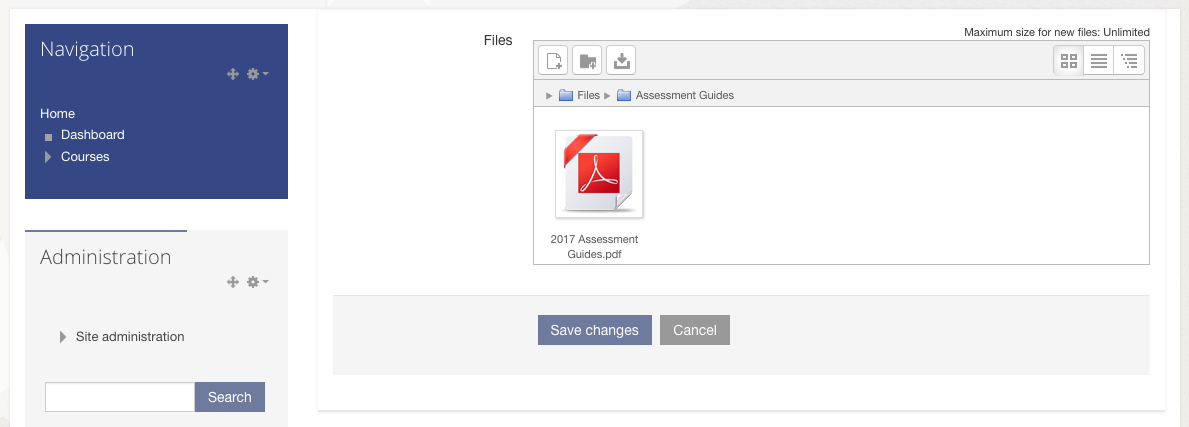
Only the site admin has the ability to add files. Allows any files types of any file size as per the system specification, including files and folders. Clicking a filename prompts the user to download it.
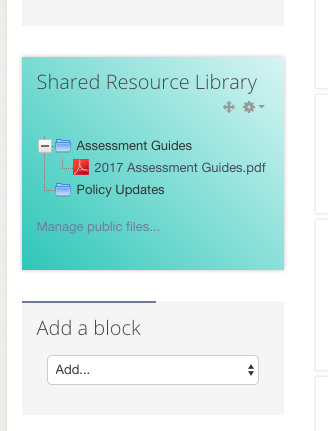
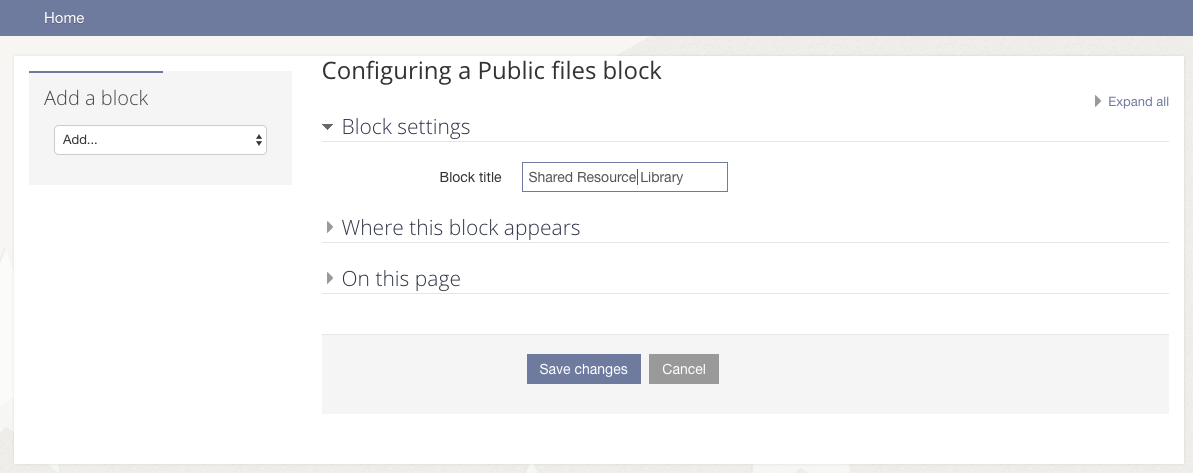
This is a single-instance only block, and you can configure it's title - but that's about it. Other than that, it works exactly the same as the private_files block. Files are not visible to guests or non-authenticated on users.
Support unlimited file types, sizes, folders, etc.
What it's for
Do you have a standard set of documents that you need to put on all your courses, such as your site policy and assessment guidelines? Are you currently attaching these to a dummy course, or hidden file activities on the front page or as seperate copies in file resources in all your courses? No more - just add a public_files block on your dashboard or wherever, and there you go.
installation
Belongs in /blocks/public_files
Install as you would any other plugin (e.g. site admin > notifications)
Requirements
Developed in 3.2, but should easily backport to at least 2.7+
Licence
GPL3, same as Moodle