Michael Wuttke
Contributor

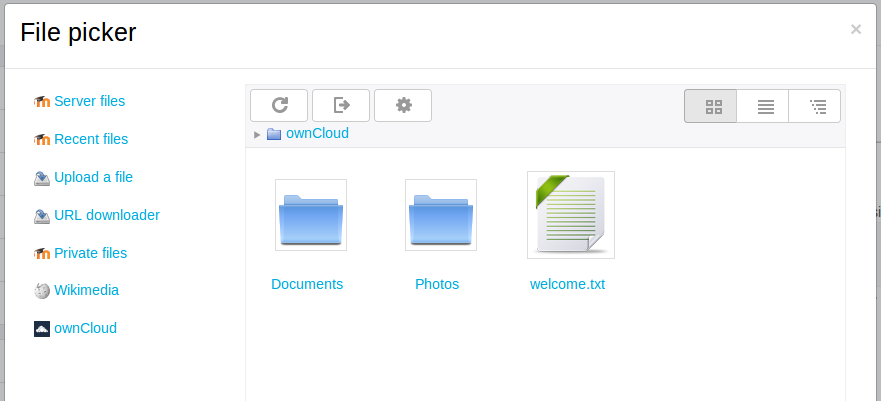
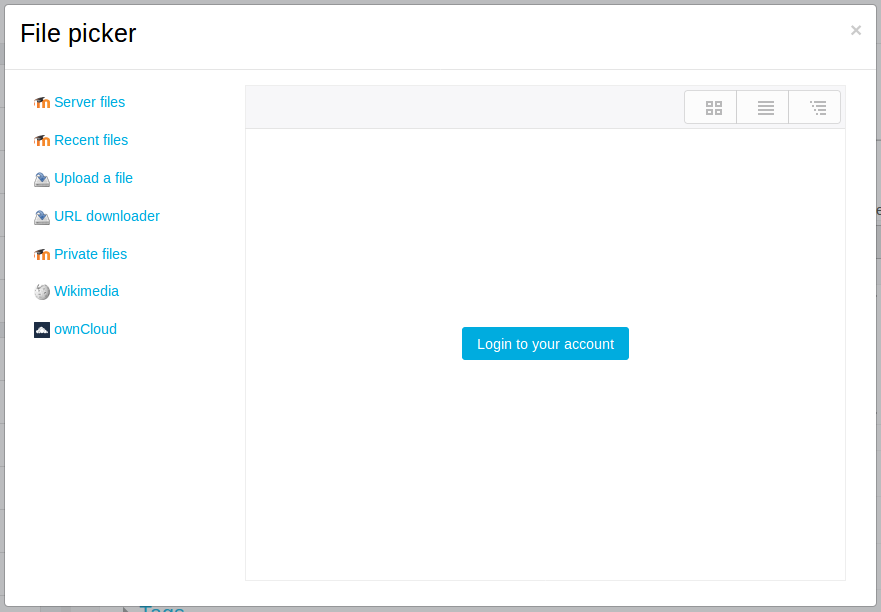
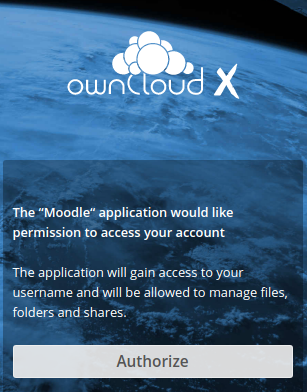
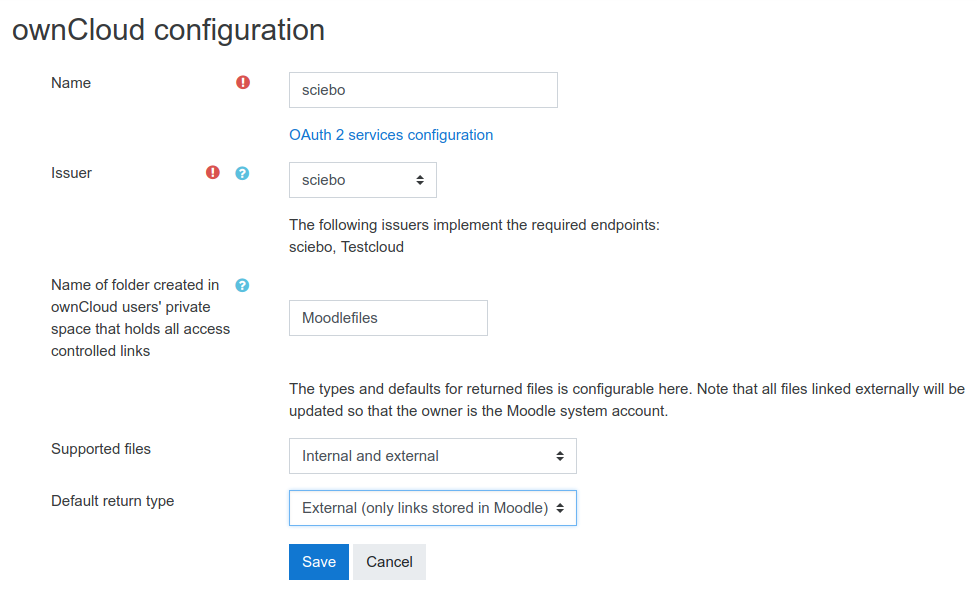
Enable users to directly upload files from their private ownCloud/Nextcloud storage into Moodle.
 |
 |
|
|---|---|---|
| Prerequisites | Moodle 3.3.2 ownCloud 10.0.1 (or newer) OAuth 2 App from Marketplace HTTPS-secured connection |
Moodle 3.3.2 Nextcloud 14.0.4 (or newer) HTTPS-secured connection |
Features:
The repository is available anywhere where users deal with uploading files. Users can choose whether they want to UPLOAD a file or LINK to it:
Your institution has multiple ownCloud and/or Nextcloud instances? As an administrator you can add as many instances as you require!
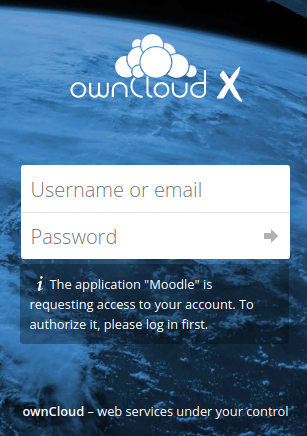
This plugin does not store any user's private passwords in order to authenticate against ownCloud/Nextcloud. Instead, it leverages the passwordless workflow of OAuth 2!
__
File linking: Nextcloud once had a technical limitation that prohibited creating shares automatically. The issue has been fixed in early 2018 and is part of Nextcloud 13.0.1.
Access controlled links: Prior to Nextcloud 14.0.1, whenever you authorised Moodle to access your Nextcloud, you logged out at the browser at the same time. This made using access controlled links a little tedious: To access an access controlled link file you first have to authorise Moodle, then re-login in to Nextcloud in the browser. This issue has been resolved in Nextcloud 14.0.1.
Additional issues were resolved in Nextcloud 14.0.4.
No support in the comments section on this page
Please note that we don't provide any support for this plugin in the comments section on this page anymore.
We appreciate your commendation and reviews for this plugin in the comments. For bug reports and support requests create a ticket in the bug tracker which is linked below.
Thanks for your cooperation.


