
RecordRTC for Atto
Maintained by
Jesus Federico
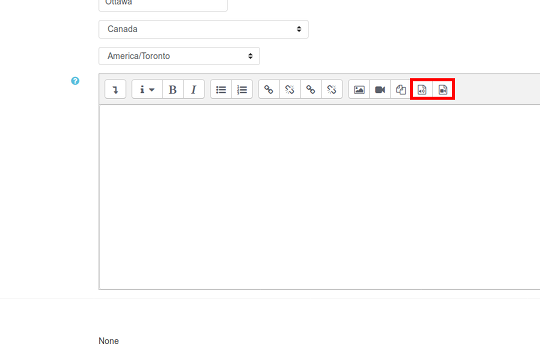
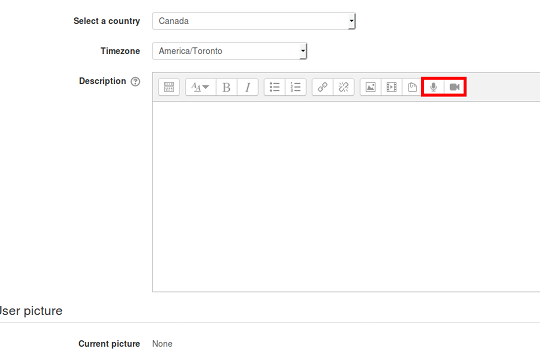
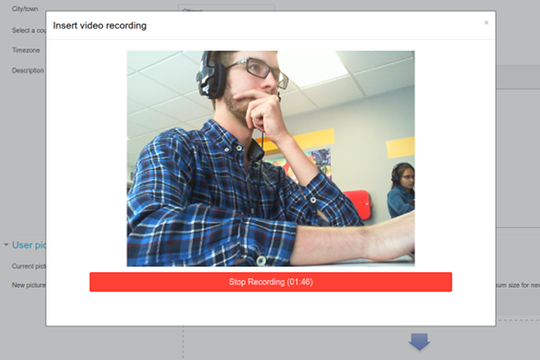
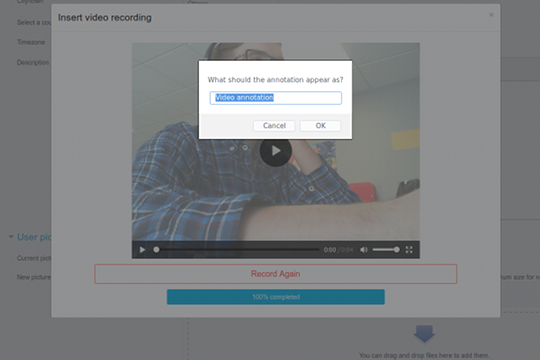
Add audio and video annotations to text, anywhere an Atto text editor is present. This plugin adds buttons for recording audio or video (with audio) to the editor's toolbar. Using WebRTC technologies, all recording is done instantly in the browser. After recording, users can embed the annotation directly into the text they are currently editing. The recording will appear as an audio or video player in the published writing.
Comments
Comments are no longer open for new posts. Existing comments remain available to read.
To use your plugin it is essential to work in secure https mode.
As part of a nomadic product like the MoodleBox, is it possible to disable this obligation?
it would be VERY useful!
Thank you
Daniel Méthot
Moodler particularly useful French-speaking.
a. Make the icons a different color so that they stand out a bit more for the users.
b. It seems the icons are missing when grading/providing student feedback in the Assignment activity. It would be great if this would be available while grading to provide video feedback to students.
It raised the error with "WebRTC not supported" message.
Thanks!
Nice plug-in!
One thing I'm wondering about is whether this can be added to the feedback files configuration for assignments. The icons don't show up for the Atto editor in the assignment grading sheet, and I don't see any settings at the admin or course level that would enable that. Am I missing something?
Thanks!
No matter what version of Moodle you use, you'll have that little time chopped off from you recording. We noticed that but it is a browser/library issue. We can definitely keep an eye on that but for now it is what we were able to deliver.
Regarding to the ability to annotate comments, again this is a Moodle issue. My understanding is that for security reasons it is not possible to annotate external media files there. The buttons were originally there but not working so we decided to remove them to be consistent with what Moodle has for that use case. We'll keep an eye on that one too
One request: The recorder buttons do not appear in the Feedback comments section of the Assignment grader. Can that be fixed?
Does this work on Safari and iOS-devices (iPhone and iPad) ?
Thanks
great plughins! Might I suggest you add -Atto and -TinyMCE to the name to avoid confusion in the plugin directory?
Derek