
RecordRTC TinyMCE
Maintained by
Jesus Federico
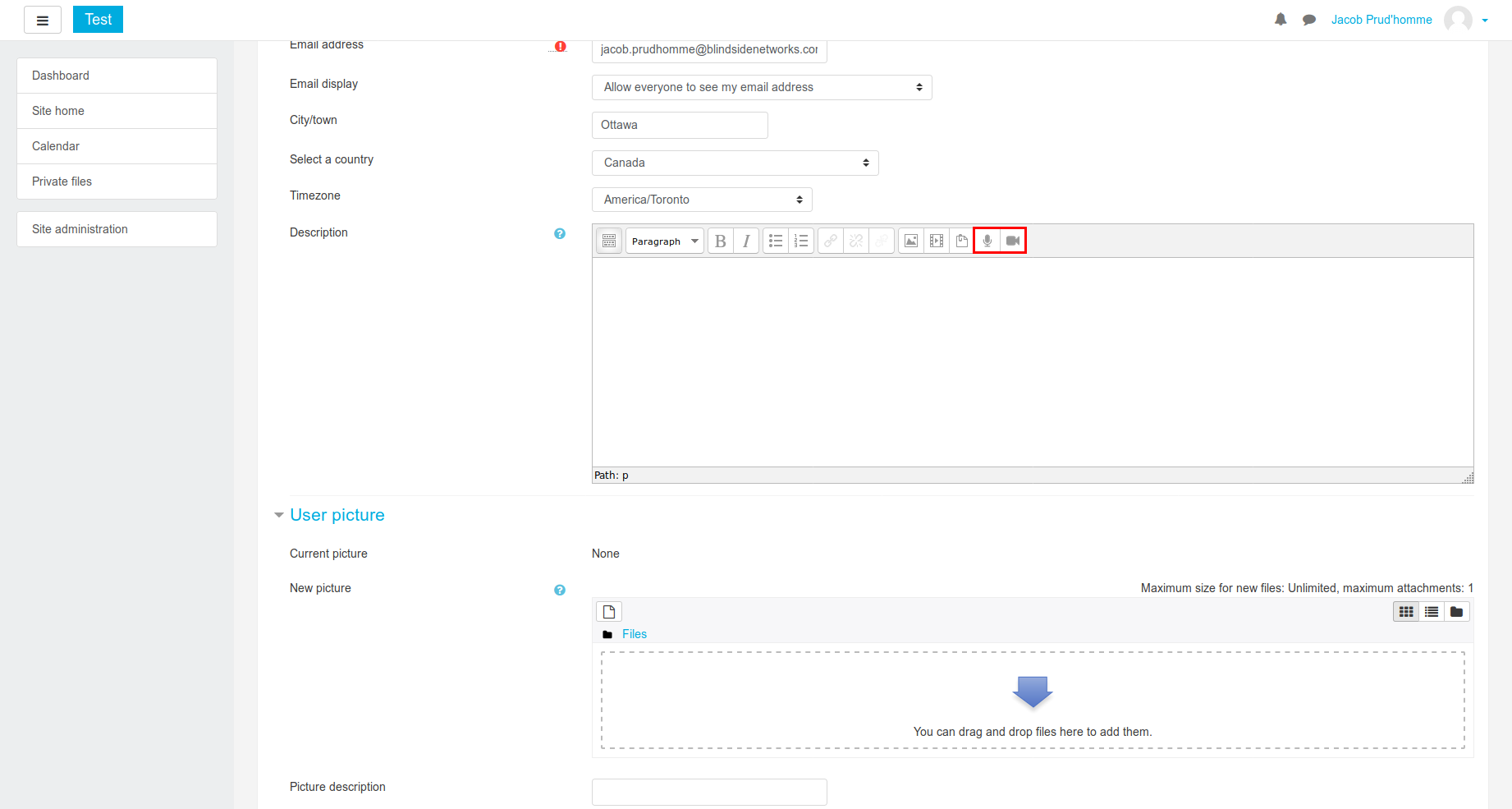
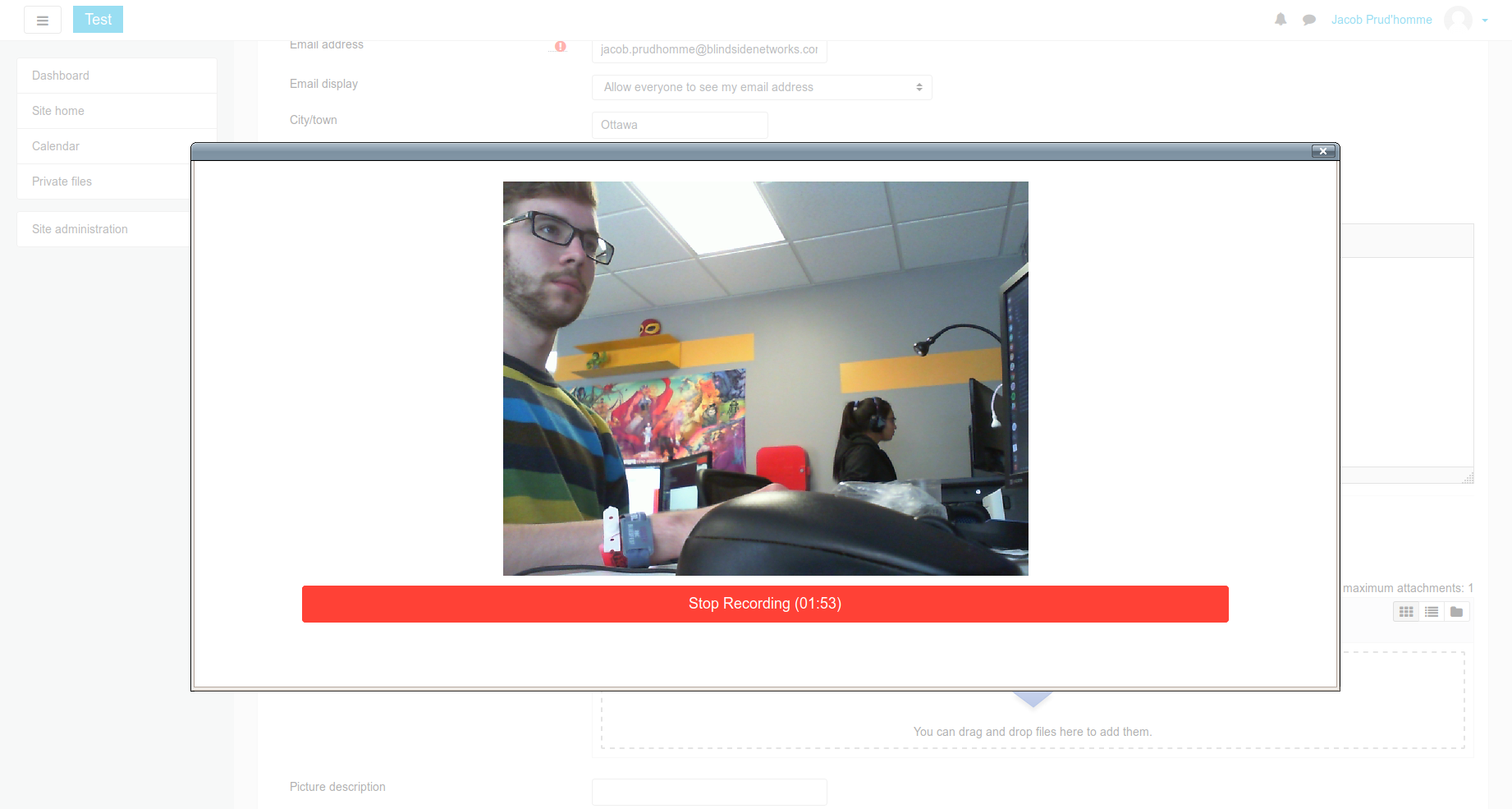
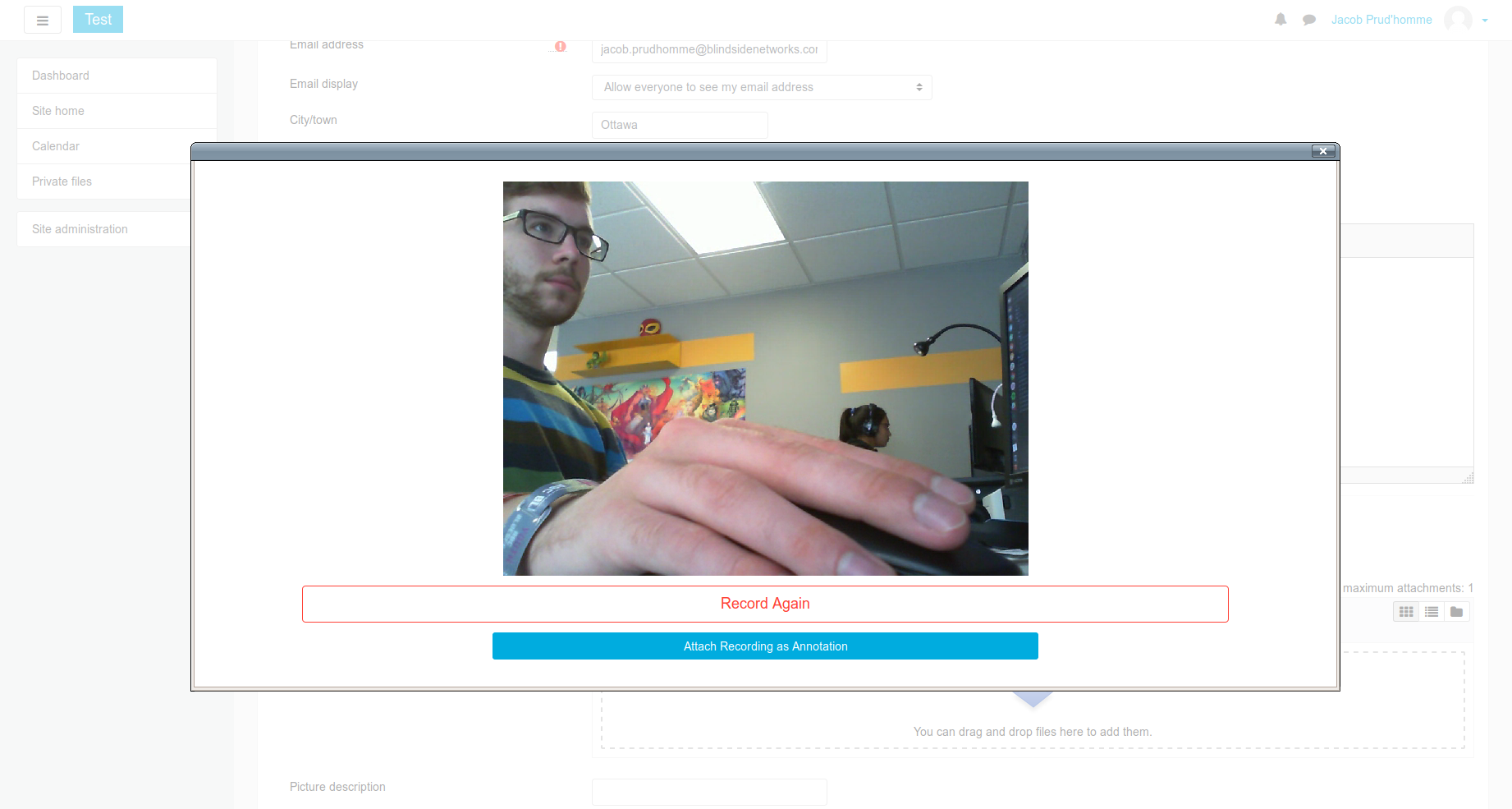
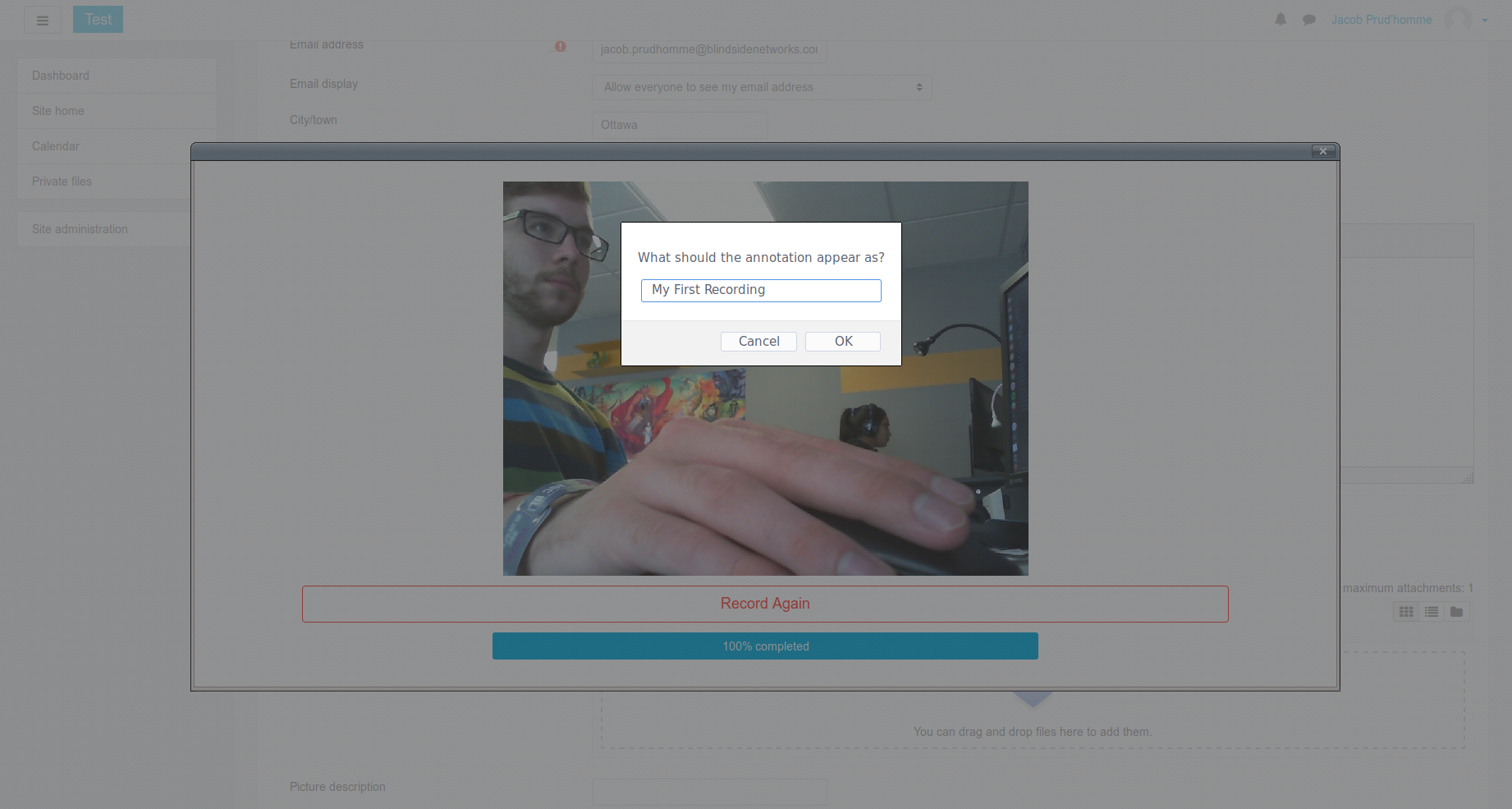
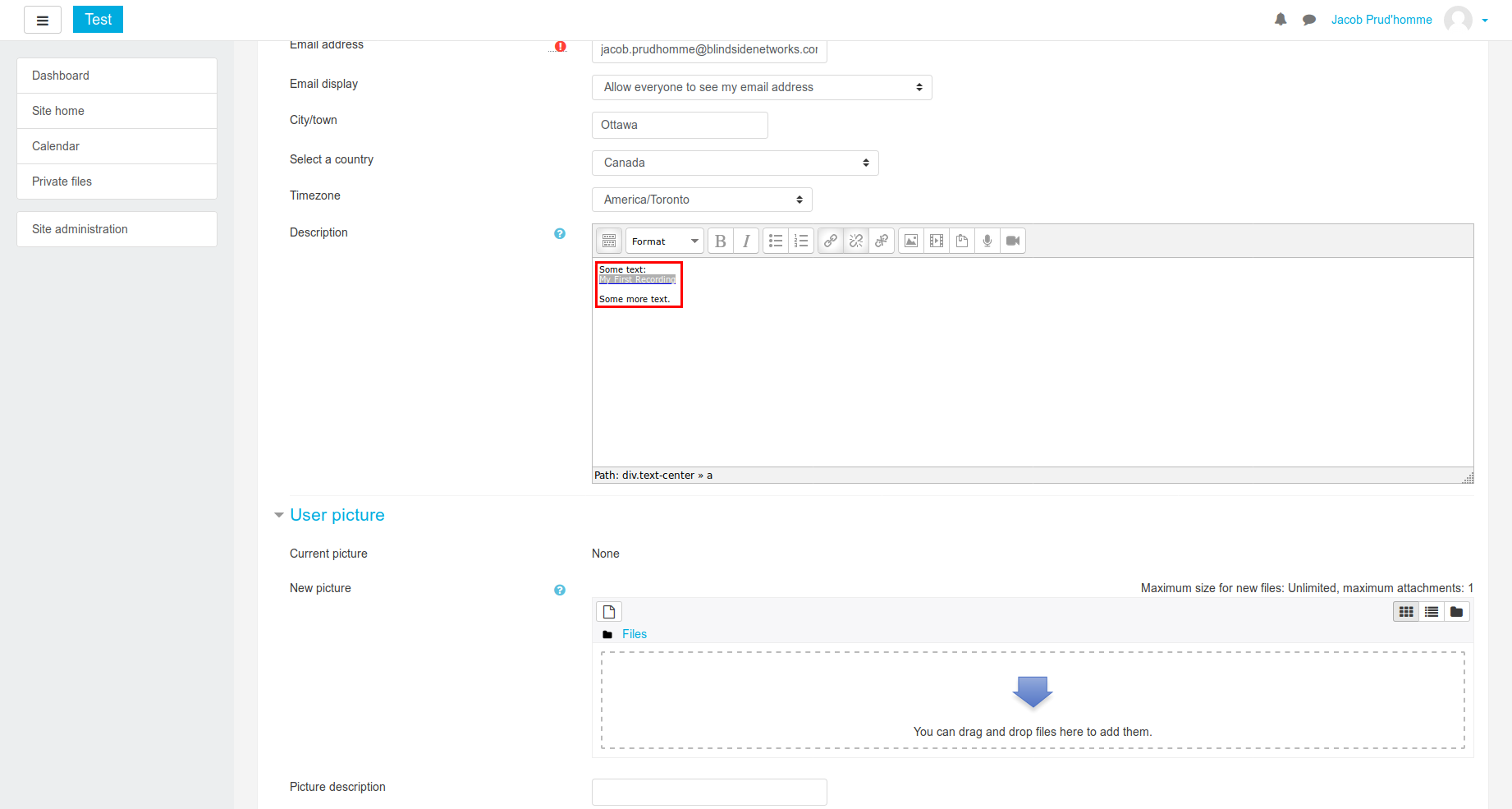
Add audio and video annotations to text, anywhere a TinyMCE text editor is present. This plugin adds buttons for recording audio or video (with audio) to the editor's toolbar. Using WebRTC technologies, all recording is done instantly in the browser. After recording, users can embed the annotation directly into the text they are currently editing. The recording will appear as an audio or video player in the published writing.
Comments
Comments are no longer open for new posts. Existing comments remain available to read.
Has anyone else experienced this?
I was trying to use audio record feature ... its allowing me to record but not able to save the file. Any suggestion?
Thank you,
ShivashankarKesha
I've noticed that some of the screen shots in the description are the ATTO and not TinyMCE editor, is this intentional?
Gareth
a. Make the icons a different color so that they stand out a bit more for the users.
b. It seems the icons are missing when grading student work. It would be great if this would be available while grading to provide video feedback to students. I have tested it with the TinyMCE module.
-----
Starting with Chrome 47, getUserMedia() requests are only allowed from secure origins: HTTPS or localhost.
RTP data channel support has been removed. Any remaining applications still using RTP data channels should use the standard data channels instead.
-----
Also you are not providing enough information. If you want to continue the conversation please open a thread in the forums.