Mark Sharp
Lead maintainer
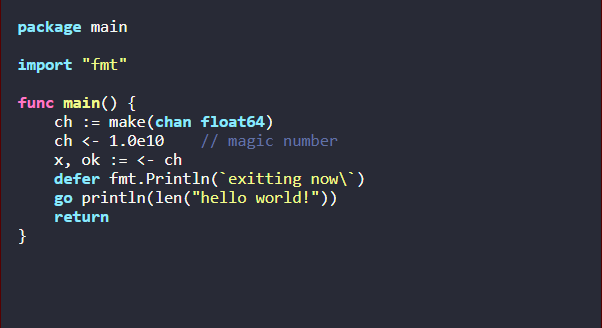
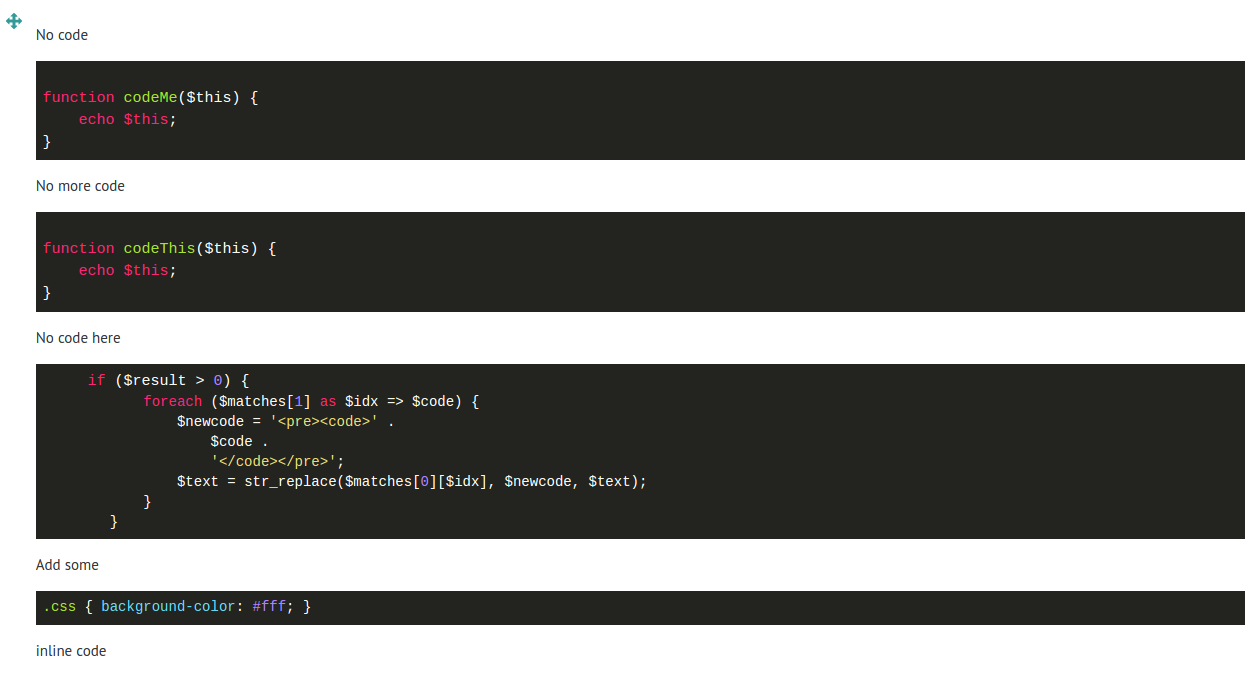
This is a filter plugin that uses a 3rd party Javascript module called highlight.js to make your code look like something you'd see in an IDE.
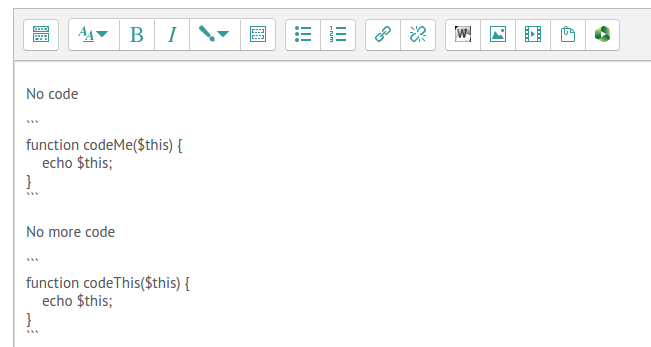
Once activated, you just need to wrap your code in:
<pre><code>code</code></pre>
(You will need to activate html mode in Atto), or wrap your code in triple backticks (like MarkDown) ``` and the javascript will style it.
The settings allows you to choose which style to use.
/filter/syntaxhighlighterSince this is a 3rd party plugin, any change requests that relate to the the styles and features of the highlighting should be directed to the plugin author.
You don't need to, the plugin detects that itself. However, you can choose the language by adding it after the backticks. e.g.
```lang:php;;
echo "My PHP code";
```
Or, by adding it to the <code> class attribute:
<pre><code class="lang-php">echo "My PHP code";</code></pre>
No. This isn't a feature of the javascript plugin. And probably isn't going to be implemented.
I might implement the option of using various hightlighting plugins in the future - such as GeSHi. But this suits my needs for now. You're welcome to do a pull request with any adaptions you would like to add.


