Adaptable News Slider icon

Adaptable News Slider

Maintained by Jez H, Kevin Moore, Manoj Solanki
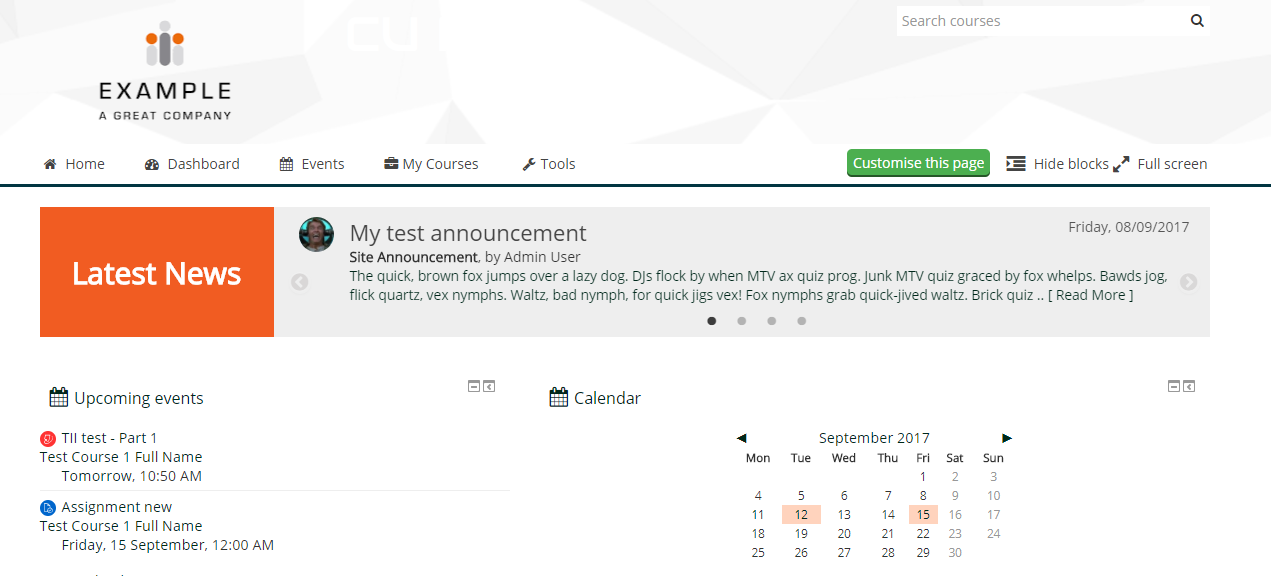
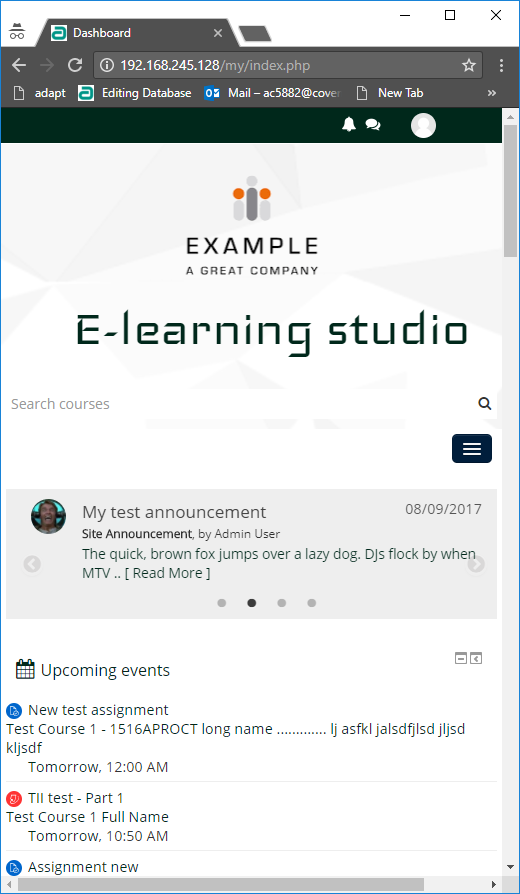
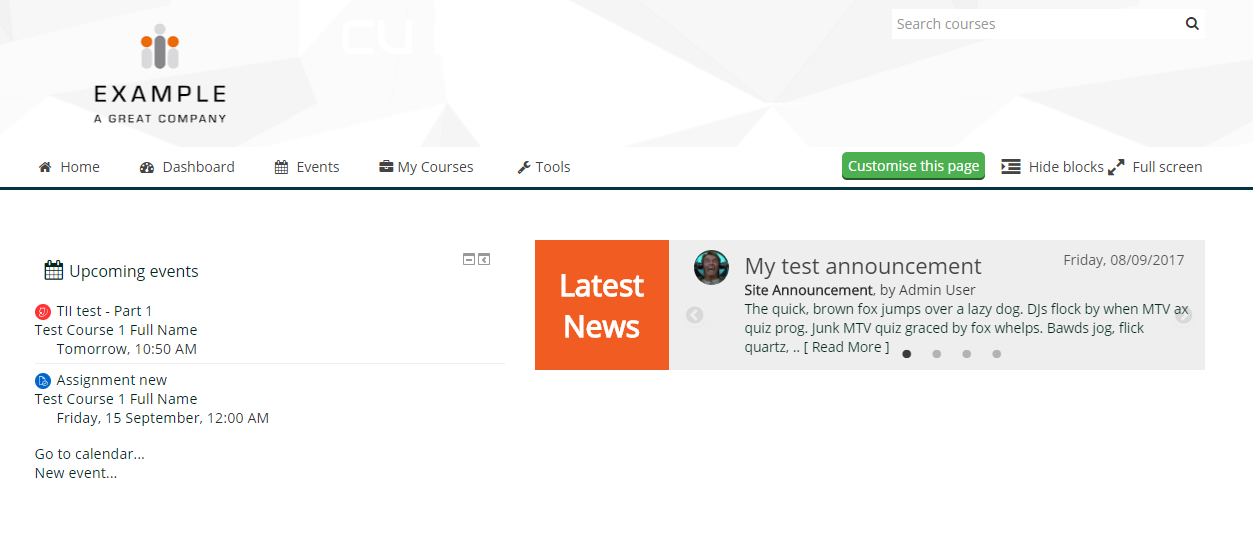
Part of the Adaptable UI set, this block allows you to add a news slider that displays: 1: Unread course announcements (from all enrolled courses) 2: Site announcements (front page news announcements) 3: Both of the above (combined course and site announcements) The slider uses the jQuery slick slider and whilst designed to work with the Adaptable Theme, it *may* work with other themes.
Price option: Free

Supports Moodle 3.2-3.8 See all versions
Latest release: 6 years ago
Installations: 260
Downloads (last 90 days): 31

Frankenstyle name: block_news_slider
Blocks
Adaptable UI

Comments

Comments are no longer open for new posts. Existing comments remain available to read.

Hi, sorry to bother you again. Is there any chance you can change the version number that is supported to include 3.11 I have just updated moodle again and it has not installed your plugin during the upgrade as moodle thinks it will only work on versions up to 3.8. If you can change the version it supports to 3.11, the next time we update it, which we do most weeks, it will install automatically. Thank you.
Please can you update the version this plugin supports to 3.11, this will mean that moodle will automatically install it during an update?
Is there any chance you make the plugin so that when you update moodle it automatically downloads the plugin as part of the upgrade? This would save so much time as currently when you upgrade it just says, "Additional Missing from disk!". Thank you so much.
How do you change the date display format from DMY to MDY? I could not find that option in the settings. Everything else on my site is in MDY format.
I am running Moodle 3.9.1+
Hi and thanks for this plugin. Is it possible to change the interval between different headlines? By that I mean the time it takes before it slides to the next item? Thanks!
Hola.
tengo el siguiente problema no consigo que el bloque de News Slider quede en la parte de arriba como en las capturas, solo me deja agregarlo en el lado derecho como un bloque normal.
también quería preguntar si habría alguna forma de limitar los mensajes que salgan, me refiero que solo salgan los mensajes de un foro determinado (avisos), ya que lo quiero usar como un anuncio para mis alumnos de las novedades que hay.
muchas gracias .
Hi Kathryn,
For the front page, have you checked the settings for the news slider instance? In particular, the one called "Maximum period to show site announcements for (in days)", and if there are some valid site announcements within that period?
To have it on a course page will require you to add a news slider block to a region that will appear on the course page. I don't know which theme you are using, but this is available in the Adaptable theme, as there is a specific block region that has been created in there for that purpose. I don't know if there are any other themes that have a block region you can add it to in this way.
Hope that helps,
M
Hi, I have just installed this and its on my front page, but its not picking up any of the announcements.
I would also like it on each course page, how do I do this?
Thanks,
Kathryn
Hi Rheman,
Course announcements display for users enrolled on that particular course only. Maybe that's the issue. Other than that, check the other settings for news slider (maximum period) and cache settings. If cache enabled, it may not show straight away.
M
Hello. Great plugin. I am using the lastest release under moodle 3.3 with adaptable plugin. But I have created course announcement but nothing is displayed on Adaptable News Slider. Moreover how to create site announcement under moodle 3.3.
regards
@Cathy, it is possible to change the banner colour in custom css for the theme. You can modify the background colour for this css class: ".slider-banner-col" in your custom css settings.
I've reported an issue with installing this plugin at https://bitbucket.org/covuni/moodle-block_news_slider/issues/31/dependencies-check-failed
There is a dependencies check error when installing, even with theme_adaptable already installed.
Love this slider but just checking if I can change the colour.. as orange isn't in our branding
Whilst the block has been designed to work with Adaptable UI, it could work with Boost. I suggest you check if anything else on the page, such as other custom block plugins, are conflicting with this plugin.
As you stated, this block is part of Adaptable UI and only works with Adaptable. Anyway, this block never could work with Boost because are based in a different Bootstrap version.
You are free to modify the code to adapt the block for Boost.