
Board
Maintained by
Rodrigo Brandão
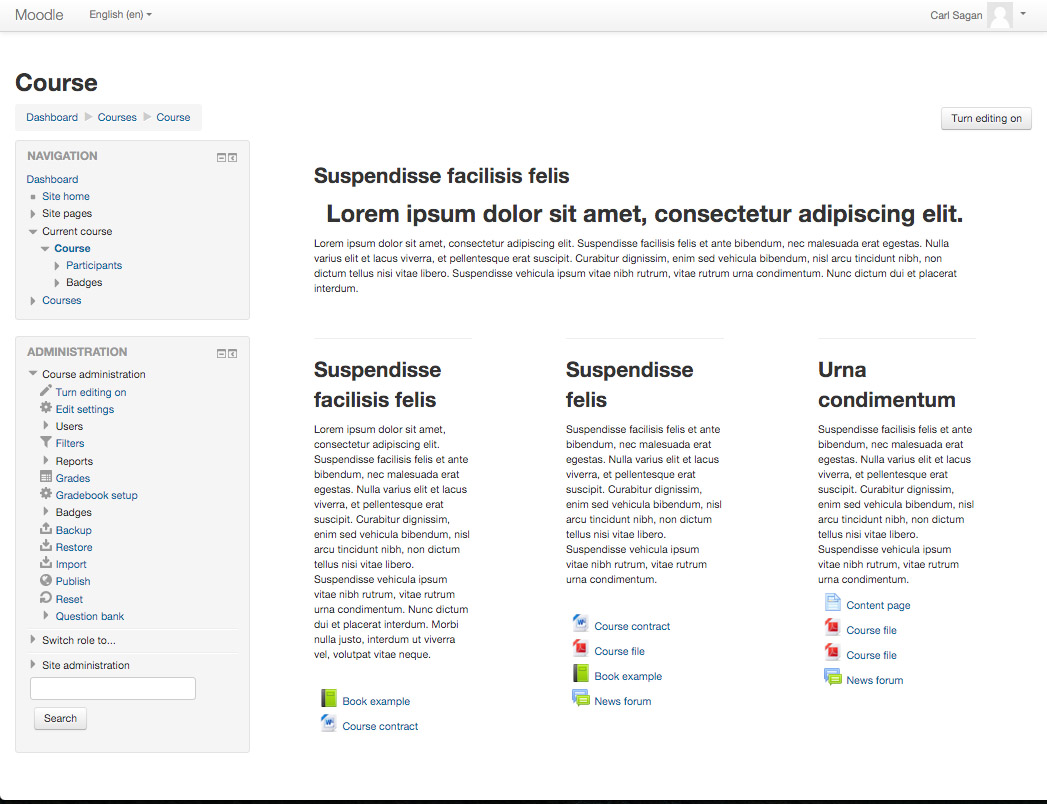
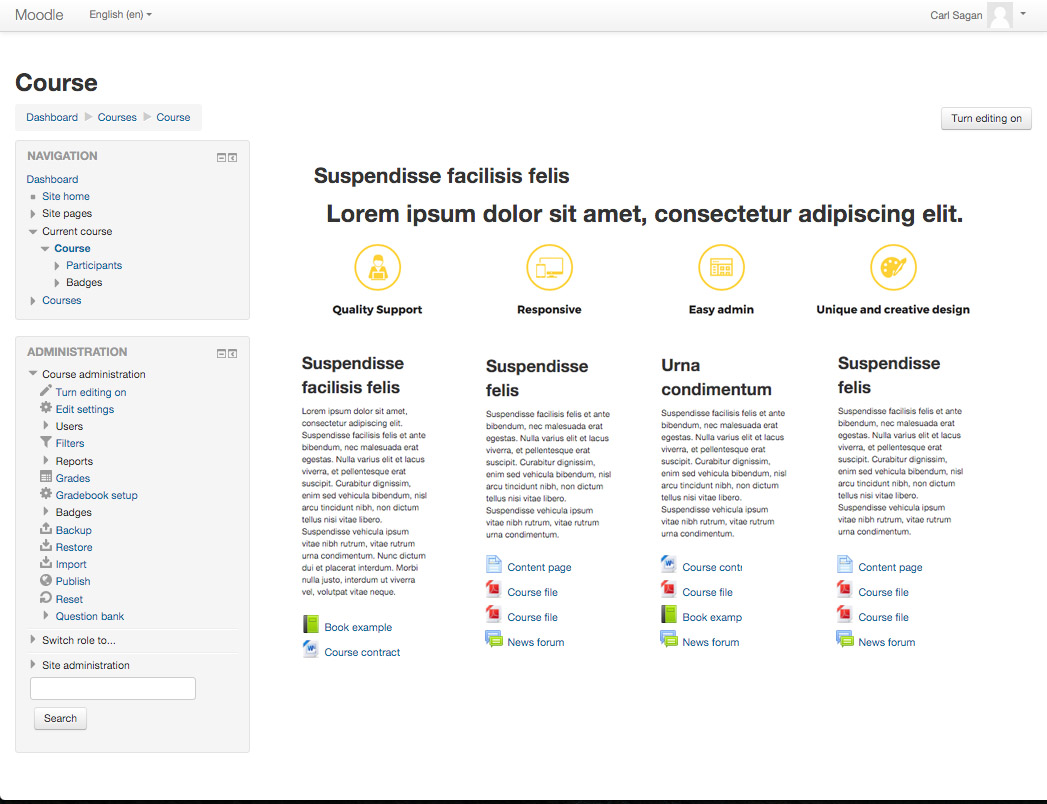
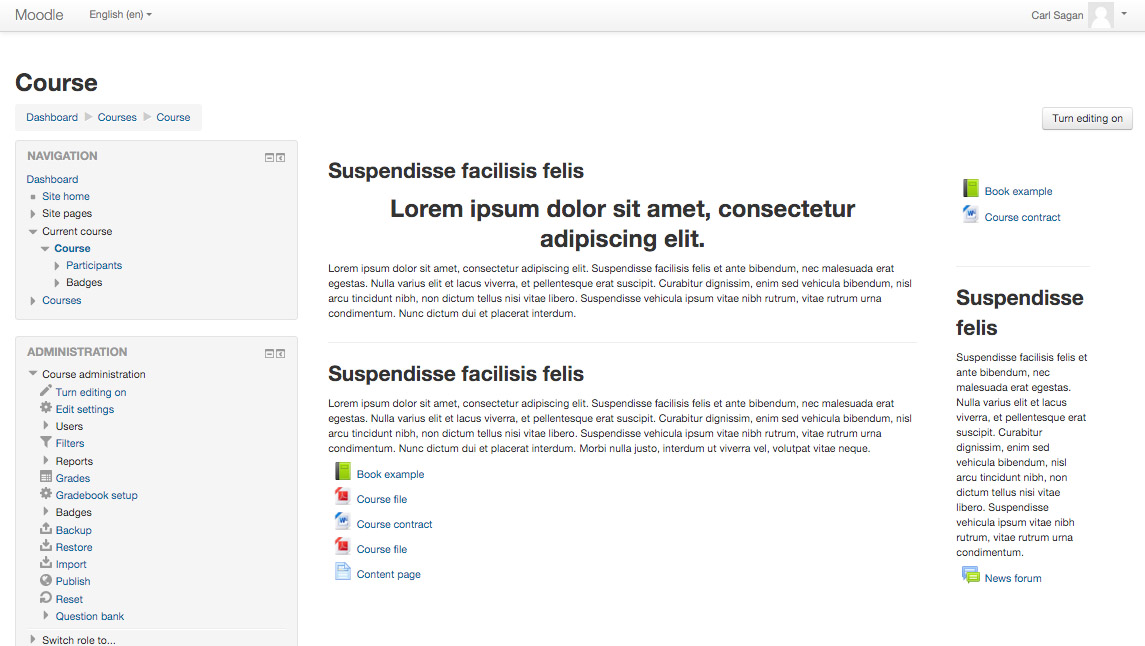
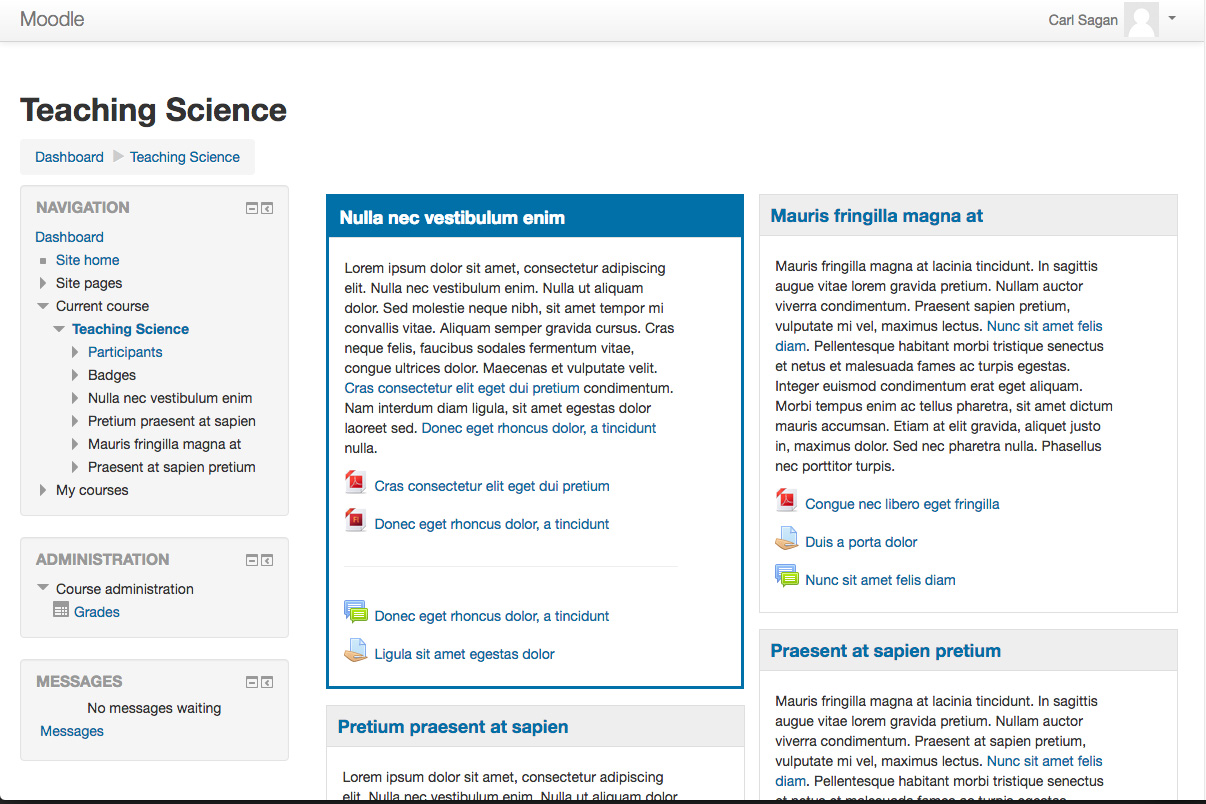
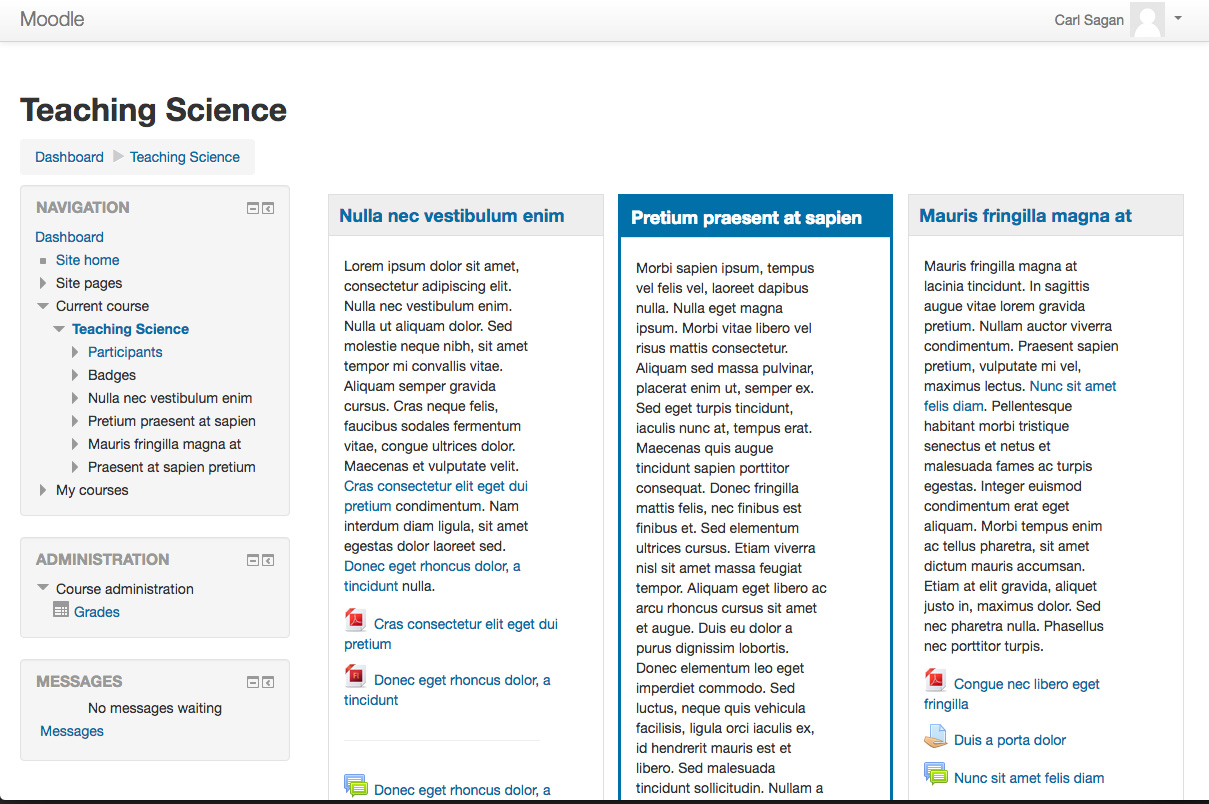
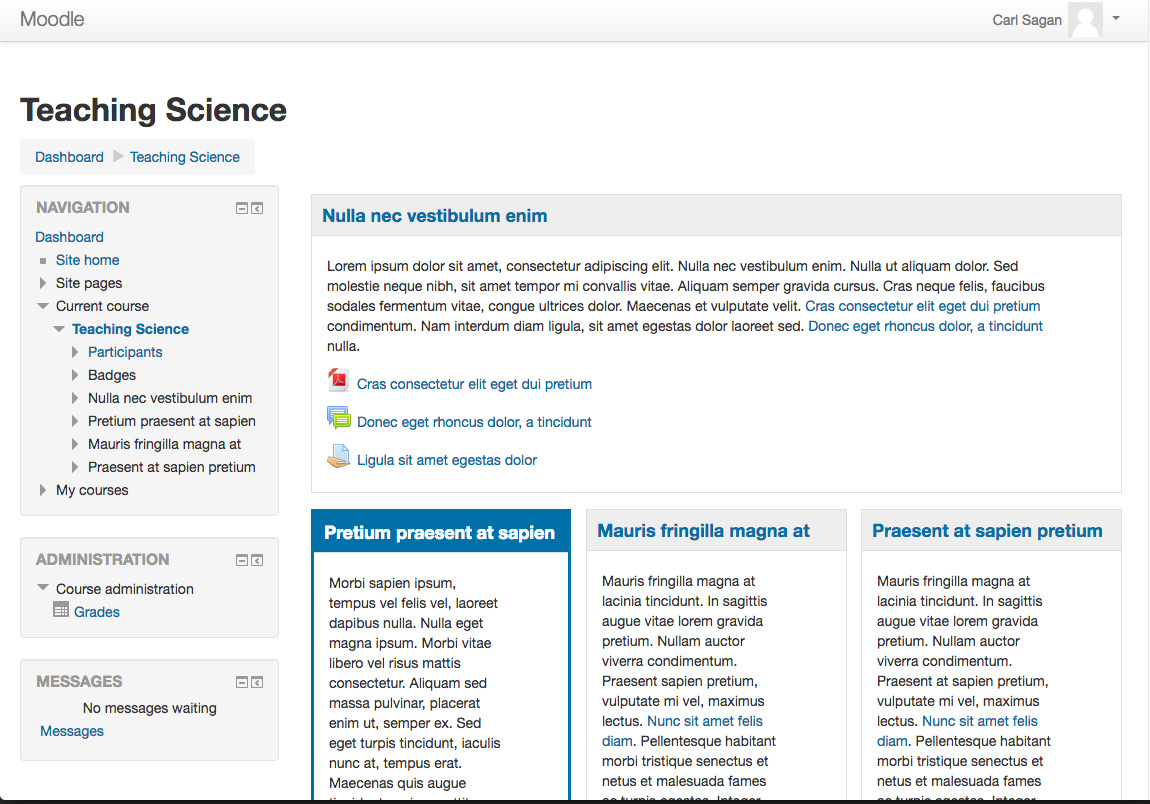
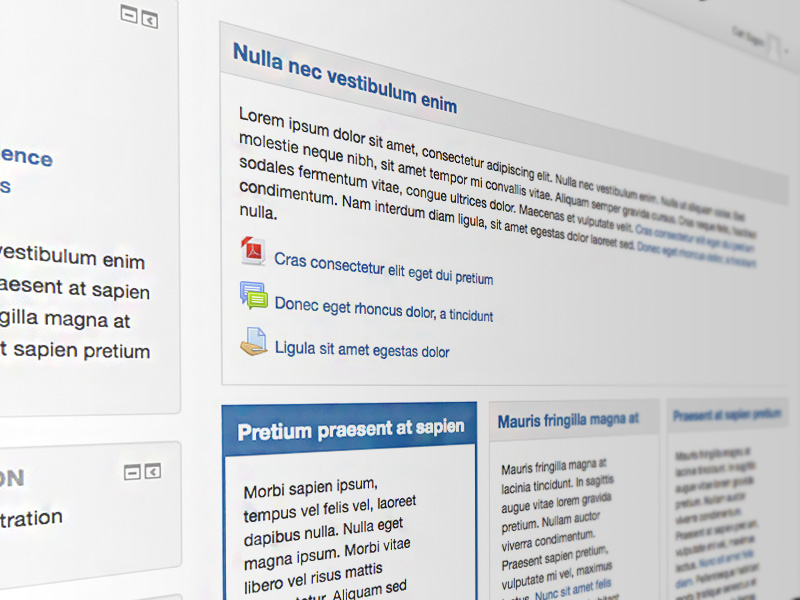
"Board" (Grids and Blocks) is a course format in grid for Moodle 2.8 or later with full flexibility between sections and columns.
You can choose quantity and width of columns and quantity of sections in each column.
Comments
Product ratings and reviews are coming to Moodle Marketplace. Until then, existing comments remain available to read, but new posts have been disabled.
Sarolta
/**
* Implements callback inplace_editable() allowing to edit values in-place
*
* @param string $itemtype
* @param int $itemid
* @param mixed $newvalue
* @return \core\output\inplace_editable
*/
function format_board_inplace_editable($itemtype, $itemid, $newvalue) {
global $DB, $CFG;
require_once($CFG->dirroot . '/course/lib.php');
if ($itemtype === 'sectionname' || $itemtype === 'sectionnamenl') {
$section = $DB->get_record_sql(
'SELECT s.* FROM {course_sections} s JOIN {course} c ON s.course = c.id WHERE s.id = ? AND c.format = ?',
array($itemid, 'board'), MUST_EXIST);
return course_get_format($section->course)->inplace_editable_update_section_name($section, $itemtype, $newvalue);
}
}
Alguma previsão de atualização para este plugin?
Ricardo
I am the admin of a Moodle platform (version 3.3+). My version of php is 7.1
In any course, if I use the Board course format, when I turne editing on, if I want to change the title of a topic with the "Edit topic name" function I get this error message:
""""""""""""""
Error calling update processor
File:
/lib/external/externallib.php
Line:
467
Stack trace:
Error code: inplaceeditableerror
* line 467 of /lib/external/externallib.php: moodle_exception thrown
* line 228 of /lib/externallib.php: call to core_external::update_inplace_editable()
* line 59 of /lib/ajax/service.php: call to external_api::call_external_function()
""""""""""""""
Changing the title of this section through the Edit topic Menu, I do not get this error message.
This error only appears with the Board course format, it does not appear with other course formats.
Do you know how to fix this problem?
Thank you.
What I would love is to have course modules be selected via Tabs at the top of the page, and then have a grid of sections for each Module page.
thanks!
Jacques