Daniel Neis Araujo
Lead maintainer
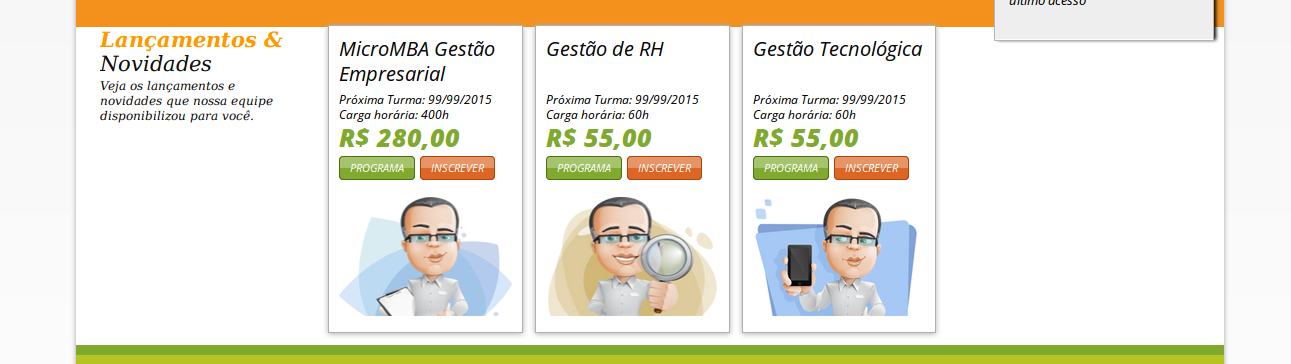
With this block you can select a set of courses to be displayed on frontpage.
For each course, the block will show it's name with a link to course page, it's summary and summary files.
The following steps should get you up and running:
DO NOT PANIC!
Put these files at moodle/blocks/featuredcourses/
Log in in your Moodle as Admin and got to admin/index
Follow the instructions to install the block
This block is only visible on site front page and Dashboard
To select featured courses, add the block to front page, got to edit settings, click on the link on the settings screen.
The order of the courses displayed by the block is defined by the "sortorder" field. It is an integer field that the records are ordered by.
Good luck!