Featured Courses
Certified Partner Plugin
Maintained by
Daniel Neis Araujo
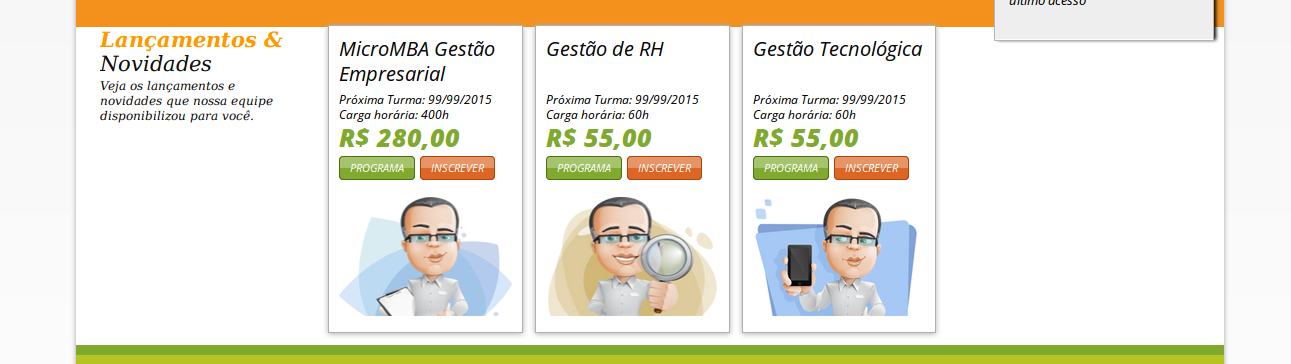
This blocks allow to select some courses to be displayed on front page. It is also possible to set sort order.
Comments
Comments are no longer open for new posts. Existing comments remain available to read.
"Coding error detected, it must be fixed by a programmer: Cannot require a CSS file after has been printed."
thank you for the report! Just published a new version of the plugin that fix this warning.
The block featuredcourses does not define the standard capability block/featuredcourses:myaddinstance
line 595 of /blocks/moodleblock.class.php: call to debugging()
line 567 of /blocks/moodleblock.class.php: call to block_base->has_add_block_capability()
line 1389 of /lib/blocklib.php: call to block_base->user_can_addto()
line 1369 of /lib/blocklib.php: call to block_manager->user_can_delete_block()
line 248 of /blocks/moodleblock.class.php: call to block_manager->edit_controls()
line 1210 of /lib/blocklib.php: call to block_base->get_content_for_output()
line 1262 of /lib/blocklib.php: call to block_manager->create_block_contents()
line 579 of /lib/outputrenderers.php: call to block_manager->ensure_content_created()
line 186 of /theme/adaptable/layout/includes/header.php: call to core_renderer->standard_head_html()
line 30 of /theme/adaptable/layout/dashboard.php: call to require_once()
line 1261 of /lib/outputrenderers.php: call to include()
line 1191 of /lib/outputrenderers.php: call to core_renderer->render_page_layout()
line 164 of /my/index.php: call to core_renderer->header()
I am using the latest version of Featured Courses and Moodle 3.4.2+ downloaded and installed earlier today.
Thank you for the report! I just made available here a new version that works on 3.4
I moved the repository to gitlab: https://gitlab.com/danielneis/moodle-block_featuredcourses
The issues on github may not work anymore as I have archived the repo there.
Could not report it in tracker. Gitlab.com gave an error "Minimum length is characters.", which is meaningless.
Plugin uninstalled. Error disappeared.
A pity, because this plugin is promising. Need to have it located on the central panel in Boost (home page and dashboard)
I selected one course and then in the sort order I put "1" (w/o the quotes). It doesn't accept this number. Can you tell me what I'm doing wrong? Moodle 3.4, Fordson Theme.
you have to go to the block settings and choose which courses you would like to display.
I am using featured courses block for my moodle site. However, nothing is being displayed.
Please help, it's urgent.
I just made a new release with this change.
I would like to place this block on the dashboard of all users. Why is it limited to the frontpage? Is there a way to change this behavior?
Kind regards
it will depend on the theme you are using.
Some themes only have "block regions" on the sides, but some has a central block region.
Kind regards,
Daniel