Matthew Davidson
Lead maintainer

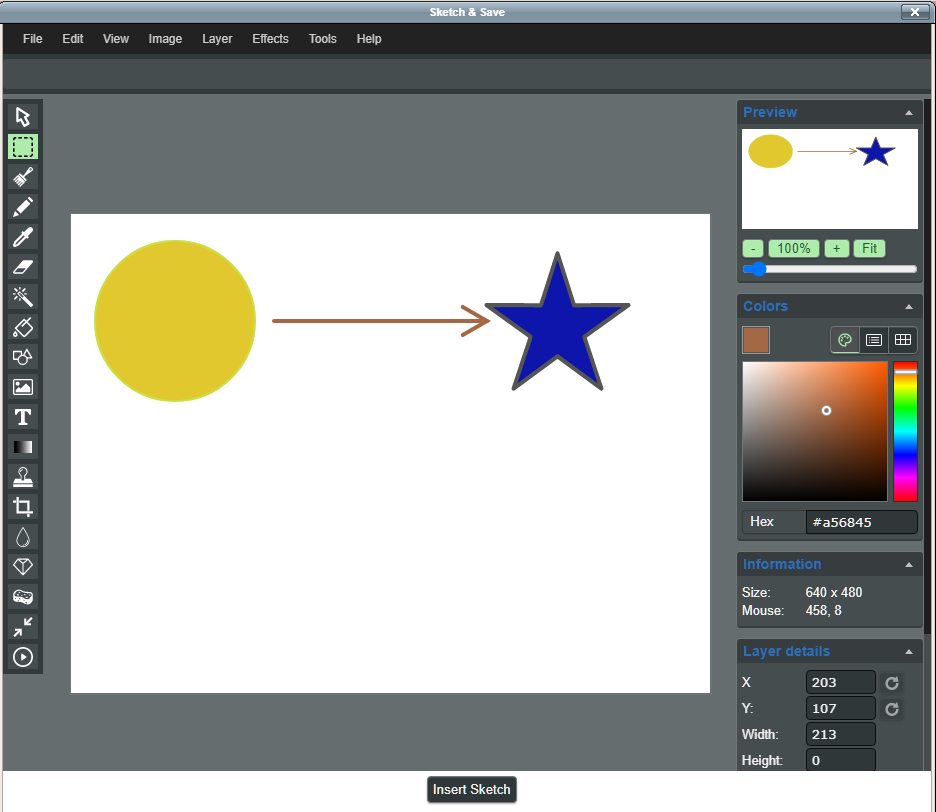
Create or modify images and place them into any editor area that supports files. Uses the miniPaint free editor.
Create the lib/editor/tiny/plugins/sketch folder and place all files there. Run through standard Moodle update/install process.
Click the sketch icon. The editor will open full screen. Use a stylus, finger or mouse to create/edit image. Click "Insert Sketch" to add to editor.

