Eoin Campbell
Lead maintainer

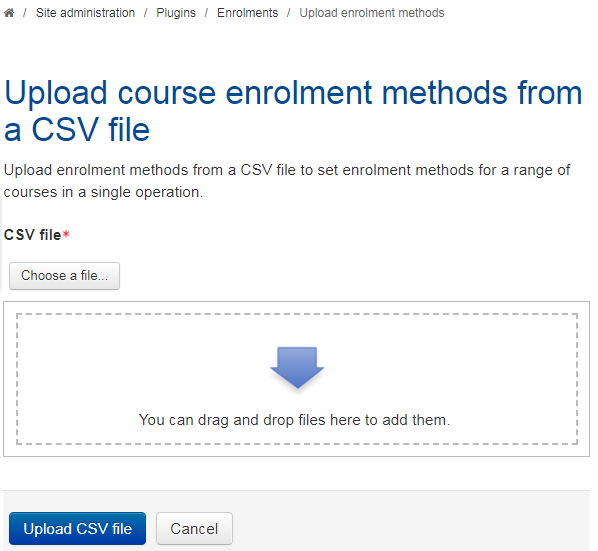
This plugin is an enhanced version of the Upload Metacourse links block plugin on which it is based. It also provides a good work-around for a long-standing issue with the Course upload facility whereby enrolment methods are not fully supported.
Use the command Site administration > Plugins > Enrolments > Upload enrolment methods to upload a CSV file containing lines of the form:
operation, enrolment method, target course shortname, parent course shortname or cohort idnumber, disabled, group[, role]
Note that version 1.2.x requires fields in a fixed order (as above) with no heading line, but version 1.3.0. now supports an initial heading line, and allows you specify the delimiter, e.g.
operation,method,shortname,metacohort,disabled,group[,role]
add,meta,CS101-2345,Computing-Year3,1,CS101,student
upd,meta,CS101-2344,Computing-Year1,0,CS101,editingteacher
Each line of the file contains one record.
Each record is a series of data in any order separated by a specified delimiter.
All fields are required, except role, which is optional for
backwards compatibility.
The allowed operations are add, del(ete), and upd(ate).
The allowed methods are 'meta' and 'cohort'.
The allowed disabled status values are 0 (enabled) and 1 (disabled).
The group field is the name of a group into
which enrolled students should be placed. It will be created if it doesn't already exist.
The role field must be a valid role name such as editingteacher, student, etc.
This plugin enhances the original in that it is possible to disable existing enrolment methods in batch mode, and also that it can add an enrolment method to a course but leave it disabled.


