
Environment bar
Premium Certified Partner
Maintained by
Dmitrii Metelkin, Brendan Heywood, Catalyst IT, Nicholas Hoobin
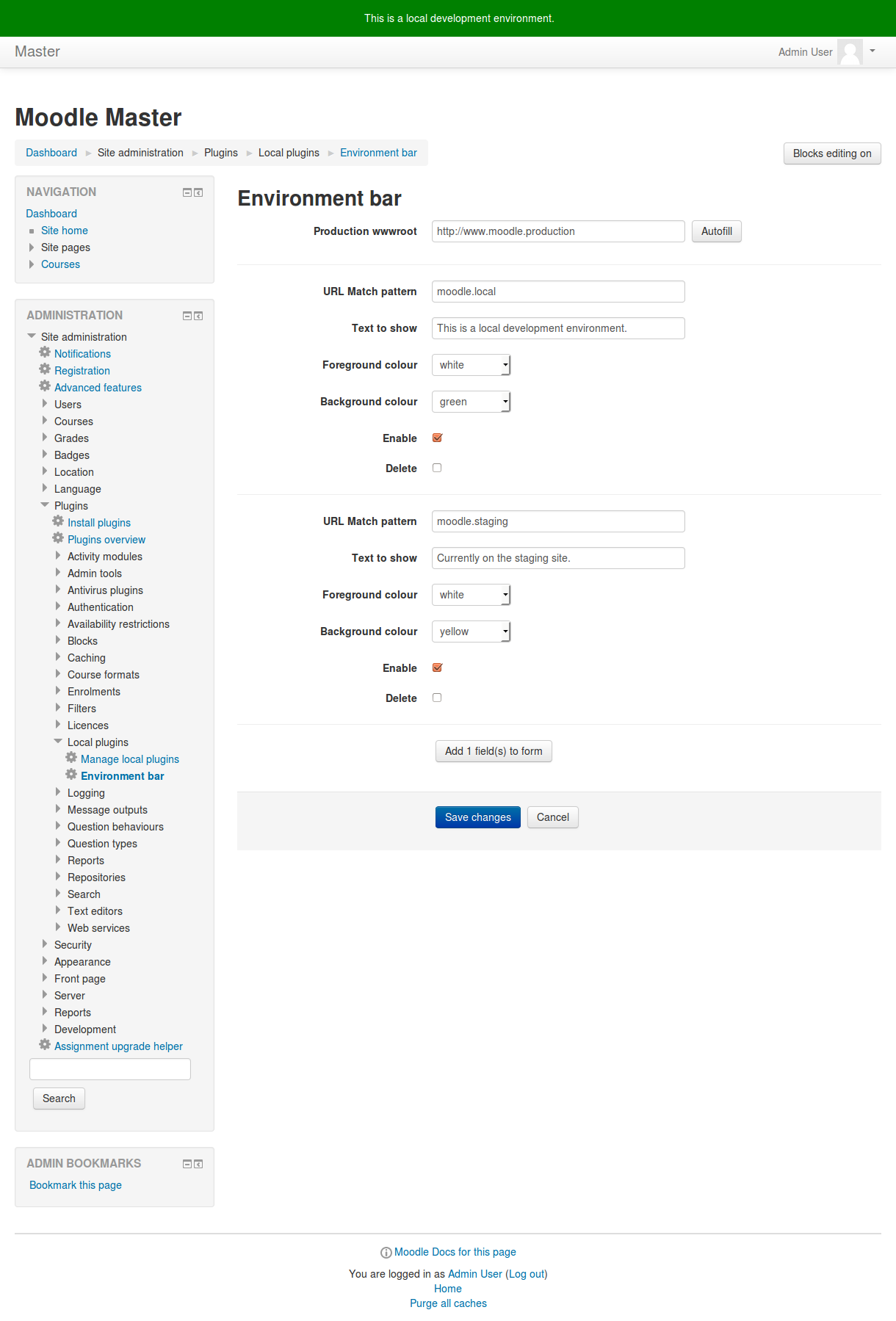
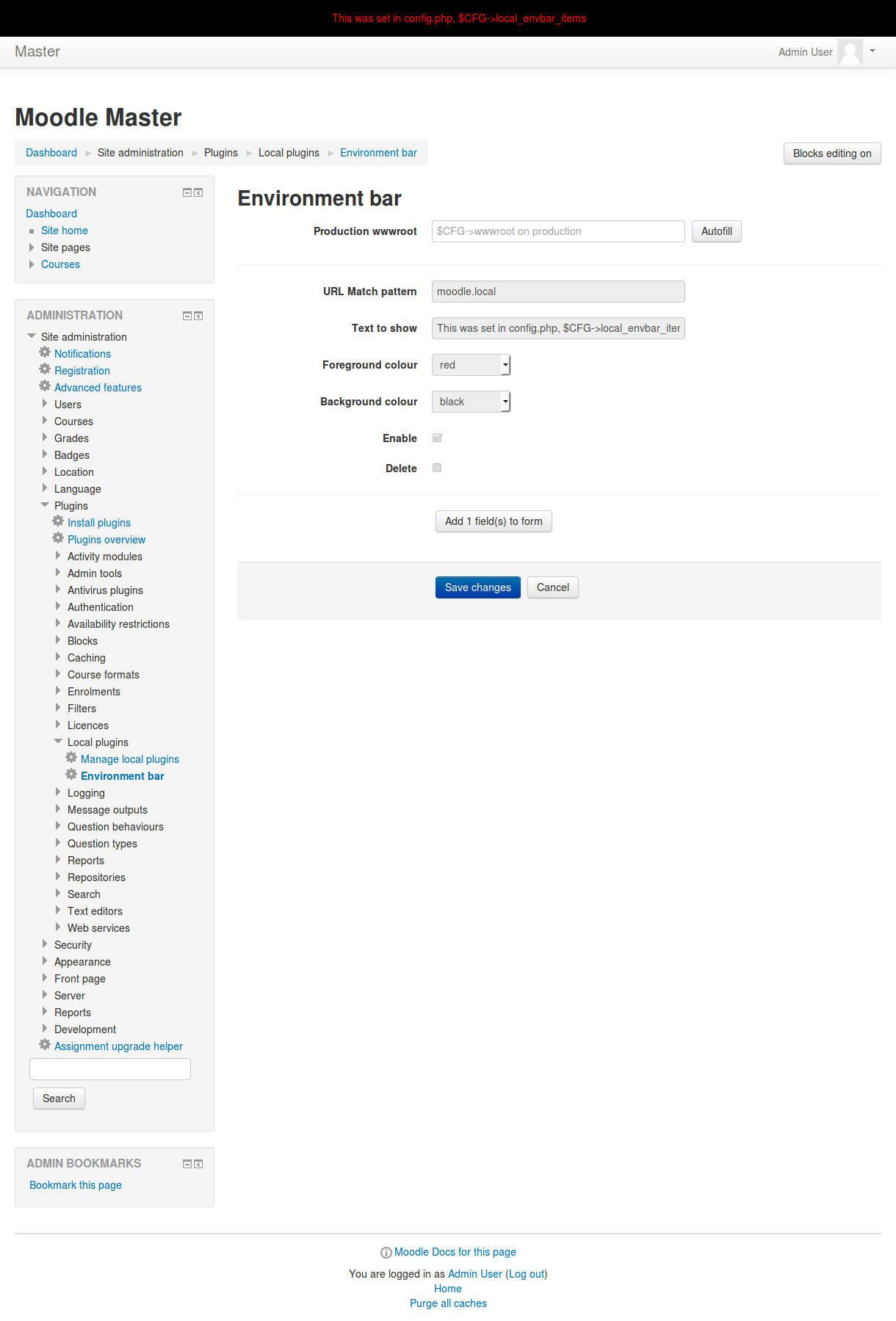
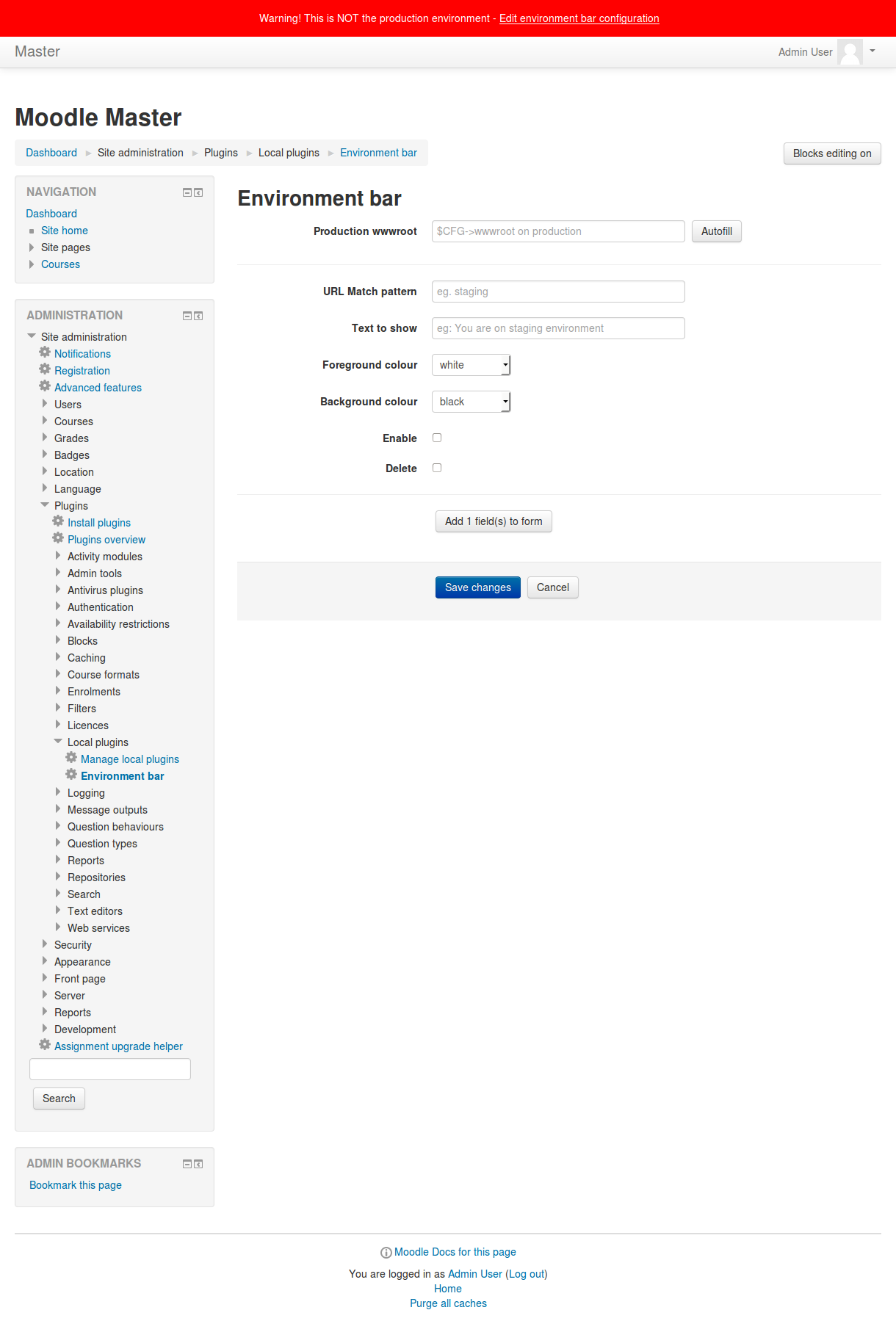
Warn users with a notification block across the top of the screen when you're browsing a non-production server like staging or a local development box.
Comments
Comments are no longer open for new posts. Existing comments remain available to read.
No, the use case for this plugin is to help manage different environments of the same moodle, it's not for general purpose outage notifications.
Recent versions of moodle have a simple built in outage notification message, have a look at:
php admin/cli/maintenance.php -h
--enablelater=MINUTES Number of minutes before entering CLI maintenance mode
Or if you want a full blown outage manager solution have a look at this other plugin we maintain:
https://github.com/catalyst/moodle-auth_outage
we search a Plugin to Display a Maintenance Date and Info, to a lot of Moodle Installations on the same Server.
is this realizable with this Plugin?
Thank you very much for your suggestion! The "additional html" item is quite useful.
I think you have misunderstood the intent of this plugin, it's not for giving messages to students in a real site. It should only ever show a warning in non-production environments.
If you want to show a warning for impending outages or similar to students I'd suggest try experimenting with the 'additionalhtml' config item, or investigate another plugin better suited to this task.
cheers Brendan
I really like this plugin. The institution I work in will start to use it in the coming September semester. However, there is a bug that when the message in the environment bar is long, the envbar will cover the user name. It is a big problem since users need to click their user name in the banner for dashboard, grade and logout. Here is an screen shot of the bug. Since it does not support to upload images in the message forums, I uploaded the screen shots to a cloud storage. http://yun.baidu.com/share/link?shareid=774456671&uk=3526299744
I am really looking forward that you can solve the problem as soon as possible. Thank you very much.
I like the fact that this code-base and configuration can sit on both development and production branches - allowing you to duplicate the production database and display the correct bar on the development/testing systems. I can see it being a useful plugin and I think this is ready for approval in the plugins db
I agree with David though - I prefer to manage this sort of thing from config.php (preventing changes to the config by normal Moodle admins) - I wonder if an idea for future development of this would be to allow hard-coding values for this plugin in config.php
Thanks guys for sharing the plugin with the community. I can see its potential usefulness in certain Moodle development setups. Although I personally prefer injecting these things directly via the main config.php, rather than having a plugin installed for it.
I have to ask you for better description of the plugin here prior to approving it. It should be clear that this plugin is intended for developers and development installations only. I do not think it is intended for production environments is it?
http://integration.moodle.org/job/Precheck%20remote%20branch/21879/artifact/work/smurf.html
Please consider adding a full description of the plugin. You can describe the plugin's features, purpose and typical usage scenarios there, for example.