
JazzQuiz
Maintained by
Sebastian Gundersen, George Schaathun, André Storhaug
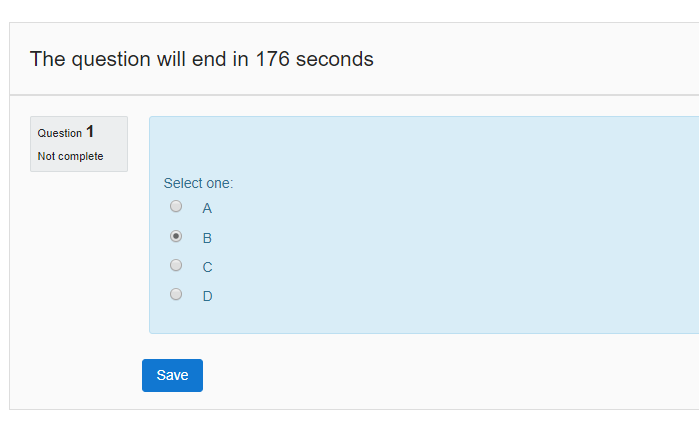
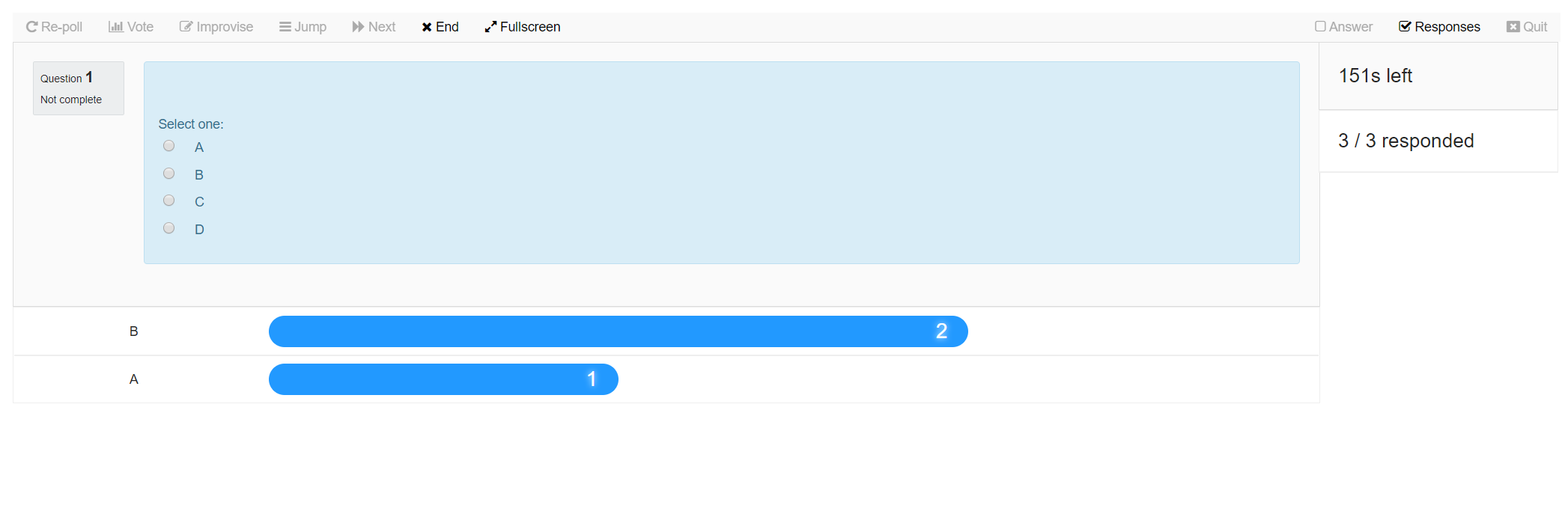
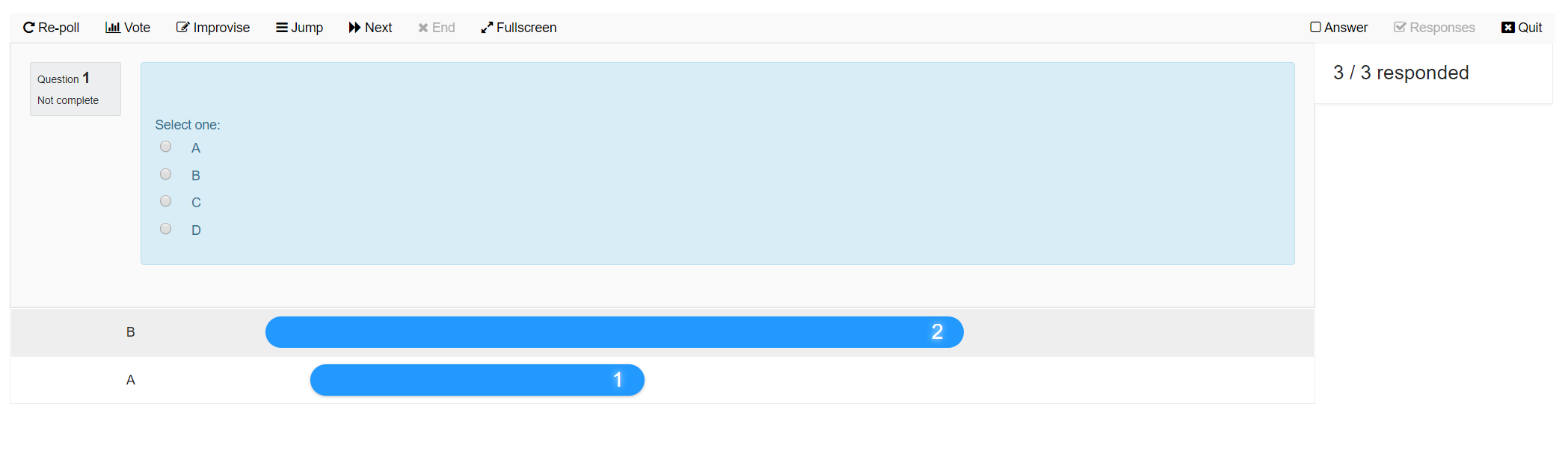
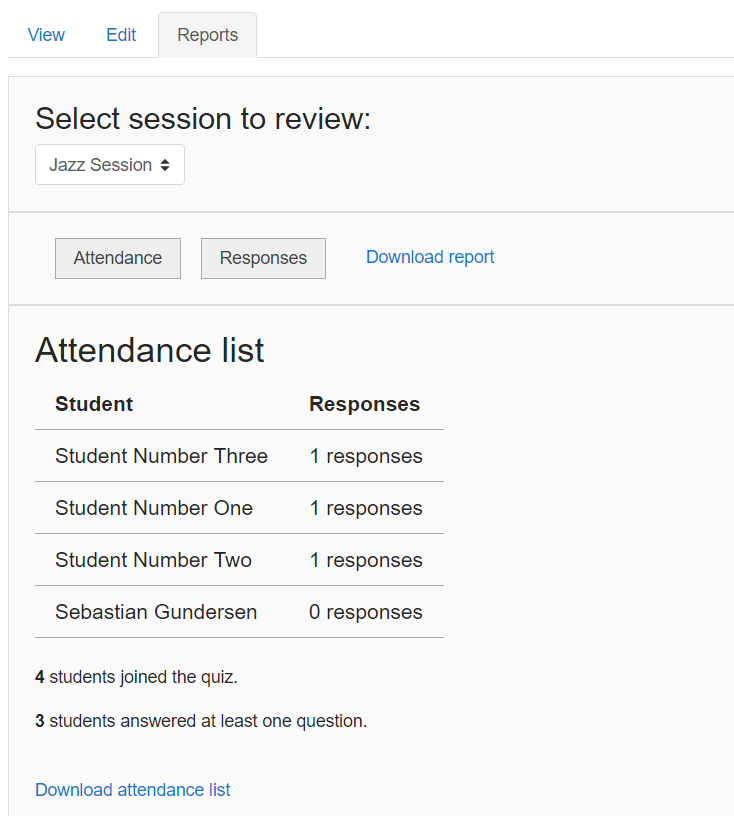
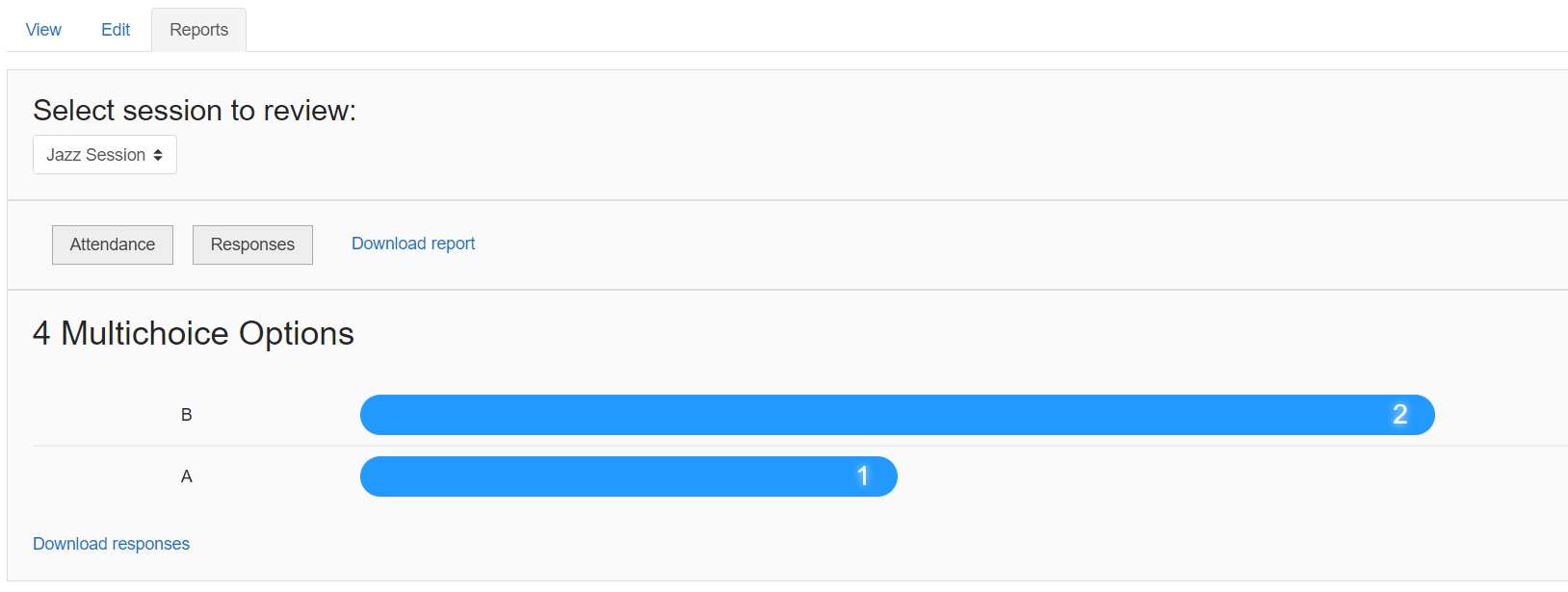
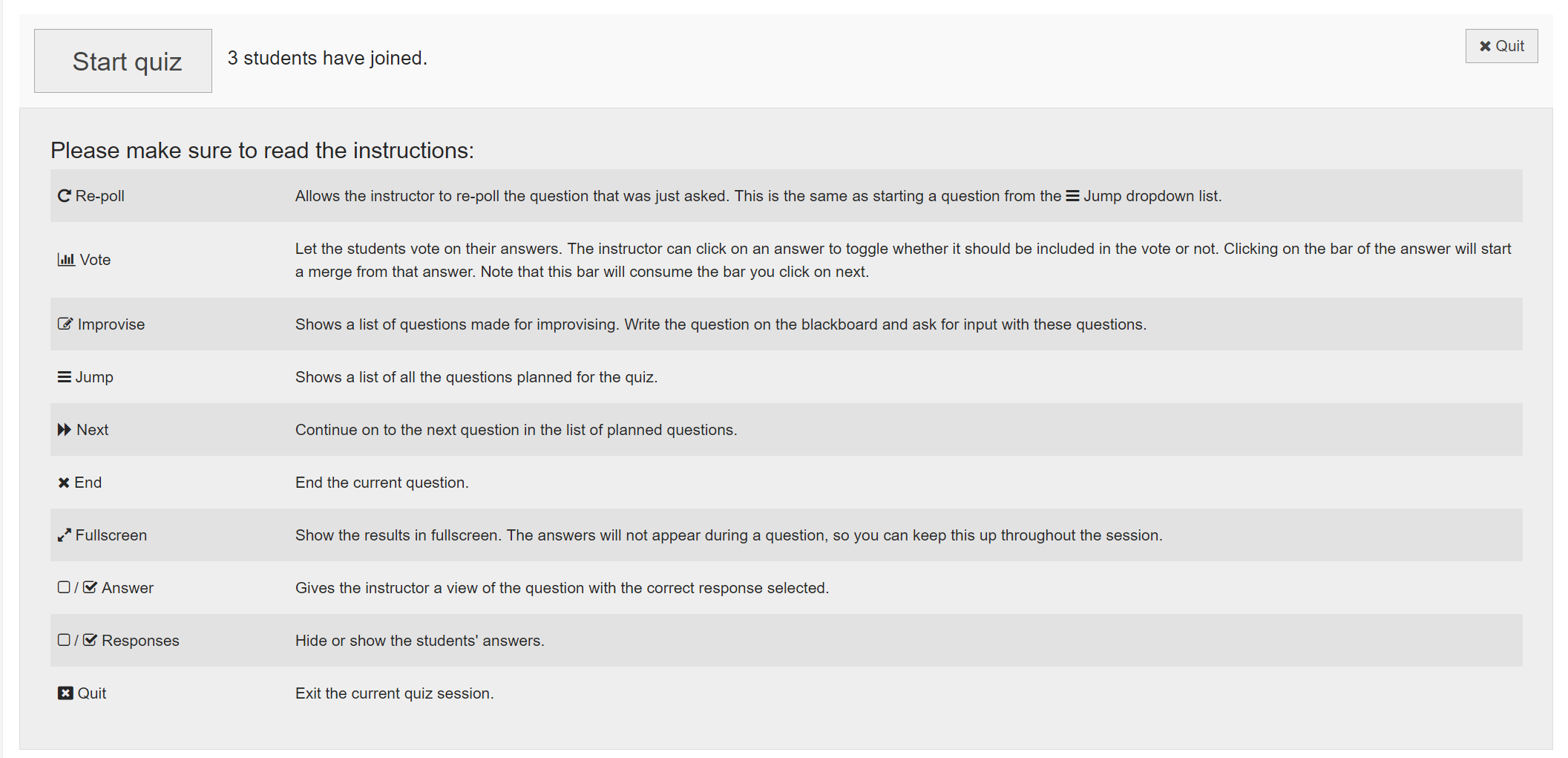
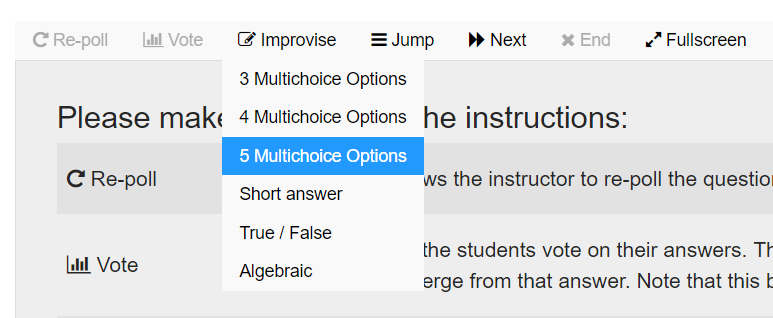
JazzQuiz lets the teacher run a preplanned quiz, but with the power of improvisation. Several improvise questions are included, which lets you quickly run a multichoice or short answer question during the quiz. You can also start a vote on the students' responses. After the session, you can review the responses for each question (even repolls). You can also download reports for attendance or responses in CSV.
Comments
Comments are no longer open for new posts. Existing comments remain available to read.
Currently, it is holding me back from upgrading Moodle. Can you already tell whether/when you will be able to make it compatible with Moodle 5.x?
great work on this plugin ❤️.
we have some strange behaviour e.g. in case of a multiple choice question one which the summary showed individual answer options multiple times with different counts. I'm happy to supply a screenshot of this. you can find my email address here:
tinyurl.com/aau-hendrik-knoche
we are on Moodle 3.6.2, JazzQuiz 1.0.0 (Build: 2019073000). when I click to display the answers the page remains blank but the downloaded report file is correct. I don't know what to do to fix this problem
Thanks
Your use case is very different from ours. JazzQuiz was developed as a vehicle for direct, spontaneous conversation between a lecturer and large classes in real time. When I give the students multiple tries, we first review all the answer from the class together, and maybe I ask the students to discuss in small groups between attempts, following an idea from Eric Mazur («Farewell Lecture!» in *Science* 2009). Because answers are supposed to be discussed in class, we have not even considered how automated grading could work in the process; we simply assume that it is not used.
For your use case, where the students work individually over multiple attempts, you need to use a quiz tool which is intended for such use. I appreciate that there may be many situations where your approach is preferred, but I am afraid that it is too different from others to support both in one tool.
I am using the version for Moodle 4.3.
I am trying to create a multiple tries quiz. I have edited each question with 2 hints and tested the quiz as a student and it doesn't work. When I log in as a student, after answering a question, I get a message saying that I should wait for the Tutor to start the next question, but I should have two more tries.
Also, once the quiz is finished, is it possible to see in the reports the percentage of wrong answers for each question?
Thank you!
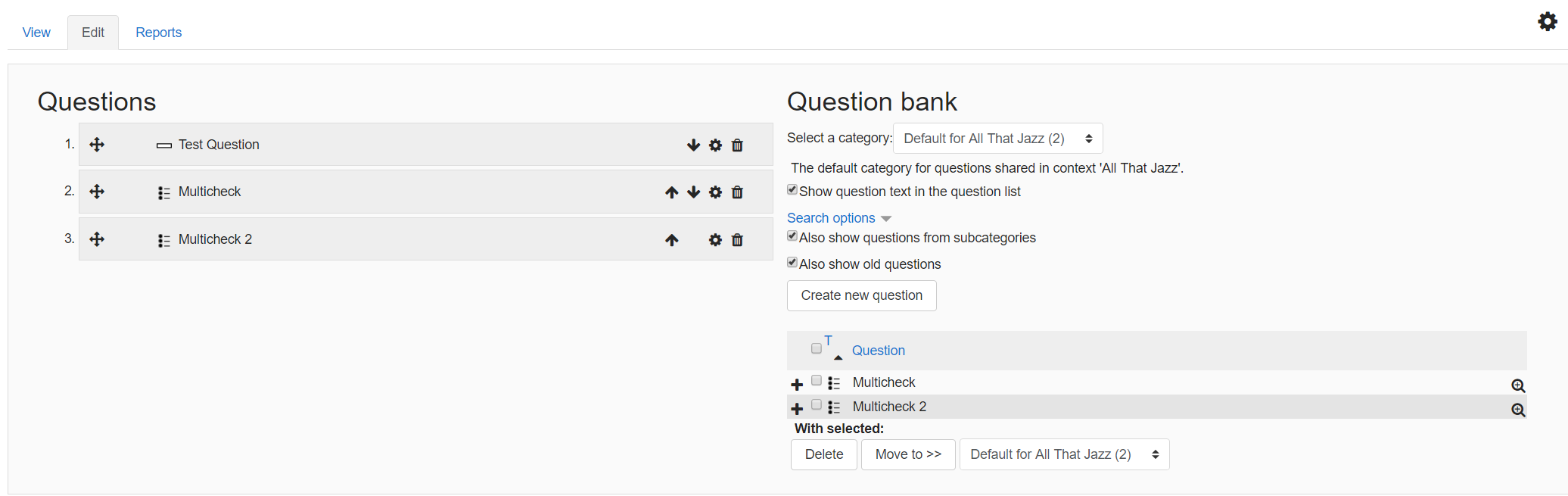
Now that it works, I have a big question... how do I import the questions from the question bank?
I can't do it. I select them, click the add button, but when I return to the EDIT tab, the "Questions" box is empty, it does not load