Coupon
Maintained by
Sebsoft BV, Rogier van Dongen
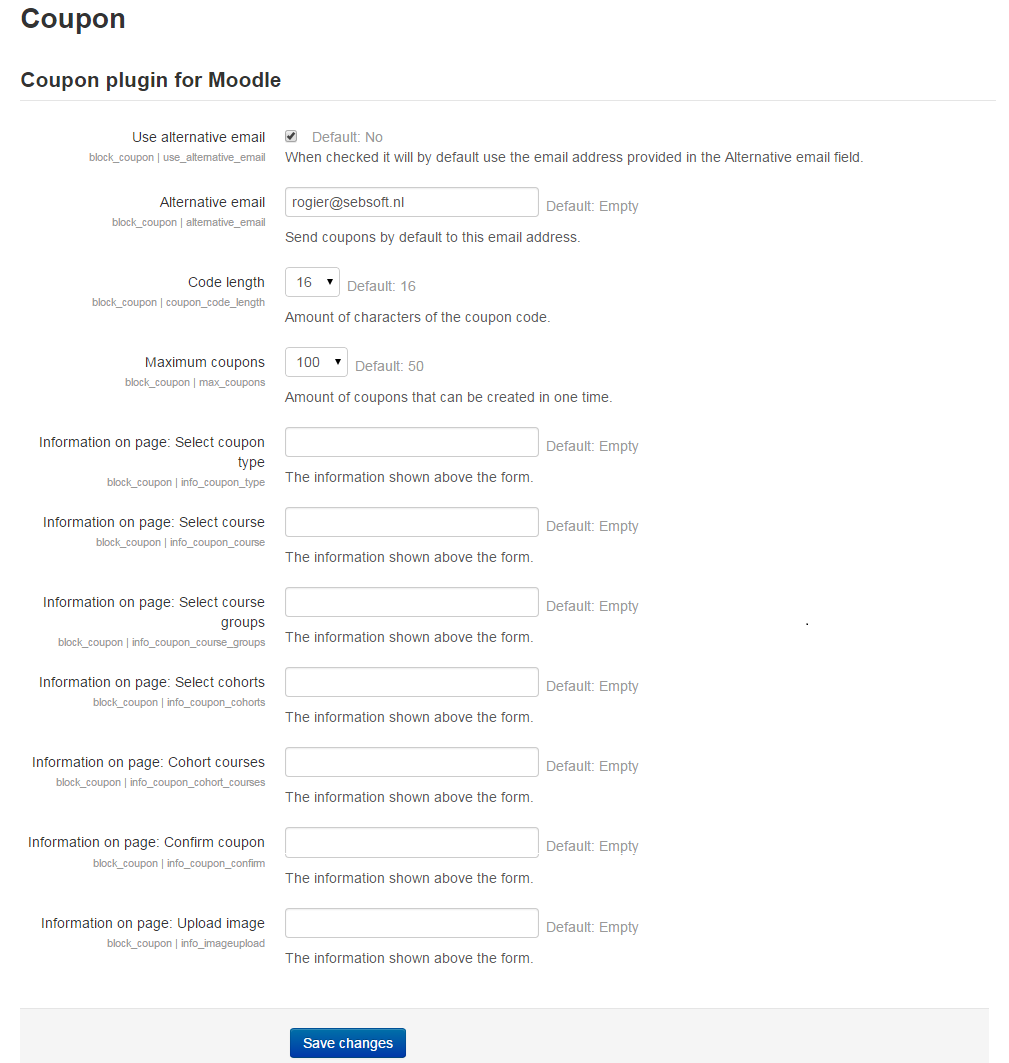
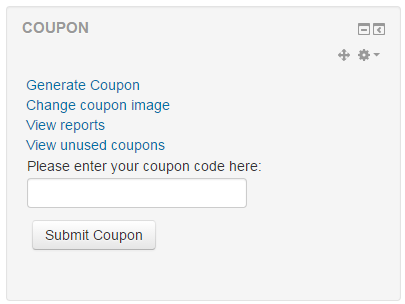
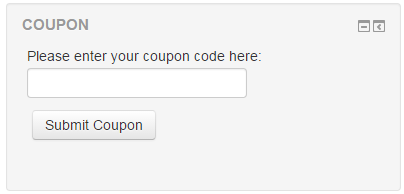
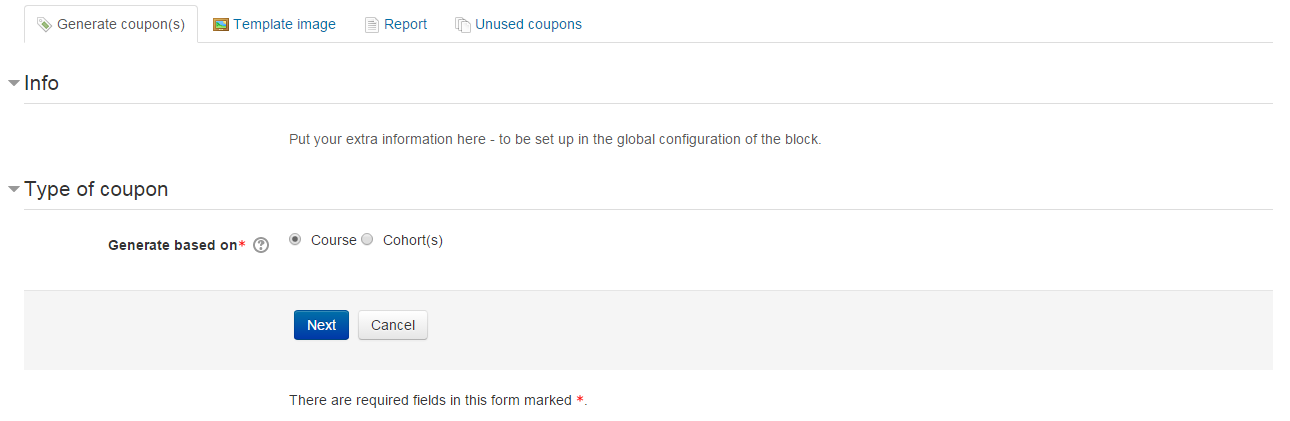
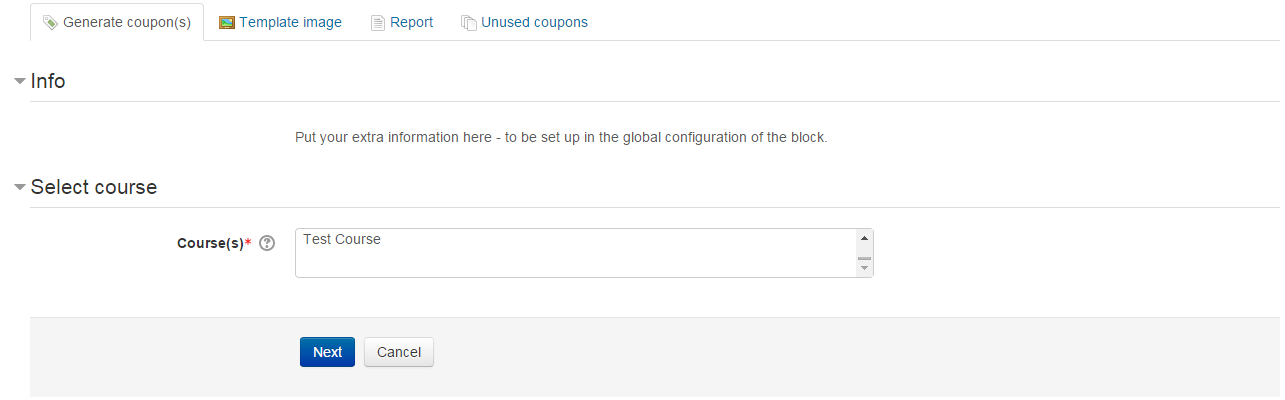
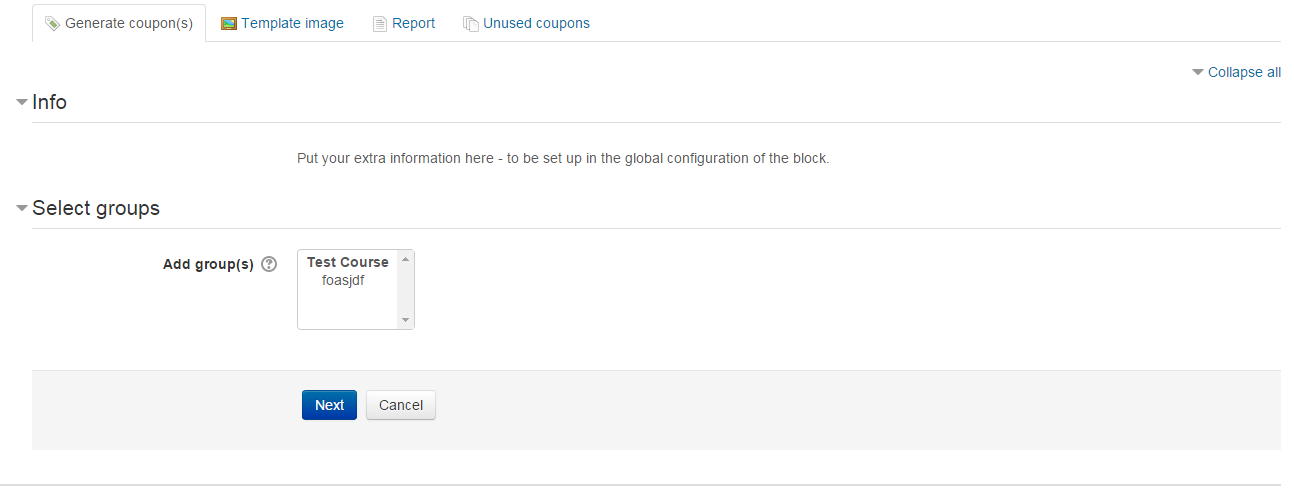
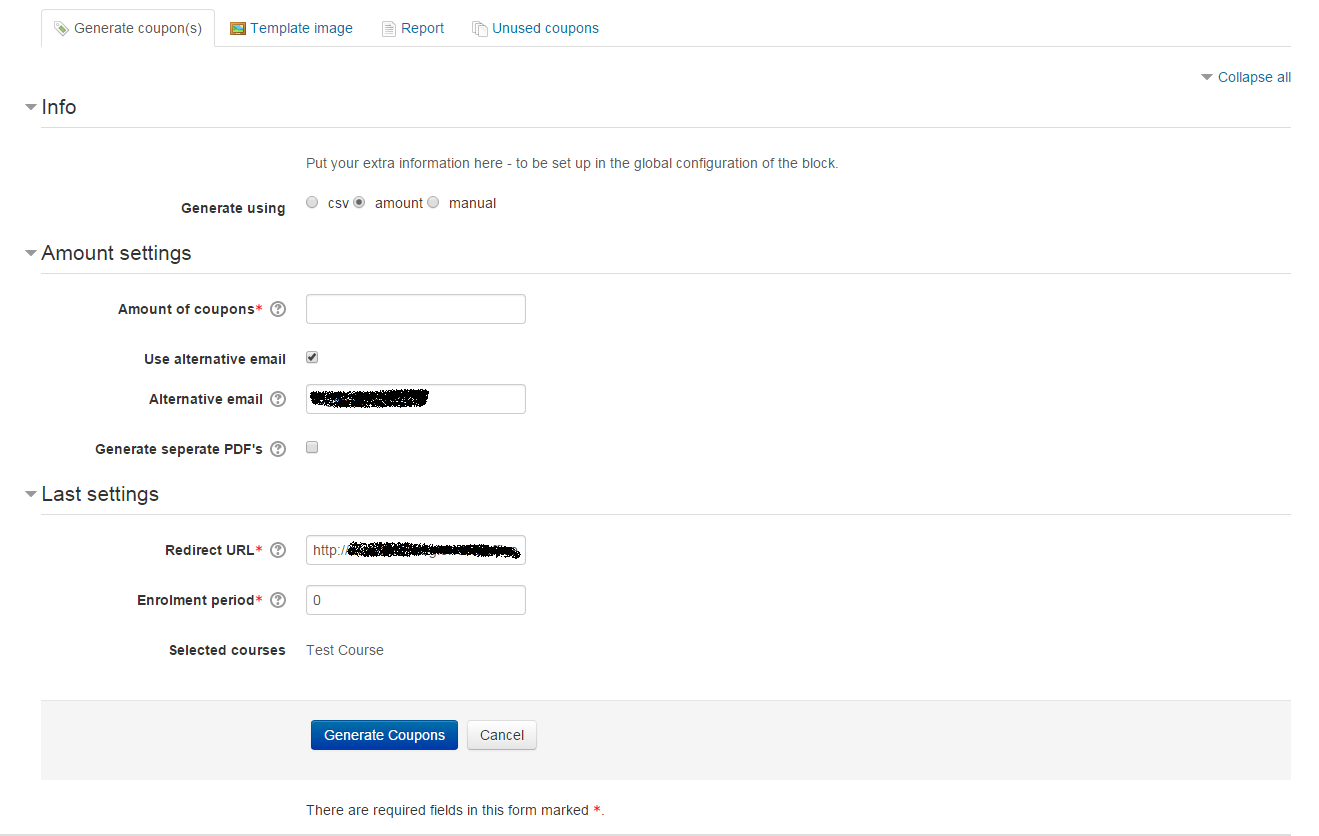
The Sebsoft Coupon Plugin offers you the possibility to create coupons for various levels
of course access. Using a coupon code, users will be enrolled into courses that are attached to the coupon.

Comments
Comments are no longer open for new posts. Existing comments remain available to read.
Please see the download section at https://bitbucket.org/sebsoft/moodle-block_coupon/downloads/
Thanks for your advice, this saved me some time to search this out myself. I've implemented your tip and the redirects works fine. Thanks again.
Franky
Unfortunately, no. The one way we've been able to implement this without enforcing Moodle core hacks, is by using custom scripts.
To configure, do the following:
modify your Moodle config.php and add a line "$CFG->customscripts = /path/to/customscripts/"
You will usually either out your customscripts either IN the moodle datadir, or just outside of the www-root, e.g.:
/yourhomedir/moodledata/customscripts
Now, add a folder called "login" so you end up with: /yourhomedir/moodledata/customscripts/login/
Finally, add a php file called signup.php, so you end up with: /yourhomedir/moodledata/customscripts/login/signup.php
The ONLY thing you need to do here is enter a redirect statement so you end up with the coupon signup url: <?php
// This script does nothing more than redirect to the coupon signup method.
redirect($CFG->wwwroot . '/blocks/coupon/view/signup.php');
exit;
and that's it. Using these 4 lines of code, you're now set up to use the custom signup
Of course this will all totally fail if your host does not provide you with direct access to your Moodle installation.
Let me know if you get this to work.
Good luck & cheers,
Rogier
yes, this is exactly what I mean. I've now only put the URL in, and then indeed a field couponcode is showing up at the top. I've not tested it yet further if this works correctly. Is there in the backend a field where you can fill in this specific URL instead of the URL of the normal registration page? I didn't find this field so far.
You mean like https://yourmoodle/blocks/coupon/view/signup.php?
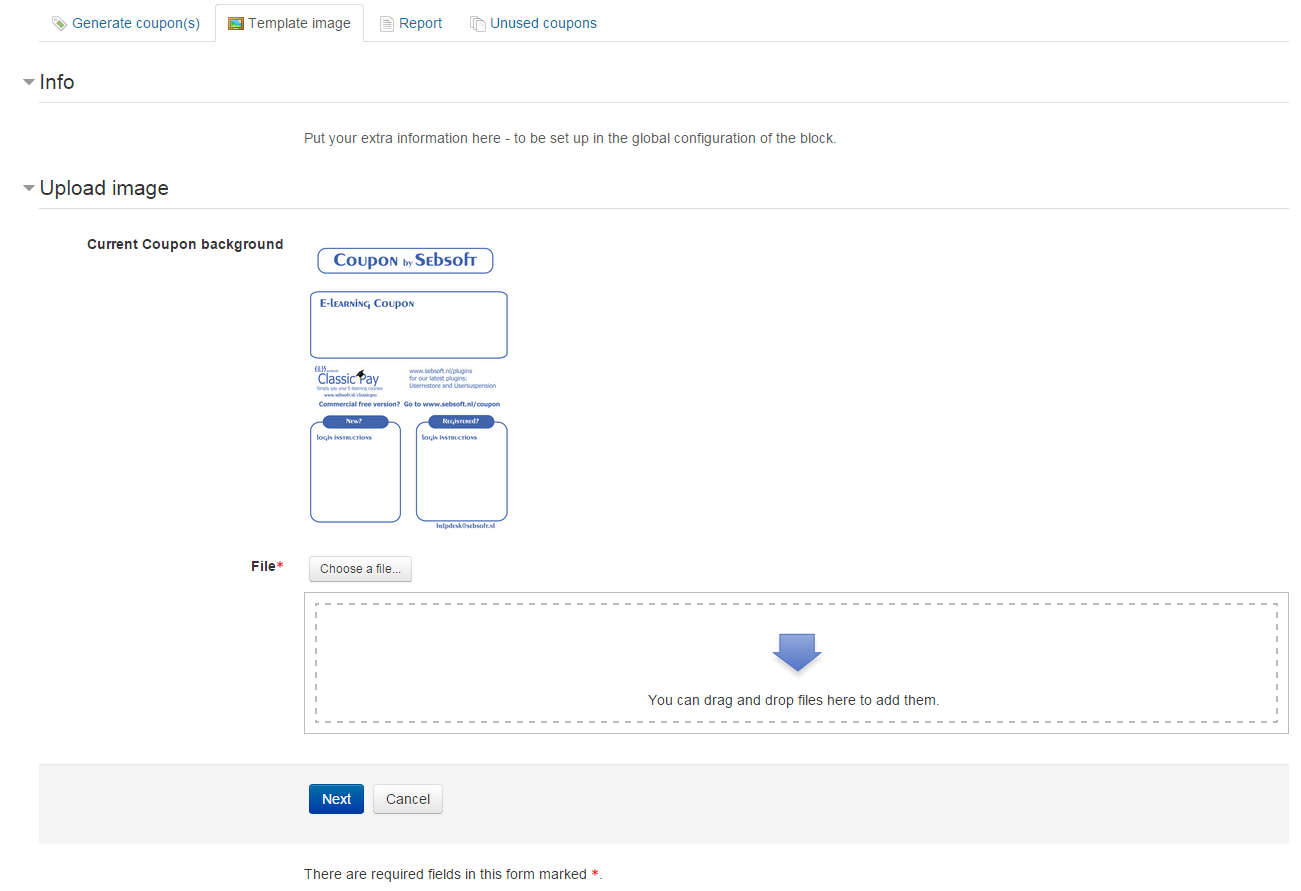
Please check the language files for the information that's displayed inside the Coupon
Can you tell me how to change the informations inside the coupon ? It seem that we can only change the image of the coupon, but what about the text ?
Thanks