Coupon
Maintained by
Sebsoft BV, Rogier van Dongen
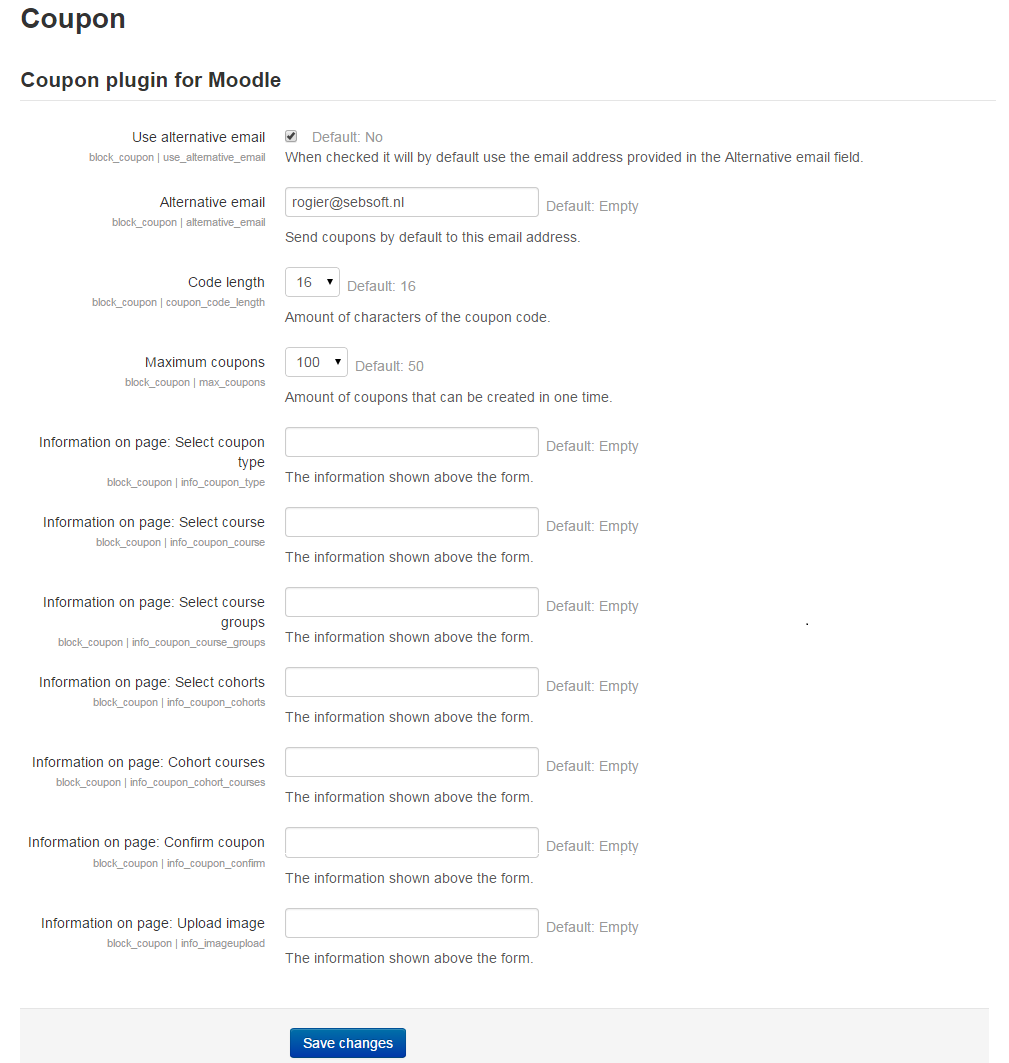
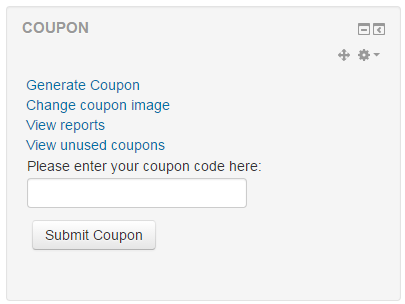
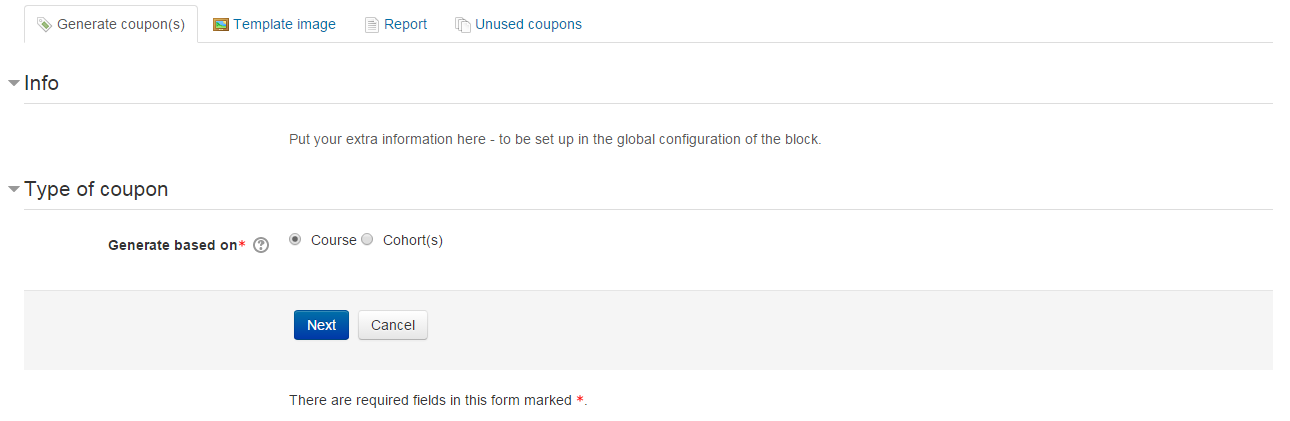
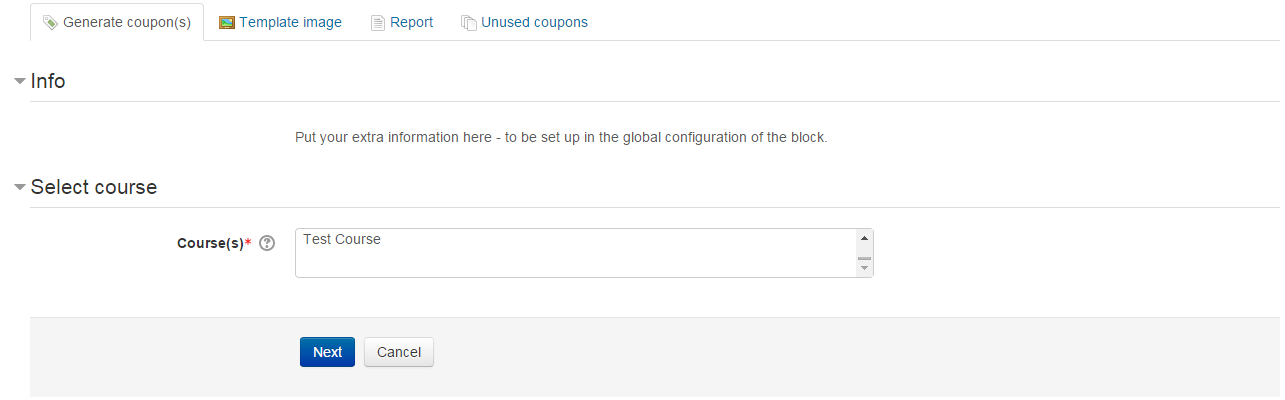
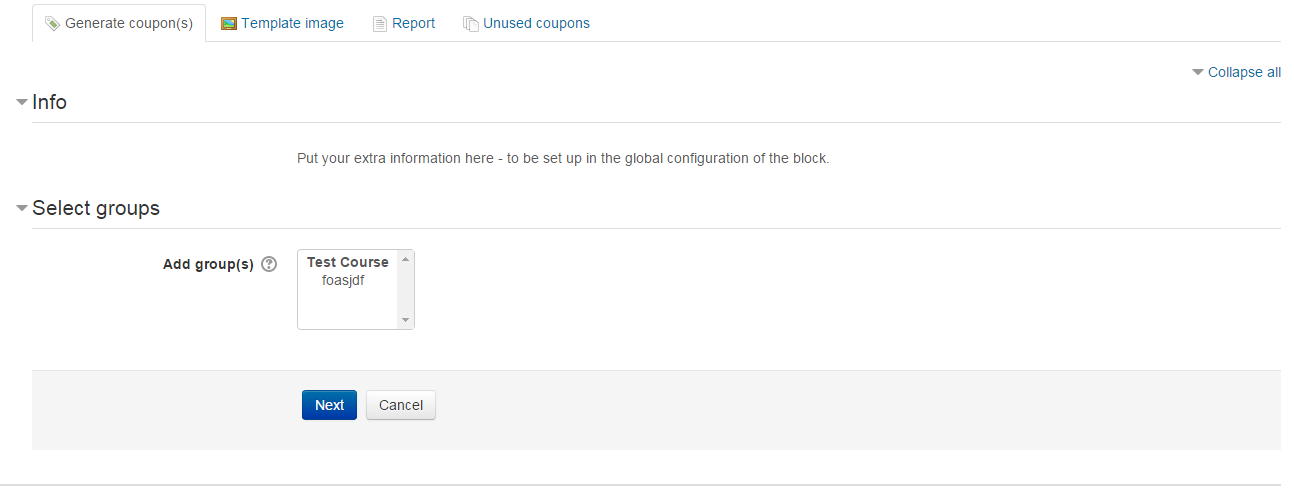
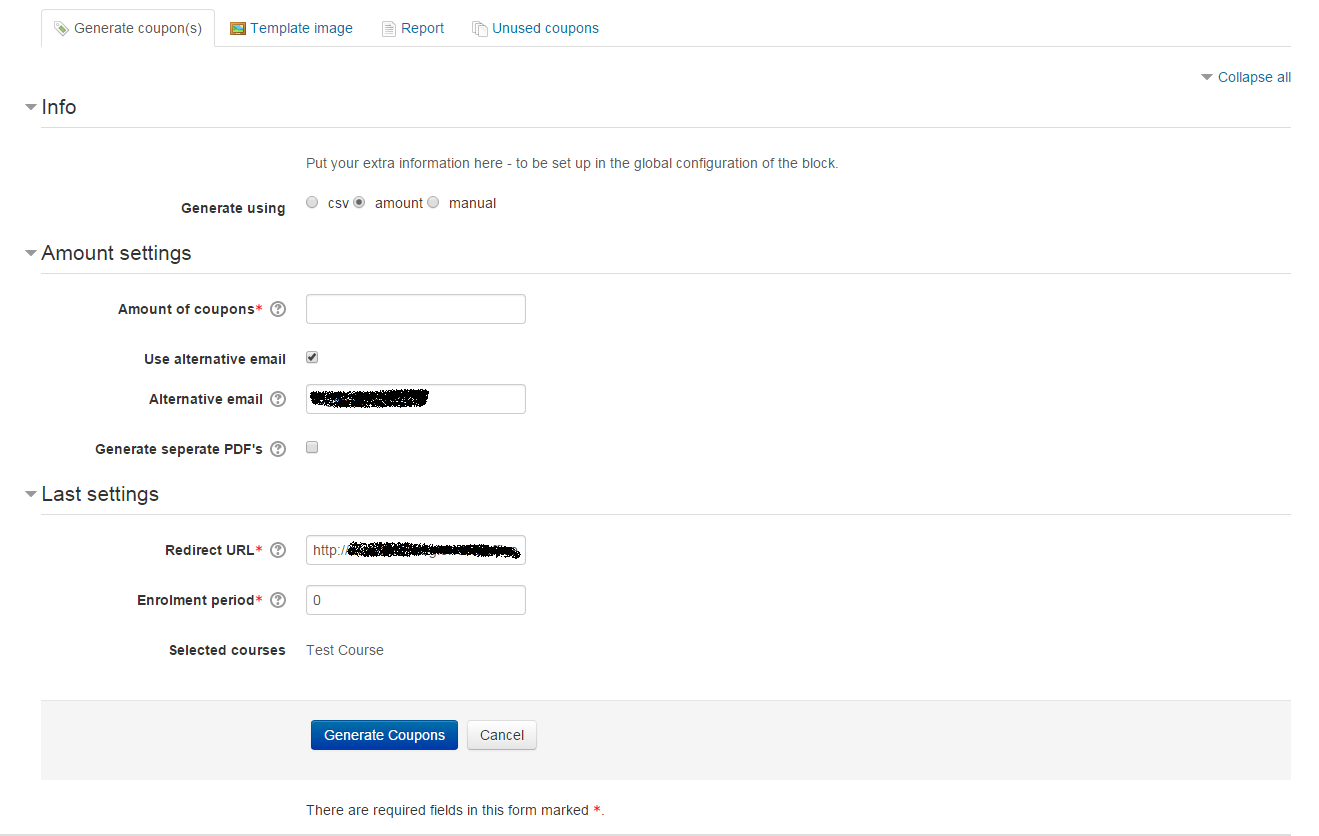
The Sebsoft Coupon Plugin offers you the possibility to create coupons for various levels
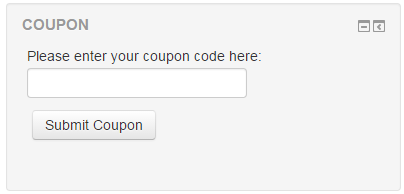
of course access. Using a coupon code, users will be enrolled into courses that are attached to the coupon.

Comments
Comments are no longer open for new posts. Existing comments remain available to read.
New Moodle 3.5+ build will be here soon
The version, 3.5 should not reflect the build date of the major release but the date of the code release. This makes it difficult because if you are upgrading the LMS from 3.1 to 3.4 -- you get a "downgrade" error on the plugin because the two build dates are incorrect.
Because the 3.2.2 has a higher build number (2017092503 than 3.3.1 (2017092501) this creates the problem. The "higher LMS version" should always have a higher build number (even by 1) to ensure the update event triggers.
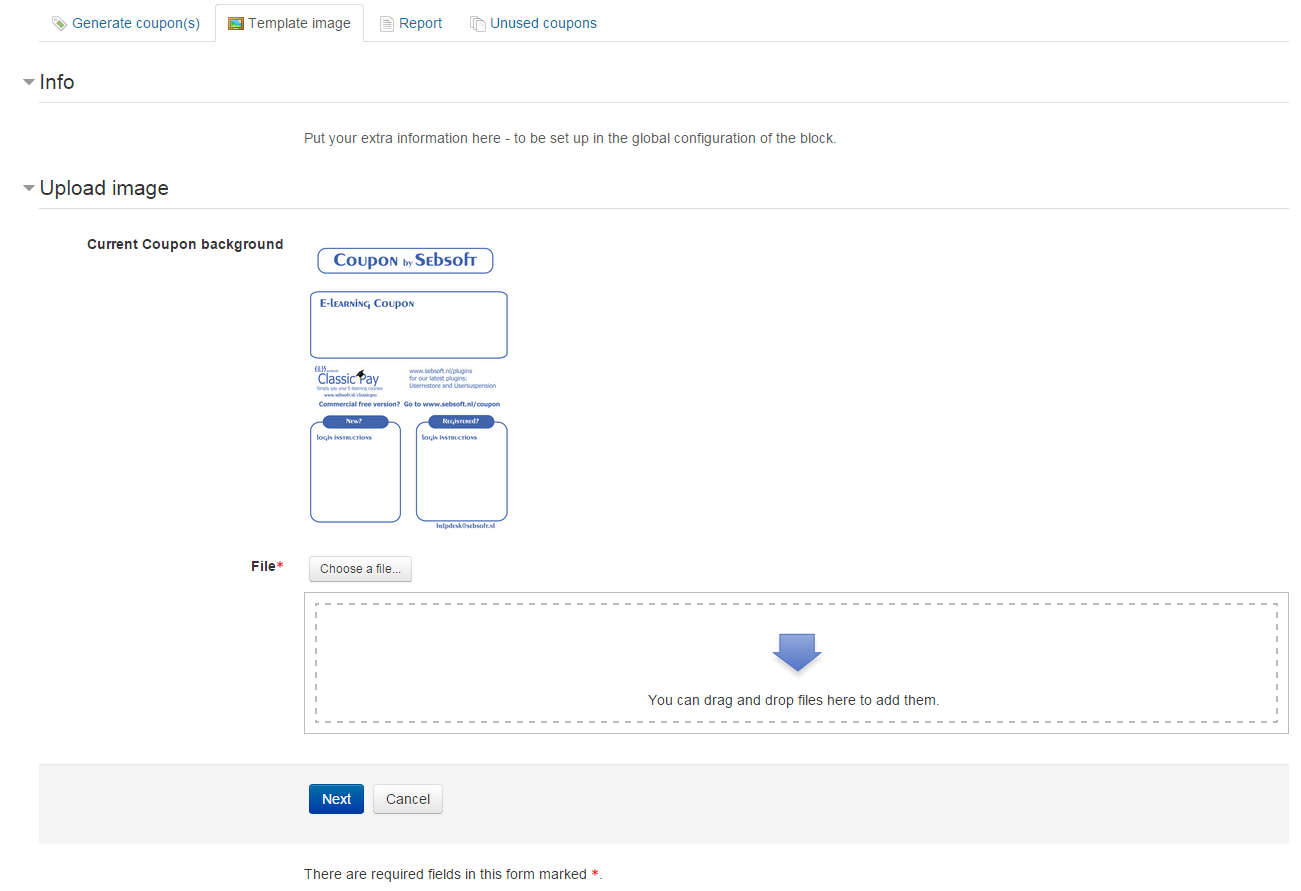
Is there a way to control how the course name appears on the Coupon PDF?
Thanks,
Kevin
Thanks for your interest in the coupon plugin. Could you inform us on the Moodle version you are using? We've had this exact issue mentioned once before but so far, have not been able to reproduce it.
I've also sent you a personal message.
Cheers,
Rogier
Is there a way to configure this?
Thanks!
This plugin's awesome! It would be great if we had more enrolment methods, for instance self-enrolment.
So far this plugin is the single most useful thing in our new Moodle instance.
I was wondering if there is already a way to create a re-usable coupon code in the plugin?
This way we can have a code that we give out to prospective clients as a demo course, or for courses where generating an individual coupon for each client in impractical.
We can of course use self-enrolment, however our user testing has shown that having two different ways to enrol in a course becomes confusing. It's much better for us to have your coupon plugin and a generic coupon for the course.
thanks!
I've sent you a message through the messaging system.
This looks like a really useful plugin. The problem we are having is that it generates the coupon code but we are not receiving the PDF emails. Is there a setting we need to change?
Many thanks Gareth
I am presenting the way I am thinking of it but of course you decide how this can be done.
After you select your courses for example, on a new page or even maybe on the same page under the courses selection box with a drop down menu, you choose the role (custom roles would be nice too) that should be assigned to the coupons that will be generated.
There should also be an extra column at the reports page with the role that's assigned to each coupon, to be able to filter them as well.
Now about how this information will be stated on the coupon, I 'm thinking something simple like a parenthesis after the course name with the role in it. Something like "Thermodynamics (Student)" or "Thermodynamics (Non-editing teacher)" for example.
This is a decent feature request we've considered in the past and could be implemented in the future.
One of the reasons we decided not to implement was that this wasn't needed at the time (long before it even landed on Moodle's plugin page).
Do you have any thoughts on how you would track each coupon / voucher and make sure any printed or otherwise distributed vouchers are distinguishable?
Of course you could have a specific background/logo, but I could imagine you'd want to have that information clearly stated on the coupon itself.
I'd love to hear your input on this.
Cheers
Very nice plugin and especially the QR code function is really simple.
However, I would like to ask you if there is a way to enroll some users as teachers and some as students because, if I am not mistaken, when you use a coupon you get the role that 's selected at the "Default role" (block_coupon | defaultrole) setting at plugin 's settings, the moment you are claiming your coupon and not the setting you had when the coupons where generated.
Is there a way to generate coupons that you can assign the role this coupon will activate, so as to be able to create coupons for teachers, as well as students, that skip the "Default role" setting?
If not, is there a possibility to have this kind of functionality in the future?
Thanks in advance.
Thanks,
Coupon tries enrolment through the use of the internal Moodle function dedicated to this.
Looking at the code, this internal method only supports manual enrolment and will fail if either manual enrolment is not available (globally disabled) OR if the course is not configured with manual enrolment.
Let me know if this helps!
Cheers,
Rogier
On clicking on more details it opens a new page with the error "error/block coupon/error:unable to enrol"
Can you please guide me with the next step for troubleshooting the same ?