Coupon
Maintained by
Sebsoft BV, Rogier van Dongen
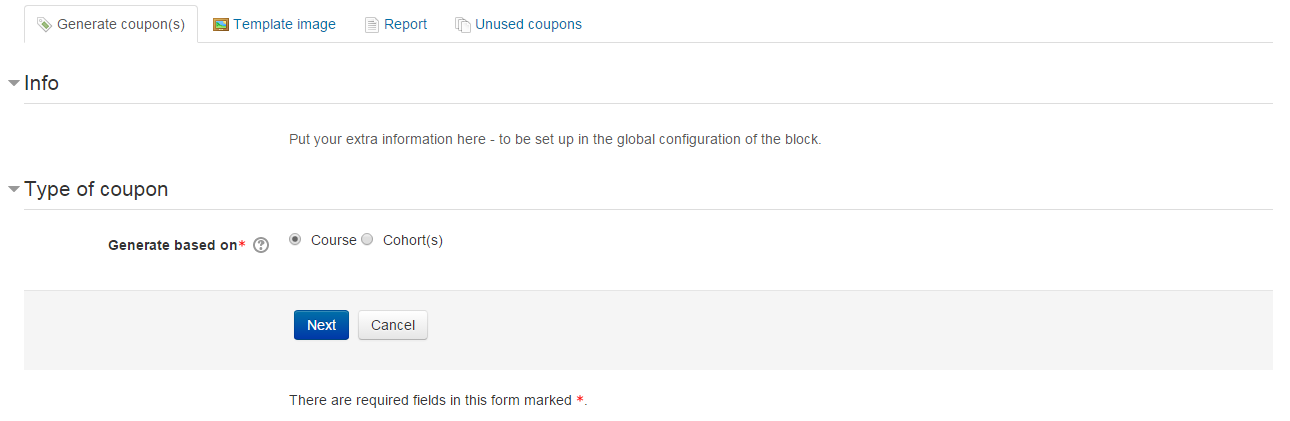
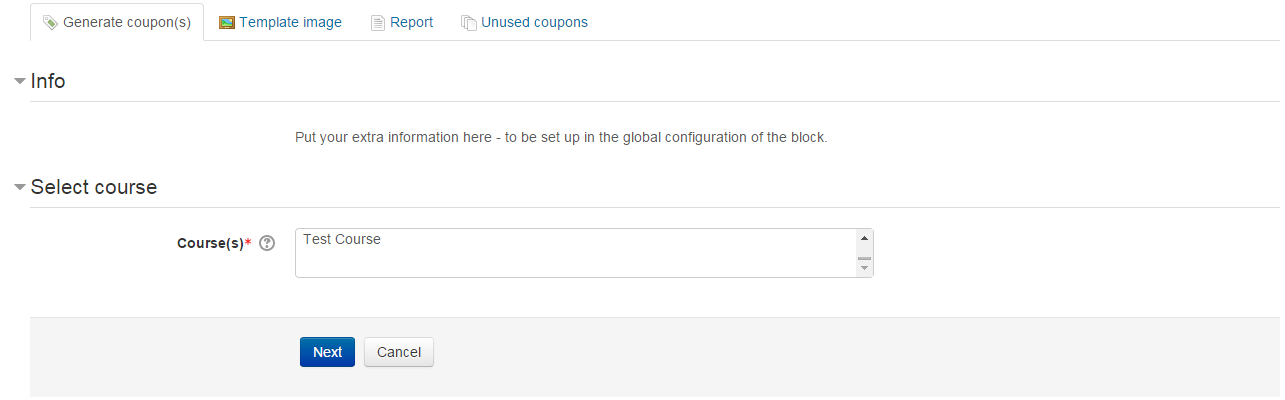
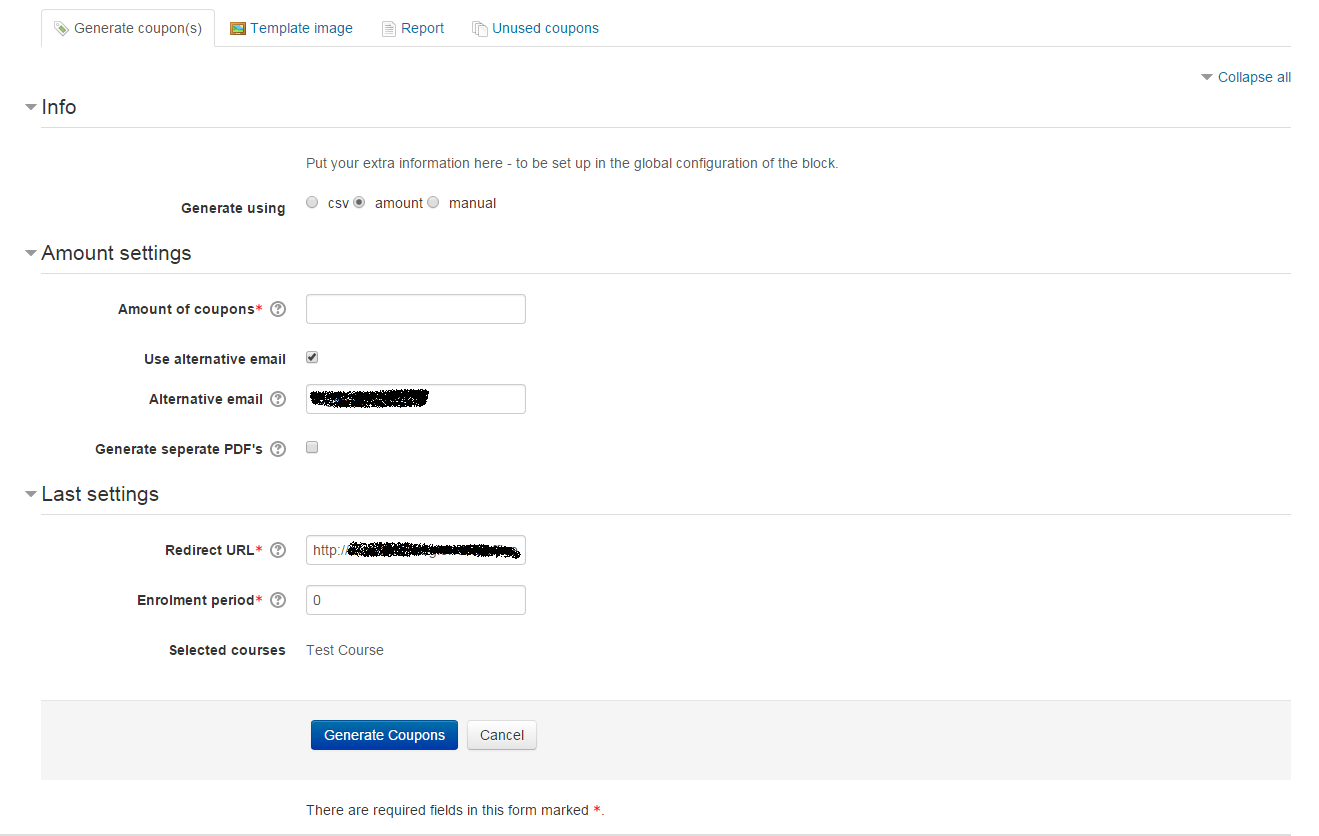
The Sebsoft Coupon Plugin offers you the possibility to create coupons for various levels
of course access. Using a coupon code, users will be enrolled into courses that are attached to the coupon.

Comments
Comments are no longer open for new posts. Existing comments remain available to read.
Is it somehow possible to name the coupons using their batchname? Now all generated coupons have the same (base)filename: coupon_xx.pdf.
Reason: if you want to give a user 2 coupons at once to give access to different modules (in time) I need to extract the two batches in separate folders and rename the files. This can be easily solved if the pdf-(base)name is the batchname_xx.pdf.
Kind regards,
Robin de Rooy
Thank you for the quick response. Yes, you are absolutely right. I confirm that preview mode is showing the QR code regardless of the enable/disable checkbox, but I see there is no QR code after coupon generation.
Apart from this, we would like to add a "click here button" instead of scaning the QR code and insert the URL that includes the enrolment key that takes the users to the sign-up page. Would you please tell me the correct file to edit to insert that URL? Thank you very much.
WOuld that, by any chance, be the preview mode?
I've tried to reproduce, but when I uncheck the box to include a QR code, there's no QR code in the generated PDF file(s).
However, the preview mode in fact does display the QR code regardless of the checkbox state.
Could you confirm this?
Cheers
There's a pretty basic and easy solution, but this would involve what's known in Moodle as a so called customscript (it's a way in Moodle to override any "user" script).
You will need direct access to the Moodle dataroot/server for this as well as the ability to change config.php.
It's more or less as simple as (from the top of my head):
- configuring a $CFG->customscripts entry in config.php (points to a physical disc location. Somewhere inside moodledata root is preferred).
- dumping a file there: /login/signup.php
- contents of that file should be extremely simple (do NOT include config.php there): redirect(new moodle_url('/blocks/coupon/view/signup.php'));exit;
The exit statement is kind of surplus.
Please mind: it should still work but I have no idea if or when Moodle might deprecate the customscripts ideology. We've not heard about broken sites yet but I do realize this specific "coupon signup" functionality isn't used that much.
I'd advise you to try this method and see if it works. If it doesn't, please get back to me (and don't forget to remove the customscript again).
This would only be a temporary solution by the way: I'm working on a more reliable, easy to deploy and stable solution that will make configuration much easier. It might take a bit of time because I'm up to my ears in other projects at the moment (I'd be able to speed this up if it were a paid project; as an employee I can't make priority decisions).
Cheers and good luck!
Thank you for your response.
I've made two screenshots:
https://cloud.shk.nrw/index.php/s/jwCaZSzH767pgrR
The first one, without the voucher field, appears when the QR Code is scanned for the first time and not visited the site before.
The second one, with the voucher field, appears when the site was visited in the past or the code is scanned a second time.
I can repeat that and every time by deleting the cookies and the history, visited pages, it is the same. And it doesn't matter if I just visite the start page or scan the code. On the first scan I can't see the voucher field and I am not enrolled in course.
The funny thing is, you can see the difference in the internetadress... So i am guessing it has something to do with your description and the passing through of the code. But I don't know how to solve this.
We've differentiated between Moodle before 4.0 and from 4.0 onwards.
We will, unless it's extremely critical, not update the Moodle 310 and 311 branch version anymore. You're encouraged to move on to newer Moodle.
Refer to the changelog for a more detailed overview, but the most important change is:
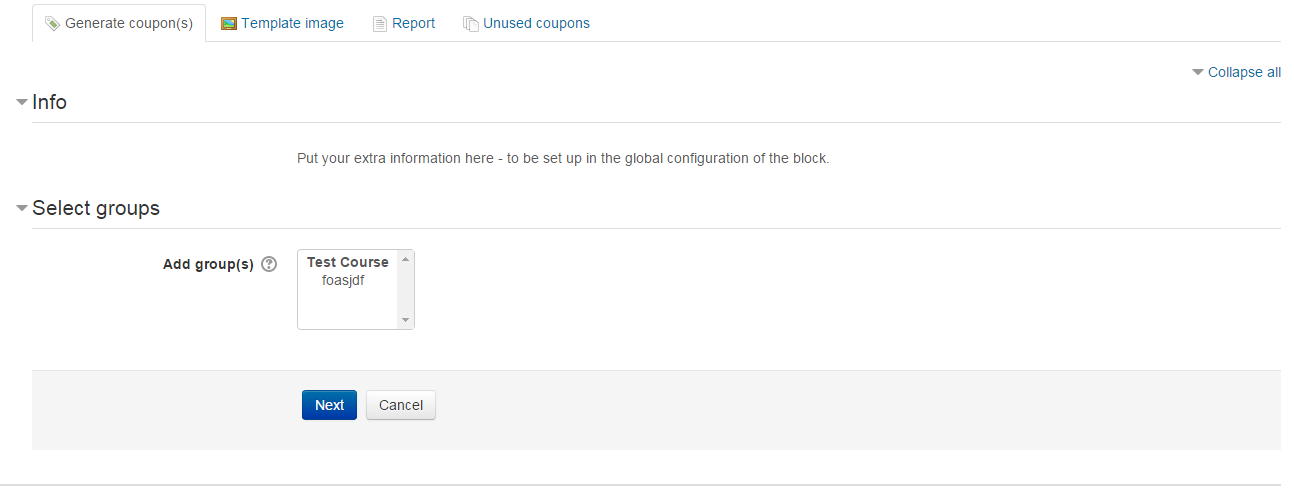
You can now configure "coursegrouping" coupons, which will let the end user choose X out of Y possible courses.
Important note: the coursegroupings are to be configured separately. The generator interface only displays a dropdown to choose the actual coursegrouping for which to generate coupons.
Therefore, a explanatory name of the grouping is highly recommended (the generator interface/steps will not provide you with more than the grouping name).
Cheers!
Would it be possible for you to file an issue in the tracker possibly accompanied with screenshots or a screenrecording?
If that would expose too much information another way of sharing could be discussed.
"On the first visit, the field with the filled-in voucher code does not appear" <- This makes me wonder if the signup page has the correct scope. If the form displayed is in fact the signup form as provided by the coupon block; it forces this field before anything else (this is the only added field; the rest is "the" core signup form). It _could_ be empty if the code isn't being passed through, but at least the field itself must be visible.
The other thing that makes me wonder: the custom (extended) signup form performs a validation on the coupon code and isn't just a required field, but also actually checks whether or not the code is valid. This basically means it shouldn't be possible to get past the custom signup page if the coupon field is left empty or if the code doesn't validate.
Contact me if needed, either through github or by personal message.
Thanks and cheers
ty for your answer. i will look forward to hear from you.
Yes, good idea - and it worked (I already cleaned the cache before). So, now I am going to look where changes are made. At least I can see them in the coupon! Nice.
Not 100% sure what method you used to change the language; but language strings are cached in Moodle.
The best way to go about this is to use the correct interface in Moodle itself (seee e.g. https://docs.moodle.org/311/en/Language_customisation). You *could* try clearing the caches first; then this way if clearing caches doesn't help. The standard way to modify defined language strings however is through the provided interface.
Cheers
I changed some text in the block_coupon.php file (in \coupon\lang\nl) but the text is not used in the pdf when creating the coupon(s). I looked at the server and the file is indeed changed (date, time but also its content). So, how is this possible? What do I miss?
Thanks for the reply. I have found it and changed the text and its position. Thank you!
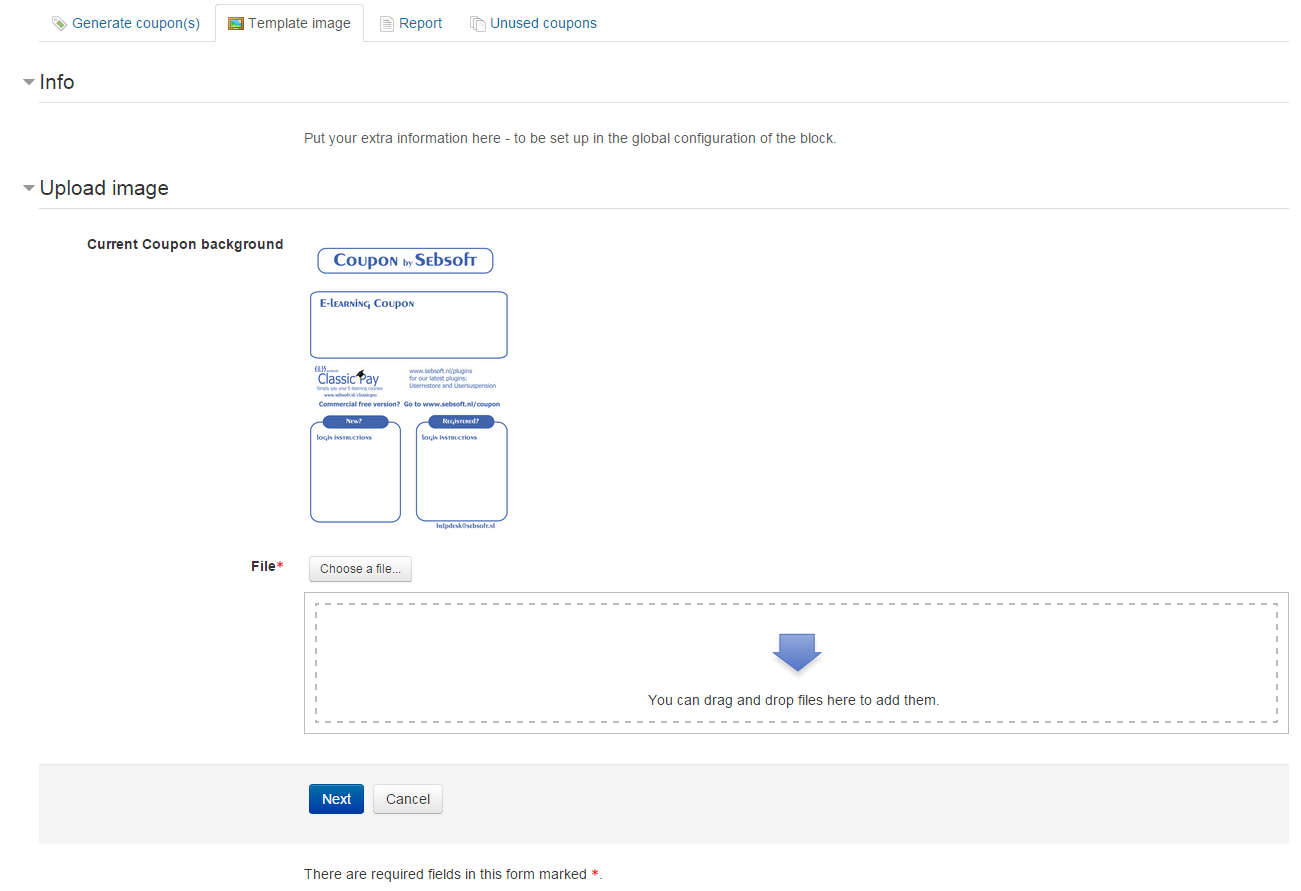
At the moment, the "blocks" where text is writtenm, as well as the block where the QR code is included, is hardcoded.
The only way this could be changed is when you'd hack into the pdf.php file and physically change the coordinates.
We absolutely have a roadmap to have this configurable but this will not really be facilitated any time very soon due to the huge pressure of other (paid) projects.
Should you need help with this; find my email in the sources and contact me directly. I can provide some guidelines if needed.
@JF I havent yet been able to reproduce your issue but honestly have to admit I'm very short on time. However, we did take notice of your issue and try to have it resolved (or explained) asap.
Cheers
Thanks in advance!