Coupon
Maintained by
Sebsoft BV, Rogier van Dongen
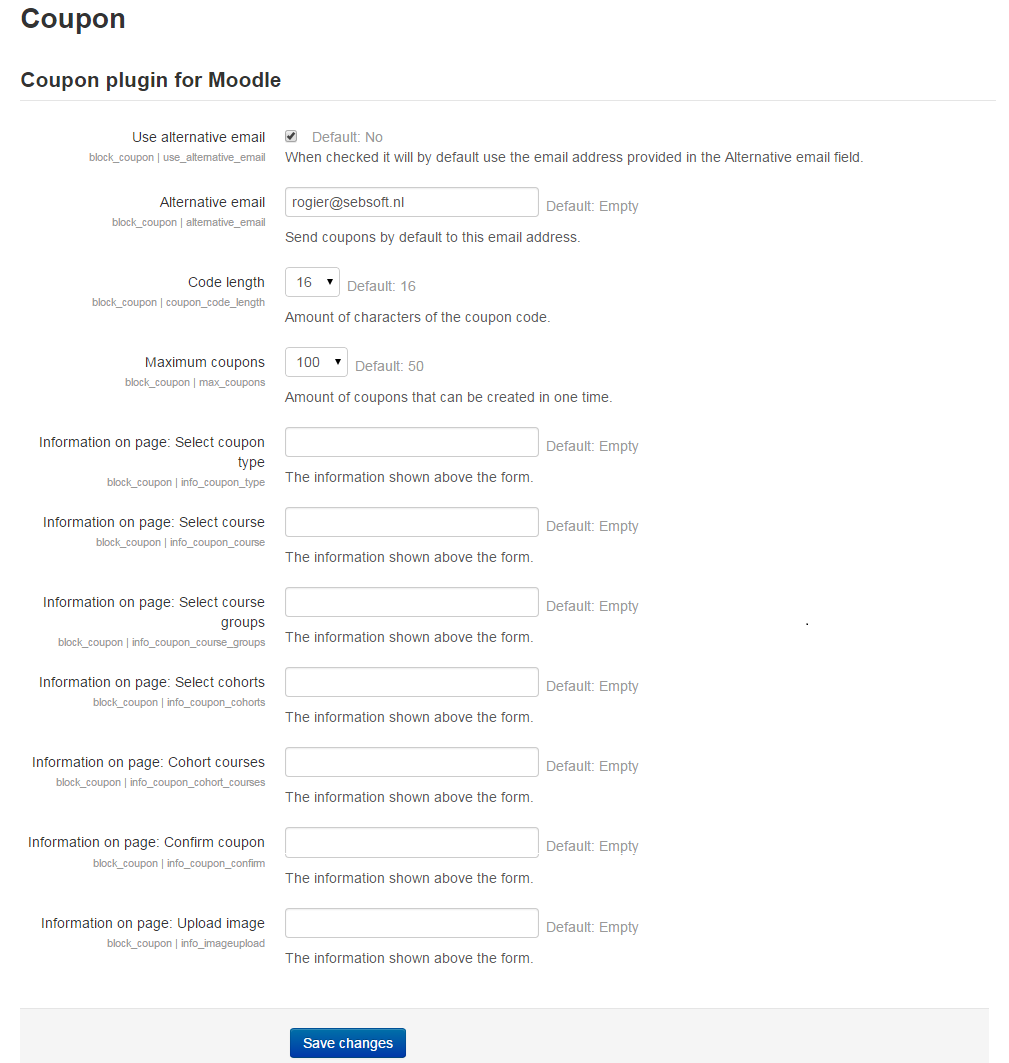
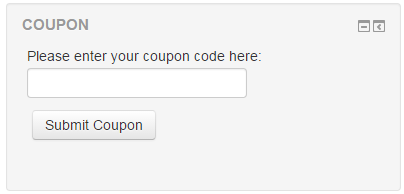
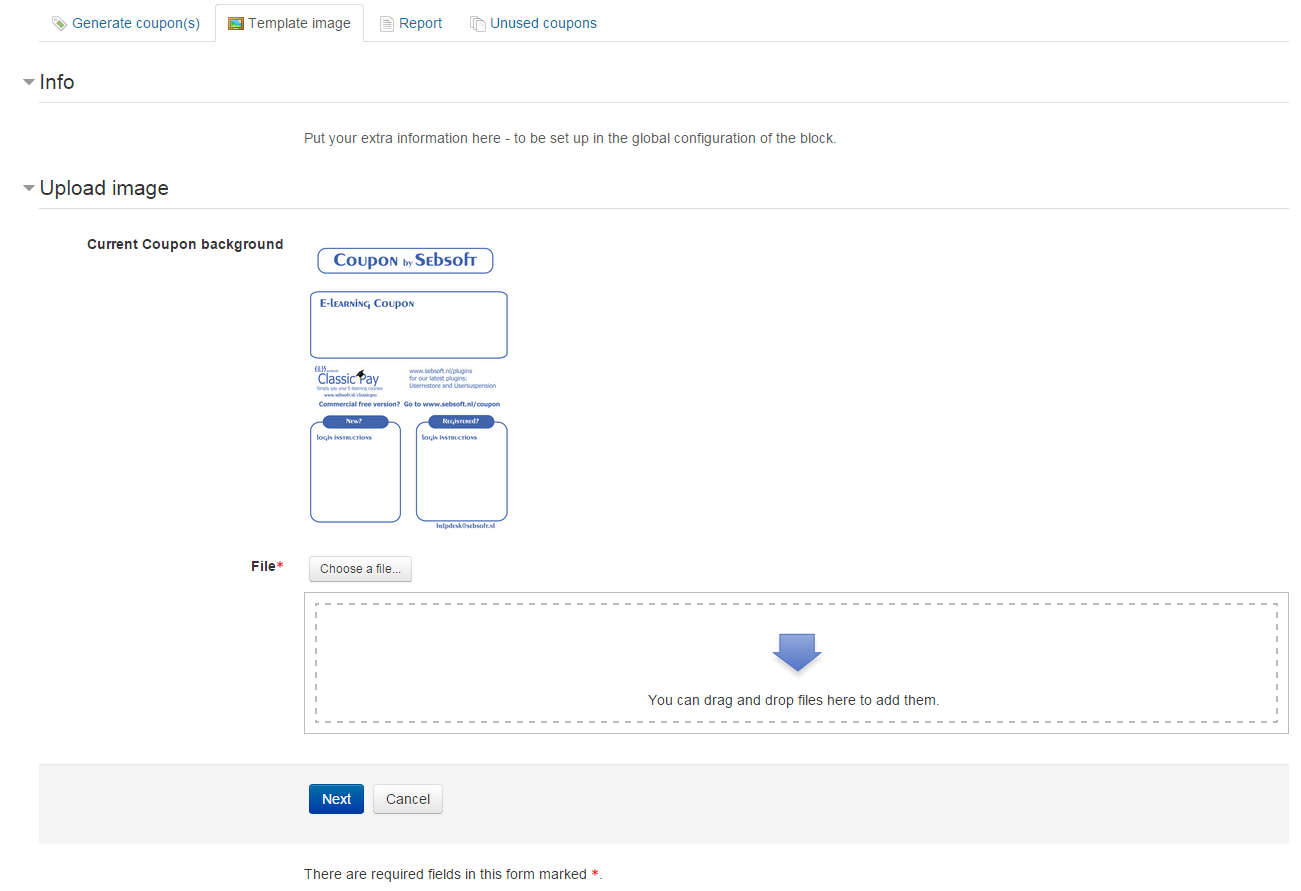
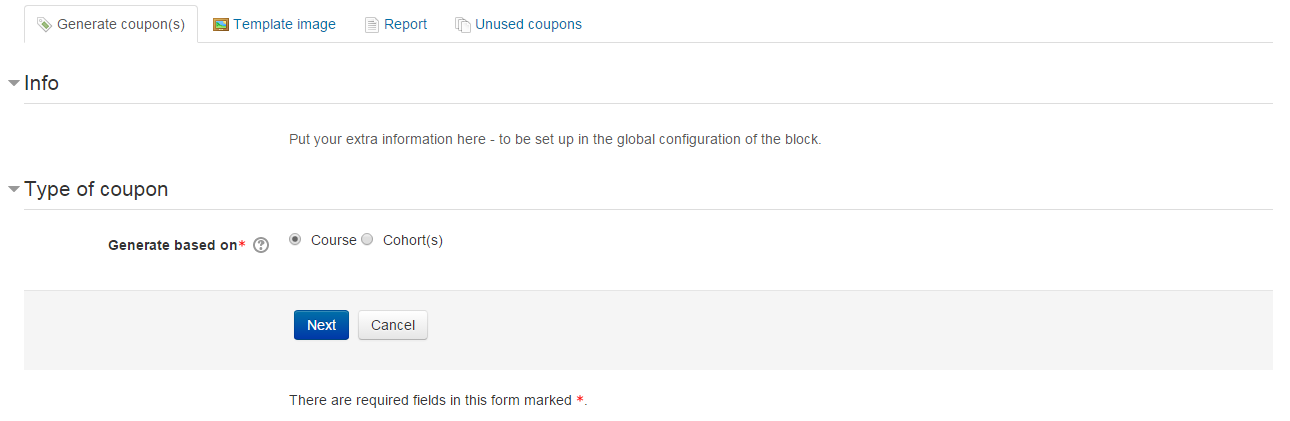
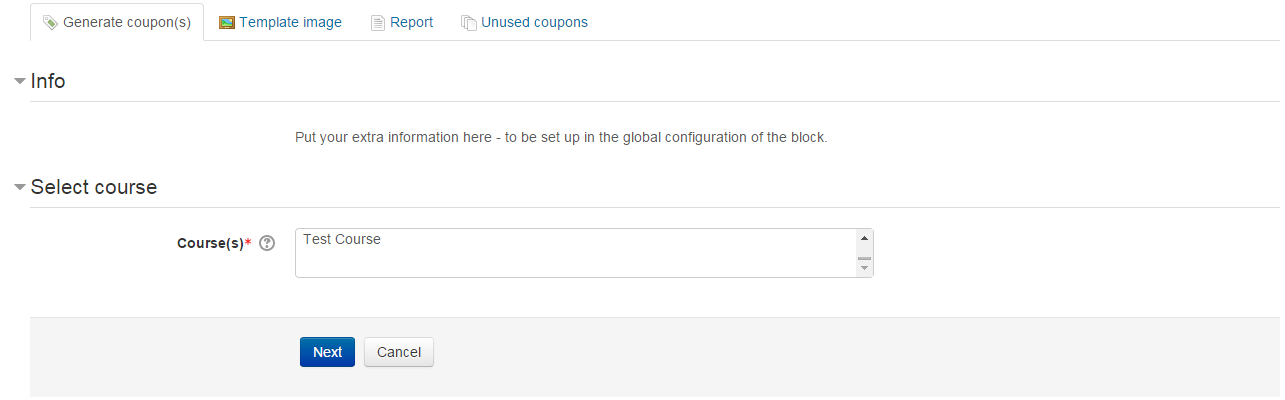
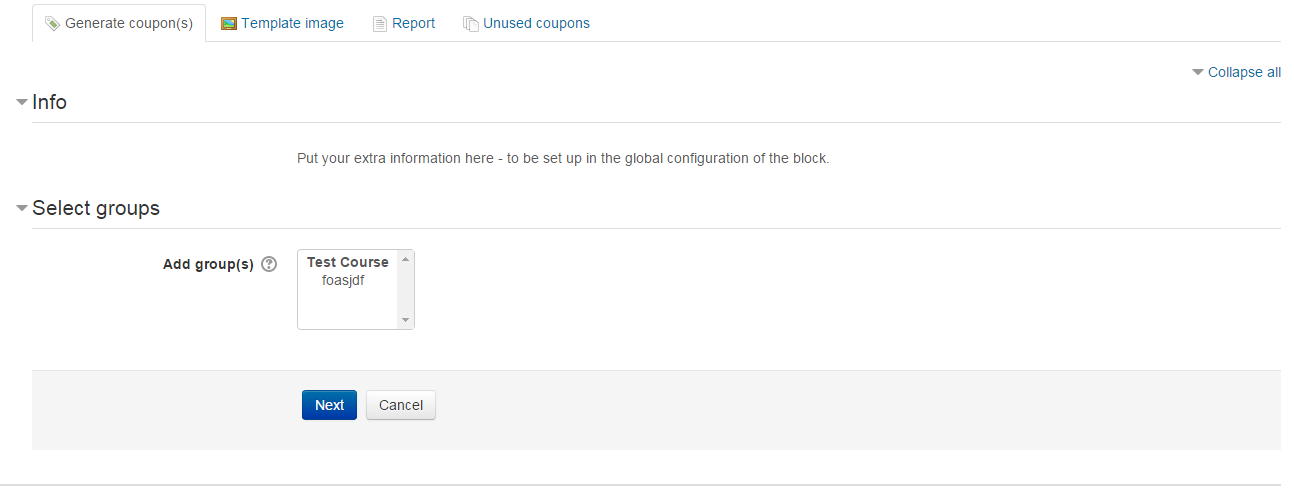
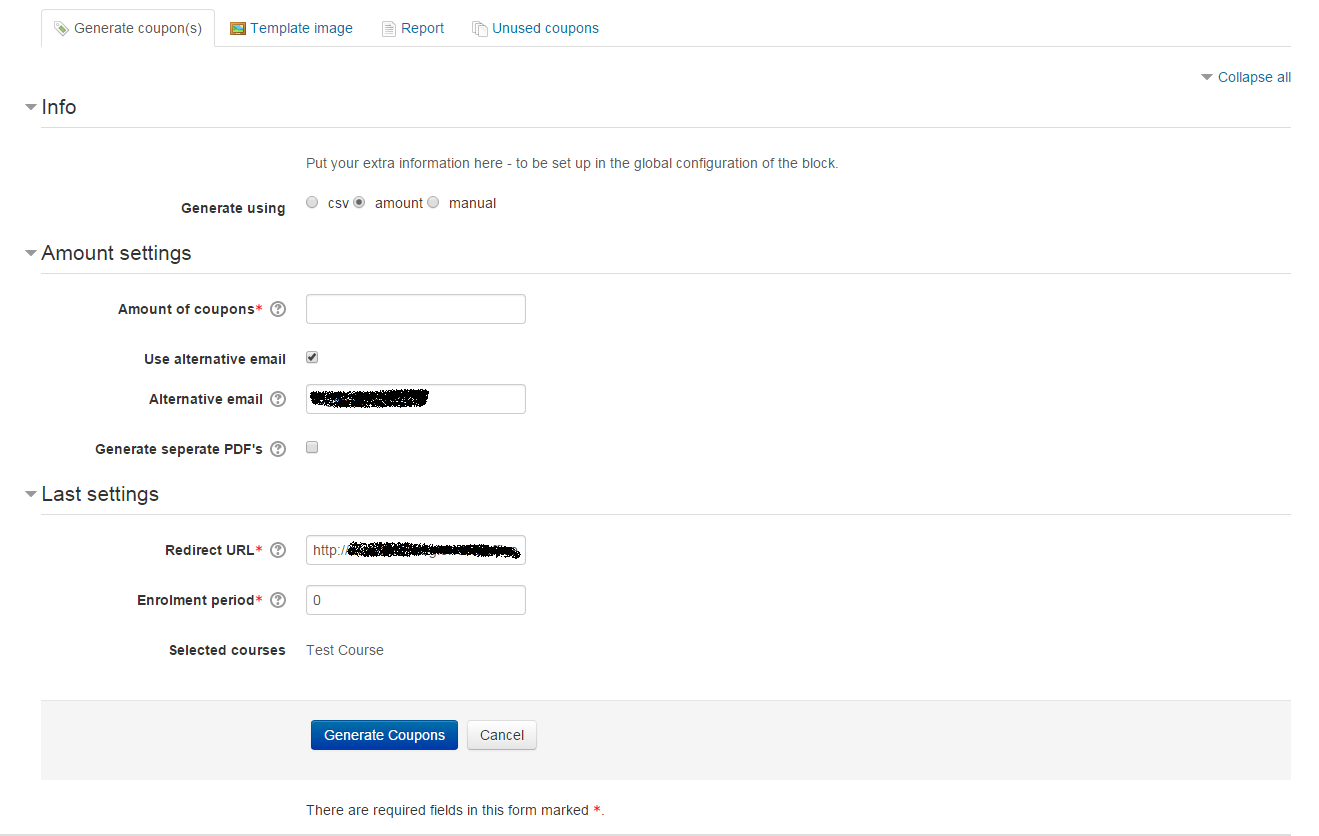
The Sebsoft Coupon Plugin offers you the possibility to create coupons for various levels
of course access. Using a coupon code, users will be enrolled into courses that are attached to the coupon.

Comments
Comments are no longer open for new posts. Existing comments remain available to read.
If a user has never been on the site and scans the QR code, the self-registration page appears, but the user is not enrolled in a course after completing the self-registration.
This is probably because the voucher code is not transmitted to the site. On the first visit, the field with the filled-in voucher code does not appear. If the registration is cancelled and the code is scanned again and the page is called up again, the field appears and the user is enrolled after completing the self-registration.
We are running moodle 3.11. on Ubuntu 18.04.6 LTS with NGINX and postgresql.
Can anyone help?
Thank you for that
I'll have to quickly check/verify this. Can you confirm students are also allowed to modify their own dashboard? There may be a few configuration options that could collide.
Also, you could try to use the "Reset Dashboard for all users" button (from the aforementioned "Default dashboard page" pages).
Every now and then I've received similar comments and most of the time, this option fixed everything.
You _may_ wish to try this on a test/acceptance environment if your Moodle installation is in production and heavily in use (because it may cause dashboards to "suddenly" change for your other users).
I'll be back at the office tomorrow so I can't realistically get back to you before tomorrow if that's ok.
You can also email me directly (just look for my e-mailaddress in the source code or on github; you can pretty much find it in every file), although the first thing that came to mind was using the "reset" option.
Cheers!
I appreciate the speedy feedback very much. Awesome support.
My first question would be: in what way are you attempting to add the block and on which page? I was checking the Block config settings.
default dashboard pages (site administration -> appearance -> Default dashboard page) Takes me straight to the Dashboard and after updating config again still no luck
I want students to automatically have this block when they login without manually updating it.
My first question would be: in what way are you attempting to add the block and on which page?
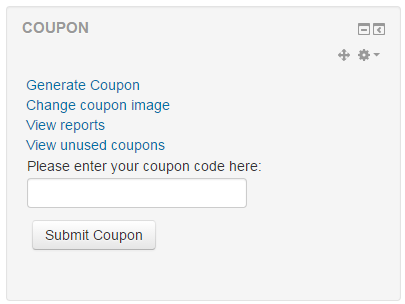
The block can basically only be added to the frontpage and student's dashboard page (/my).
To enable it for all student's, the correct way would be to add it to their default dashboard pages (site administration -> appearance -> Default dashboard page). This should force the block the dashoard page for every student.
If this is how it was configured already let me know.
Cheers
Is there a way to automatically add the block for all students?
As some users may not know how to customize Moodle - So i would like to automatically add this block for them. I have set the permission to for View Block to Allow for students it will not load automatically. I have also set it to Inherit - same results. Kindly assist.
Moodle version: Moodle 3.11.5+ (Build: 20220303)
Thanks
Big thanks (non-delayed ;)) from my end too, both for the cheer and your comment
We'll look into it asap (I do have a sprint week planned in the not so distant future but will see if I might be able to examine/update the plugin sooner).
Funny how, in the last few weeks, I've received multiple notifications about the date/time pickers; all related to certain dates.
I haven't checked yet if this is due to changed behaviour in Moodle; but the fix should be easy enough.
Please keep an eye on both this page and optionally, the github repository. We do sometimes push to the repository before releasing (we're working on full release automation to keep versions here_and_ the repo in line at every point in time).
Cheers!
I love your plugin and have been using it for years (so big delayed thanks for that).
I installed it on a Moodle 4.0 and seems to work as intended except for one rather minor thing. In the cleanup section, the date filters (Created before / Created after) don't seem to go beyond 2020. I know the plugin does not officially support 4.0 but I would be surprised if it didn't affect all versions.
Best regards,
You're using the wrong plugin! This coupon plugin is not intended to provide any kind of "discount" as you're clearly indicating. The plugin provides voucher based course/cohort/enrolment access and there's no link to any payment whatsoever.
If you'd like to provide a discount in combination with paid course access, you may want to take a look at the "enrol_gwpayments" plugin that's also been developed by us. This provides paid course access combined with payment gateways (Moodle 3.10 and up) as well as fully blown discount code configuration.
Cheers.
Is it possible to set a custom discount percentage between (1-100%) or set custom discount amount for a coupon. Currently it is getting applied at 100% ?
The description of the plugin, under section "Placement of the plugin" states there are only two places this plugin actually makes sense at all: the frontpage and the /my page.
Does this resolve your issue?
Cheers.
Moodle version: Moodle 3.11.5+ (Build: 20220303)
I have installed the Coupon plugin but it is not showing under the Add Block window but i can see it under administration - Block menu
I have uninstalled and re-installed and Purged cache as well
Is there a setting I am missing?
Thanks
Thanks for the great work that you and your team are doing. Your plunging is excellent!
It works fine with my site but does not show in my branded moodle app. We want our users to use the app and enroll in courses or cohorts, which is crucial to our work. Is there anything you can do for us? I will appreciate any help you can provide.
Thanks,
Sekou
I'm working with the Boost theme since I think the same as you: easier to work with the default for now. Thank for your reply and I'll certainly share any progress I make in the issue tracker on github. I'm not a CSS expert so it may take me a while to get anywhere but I'll give it a shot!
Thanks for your message. I was already thinking the new Moodle layout would more or less interfere (we're sure not the only ones).
Any solution or idea towards a solution would be helpful. It would be ideal if any idea would be filed in the issue tracker, but should you lack a github account, you can always find my email in the plugin files (I've transferred your question to the tracker already btw).
I'm a little short on time now and in the near future so unfortunately I can't facilitate instant improvements; but I already have a few ideas that might work.
A nice thing to know would be if you are working with a highly specific and/or customized Moodle theme or one of the defaults (targeting any solution towards the default theme is easier than targeting highly specifc themes). If you could provide an answer to that it'll be much appreciated.
It's on the radar now so a solution can be expected in some future release (hopefully sooner rather than later).
Cheers, Rogier
The coupon block works fine in Moodle4 but just wondered: how can I get the admin reports section to fill more of the screen? With the new layout it's a bit squashed in the middle of the screen with loads of empty screen space where the collapsed drawers are. I would prefer to see the output fill the available screen space. I've had a look at the .css but can't figure out what needs to change to take advantage of the Moodle 4 layout. Any thoughts? I'm more than happy to share any solution I come up with but not sure where to start! Many thanks.