Coupon
Maintained by
Sebsoft BV, Rogier van Dongen
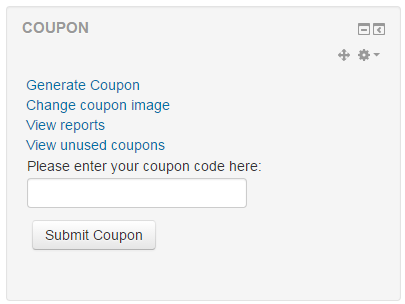
The Sebsoft Coupon Plugin offers you the possibility to create coupons for various levels
of course access. Using a coupon code, users will be enrolled into courses that are attached to the coupon.

Comments
Comments are no longer open for new posts. Existing comments remain available to read.
In any case, if you have more specific questions, please do not hesitate to send me an email (look in the source code for the correct email address).
@Brendan: automating the redemption of a coupon is not possible as such. One big reason for not allowing this is because the couponcode/vouchercode claimed will be attached/linked to the user that was logged in when redeeming the coupon. Automated redemption would mean that information is missing and, at least at this moment, is not supported by the database model.
ALso, can you specifiy a little more about that start- and enddate? The normal flow of possibilities at this moment is to have an enrolperiod, but please note this is applicable _from the time of redemptio_ onwards. Specifying a start- and enddate was deliberately not taken into account when first developing this plugin, due to the fact this could mean you're unenrolled from a course within a very short timespan (say; with startdate Dec 01 202 and enddate Jan 15 2020. Now if someone redeems on Jan 14th; they WILL be unenrolled the next day).
@David: MoodleCloud only provides core plugins and a small subset of extra plugins. There's no option to install your own at all, so Moodlecloud maybe isn't the correct solution if the coupon plugin is critical to your business case. If anything you _could_ ask if they would install the coupon plugin, but I seriously doubt this will be honoured. This is all explicitly stated on the Moodle cloud website, on the frontpage, under "Can I install my own plugins?".
Also, does anyone know whether it is possible to create a coupon which will allow access to Moodle between two dates, so a start and end date.
@Brendan McNamara,
If you have the capability to log in as a different account, you can redeem the coupon using his profile. Follow the steps:
1. Go to the user's profile page
2. Under the administration category, click on Log in as
3. Go to the Dashboard page and redeem the coupon code for him.
4. Log out to exit the user's account.
Is there any way that you can programmatically redeem a coupon without a user having to submit the code?
Regards
Thanks for your reply.
Regarding question 1:
There were no entries in the mail log. Is it only recorded in the mail log if the sending process did not finish successfully?
I tried to send to several email addresses, but none of them received any mail.
Is there any other way to check the log for sending mails?
Best regards,
@Bhevan: at the moment it's not possible to define your own coupon/voucher codes in any way.
@Hiro: Regarding question 1: there can be many reasons a coupon is seemingly not sent but actually is and got dropped by either Moodle or the mail provider. Actually, we've changed the whole process and added the batch downloads explicitly because of gmail, for example, not accepting the emails due to the included PDFs. We've also introduced the maillog tab as a first indication that the email might not have been sent. Is there any entry on the mail log? If not, it is likely that the email has actually been sent.
Regarding question 2: You're actually right. We've never really considered a suspended/inactive enrolment should be set to Active again. It's fixed in the repository, so the next rollout on moodle.org will actually do this. In the meantime you _could_ use the code from the repository on github.
Furthermore; regarding your question from oct 27th about the notifications, could you send me a private message (or email me)? I will need some extra information on specifics. Thanks in advance.
Cheers!
I have some questions.
Question 1
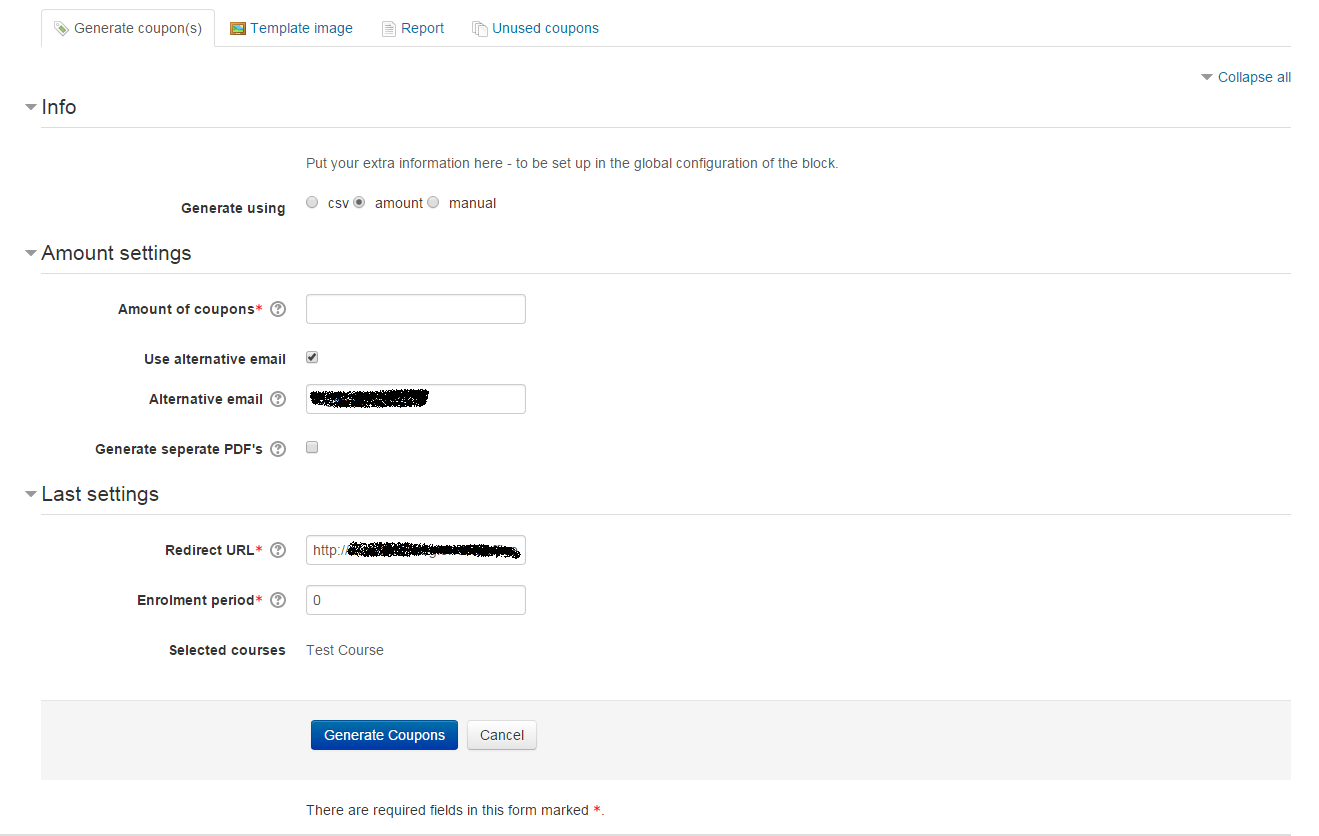
When I issue an extension coupon in the "Home / My courses / Course name" settings menu under "Enrolment extension coupons", the coupon code was issued, but no email was sent to the account.
We have not checked the "Use alternative email" box.
When I checked the "Use alternative email" box, the email was sent to the specified email address.
Can you tell me why?
Question 2
When I activate the extension voucher in the login environment of my account, the extension seems to be successful, but when I check "Home / My courses / Course name / Participants", the status is still "Suspended".
I think it should change to "Active". Is this the correct behaviour?
The notification received:
"The coupon(s) you requested have been generated
You should have received an e-mail containing the link to download the generated coupons.
You can also choose to download your coupons directly by clicking {$a}"
1.Coupons are generated correctly (checked on moodledata dir)
2.Coupons files are not included in the email sent
3. When visualizing the coupons download page, it doesn't show the download link. It shows a {$ a} instead (look like a variable or parameter that should render the link.
On this page, if add, at the end of the address the parameter dl=1, download starts and then works.
It was used to work fine in the past versions.
I'm using 3.8 moodle.
Help please.
👊🏻 😉
Felipe Garbin
Is there a way I can create a custom coupon string instead of the random string generated by this plugin? I would be better to know what a coupon code is when creating & sending them out.
Sorry for the repeated questions.
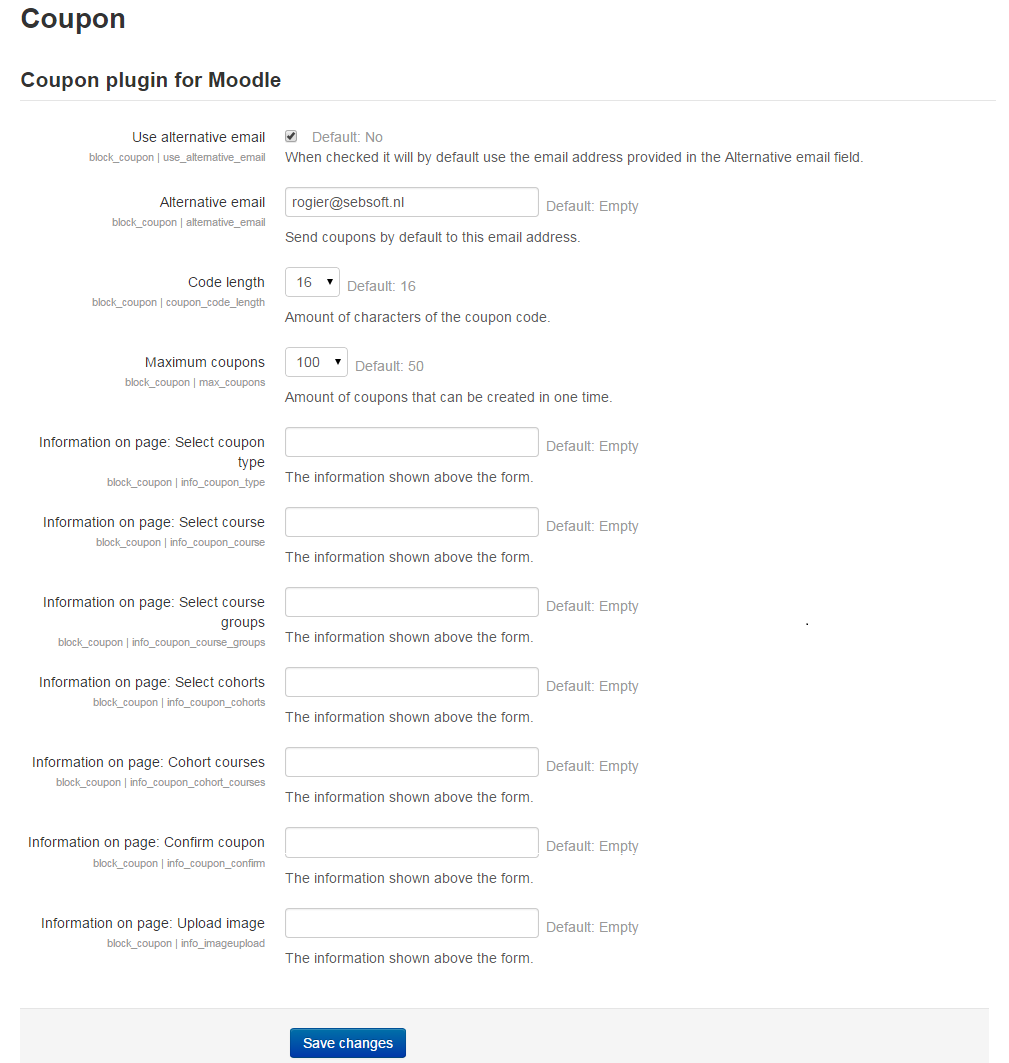
Can you tell me the difference between the following settings on the "Site Administration/Messaging/Notification Settings" page?
- Coupon generation notifications
- Personal Coupon Dispatch Notification
I'm considering using it differently.
If you have published documentation, I'd be happy to let me know.
Regards,
Thanks for your reply.
I'm looking forward to the fix.
Regards,
This is not really intended behaviour but more then likely a side effect that is caused by adding more functionality to the plugin. Thanks for noticing it, I'll see if I can phase out the double messages in one of the next version.
Cheers, Rogier