Coupon
Maintained by
Sebsoft BV, Rogier van Dongen
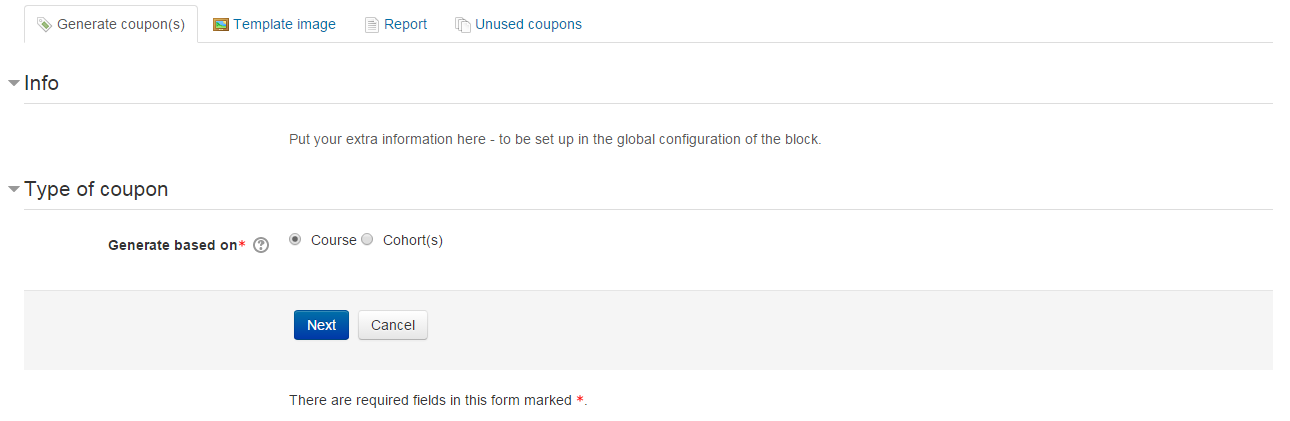
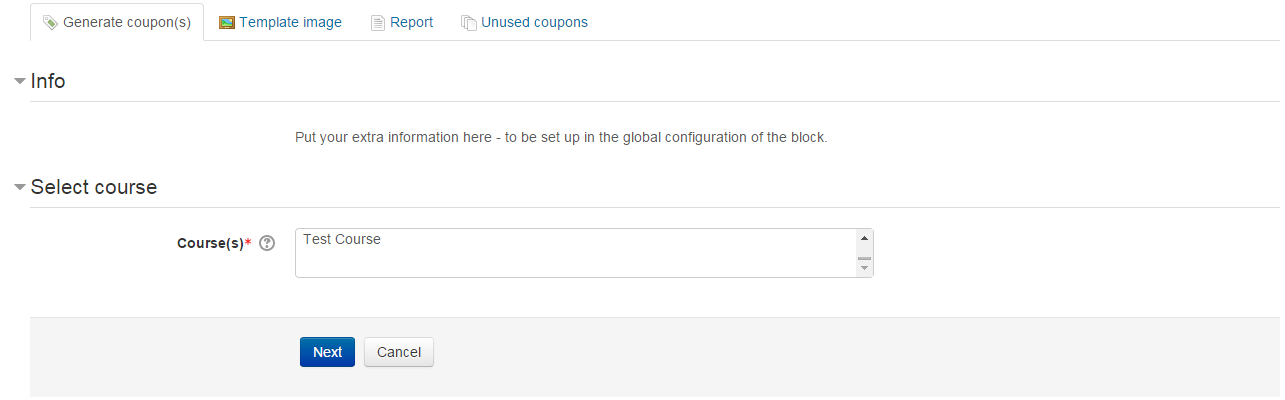
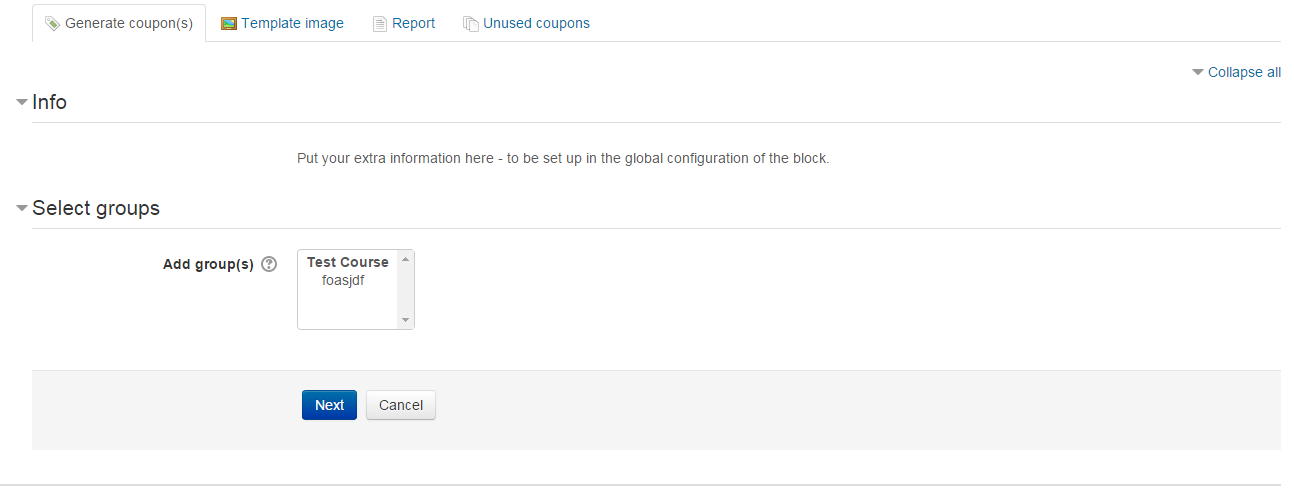
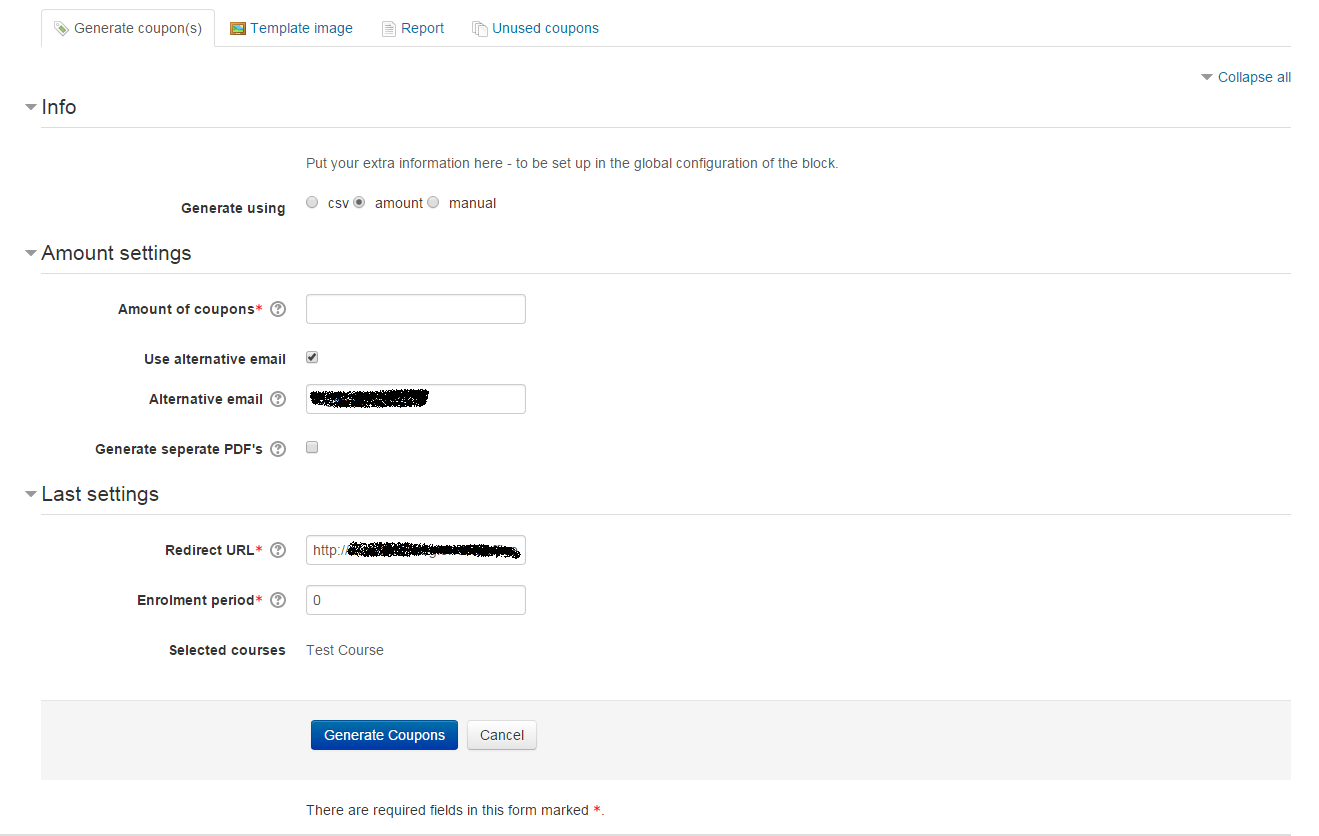
The Sebsoft Coupon Plugin offers you the possibility to create coupons for various levels
of course access. Using a coupon code, users will be enrolled into courses that are attached to the coupon.

Comments
Comments are no longer open for new posts. Existing comments remain available to read.
The scheduled task is set to only run every 15 minutes and is based on the "lastruntime" of the task. I'd advise to first set the task to run every minute and re-run one or two times.
The very first run will never clean up anything due to the nature of tasks (the "lastruntime" value will always be 0 for the first run so determination of possible removals would be based on 1970-01-01; which is more than unlikely to return any results).
I've set up a new case on various Moodle installations to confirm the process and for me it works like a charm (after setting the task to run every minute).
The user is removed from the cohort and as a result unenrolled from the course.
If you still run into issues, please pass me a message again.
Cheers, Rogier
On the "Site administration / Messaging / Notification settings" page, I understand that there are two notification settings for coupons available.
- Coupons generated notifications
- Personal coupons sent out notification
What is the difference between them?
Also, if I have both enabled, I receive two e-mails or web notifications with the same text when a coupon is issued.
Is this correct behavior?
1) Create a coupon with enrolment in a cohort and set the enrolment period to 5 minutes.
2) Log in as a user and redeem the coupon - the user is then added to the cohort and has access to all the courses associated with it.
3) Wait 5 minutes to see if the user loses access to the courses. This doesn't happen and checking the cohort the user remains added to it, seemingly indefinitely.
I have tried running the cron.php to see if this is needed to remove the users but that doesn't help.
Any help you can give will be much appreciated.
I checked the database tables, the issend was set to 0. I forced run the background tasks using the cron.php, then the everything went fine, the emails were sent and the status "issend" is set to 0.
Thanks for the useful hint and help.
Regards,
George.
Can you confirm your background tasks are running? Sending of personalised coupons is done apart from the coupon generating process due to the possibly lenghty process.
If you have access to the database tables themselves (if not you could install the local_adminer plugin to get access from within moodle but you'd have to know the db credentials), can you also see if the "issend" (excuse the typo) field is marked 0 or 1? You should also be able to see this through the coupon overview tables in the plugin itself. If marked as 0 (or "no"), they're definitiely not sent. If marked as 1 (or "yes") they should have been sent out and the problem is likely to be beyond the plugin scope.
Thanks for your reply in advance,
Cheers,
Rogier
I've installed the plugin on moodle 3.9.1, works great, however, I have an issue with Personalised coupons, they got generated, but are not sent. Can any one help me in this?
I chose to generate coupons to non-registered users so that they can sign up using the coupon code using (https://mymoodle.localhost/blocks/coupon/view/signup.php?id=37)
Appreciated!
George
This time we've looked into and fixed the issues as indicated by Brendan as shown above (mon, sept 7th 2020).
Cheers! Rogier
Thanks for the heads up, the first service call is basically the correct one, but there seems to be something wrong with the result of the call (which you may have noticed due to the "invalid response value" error).
The cohort enrolment is not cleaned up as far as I can see (i.e. it does not remove the enrolment).
I'll be looking into these issues and a new version can be expected soon where both of these will be addressed.
Cheers,
Rogier
If so this isn't happening for me. Is there anything else I need to do to get this to work?
http://127.0.0.1/moodlenew/webservice/rest/server.php?wstoken=thygsksiweuyw6wyhkd7hdtejkedduy&wsfunction=block_coupon_generate_coupons_for_cohorts&moodlewsrestformat=json&email=email@email.com&amount=1&cohorts[0]=1
I get the error message:
{"exception":"invalid_response_exception","errorcode":"invalidresponse","message":"Invalid response value detected (Scalar type expected, array or object received.)","debuginfo":"Scalar type expected, array or object received."}
If I change it to http://127.0.0.1/moodlenew/webservice/rest/server.php?wstoken=thygsksiweuyw6wyhkd7hdtejkedduy&wsfunction=block_coupon_generate_coupons_for_cohorts&moodlewsrestformat=json&email=email@email.com&amount=1&cohorts=1
I get the error message:
{"exception":"invalid_parameter_exception","errorcode":"invalidparameter","message":"Invalid parameter value detected (cohorts => Invalid parameter value detected (Only arrays accepted. The bad value is: '1'): Only arrays accepted. The bad value is: '1')","debuginfo":"cohorts => Invalid parameter value detected (Only arrays accepted. The bad value is: '1'): Only arrays accepted. The bad value is: '1'"}
You can find an incomplete user guide on the bitbucket repository in the downloads section for now (see "source control url" earlier on this page).
Do note we are in the process of migrating several plugins to Github, so in time, a more complete user guide (and updated repository url for the plugin) will become available.
Cheers, Rogier
This time we've changed the length of the batchid to 255 characters, since 40 characters just wasn't sufficient for some of the users of this very plugin.
Cheers! Rogier
it looks like you followed the correct initial way for testing purposes. Have you cleared your Moodle caches already? If this does not help there might be something in the way on a different level.
But really, the correct way to add a new language is through AMOS. This way everyone can enjoy your translations and the Italic translation will be available through the language packs installer in Moodle itself (saves a lot of hassle).
For more information, see https://lang.moodle.org/
Cheers, Rogier