Wunderbyte GmbH
Product owner

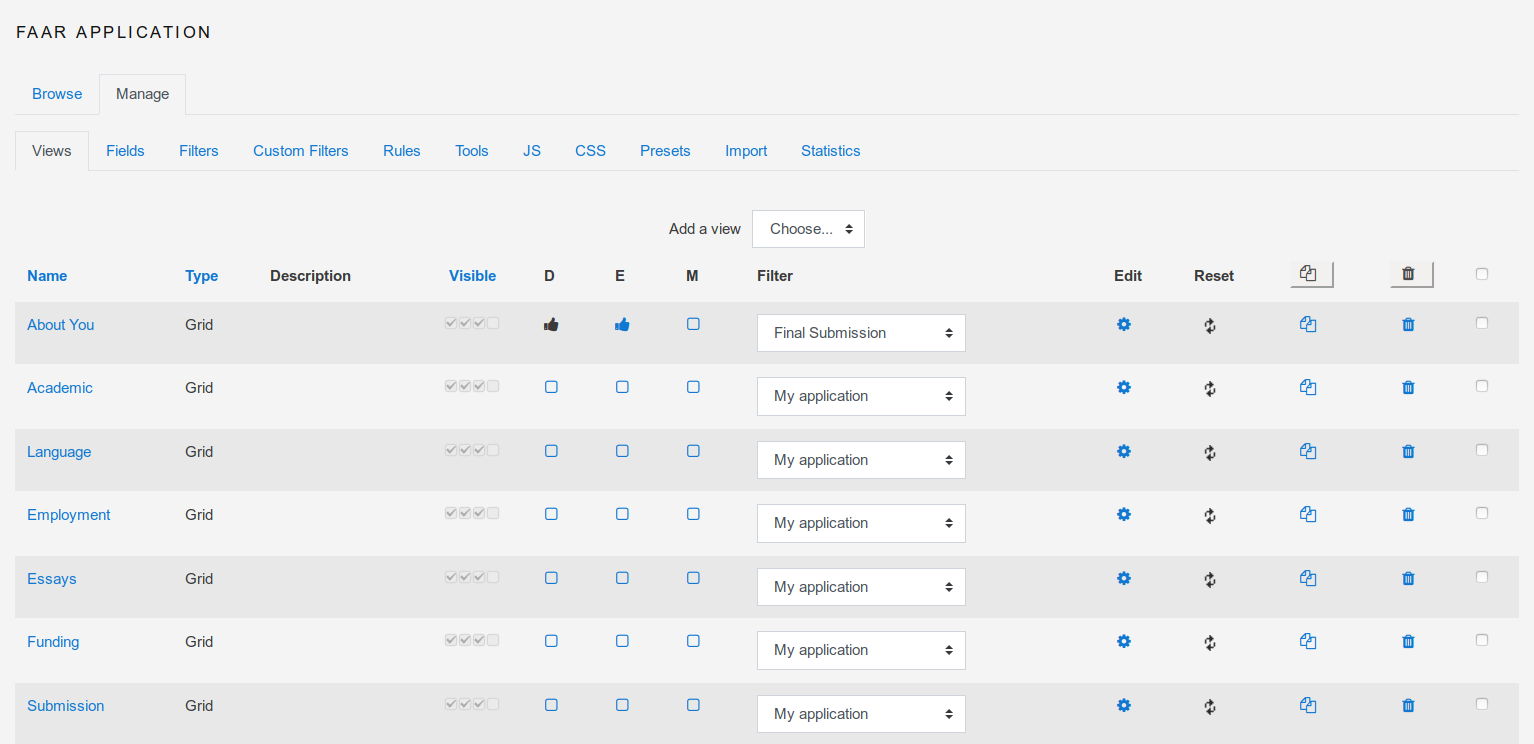
Datalynx is a powerful Moodle activity module for collecting, organizing, displaying and exporting structured data. It is ideal for digital workflows such as applications, course catalogs, registrations, reviews and program administration.
Instead of locking you into a single database-style setup, Datalynx lets you define your own fields, build views for different audiences, apply filters, control visibility by role and move data in and out through CSV and PDF export workflows.
Component: mod_datalynx
Release: v502.0-DataDream
Supported Moodle: 4.5 to 5.2
Exports: CSV and PDF
Use more than twenty field types to capture the exact information your process requires.
Create overview, detail, admin and export views for different roles and use cases.
Filter and search entries with custom and advanced filtering methods.
Use notifications, behaviors and visibility control to support review and approval flows.
mod/datalynx on your Moodle site.Datalynx is especially useful when a standard Moodle activity is too simple and a custom system would be too heavy. It lets teams model real operational workflows directly inside Moodle.
| Data types | 20+ |
|---|---|
| Views | Overview, detail, admin, export |
| Permissions | Role-based visibility |
| Filtering | Custom and advanced filters |
| Data movement | CSV import and export |
| Documents | PDF export |
No. It is better understood as a structured workflow module. Databases are one strong use case, but so are applications, catalogs, registration systems and review processes.
Yes. Datalynx supports visibility control for fields and views, which makes role-specific interfaces possible.
Yes. CSV import and export are supported, and the module also supports PDF export for relevant output scenarios.
See the Moodle Docs page for the Datalynx module and the general Moodle plugin installation documentation.


