
Stripe Payment with SCA and Coupon
Maintained by
DualCube Team
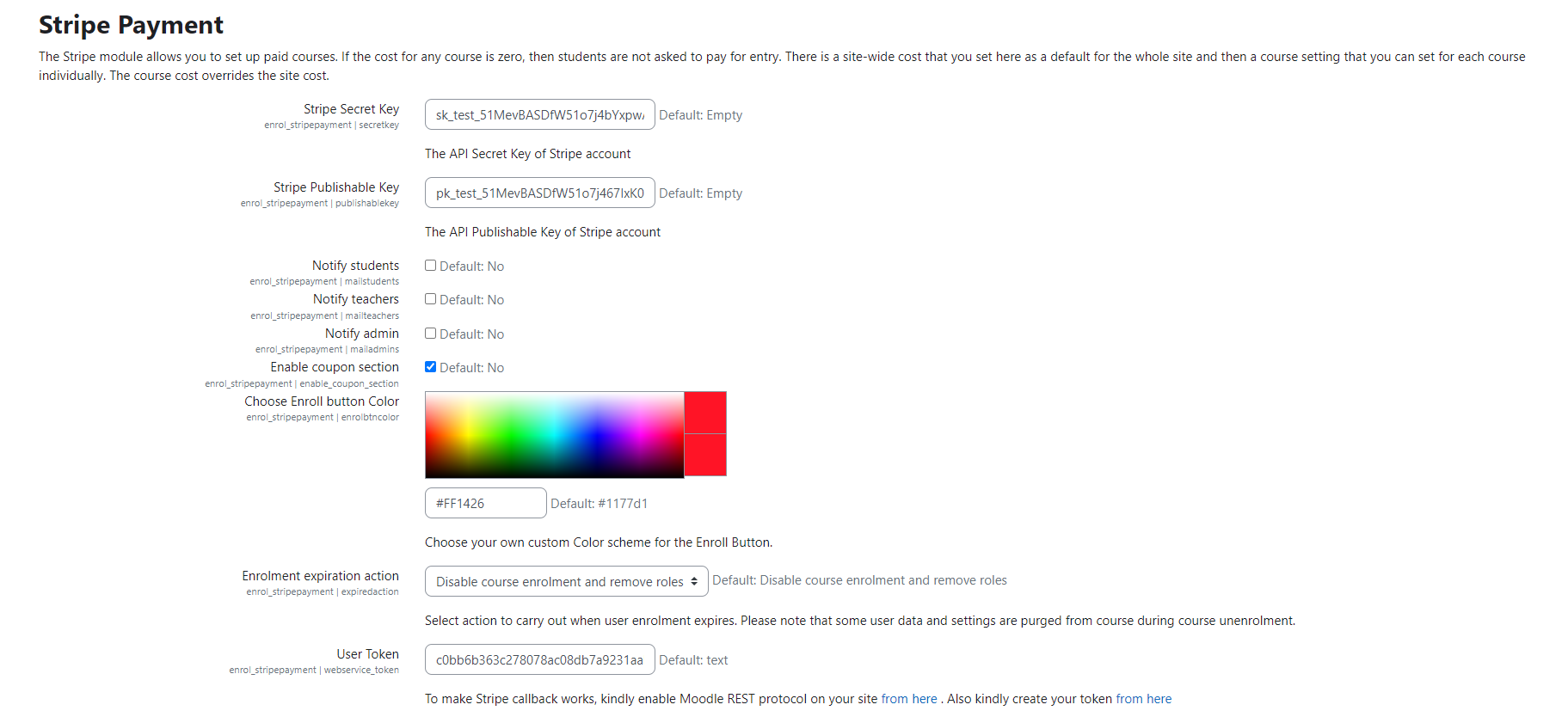
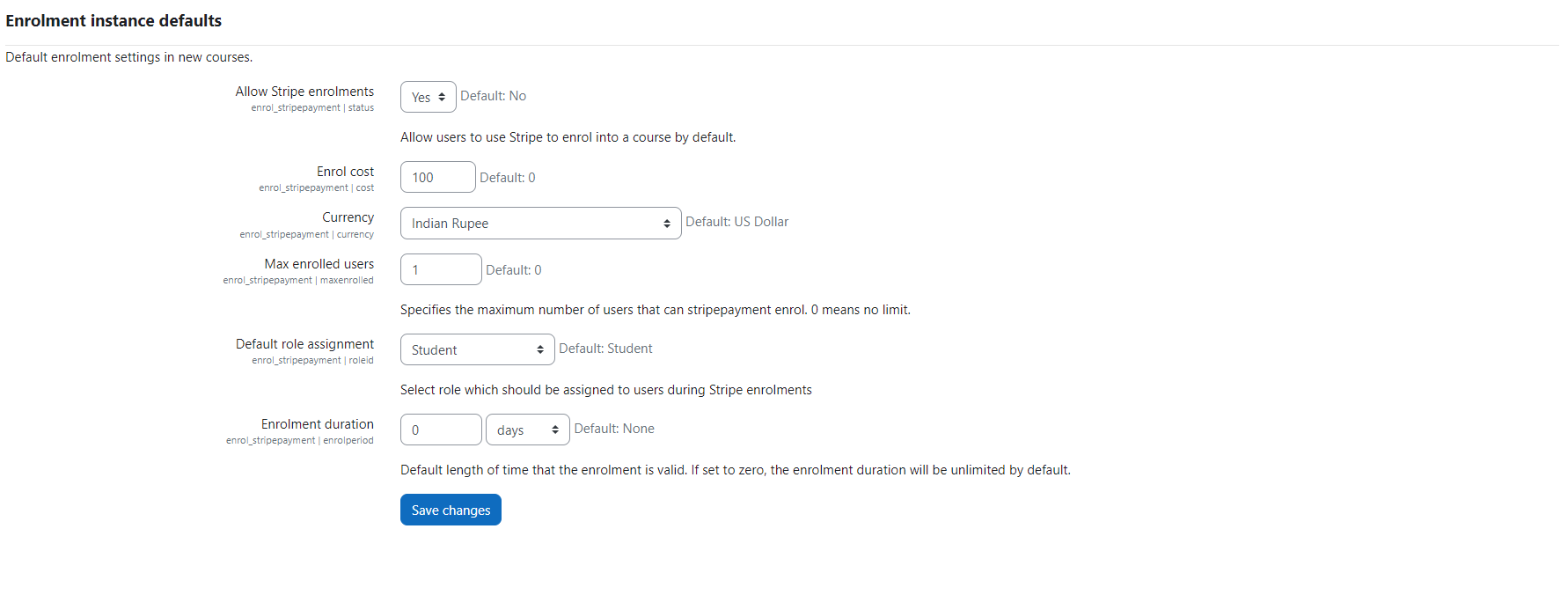
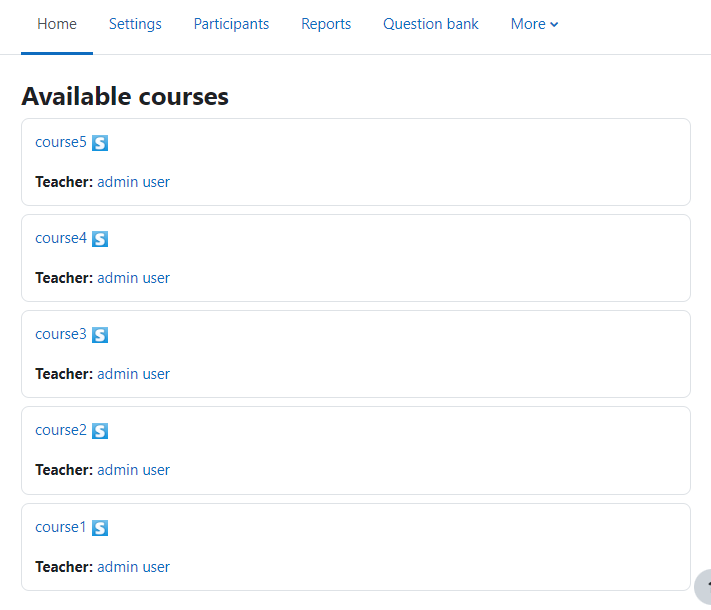
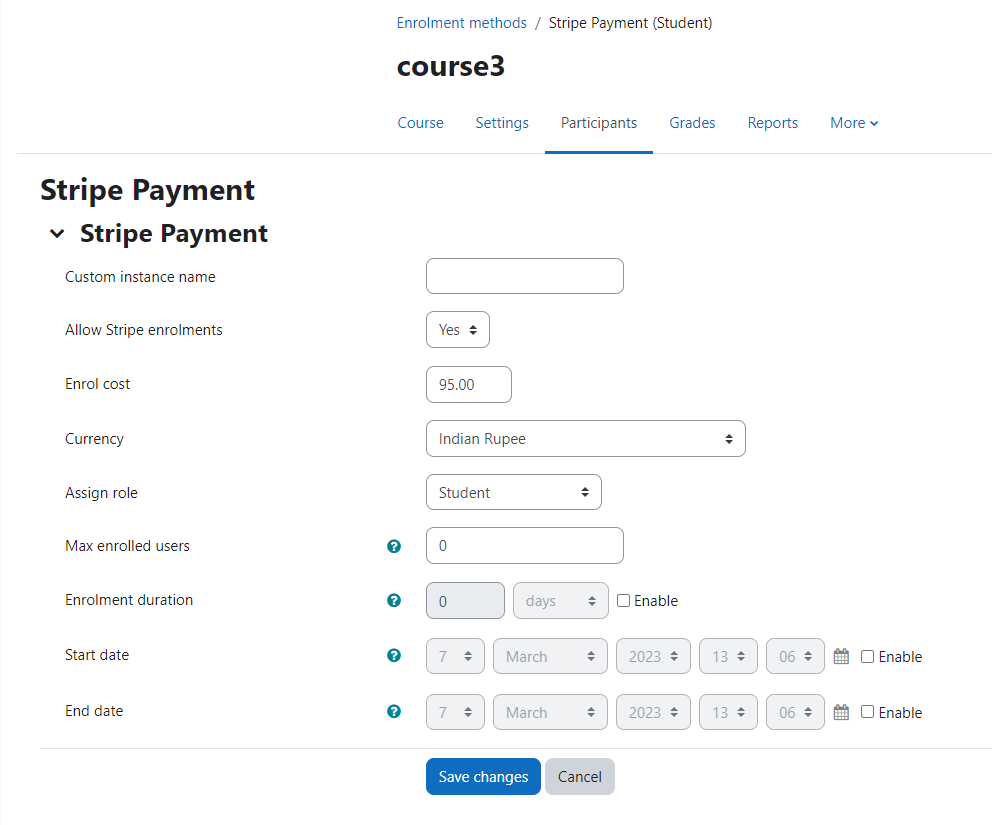
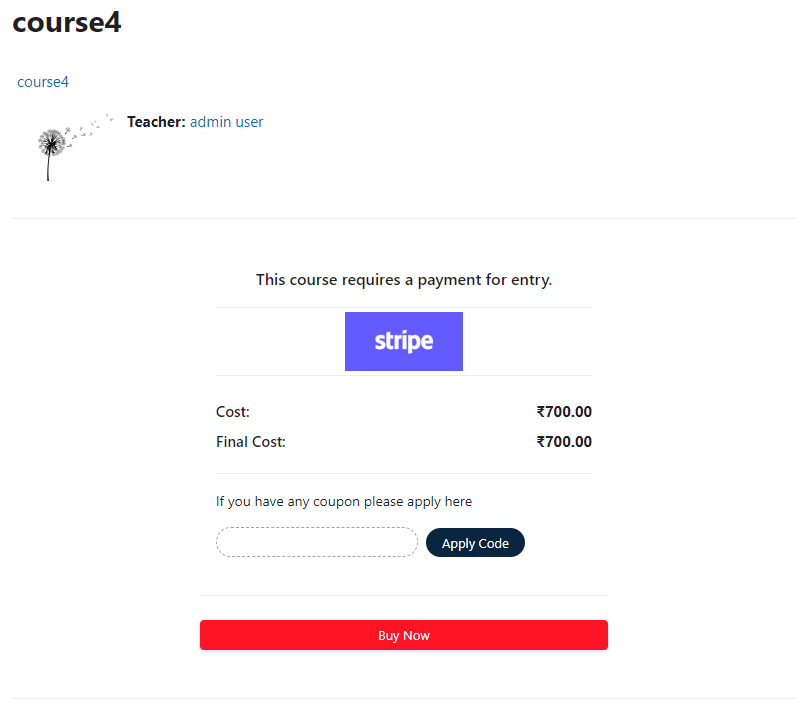
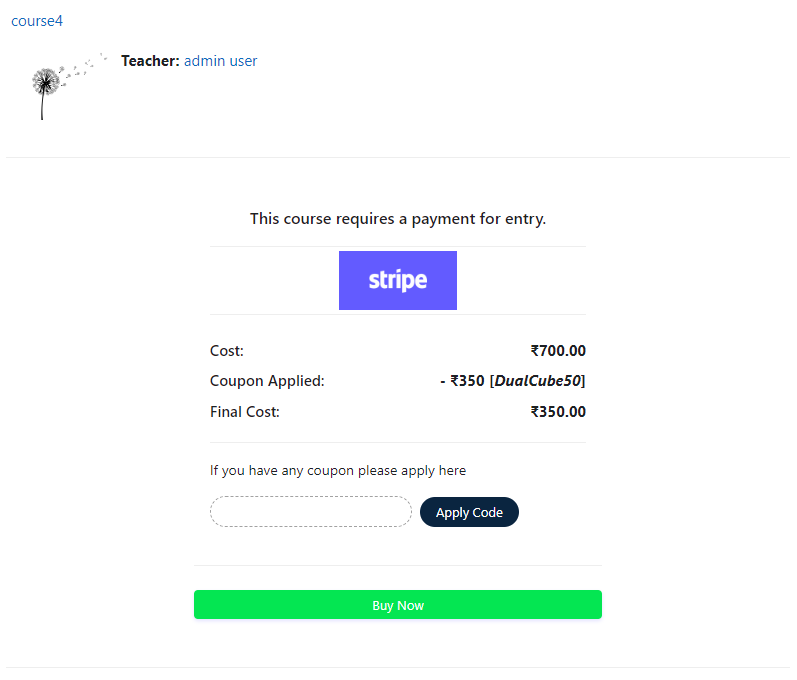
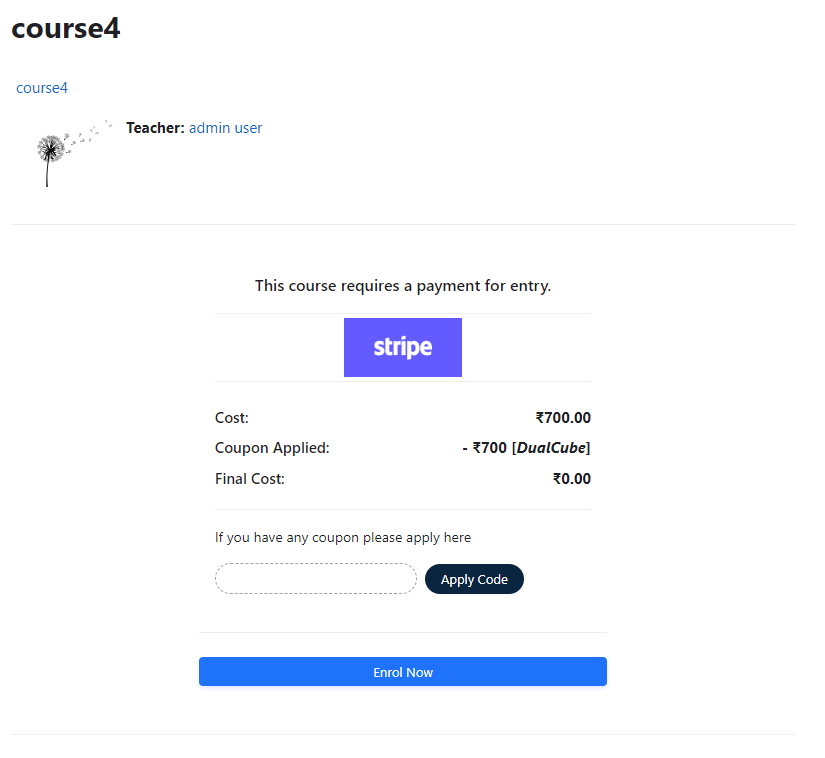
Add a price to your courses and check out quickly with Stripe Payment. Stripe is a user-friendly payment solution that allows for secure transactions. This plugin includes a number of payment processing services, including the ability to accept credit card payments. You can also offer various discounts to learners looking to purchase your courses.
Comments
Comments are no longer open for new posts. Existing comments remain available to read.
Thank you for reaching out. We have replied to your query on our support forum. Please check the forum thread here for our response and next steps: https://dualcube.com/forums/topic/error-when-activating-stripe-payment-pro-plugin-on-moodle-5-0-2/
Let us know if you need any further clarification, and we’ll be happy to assist.
Best regards,
Moumita
“The following required query string data is missing: instance.”
The issue was first reported on October 4, and all requested details — including temporary Moodle admin access — were provided on October 7. However, we haven’t received any further response or update from the support team.
This delay is now preventing us from activating the plugin and processing course payments on our production site:
👉 https://cursos.aurumtradingau.com/
We kindly ask DualCube to review and respond to our case as soon as possible.
— César Camelo, on behalf of Emmanuel Martínez
Aurum Trading
After hearing this from you, we checked this on our end, as you can see everything is working well :
- Stripe Coupon - https://prnt.sc/LkMiX4VF256O
- Coupon Application - https://prnt.sc/k_QE4y7_zYjx
Please make sure you are applying the coupon Id only. Can you please check again after applying the coupon ID.
https://stackoverflow.com/questions/69674760/moodle-install-plugin-setting-doesnt-appear-in-site-administration
Please help as I do not have Plugin Installer in on my Moodle Site. I logged in as Admin and clicked Plugin tab, and under the Plugin, there is no Plugin Installer Button. Please help. I actually need to install a payment gateway. Thanks
Let us know if this resolves the problem.
I encountered an issue with the plugin that caused all H2 fonts to be blocked across the site.
Upon investigation, it appears that the following style code was applied:
#region-main h2 {
display: none;
}
After uninstalling the plugin, the issue was resolved.
Best regards,
Tanja
Here is a part of the style codes, I found:
.StripeElement {
padding: 15px;
border: 1px solid #e9ebec;
background: #f9f9f9;
box-shadow: 0 10px 6px -4px #d4d2d2
}
@media (min-width: 200px) and (max-width:700px) {
.stripe-img,.stripe-dclr,.stripe-line-left,.couponcode-wrap,.stripe-buy-btn {
width:100%
}
.stripe-left {
width: 100%
}
#region-main {
padding: 0
}
.generalbox {
width: 300px
}
body#page-enrol-index #region-main .generalbox:last-of-type {
width: 320px;
margin: 0 auto;
float: none
}
#page-enrol-index p {
text-align: center
}
#apply {
margin-top: 10px
}
#coupon {
margin-top: 10px
}
#page-enrol-index #region-main-box .card-title {
text-align: center
}
#page-enrol-index #region-main-box .card-title:before,#page-enrol-index #region-main-box .card-title:after {
display: none
}
.couponcode-wrap {
display: block
}
}
#region-main h2 {
display: none
}
.enrolmenticons {
display: none
}
#new_coupon {
margin-bottom: 10px
}
button#final-payment-button {
line-height: 1
}
"Exemption: Call to a member function js_call_amd() on null"
Trace and messages available at https://github.com/dualcube/moodle-enrol_stripepayment/issues/148
Is this an option that is available only in the premium version?