
Stripe Payment with SCA and Coupon
Maintained by
DualCube Team
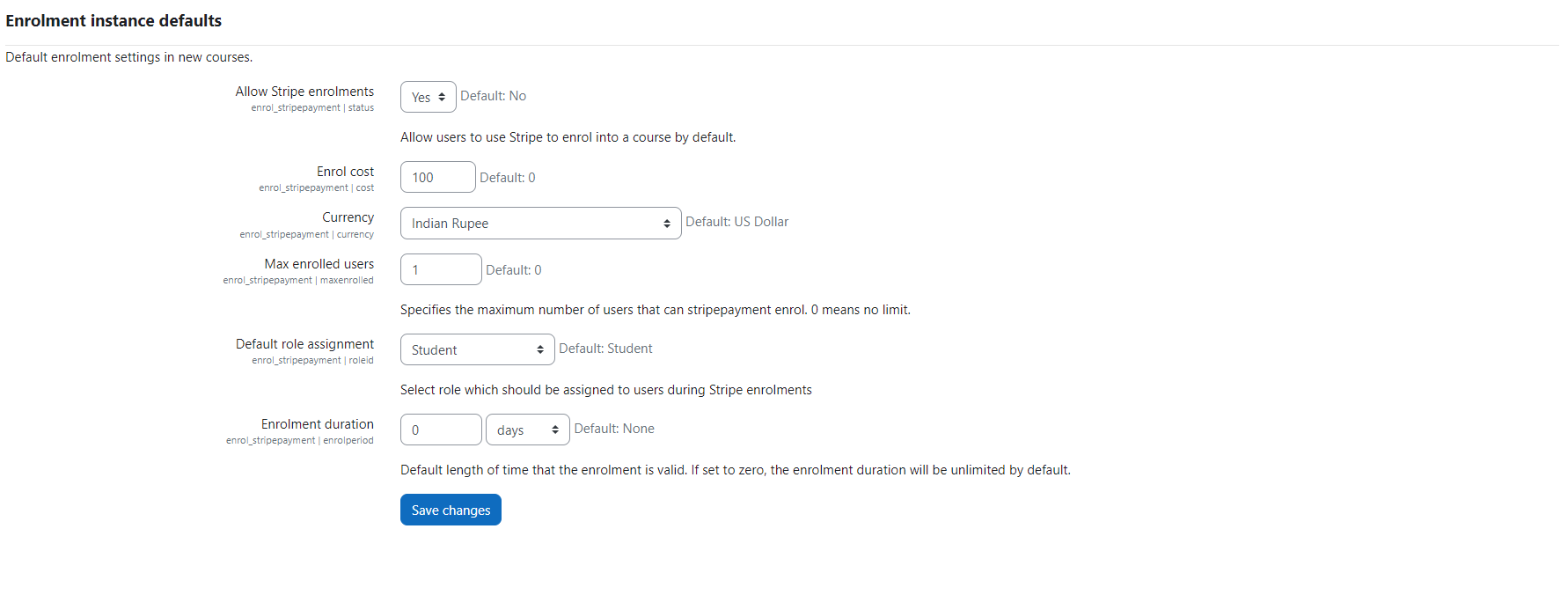
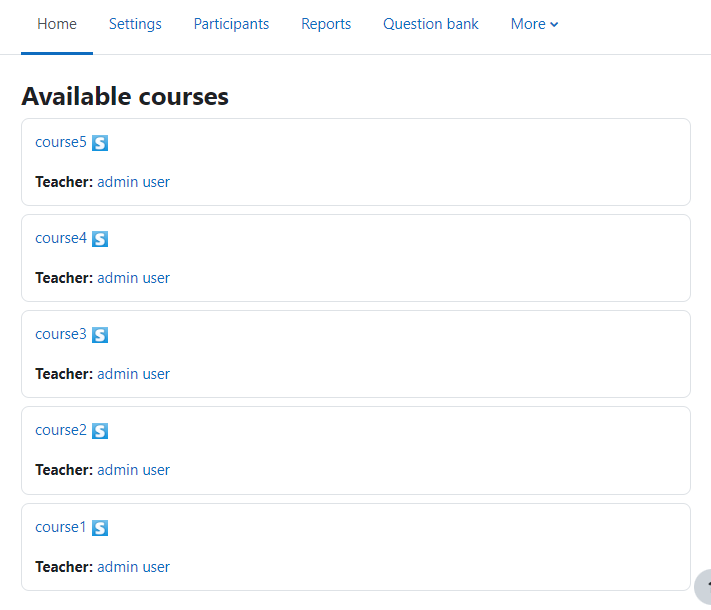
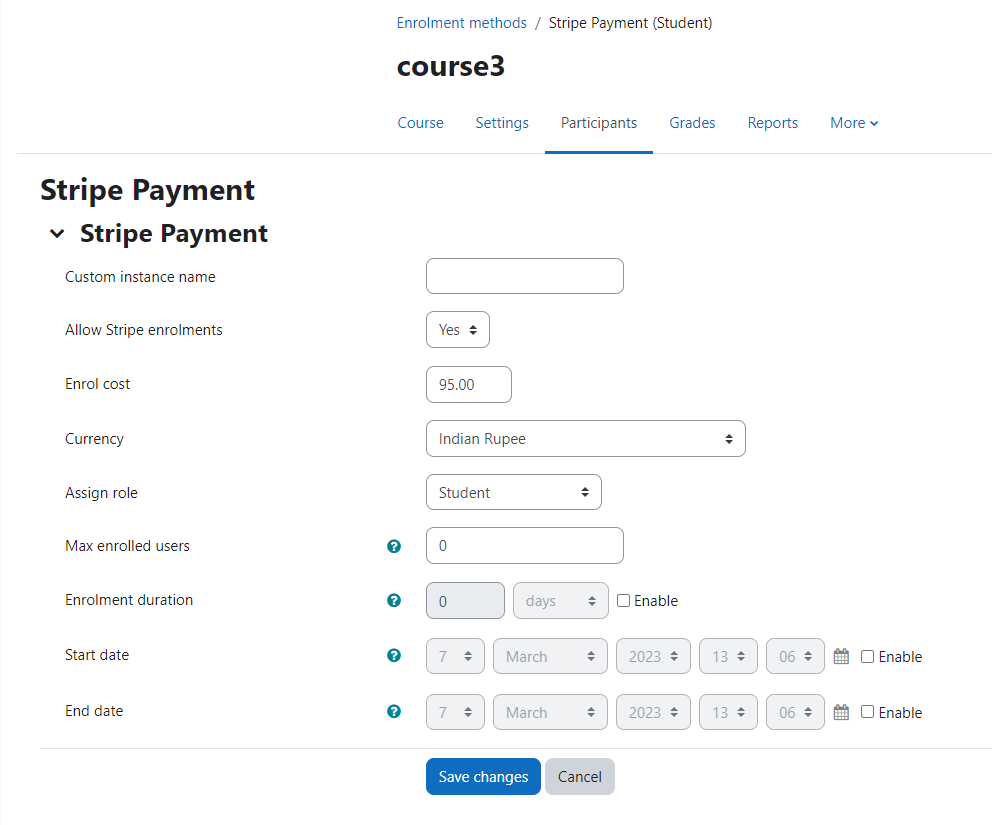
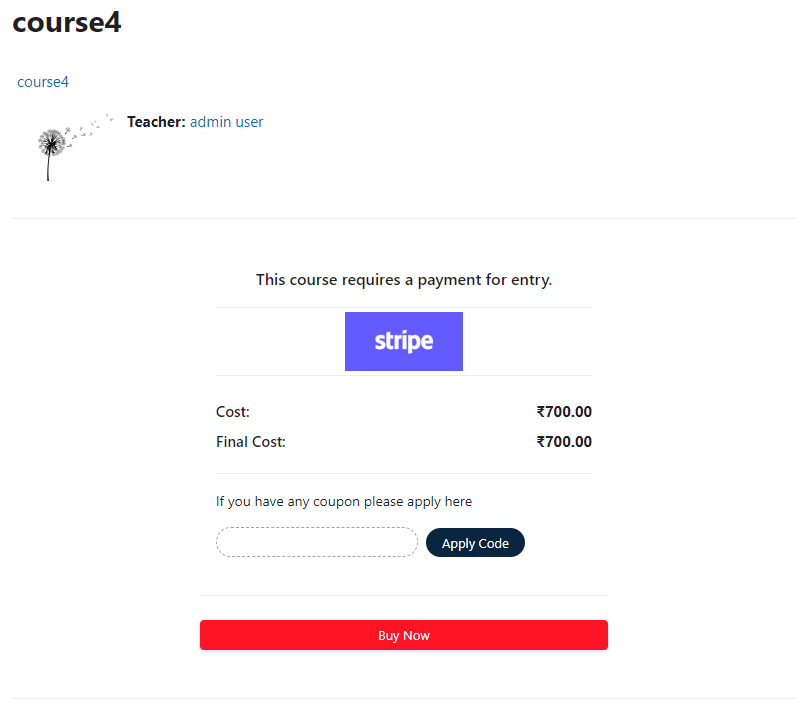
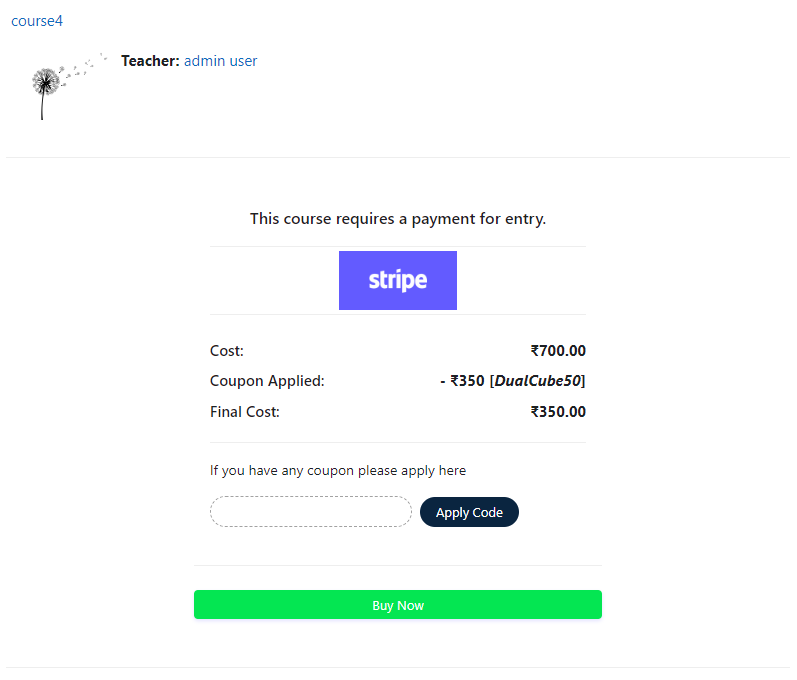
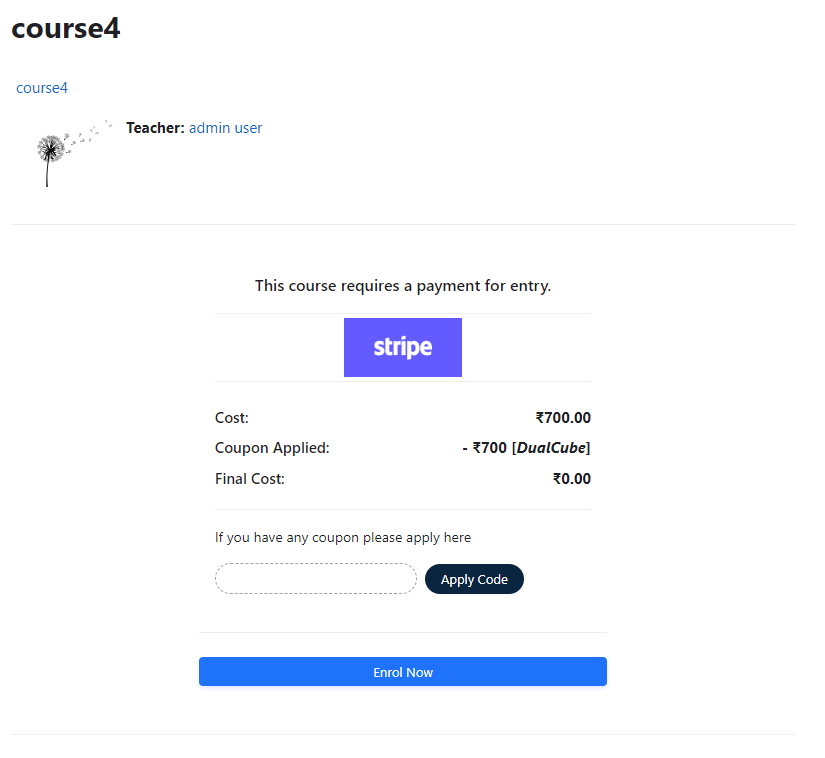
Add a price to your courses and check out quickly with Stripe Payment. Stripe is a user-friendly payment solution that allows for secure transactions. This plugin includes a number of payment processing services, including the ability to accept credit card payments. You can also offer various discounts to learners looking to purchase your courses.
Comments
Comments are no longer open for new posts. Existing comments remain available to read.
This means if you switch from stripe production environment to test environment, you either have to use a different login or you have to manually delete the database table row for that user (email address).
- Firstly, as soon as I complete the payment, I get redirected back to my site. However, it displays a message showing that "Thank you for enrolling in the course, unfortunately, the payment wasn't successful." But as soon as I click the Continue button. I get redirected to the course with the "successful enrolment" status. I don't know why this happens.
- Secondly, as I wanted to double-check the error in Test Environment, I set up my test key provided by Stripe. Anyhow, as soon as I completed my purchase, it shows that
Something else happened, completely unrelated to Stripe "debuginfo": "Only arrays\/objects accepted. The bad value is:''"
Therefore, it's impossible for me to debug.
- Moodle Version: 3.11 (latest)
- enrol_stripepayment: 3.3.0
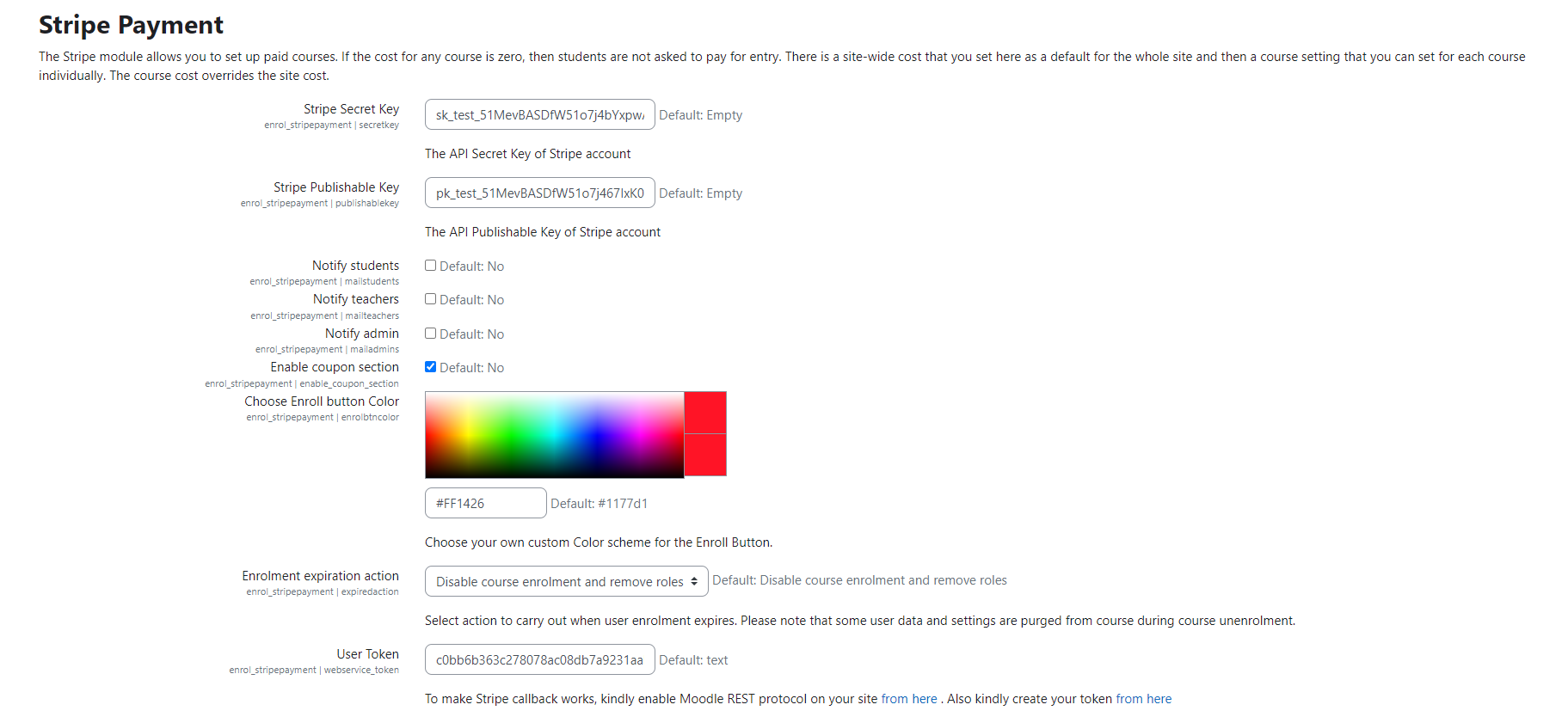
Here you can see a new section on how to create the token. Make sure you have configured each step as per our documentation. Let us know if this fixed the issue.
{"exception":"moodle_exception","errorcode":"invalidtoken","message":"Invalid token - token not found"}
here is our updated documentation https://dualcube.com/docs/stripe-payment-with-sca-and-coupon/
You mentioned: "Also, we will soon add a detailed documentation in our site, to help you set the up the plugin."
Has there been new features regarding setting course-specific coupons? The version history mentions something about coupons, but doesn't really say what's been changed or added. Thanks.
It's happening after the last update. There is a field for user token and it's "text" as default. Please help.
We are glad to inform you that we have released our update i.e. version 3.11
In this update, we have fixed the errors.
Also, we will soon add a detailed documentation in our site, to help you set the up the plugin.