Andreas Riepl
Maintainer

This filter adds the possibility to get h5p content being automatically embedded in textfields based on the activityname.
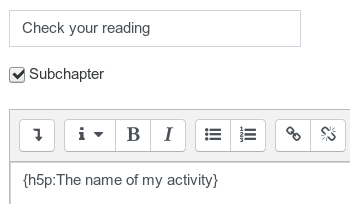
In order to use this filter you have to activate it after installation and ensure that it is listed above the 'Activity names auto-linking' filter. If you have created an interactive content using h5p you can embed it anywhere in the course you like by using the syntax {h5p:activity name}.
Example:
Please note, that the activity name is case sensitive!

