Roshni Lite [This block is written by DualCube.]
This Moodle Theme is a 100% responsive, feature heavy beautiful Moodle theme. It is compatible with the latest Moodle 4.3.
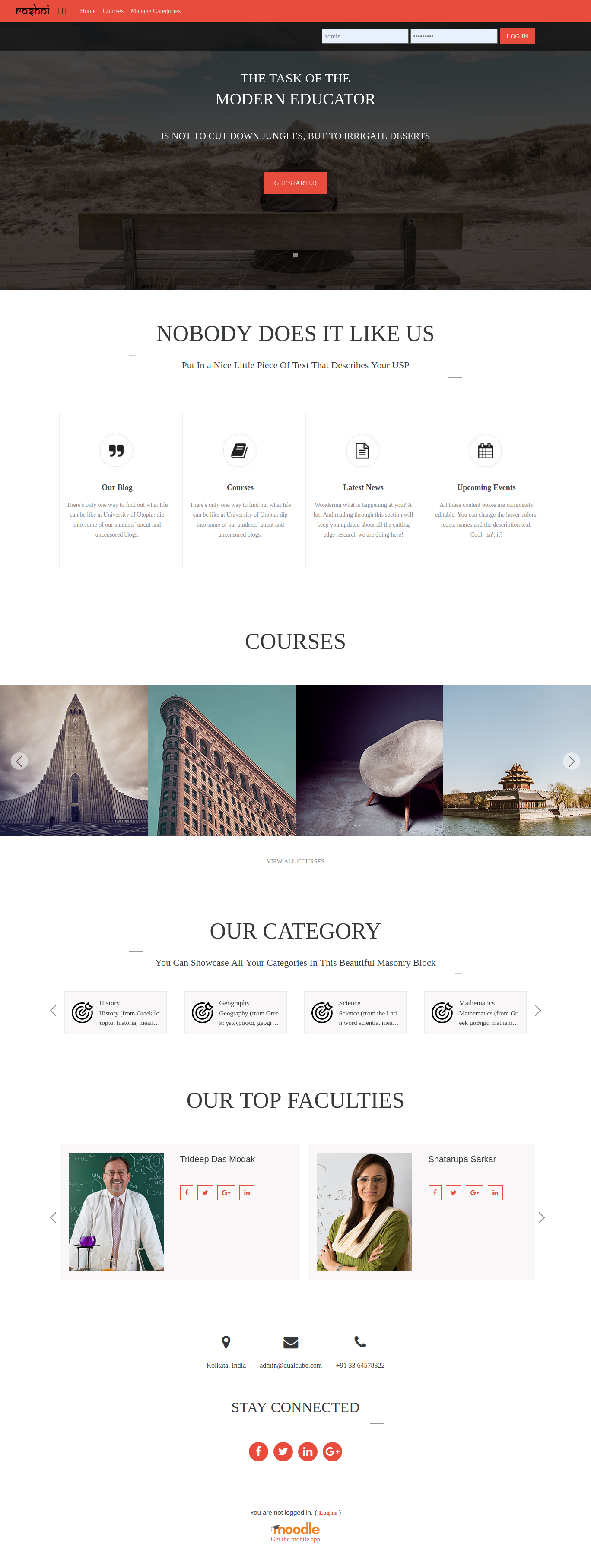
It provides customizable sections on the front page which the user may customize through a backend setting panel,
can add/update/delete content.
Installation:-
Go to [ Site administration > Plugins(Plugins) > Install plugins ] and just upload or drag & drop downloaed ZIP file.
To install, place all downloaded files in /theme/roshnilite and visit /admin/index.php in your browser.
Overview:-
It provides customizable sections on the front page which the user may customize through a backend setting panel, can add/update/delete content.
- Truckloads of customization options!
- Exclusive frontpage with high-resolution graphics.
- Beautifully crafted dynamic Masonry blocks.
- Two graphical and one contextual information sections.
- Automatic display of course on the front page.
- Set own custom theme color with the color picker.
- Customizable social icons and custom font support.
- Full-fledged slider!
- Unique login page
- Provision to display default "Main Page content" for Moodle.
Setting Panel:-
In site administration >> Appearance >> Themes >> Roshni Lite << you get total 4 panel for fully customize the theme
1.General Settings
Here you can change- whole theme color(like.Brand colour, Main Theme Color), Background image, Favicon, Logo, Heading style ...,
About site text...,social handle and its icons..
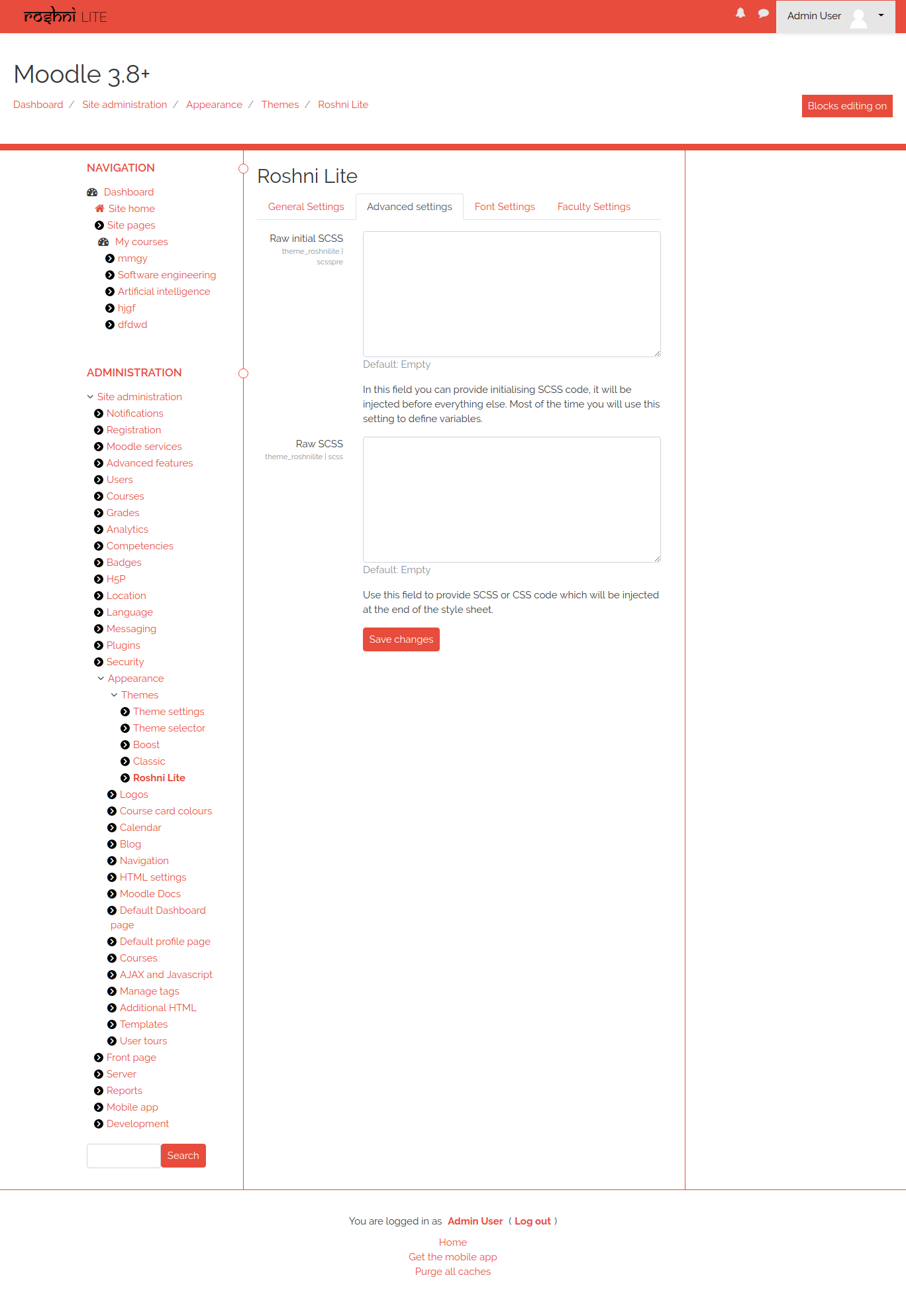
2.Advanced settings
Here you can change- Raw SCSS file which can change whole theme visualization (It's too powerful use if you know about the changes)
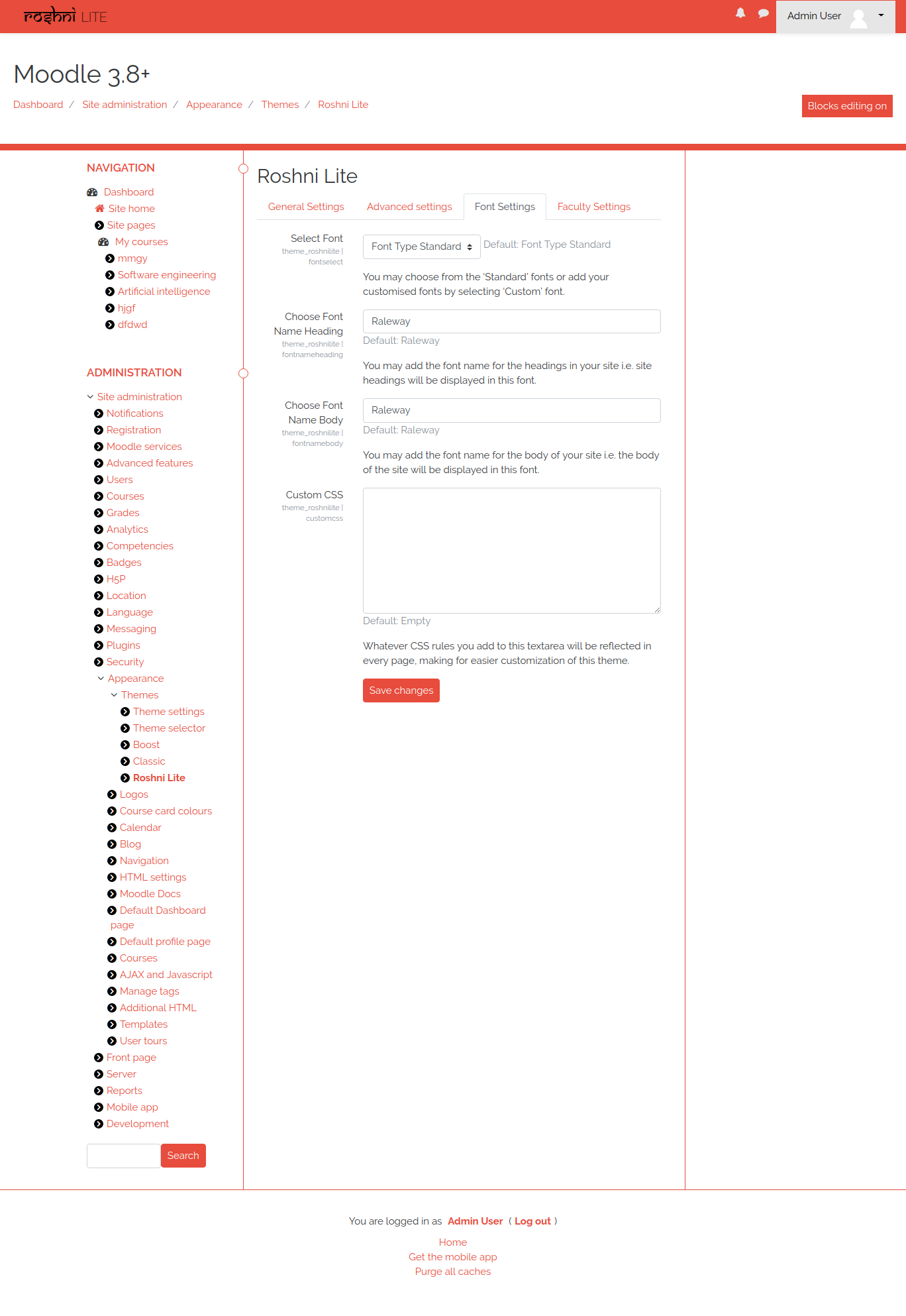
3.Font Settings
Here you can change- your site default font.
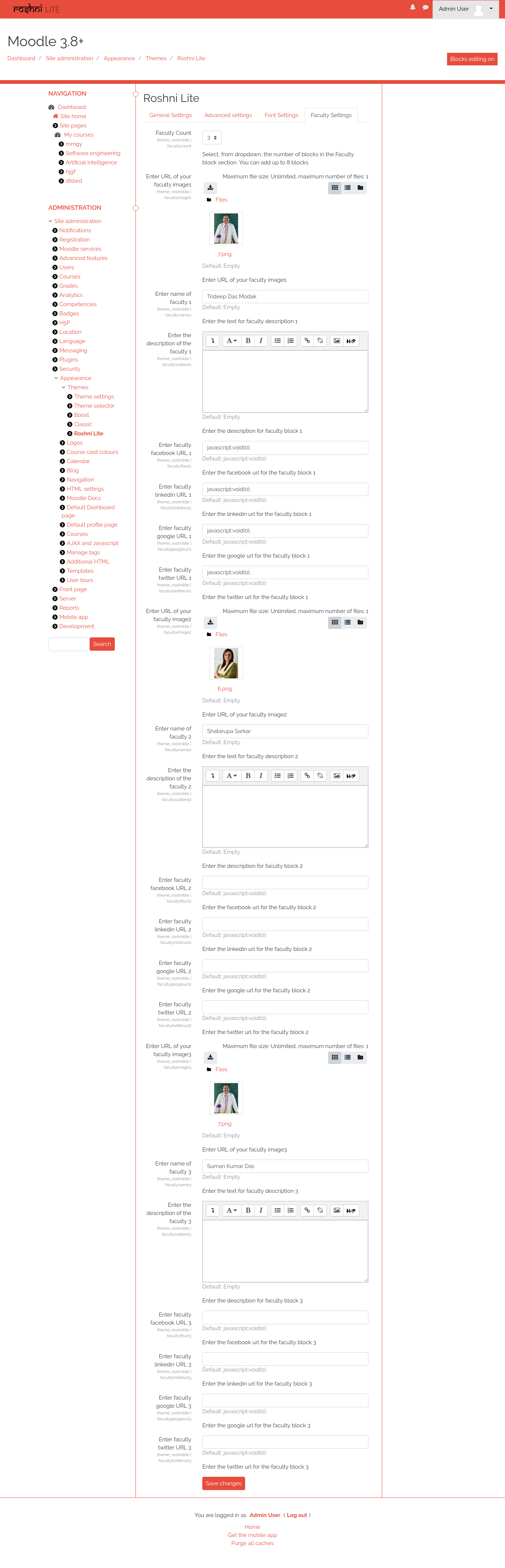
4.Faculty Settings
Here you can change- add faculty displays settings which will show in site Home page.
Uninstall
Admin can uninstall this admin tool from- Administration > Site Administration > Plugins > Plugins overview [Roshni Lite] > uninstall