DualCube Team
Lead maintainer

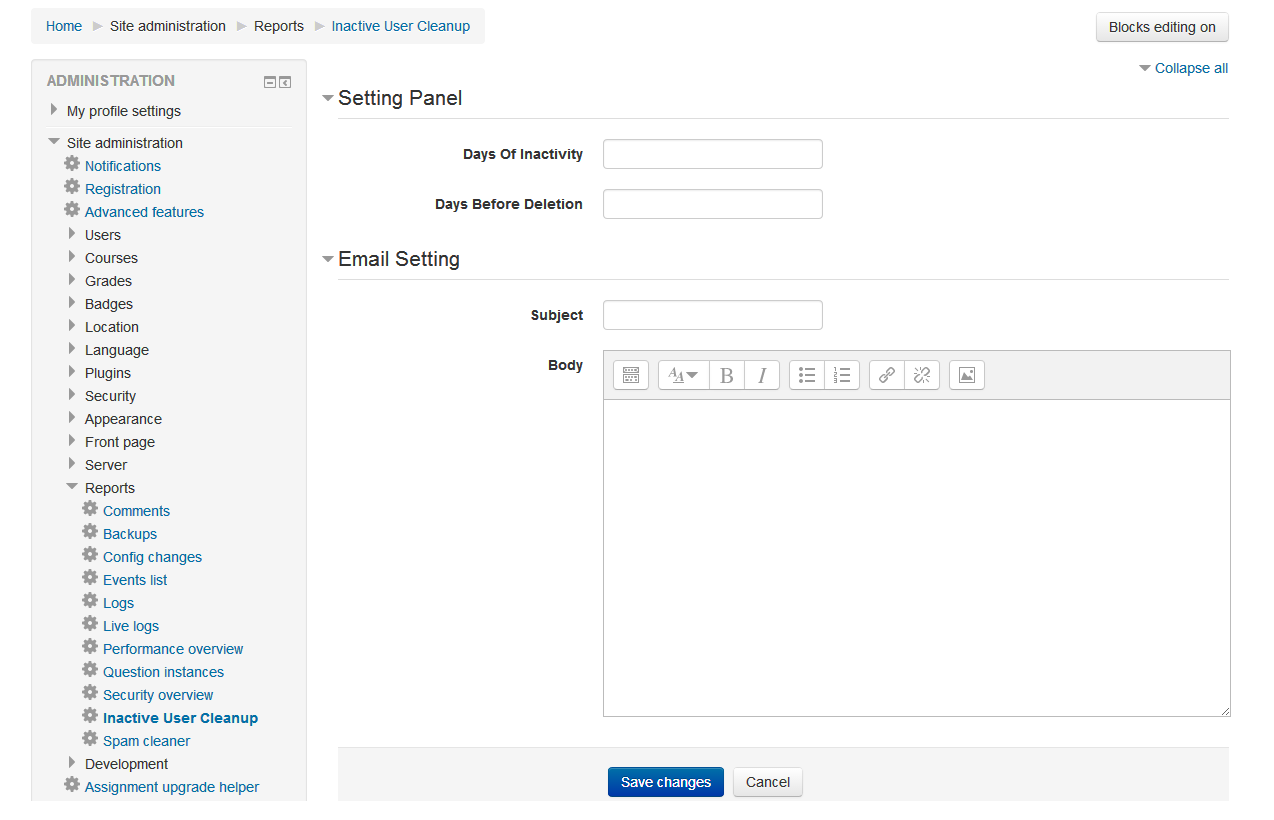
Automate the process of removing inactive users from your site using Inactive User Cleanup. Each inactive user will receive a customized email as per predefined inactivity dates before account deletion.
Note: The cleanup process is run by the Moodle cron, so while Moodle removes the clutter, this solution cleans up the inactive learners for your courses.
Add Interval Time - You can set an interval time for your students before thay get automatically removed during the cleanup. Learners will receive an email requesting the deletion of their accounts if the interval time exceeds the limit you've set.
Check and Assess Timestamp - An interesting feature of this solution is that is compares the last activity time with the present time. The deletion process begins if the interval between the two timestamps is longer than what has been set.
Send Notification Email - Another unqiue feature of this solution is that that whenever before deleting an inactive accounts students get notifies about the deletion process. This gives them the opportunity to reactivate their account.
Hassle-Free Cleanup - This is such a simple and easy solution, you can avoid having to manually go through and delete each account.
Try out this efforless way of cleaning up your inactive users.

