
Edwiser Site Monitor
Maintained by
Edwiser
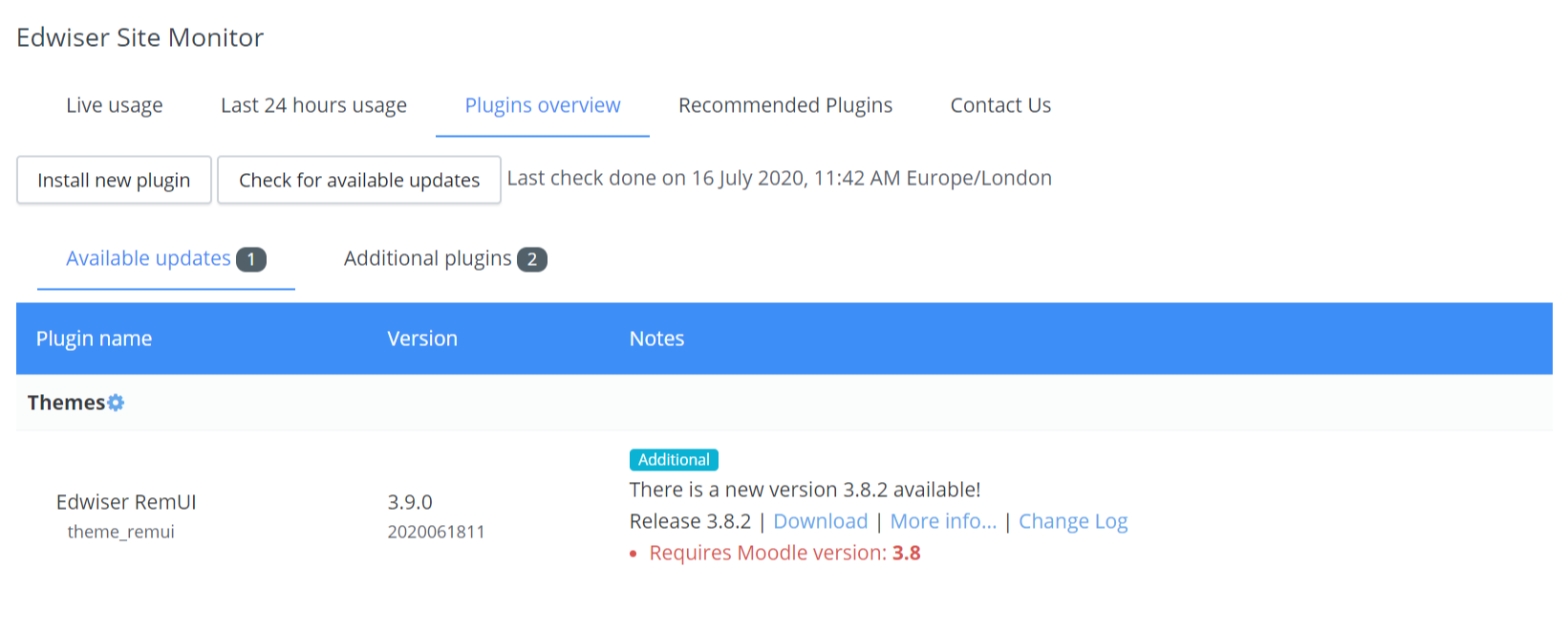
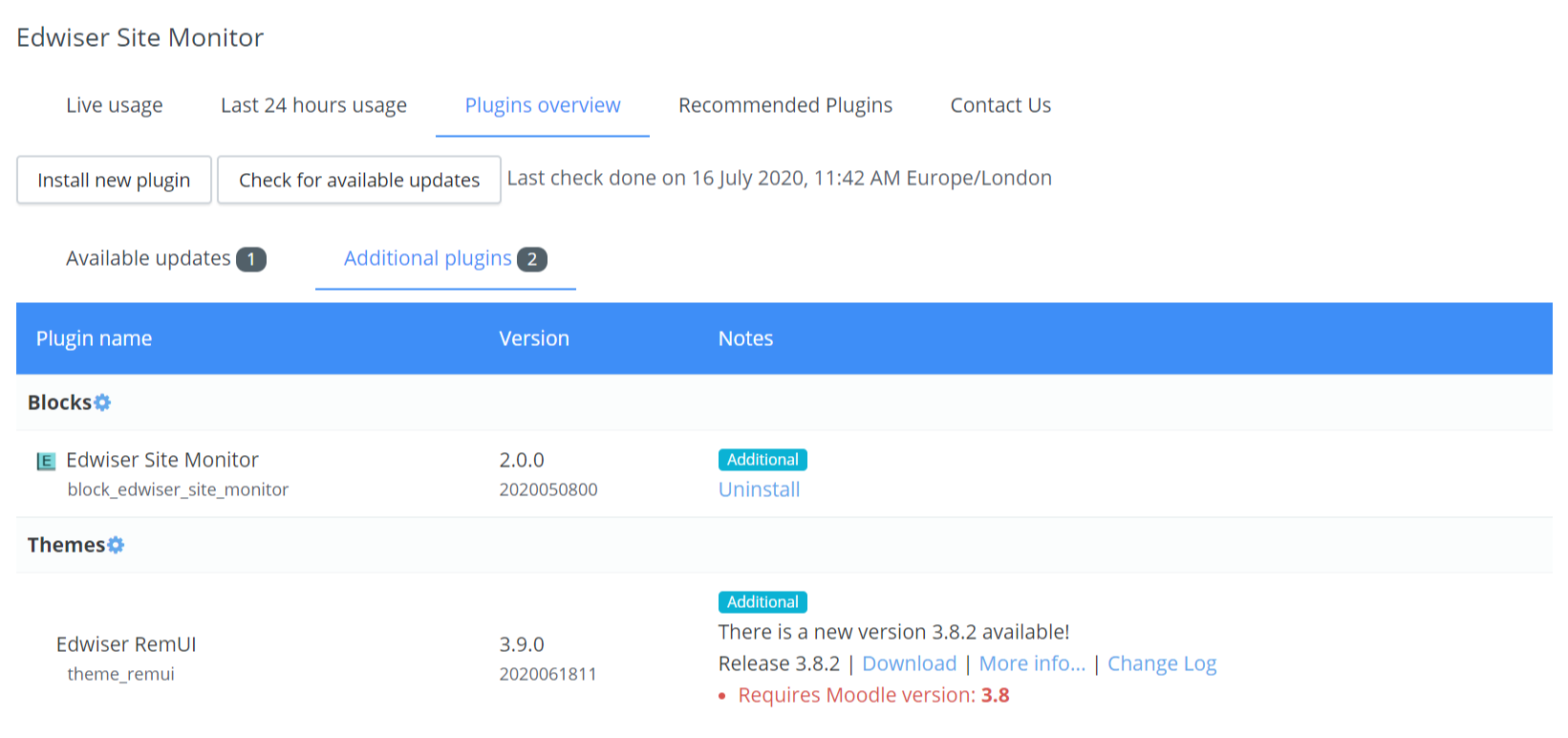
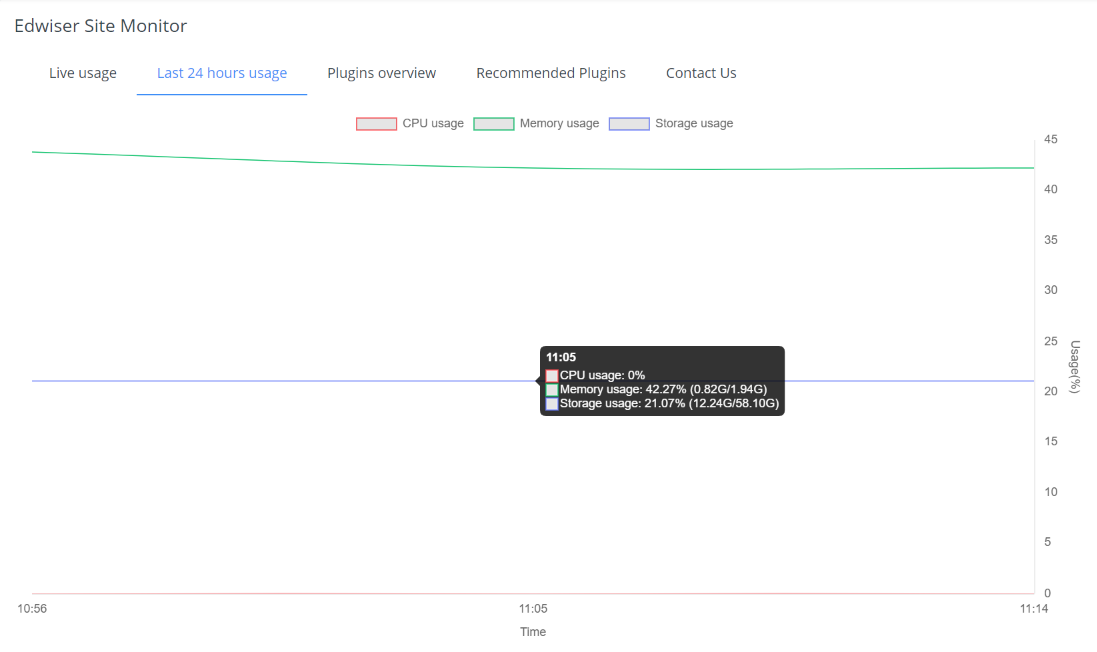
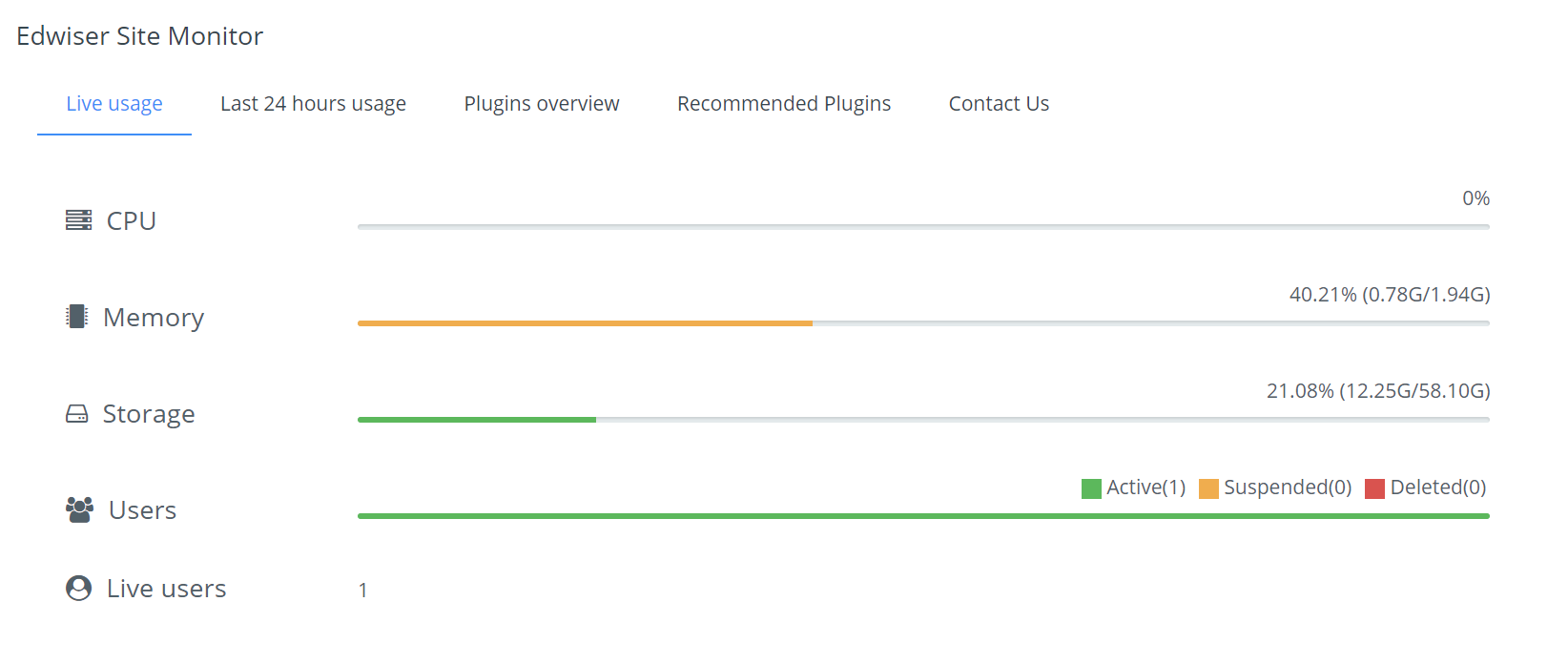
Edwiser Site Monitor lets you stay on top, tracking everything that matters to your Moodle, all at one place.



Comments
Comments are no longer open for new posts. Existing comments remain available to read.
Very poor performance so far by Edwiser.
Exception - Call to undefined function block_edwiser_site_monitor\shell_exec()
Please advise
Please reach out to us at edwiser@wisdmlabs.com with all the details about the issue so that we can assist you better.
Thank you
Hello, thank you very much for your answer. I have added the CSS in the custom CSS section of the Adaptable theme, cleared the theme cache and the cache in general, but it still shows the same message. Thank you. "Cannot show usage chart in sidebar. Please move block to content region to see usage chart."
Thank you for bringing this to our attention.
Please add the following CSS in the Custom CSS section of the theme settings:
aside.block-region[data-blockregion="my-tab-two-a"] .edwiser_site_monitor .cannot_display_server_usage,
aside.block-region[data-blockregion="my-tab-one-a"] .edwiser_site_monitor .cannot_display_server_usage {
display: none !important;
}
aside.block-region[data-blockregion="my-tab-two-a"] .edwiser_site_monitor .server_usage_chart,
aside.block-region[data-blockregion="my-tab-one-a"] .edwiser_site_monitor .server_usage_chart {
display: block !important;
}
Thank you.
Kindly check free command on your machine. Please note that the site monitor does not work with windows based server and hence the permission might be getting denied.
Thank you.
Kindly reach out to us at edwiser@wisdmlabs.com and with a bit more details about the issue and we will be happy to assist you.
Thank you
what does this mean? I have a 4GB VPS
Once the plugin is installed, please navigate to your Dashboard page > Click on Customize this page > Click on Add a Block (from the left bar) > Select Edwiser Site Monitor block.
Regards,
Team Edwiser
How or where can i access the plugin after installation?
I have the Moove theme installed on my moodle and now i installed the plugin of you guy's but can't seem to find it anywhere...
Help please...
Thank you.
Thank you for sharing your requirement. We will surely check if it is feasible to be introduced in our future versions.
For the time being, you can also make use of the Free plugin Edwiser Reports & Analytics available on the Edwiser site only to achieve your requirement.
The "Active Users, Course Enrolment and Course Completion Rate block" of the Reports & Analytics plugin will help you display the active user on your site graphically.
Thank you.