
Edwiser Site Monitor
Maintained by
Edwiser
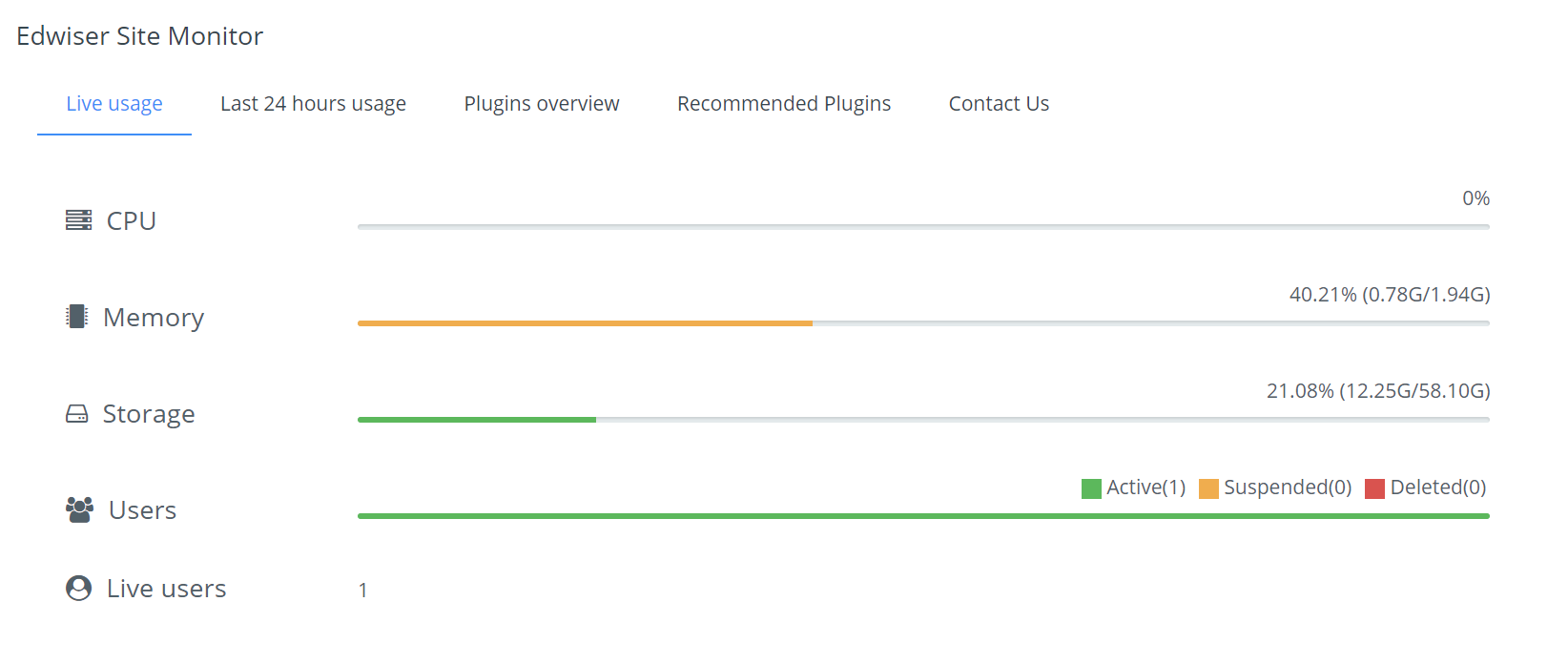
Edwiser Site Monitor lets you stay on top, tracking everything that matters to your Moodle, all at one place.



Comments
Comments are no longer open for new posts. Existing comments remain available to read.
I get following messages:
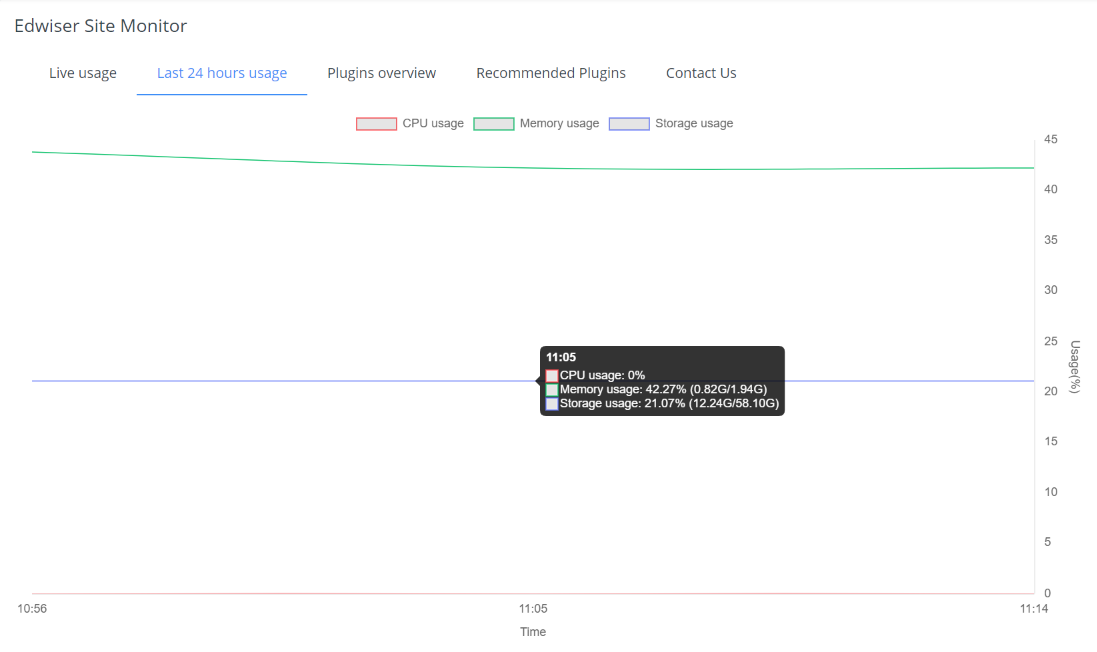
Low usage Moderate usage High usage
CPU: 0% Command line /proc/cpuinfo --Permission Denied.
Memory: 0% (0.00G/0.00G) Command line df --Permission Denied.
Storage: 17.29% (204.20G/1181.04G)
Users: Active(337) Suspended(0) Deleted(1)
So I can't see CPU and memory usage. Any ideas?
Exception - Too few arguments to function Mustache_HelperCollection::has(), 0 passed in [dirroot]/lib/mustache/src/Mustache/Context.php on line 219 and exactly 1 expected
As of now the product supports only single server instances.
Thanks for this suggestion though, we have added it as part of our "Ideas Forum"
If you got a clustered Moodle setup at your end and are open to collaborating with us then we could improve this product together.
Regards,
Team Edwiser
Pity it can not be translated into PT-PT. I'm PT_PT Translator.
This issue is due to conflict between Adaptable theme and Edwiser Site Monitor's bootstrap elements.
We are working on resolving this issue and it will go out as an update soon.
Regards,
Team Edwiser
Moodle 3.6.4+ (Build: 20190514)
Adaptable Design