Terus E-learning
Lead maintainer


A detailed guide on how to install and set up the plugin is provided to BLC members when they register to use the plugin. We also provide a 'how to' guide for member colleges to distribute to teachers. This guide also includes the video at the end of this page.
Summary
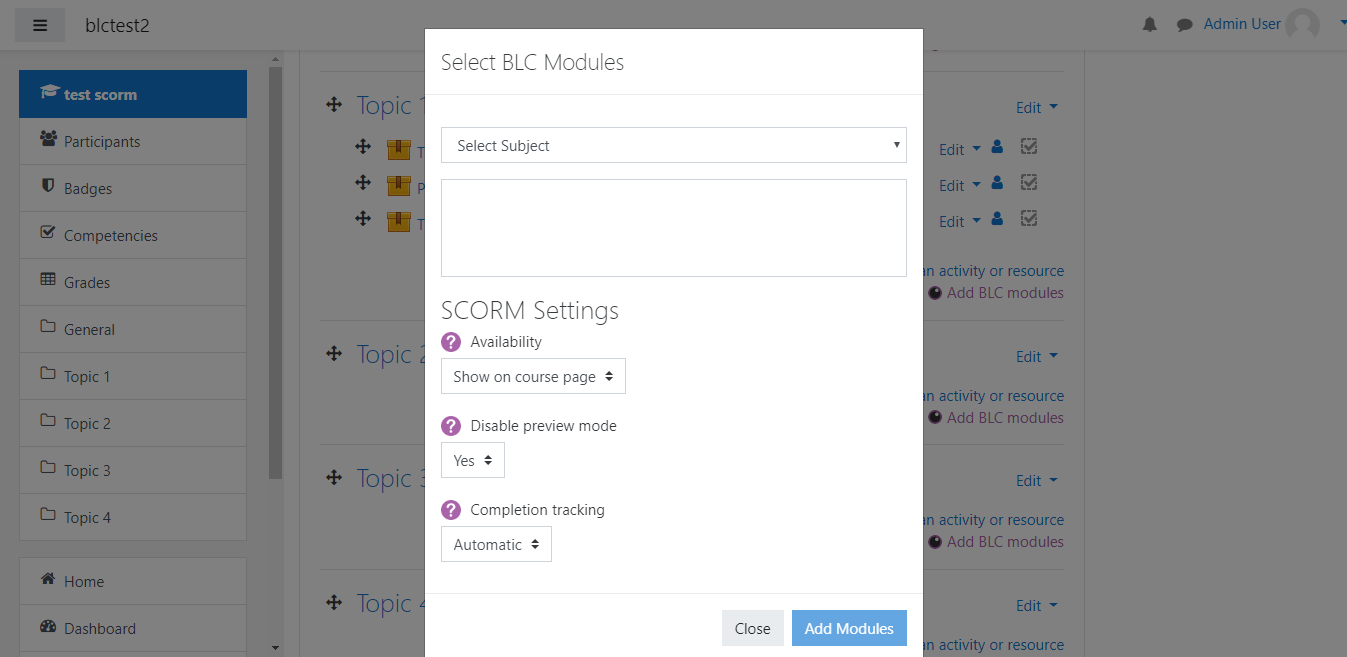
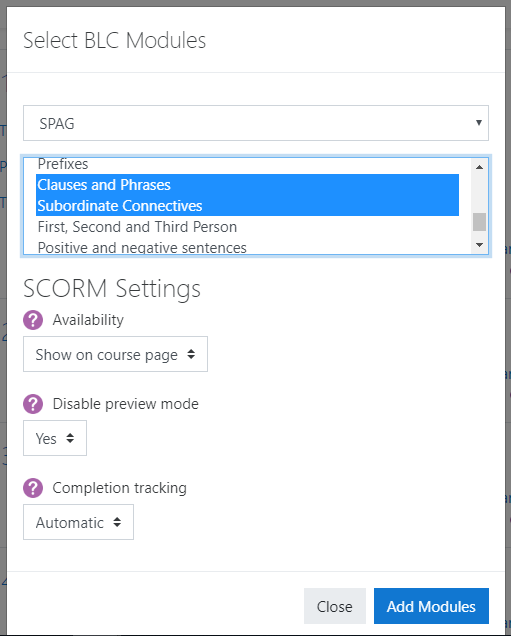
When added to their course, teachers will see an alternative 'add an activity or resource' button in each course section.
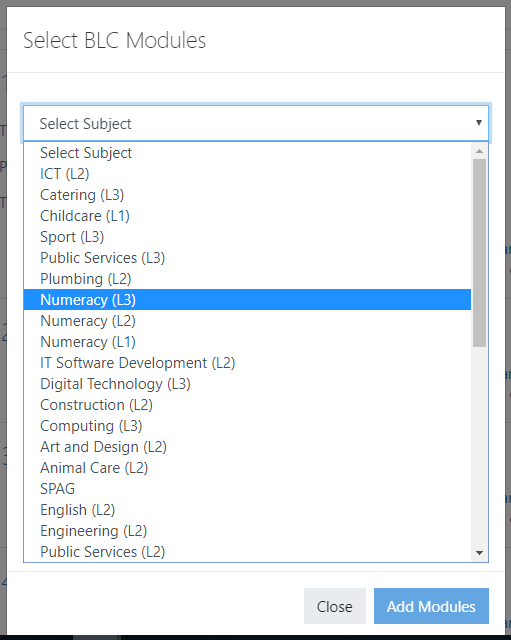
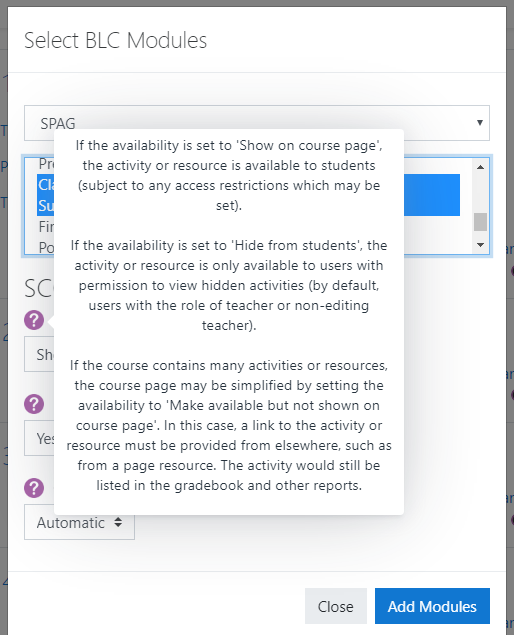
Clicking this will open a modal window, allowing them to select subject and then one, or several modules to be added to the course.


