
Event Reminders
Maintained by
Isuru Madushanka Weerarathna
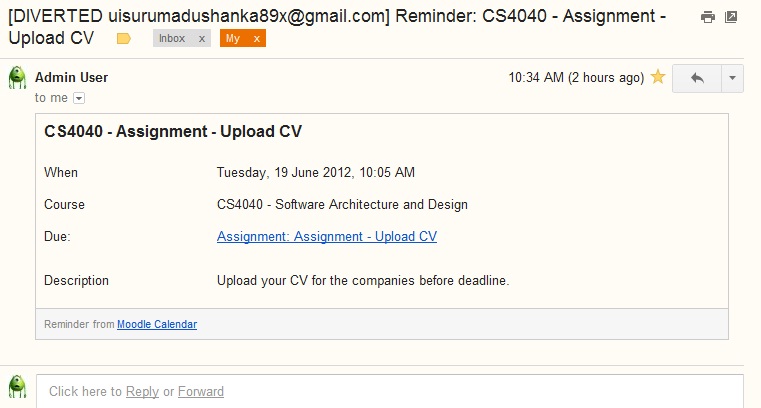
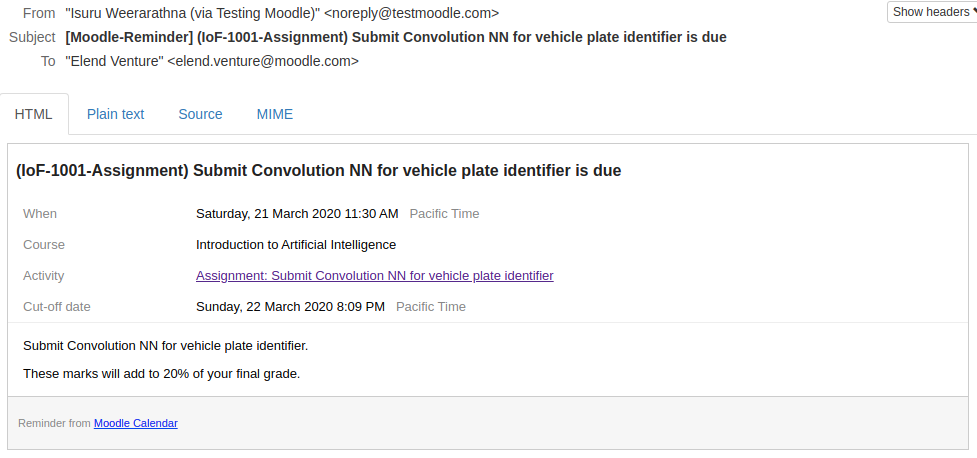
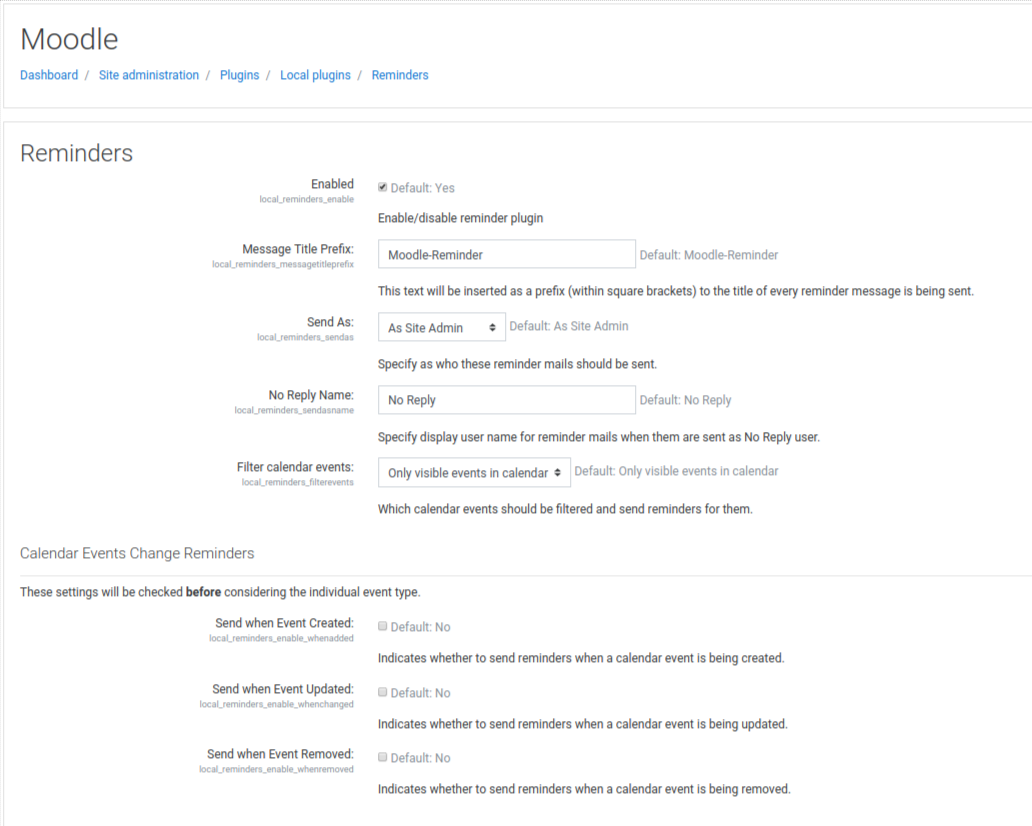
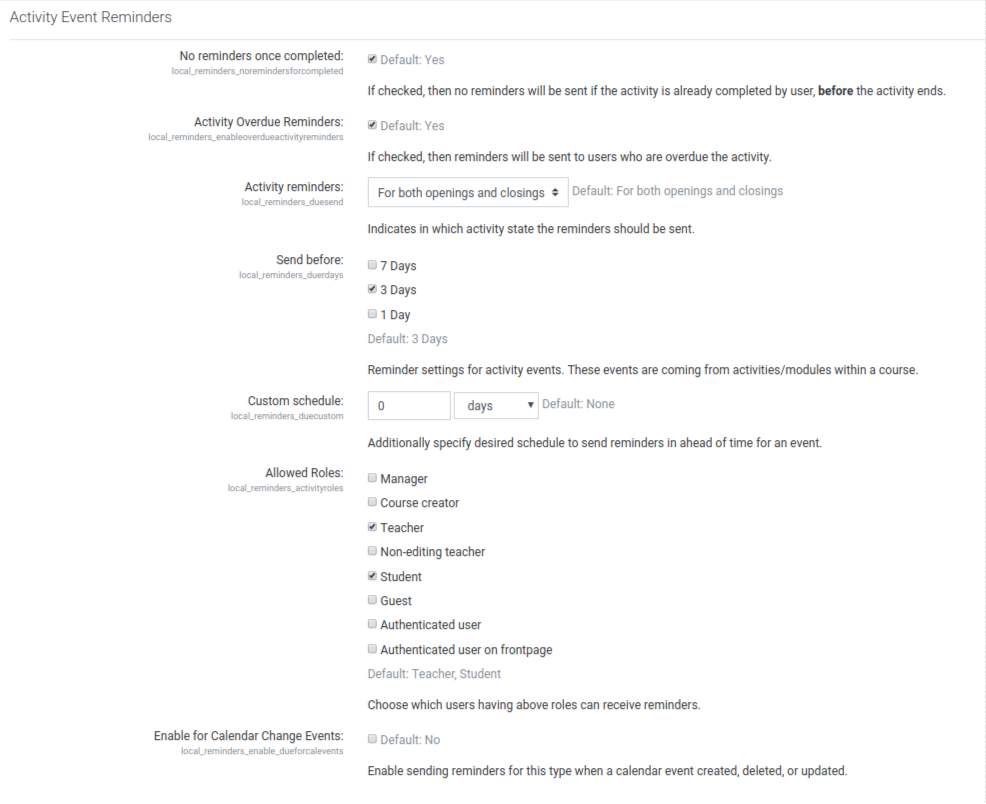
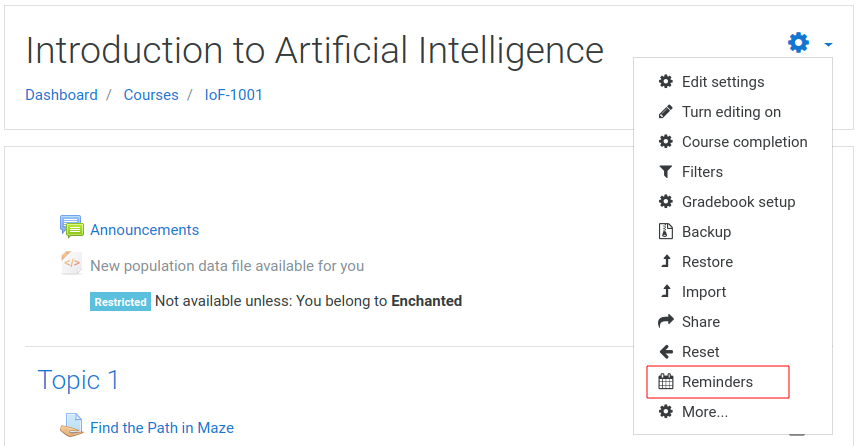
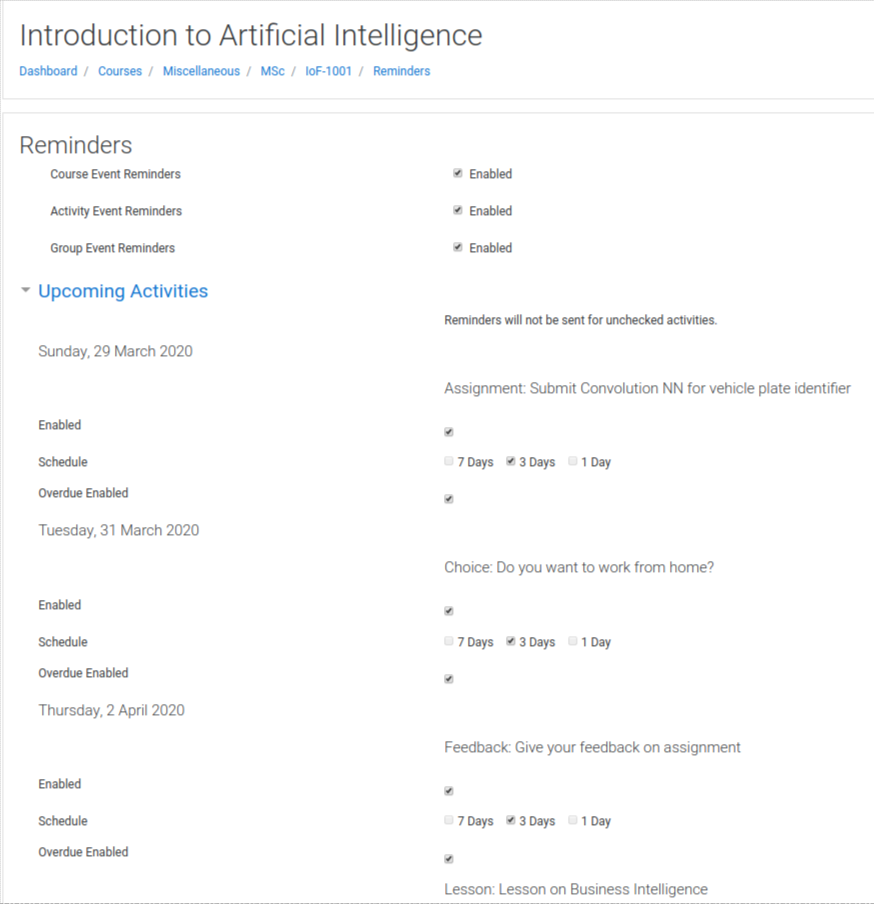
This plugin will automate sending reminders for calendar events.
Comments
Comments are no longer open for new posts. Existing comments remain available to read.
Stay tuned for next release and progress can be seen in https://github.com/isuru89/moodle-local_reminders/issues/113
Also, regarding suspended users. I was under the assumption that Moodle itself will discard outbound messages for suspended users. Because that's what mentioned in the help tooltip near the suspend option under a user.
I just setup the reminders plugin and i have a question which i cannot solve on my own so far. Everything works fine, but I cannot find the where i setup the message (not the title) of the reminder that is sent to the receivers. In other words, where can i setup the message of the reminder? Please answer me thoroughly and step - by - step. Thank you in advance
We have the following problem with reminders.
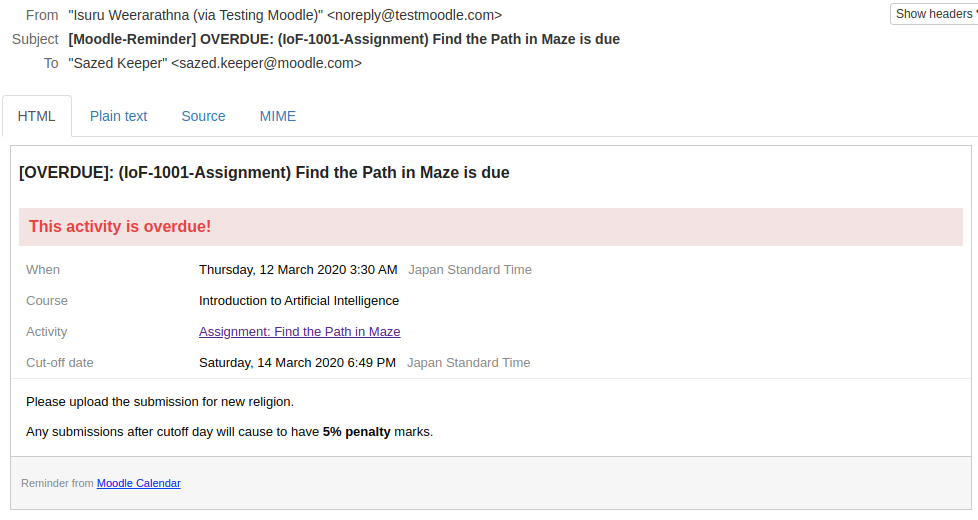
Remainder sends Activity Overdue email, even though the student turned in the assignment at the correct time.
For example this happens with a configured assignment
Due Date: April 14 12:30
Cut-off Date: April 14 12:35
If a student upload a file to assignment previous due date, for exameple April 14 12:00, after April 14 12:35 receive an activity overdue email.
But the student upload file in time.
This is a bug true?
The workaround was disable Activity Overdue Reminders
Thanks,
Andrés
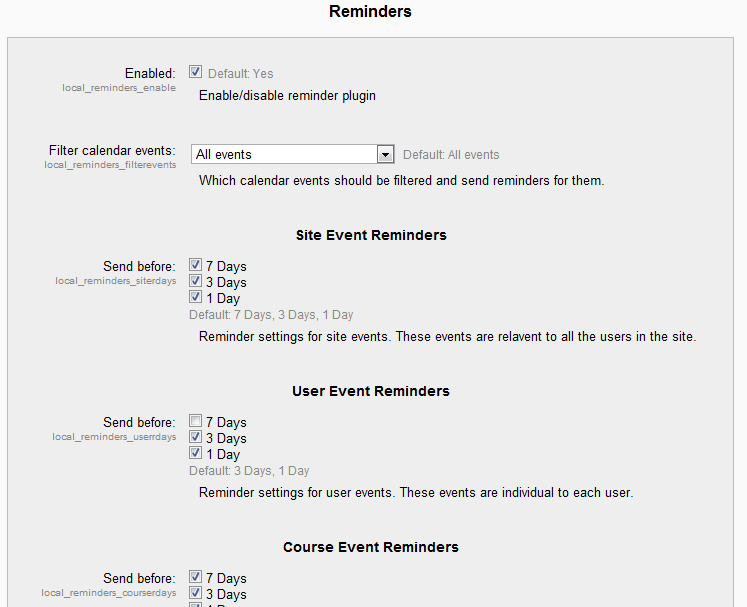
Maybe i missed in reminder settings, but is there a way to set the riminders plugin, so that it is not preeset to send all reminders in your calender? We have a lot of users, some would like to use this plugib, and some would probably not use it. So if it was preset to not send reminders, and only those who want them on would turn them on, that would be great.
We are using moodle 3.9.3
Reminders 2.2.4
Thank you.
Jani
I have also noticed that reminders were sent to suspended students although we have installed the latest version of the plug-in.
Thank you for your help.
I sense a bug here. Is this event due in same day (very close time?) because according to the logs, it says 0 days ahead.
If you can report this issue in github with reproducible steps, I can provide a fix.
Thanks
This reminder plugin supports all moodle core plugins, but for a third party plugin to be complied with this plugin it needs to add calendar events with a type course, category, due, group, site or user. Not sure what kind of events type they are adding to the calendar event db.
The plugin is already compatible with Moodle 3.9 and should also work with 3.10 as well.
The official 2.2.3 plugin version has just released with a contribution of Privacy policy for GDRP.
Thanks
Moodle is currently sitting on 3.10, and I'm hesitant about moving over while this plugin is instrumental in my current site.
thank you for this plugin, it works very well and it is very effective.
We are having an issue with the Calendar Events generated with Scheduler (https://moodle.org/plugins/mod_scheduler)
Although Events generated via Scheduler appear on users's Moodle Calendar, we have not managed to let Event Reminders "recognise" them and send same notifications (created, updated, cancelled, reminder)
Would you be available to advise on how to handle this?
Many thanks
Stefano
Reminder not being sent. Email is working. Overdue activity is working but not due
[Local Reminder] Failed to send any email to any user! Will retry again next time.
Execute scheduled task: Local Reminders (local_reminders\task\send_reminders)
... started 08:11:36. Current memory use 16.9MB.
[Local Reminder] Time window: Friday, 13 November 2020, 8:08 AM to Friday, 13 November 2020, 8:11 AM
[Local Reminder] Found 1 upcoming events. Continuing...
[Local Reminder] Processing event in ahead of 0 days.
[Local Reminder] Processing event#162 [Type: close, inaheadof=0 days]...
[Local Reminder] No reminder is due in ahead of 0 for eventtype close [event#162 is ignored!]...
[Local Reminder] Failed to send any email to any user! Will retry again next time.
[LOCAL REMINDERS] Overdue Activity Reminder Cron Started @ 1605244296
[LOCAL REMINDERS] No expired events found for this cron cycle! Skipped.
... used 5 dbqueries
... used 0.0077869892120361 seconds
Scheduled task complete: Local Reminders (local_reminders\task\send_reminders)